
Active or passive DI
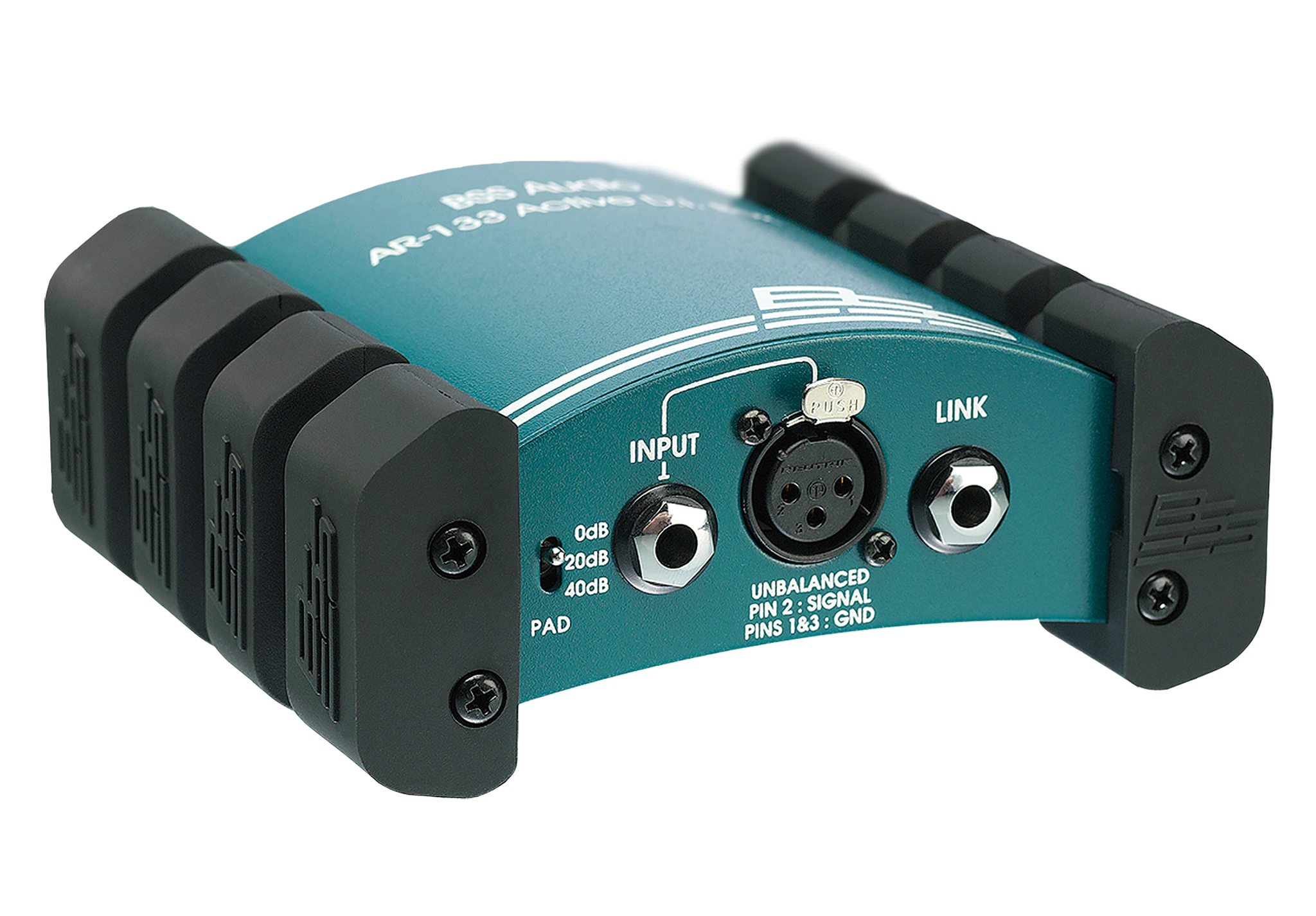
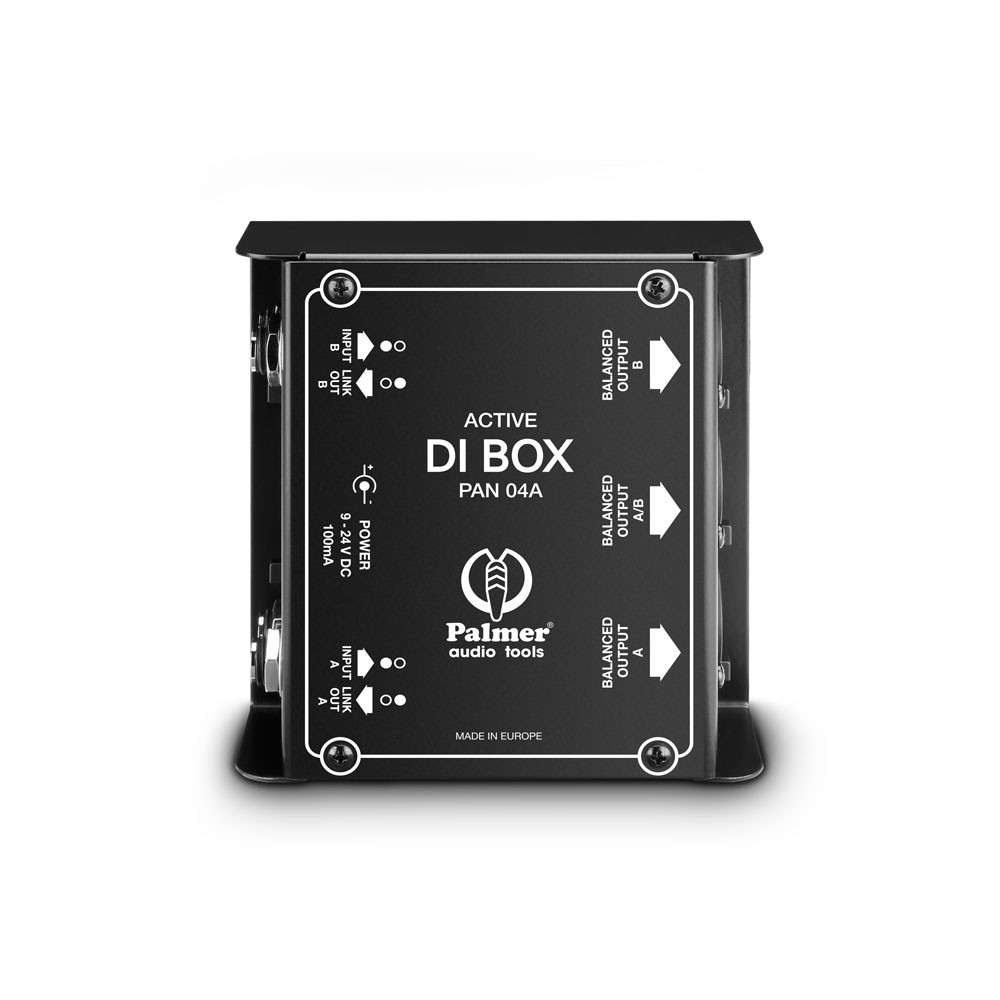
An active DI box has a gain stage that needs power, usually the mixer's 48 V phantom power. It suits instruments whose pickup gives a weak, high-impedance signal: bass guitar, acoustic guitar with a piezo, double bass. The BSS AR-133 is our active mono DI and sits in the Live band kit for up to 200 people, the Acoustic duo kit for up to 80 people and the Concert kit for up to 500 people. The Palmer PAN-04A is an active stereo DI, for example for the left and right outputs of a keyboard.
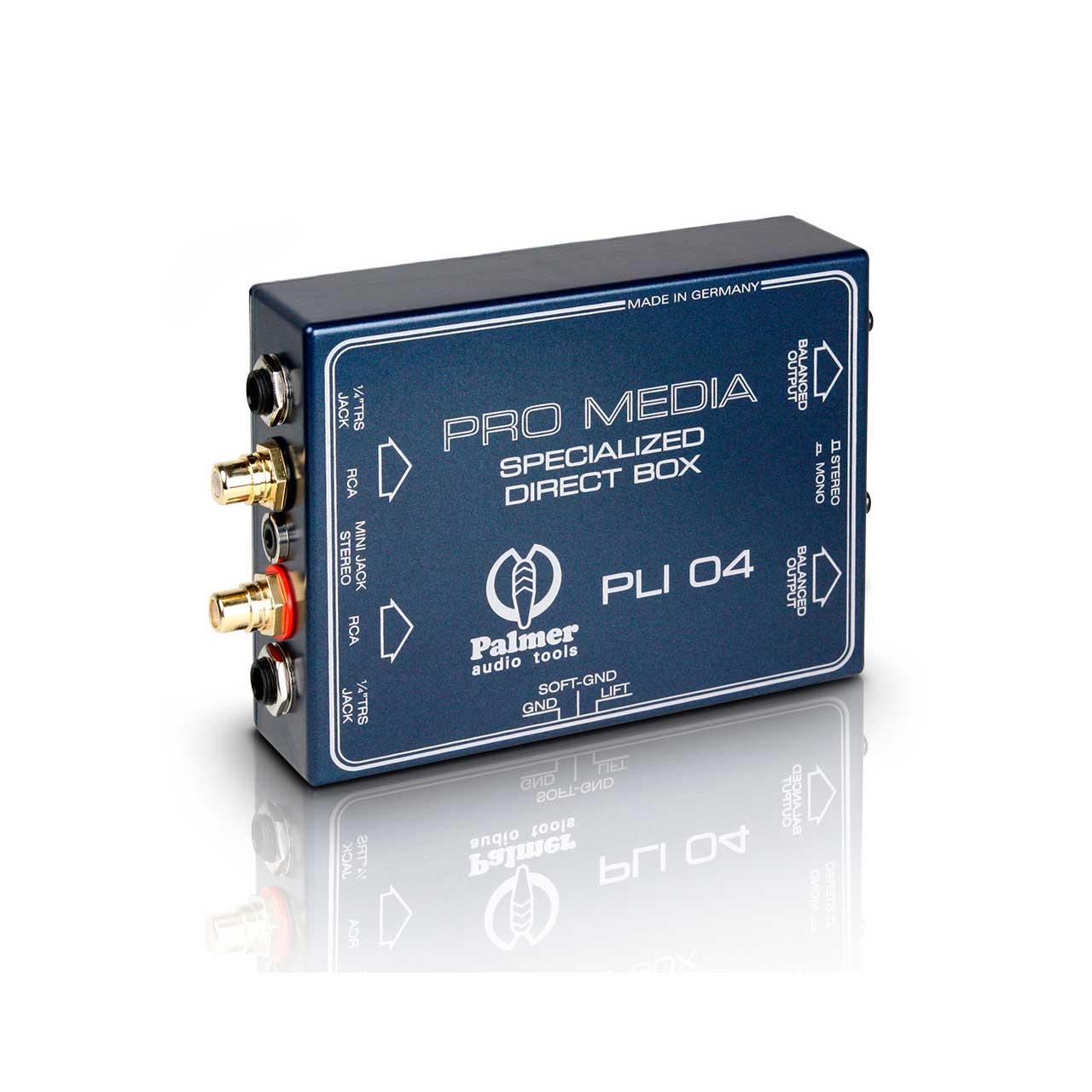
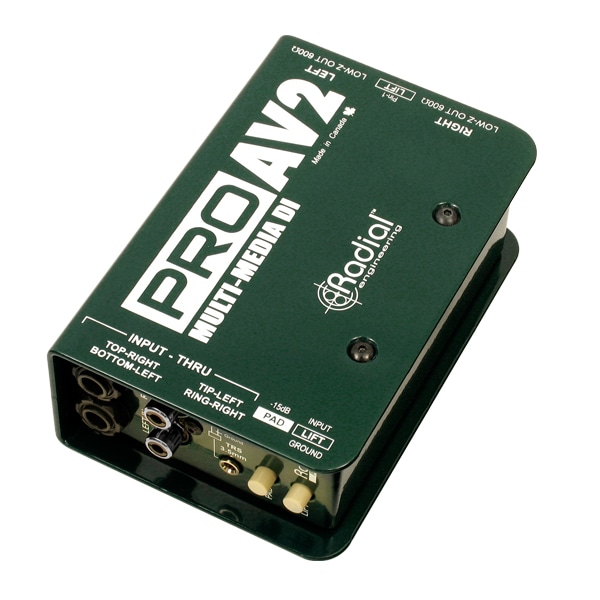
A passive DI works with a transformer and needs no power. It suits stronger line signals: keyboards, drum machines, media players, a laptop's headphone out. The Palmer PLI-04 is a passive stereo media DI and the Radial PROAV2 a passive stereo DI that handles music playback in the Party kit for up to 100 people and the Wedding sound kit.
Connecting a laptop: USB DI
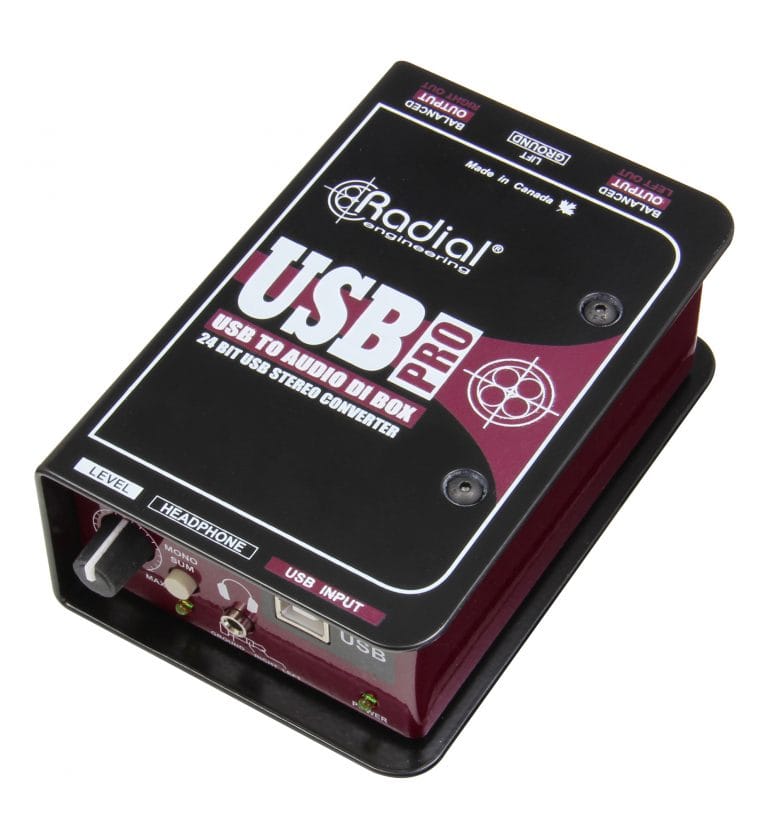
The Radial USB-PRO connects to a laptop by USB and works as an external sound card. The sound does not pass through the laptop's headphone socket, which is often noisy, but goes digitally into the DI and from there on XLR to the mixer. It is in the Presentation and seminar kit for up to 150 people, the Party kit for up to 200 people, the Conference kit for up to 300 people and the Outdoor event kit for up to 300 people.
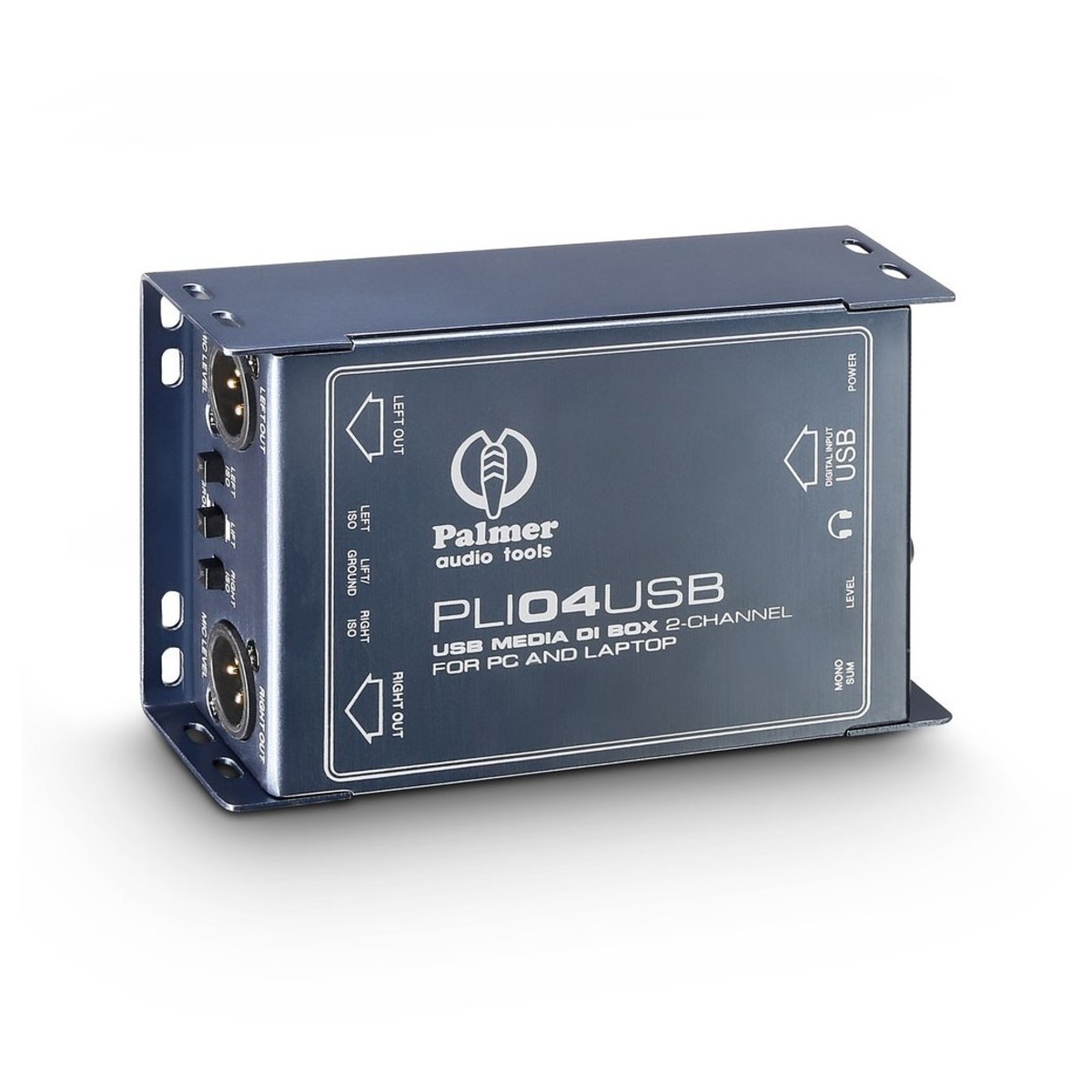
The Palmer PLI 04 USB is a two-channel USB DI and line isolator in one. The isolator breaks the ground loop that appears when the laptop charger, the projector and the sound system are on different sockets. If a connected laptop hums and the hum stops when you unplug the charger, an isolator is the fix. Our guide on connecting a laptop or phone to a sound system covers more options.
Special purpose: PAN-16, PDIR01 and PRMLS
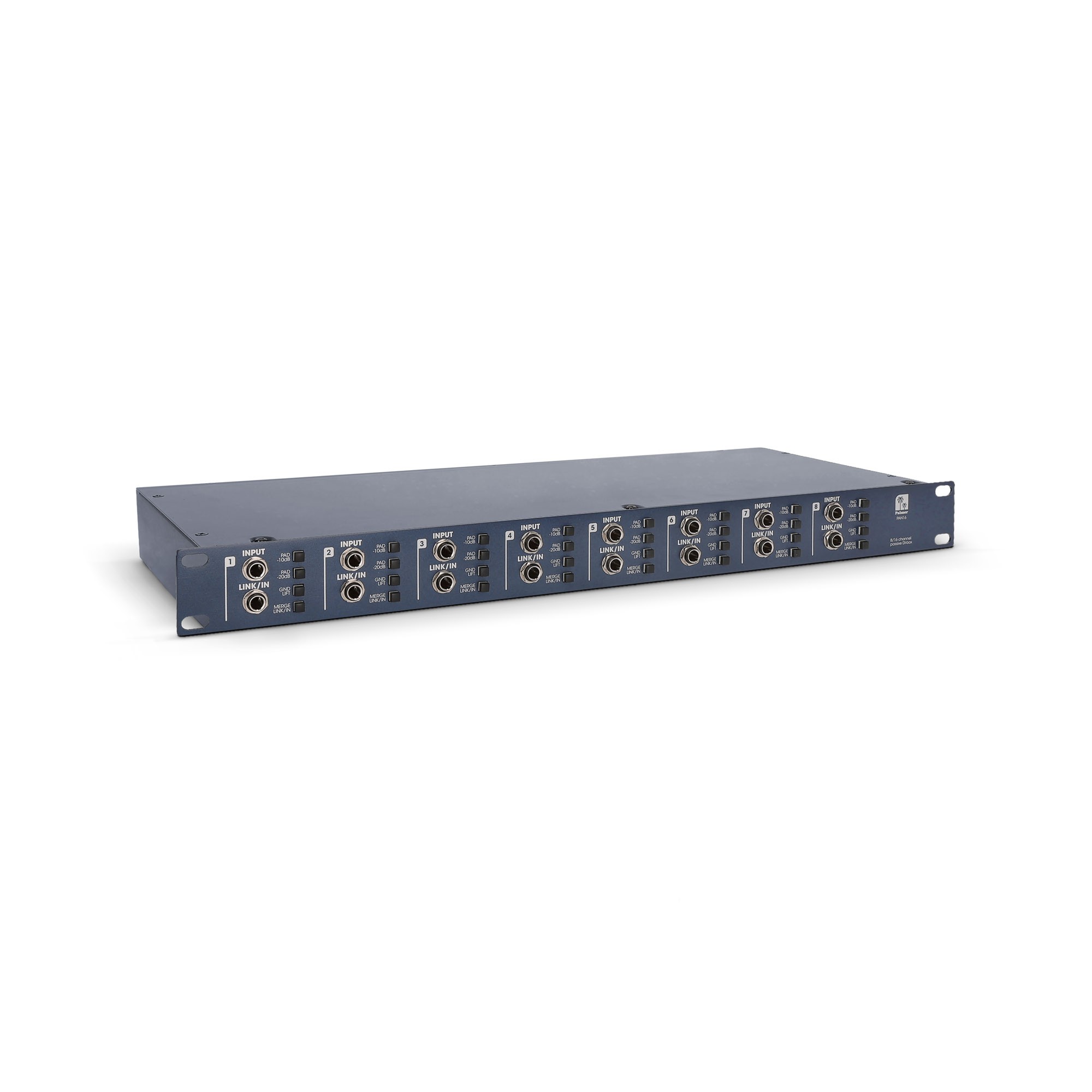
The Palmer PAN-16 is an eight-channel passive DI in a 19-inch rack case. It suits a keyboard player with several instruments, or a playback rack sending many line signals at once. Instead of eight separate DIs, everything is in one box and the cabling stays tidy.
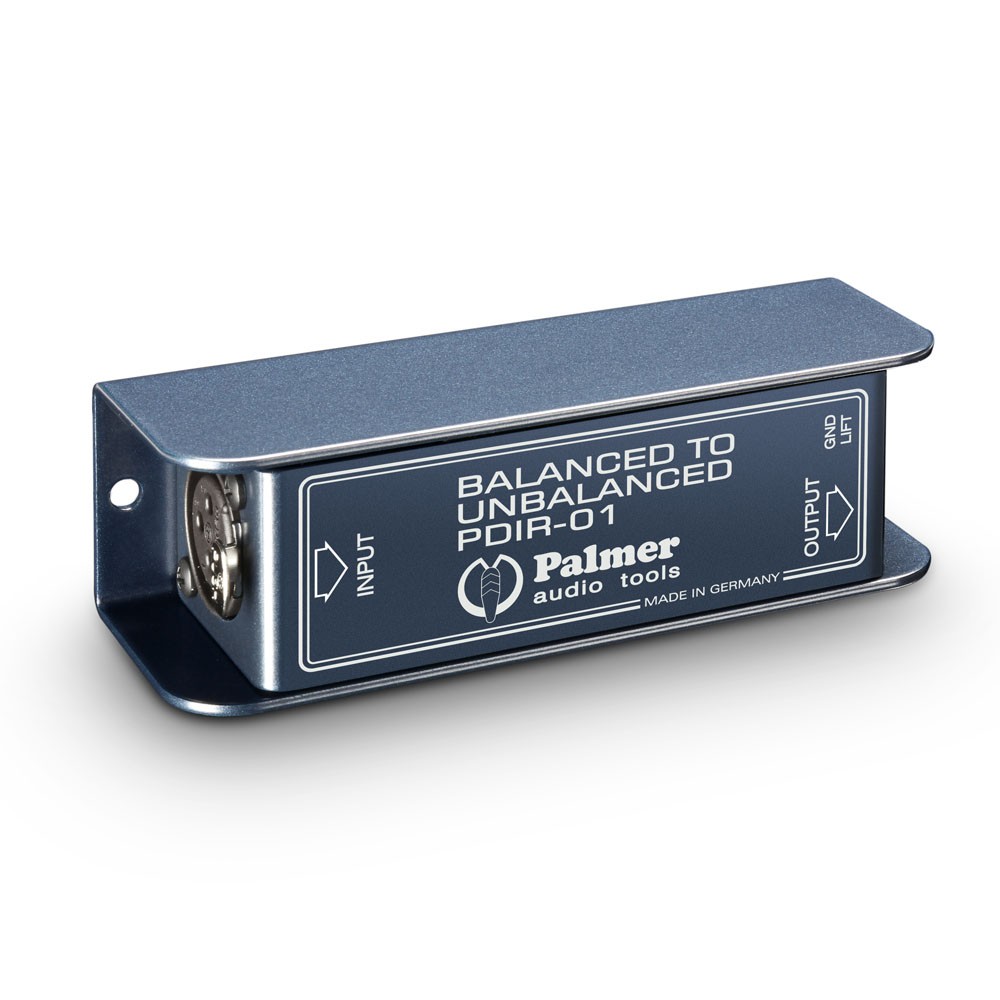
The Palmer PDIR01 is a reverse DI: it turns a balanced line signal from the mixer into something a guitar amp or effects pedal input accepts. It is used in recording and for reamping, when an already recorded guitar is sent back through an amp.
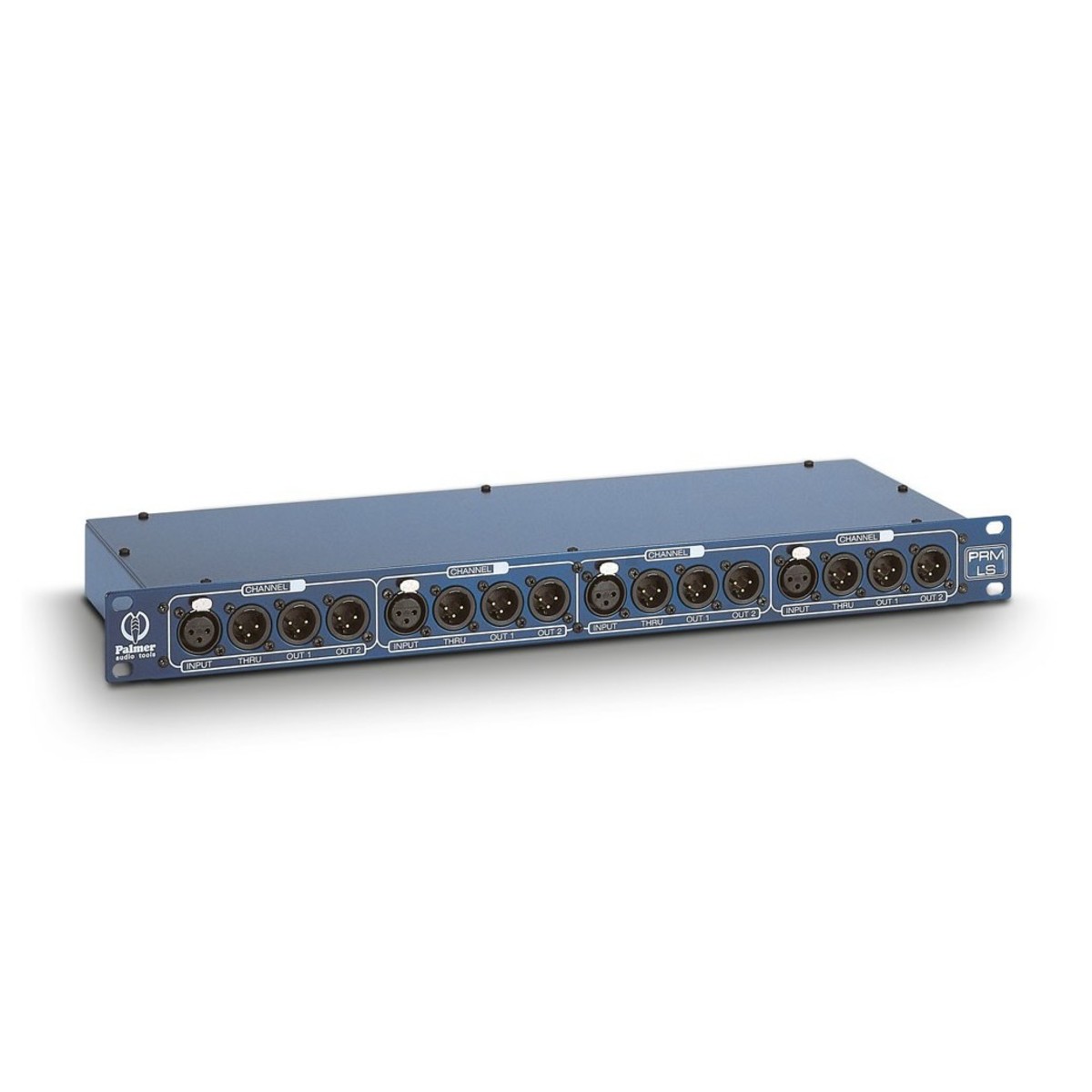
The Palmer PRMLS is a four-channel line splitter. It splits four line signals to two destinations, for example to a broadcast or recording rig, or a press desk, alongside the house console.
How many DI boxes you need
Count every source with no XLR output. At a conference, typically one USB DI for the presentation laptop and one passive DI for video or music. At a wedding, one stereo DI for the DJ or laptop. For a band, one active DI for bass, one for acoustic guitar, a stereo DI for keys and one for a laptop if backing tracks are played.
Always take one spare. It is a small item, but when someone turns up on stage with an extra instrument, a spare DI saves half an hour of hunting.
- Bass, acoustic guitar: active mono, BSS AR-133
- Stereo keyboard: Palmer PAN-04A or PLI-04
- Laptop over USB: Radial USB-PRO or Palmer PLI 04 USB
- Many line signals at once: Palmer PAN-16
- One signal to two places: Palmer PRMLS
Hum and other common mistakes
If a source connected through a DI hums, first press the DI's ground lift switch. If that does not help, check that all the gear is on the same circuit. Never remove the earth from a mains plug to cure hum; that is dangerous.
Another mistake is plugging in an active DI without phantom power: no sound comes through and the DI looks broken. A third is wiring a guitarist's rig the wrong way round. The right order: the instrument goes into the DI input, and the DI's thru output goes on to the amp or pedals. A fourth is the laptop volume at maximum and the mixer gain at minimum, or the other way round. Keep the laptop level high and adjust at the mixer.