Connecting a keyboard to the sound system: stereo, DI and monitoring
A stage piano or synth looks like an easy instrument: it needs no microphone and the output is right there. Yet the keyboard is often the thing that hums at the sound check, sounds thin, or is too quiet on one patch and too loud on the next. The cause is almost always the connection: an unbalanced output, the wrong level or a missing DI box. This guide shows step by step how to get a keyboard into the PA, when stereo is worth it, how to combine several instruments and a laptop, and what to take from sound equipment rental to do it.
What a keyboard puts out
Almost every stage piano and synth has two outputs labelled L/Mono and R. They are usually 6.3 mm jack sockets, and the signal is line level and unbalanced. Line level is much stronger than a microphone, so the mixer input needs far less gain. An unbalanced signal, however, picks up noise and hum over a long cable, so it should never be run straight to a mixer ten metres away.
Before the event ask the keyboard player three things: how many instruments they will have on stage, whether they want stereo and whether a laptop is involved. Those answers tell you how many channels and DI boxes to order. Do not use the headphone output for the PA: it is meant for headphones, its level follows the master volume and the sound is often worse.
Stereo or mono
Piano sounds, string pads and many synth effects are recorded in stereo. In mono part of the width is lost, and on some patches certain notes can even get quieter. At a concert with speakers on both sides of the stage and the audience in the middle, stereo makes sense and needs two channels or one stereo channel on the mixer.
In a small café where half the audience sits in front of one speaker, everyone hears only one side of the stereo image. Then the mono output is the better choice. If you connect only the L/Mono socket and leave R empty, most instruments sum both sides themselves. Check it at the sound check: play a chord and listen to whether it stays full.
Connecting the DI box step by step
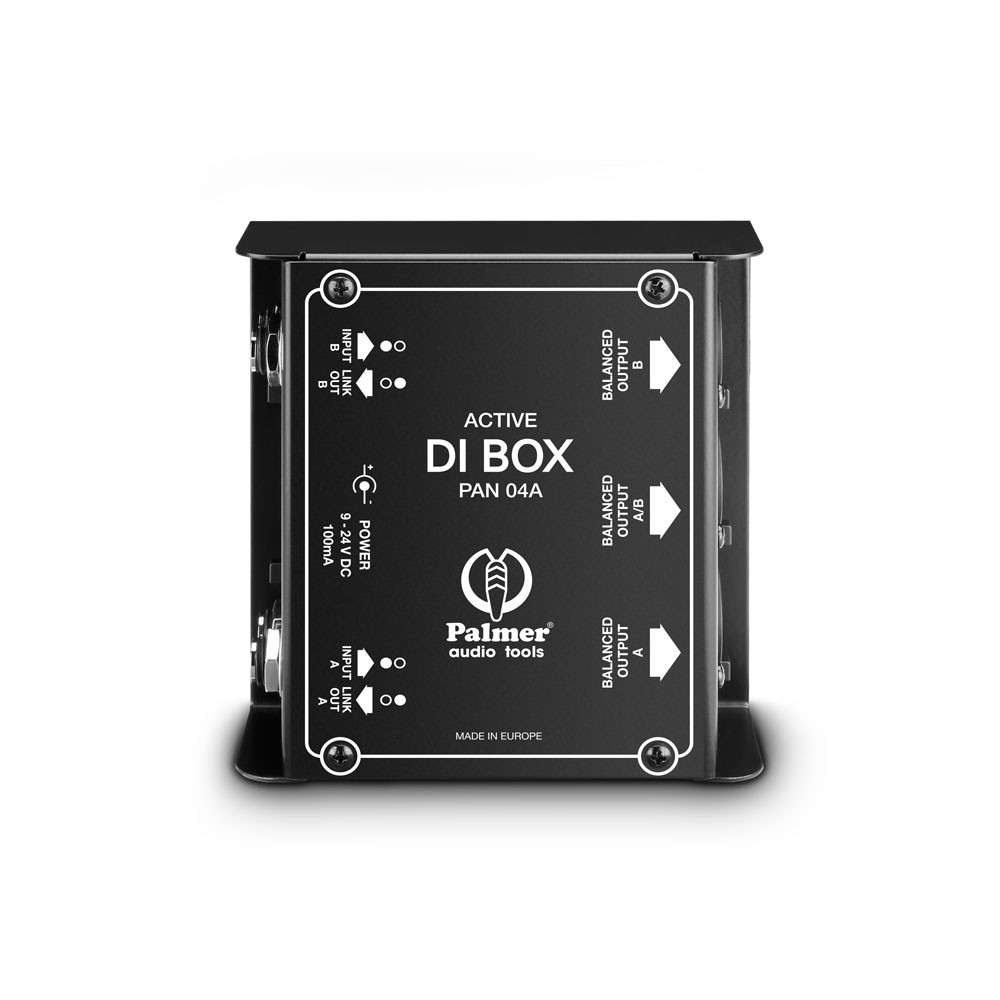
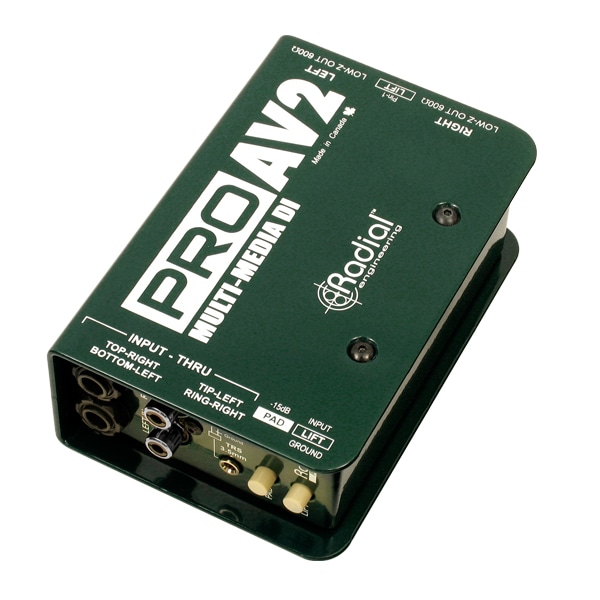
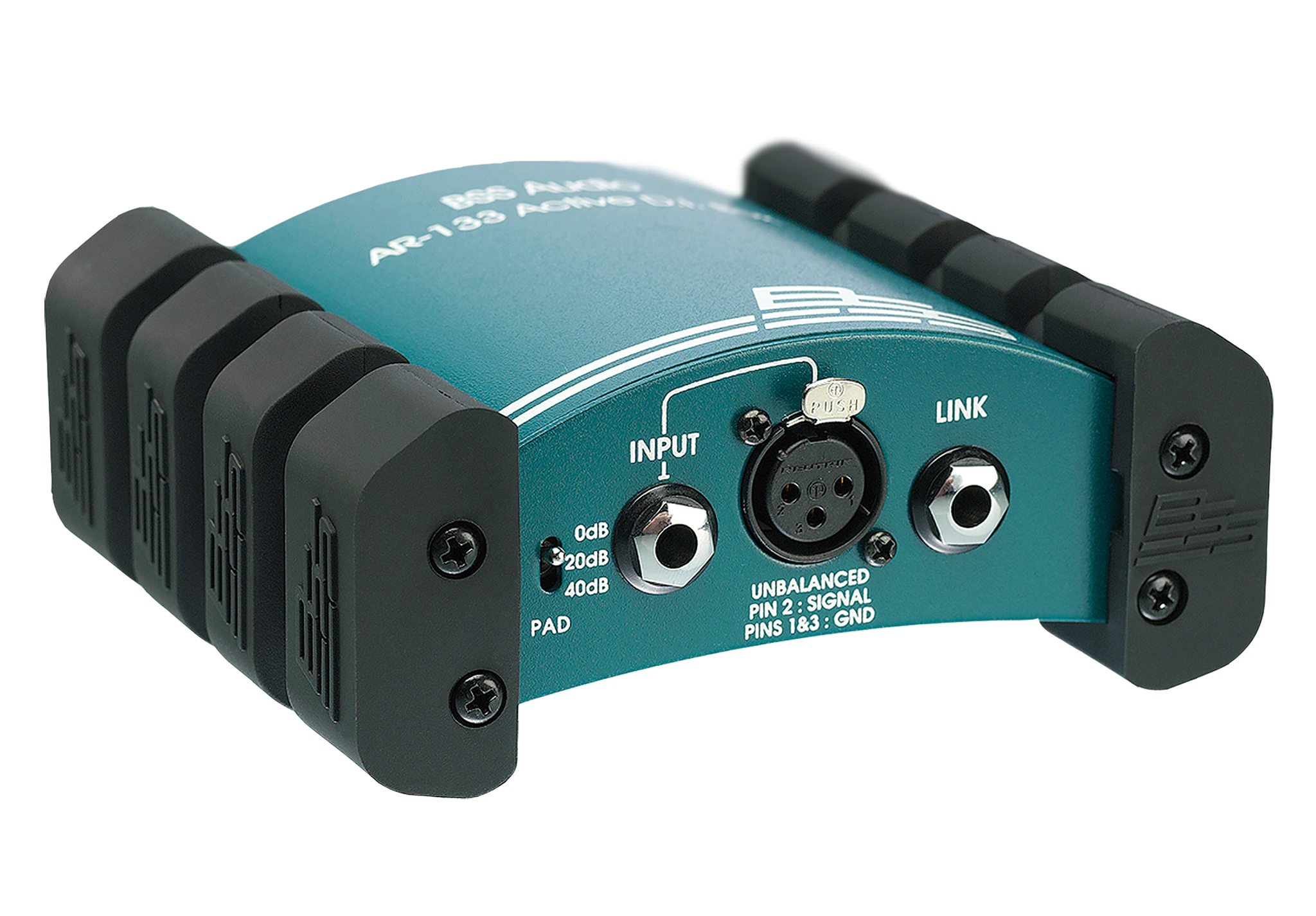
A stereo keyboard wants a stereo DI with two channels in one housing. The active Palmer PAN-04A needs phantom power from the mixer, while the passive Radial PROAV2 runs without power and copes well with a hot line signal. For a mono connection one BSS AR-133 is enough. The order of work:
- Turn the channel gains on the mixer all the way down and pull the faders.
- Connect the keyboard's L/Mono and R outputs to the two DI inputs with short jack cables.
- If the DI has an attenuator (pad), switch it in, because line level is strong for a mic input.
- Run two XLR cables to the mixer or stagebox and label them, for example KEYS L and KEYS R.
- For an active DI, switch on phantom power.
- Set the keyboard's master volume to about three quarters and leave it there for the night.
- Play the loudest sound in the set and set the gain by that.
Hum and grounding
The most common keyboard problem is a low hum that does not go away even when the instrument is silent. It appears when the keyboard and the sound system are plugged into different sockets with different earth potentials, and the signal cable closes a ground loop. The first cure is the ground lift switch on the DI, which breaks the earth on the signal path while leaving electrical safety intact.
Never remove the earth from a plug or use an adapter that defeats the earth pin. It is dangerous and not allowed. If ground lift does not help, try powering the keyboard from the same extension lead as the mixer. On stage it also pays to keep lighting dimmers and keyboard power on separate circuits, because dimmers create interference you hear as buzz and hum.
Several instruments and the player's own mixer
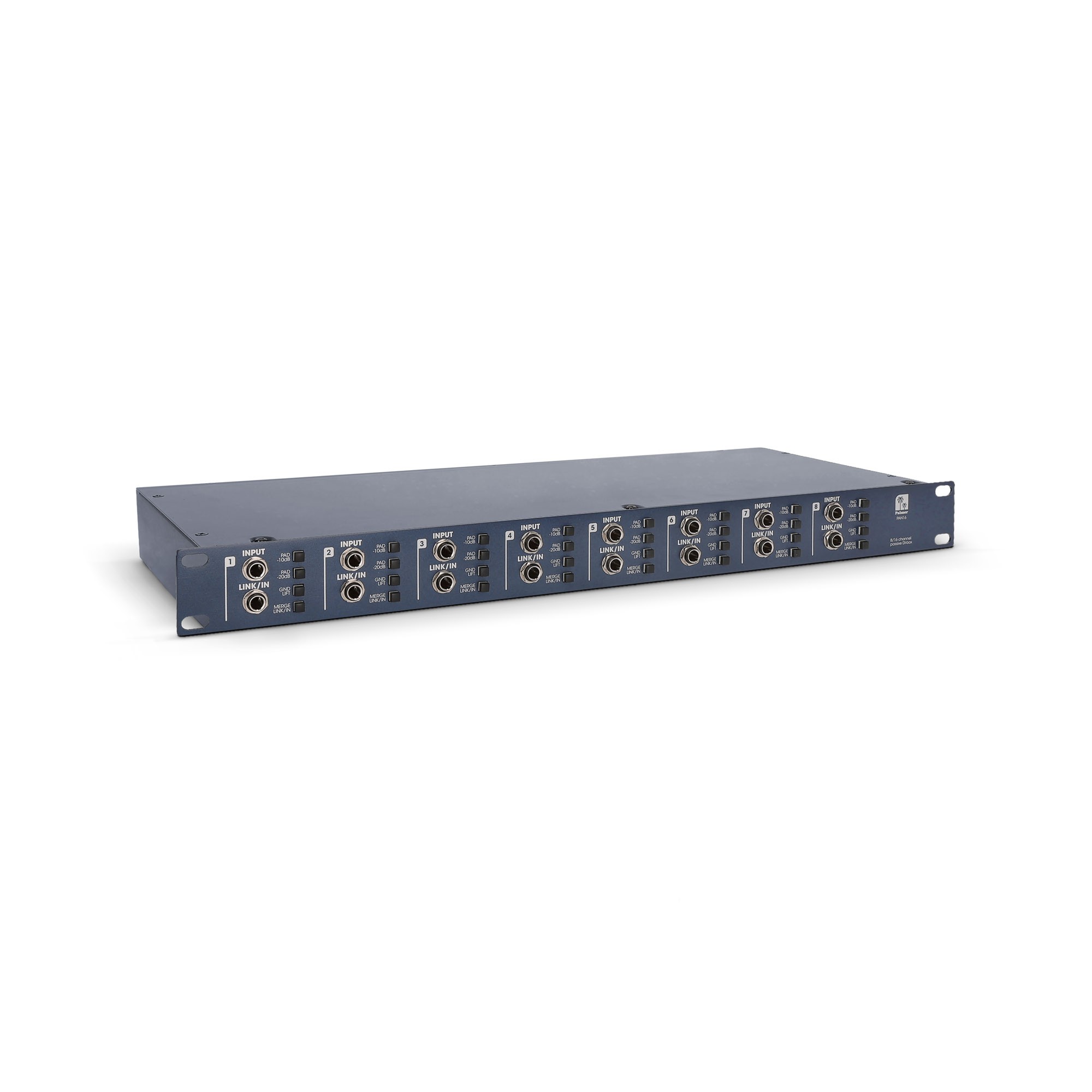
Piano, synth and organ on stage make six channels in stereo. When choosing between the two options, think about who runs the mix. If every instrument goes to the house mixer as its own channel, the engineer has full control, but you need three stereo DIs or, for instance, one Palmer PAN-16 with eight passive channels in a single 19-inch housing.
The other option is for the keyboard player to mix their instruments on stage with a small mixer and send only one stereo signal to the house. The Soundcraft Notepad 12FX, with four stereo inputs, fits that job. The house mixer then needs only two channels and the musician sets the balance between their own instruments. The engineer has to trust what arrives, though, and the musician should be asked not to change their mixer's level after the sound check.
Laptop, software synths and backing tracks
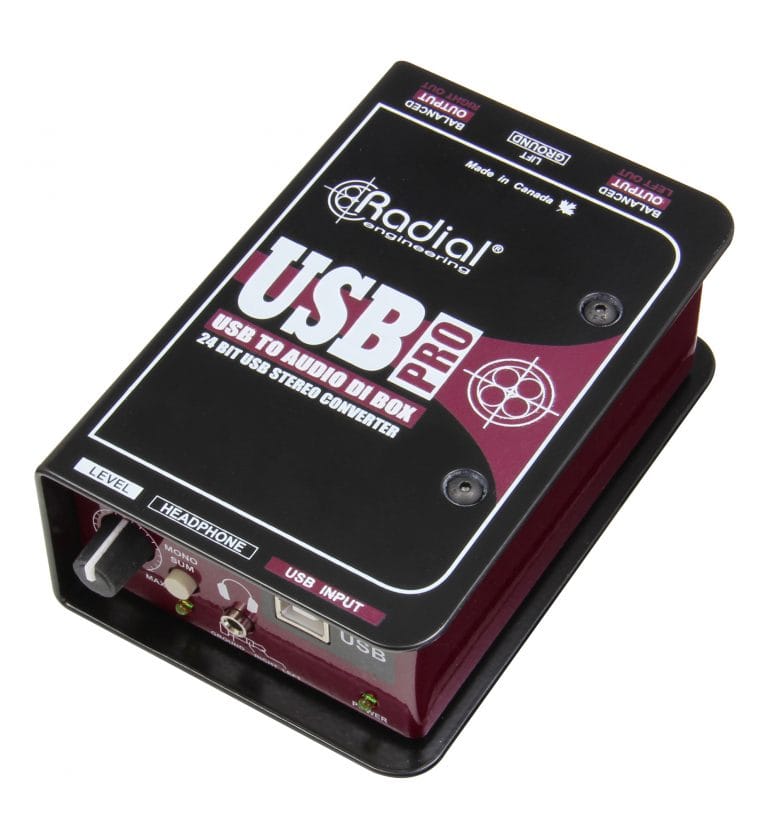
Many keyboard players use a laptop running software instruments or backing tracks. The computer's headphone output is weak and tends to hum together with the charger. A USB DI box such as the Radial USB-PRO or Palmer PLI 04 USB is better: the computer sees it as a sound card and a clean balanced stereo signal comes out. If the musician has their own audio interface, connect its outputs through an ordinary stereo DI.
Backing tracks and the click should be kept on separate outputs: the click goes only to the musicians' ears, never to the room. Our guide to connecting a laptop or phone to a sound system has more on the computer side.
The keyboard player's monitor
The keyboard player often sits or stands at the side of the stage and cannot hear themselves from the house speakers. They need their own monitor, carrying mainly their instruments and the singer. The simplest solution is a wedge fed from an aux output on the mixer. If the musician wants their own small mix close by, a Palmer PRMLS splitter helps: it splits four line signals in two, so the same signal goes both to the house mixer and to the musician's own amp or mixer.
For in-ear users the keyboard sits well in a stereo mix, because a stereo piano sounds more natural in the ears. Setting up in-ears is covered in a separate guide on in-ear monitor setup.