DI box
A DI box turns a guitar, keyboard or laptop signal into a balanced mic-level signal that can travel to the mixer on a long XLR cable.
What a DI box does
DI stands for direct injection. A guitar, keyboard, laptop or phone puts out an unbalanced signal that is often also at the wrong level and the wrong impedance for a mixer's microphone input. A DI box takes it into a jack, RCA or USB input and gives a balanced mic-level signal out of an XLR output. Now the cable can be long and the sound stays clean.
Its second job is ground isolation. Many DI boxes have a ground lift switch that breaks the ground connection between the source and the mixer and silences ground loop hum. A pad switch attenuates a signal that is too hot, such as a loud keyboard output.
Active, passive and USB
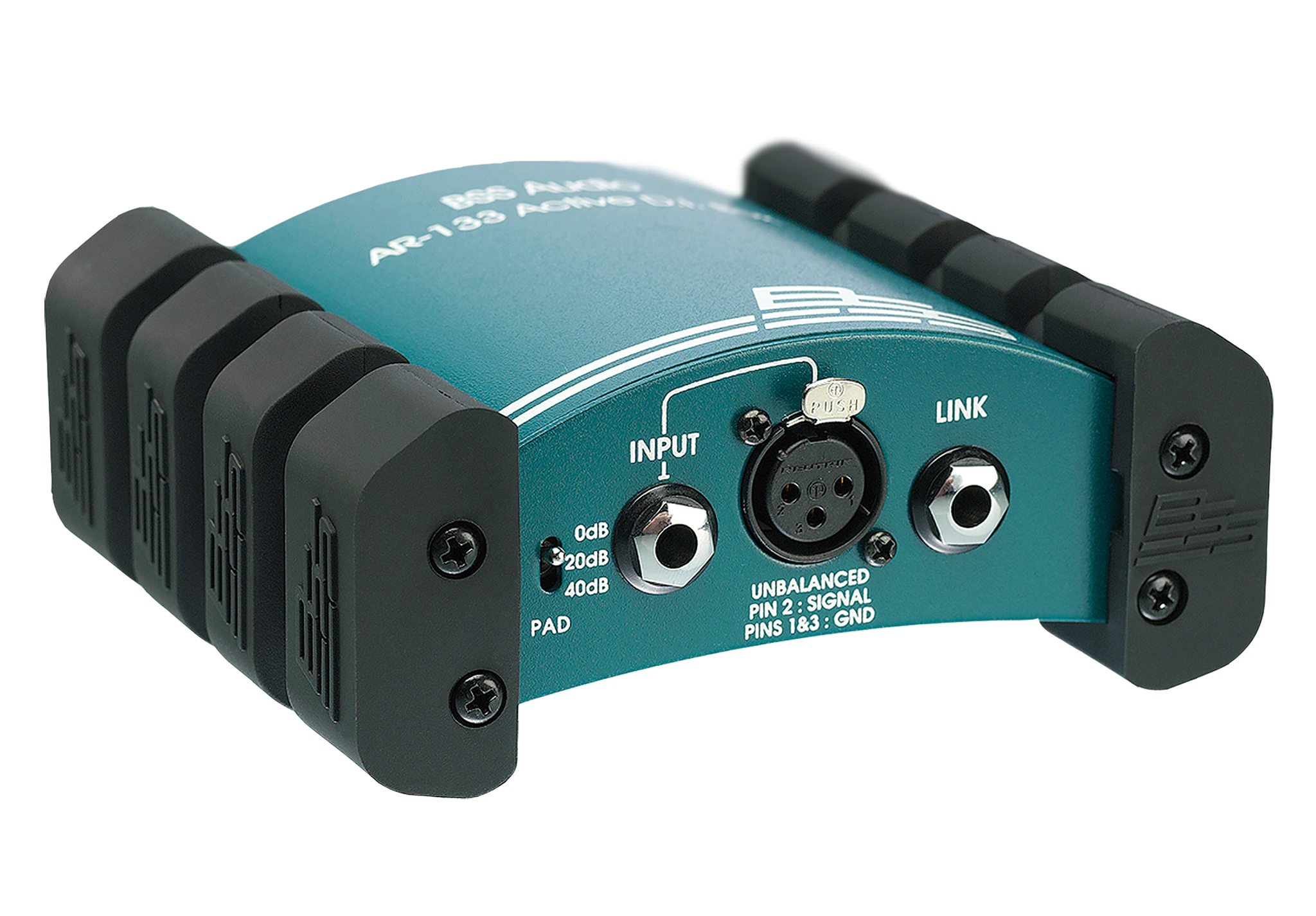
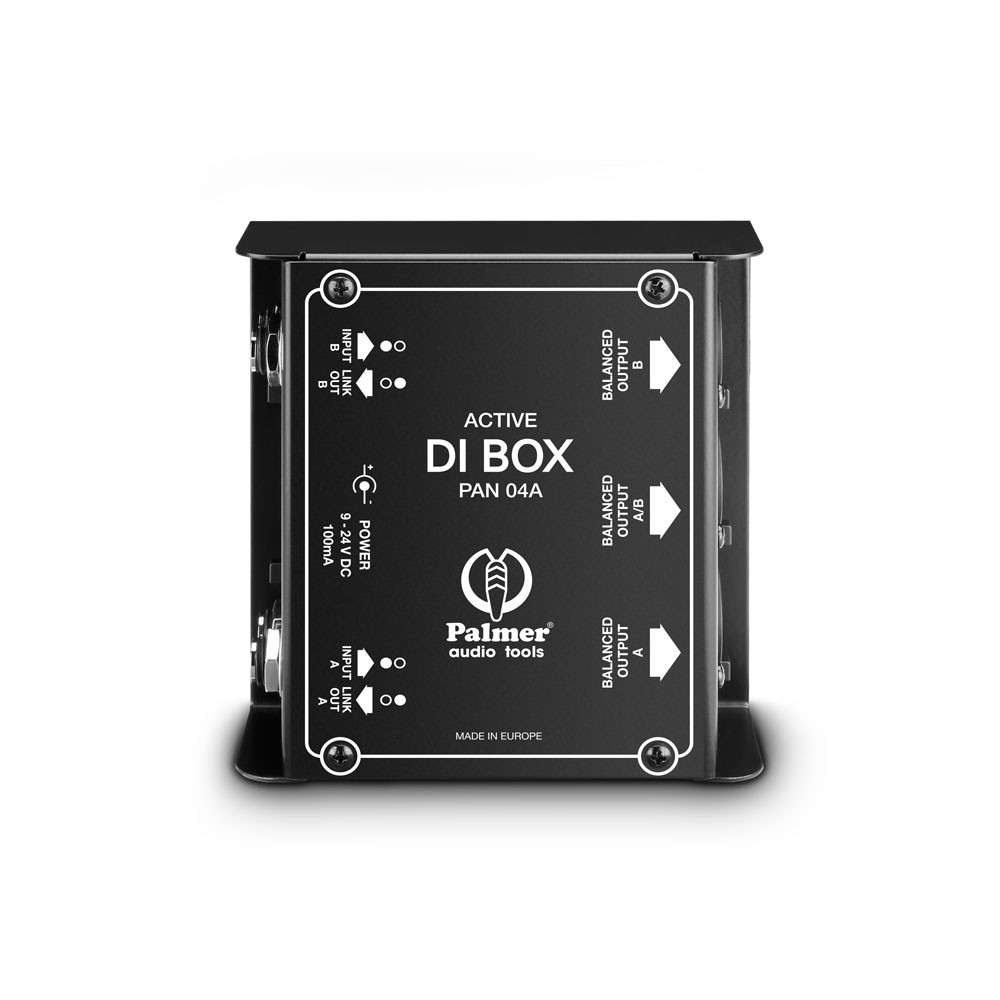
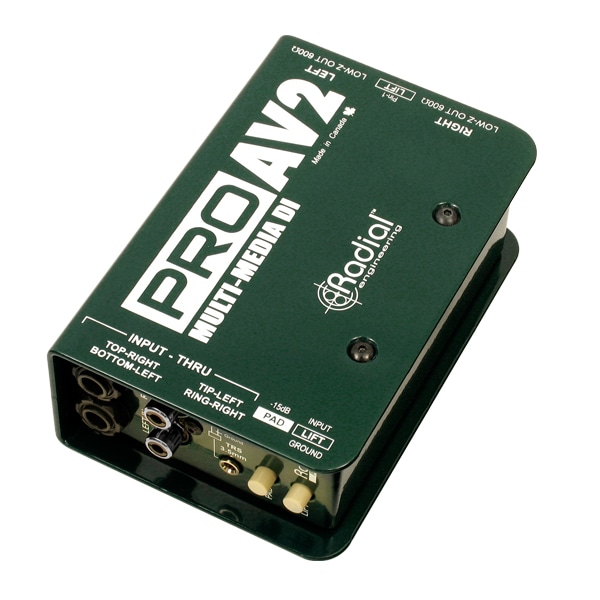
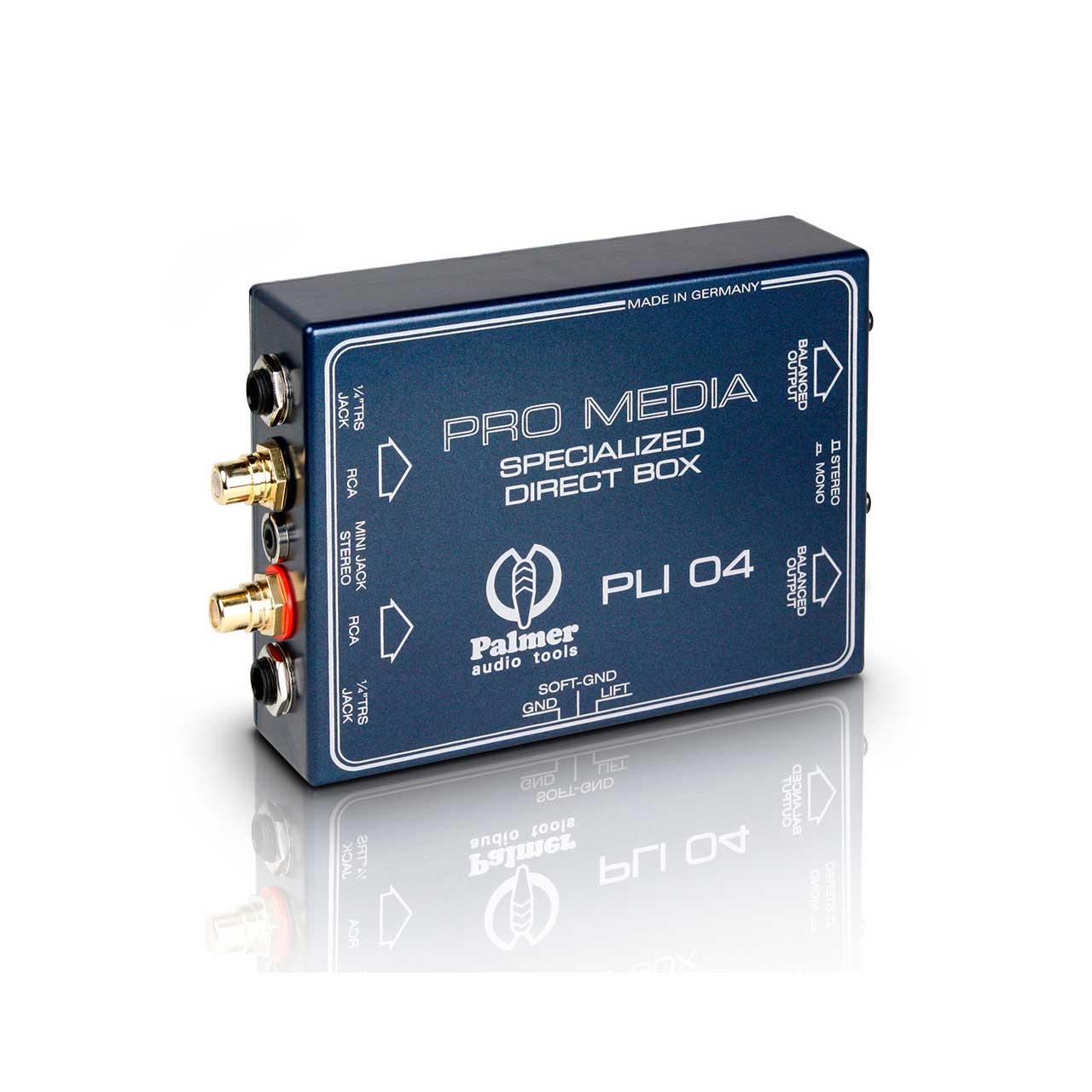
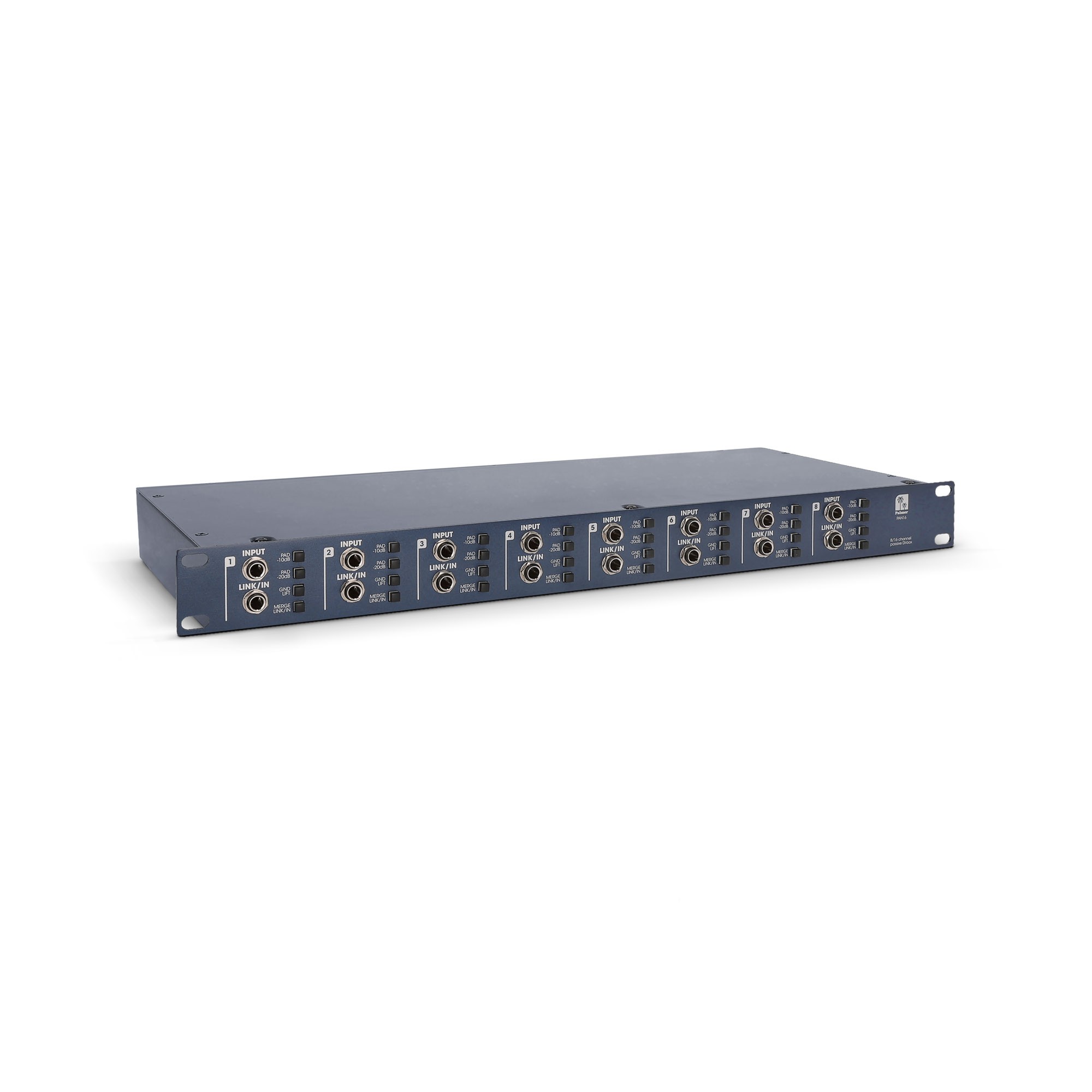
An active DI box has electronics that need power, often phantom power from the mixer. It suits a weak, high-impedance source such as an acoustic guitar with a passive pickup, or a bass. In our stock the active boxes are the mono BSS AR-133, which runs on phantom power, and for stereo sources the Palmer PAN-04A, whose power arrangement is worth checking before the event. A passive DI box works with a transformer and needs no power. It suits a stronger line signal: keyboard, DJ mixer, media player. Here belong the Radial PROAV2, the Palmer PLI-04 and the eight-channel rack-mount Palmer PAN-16.
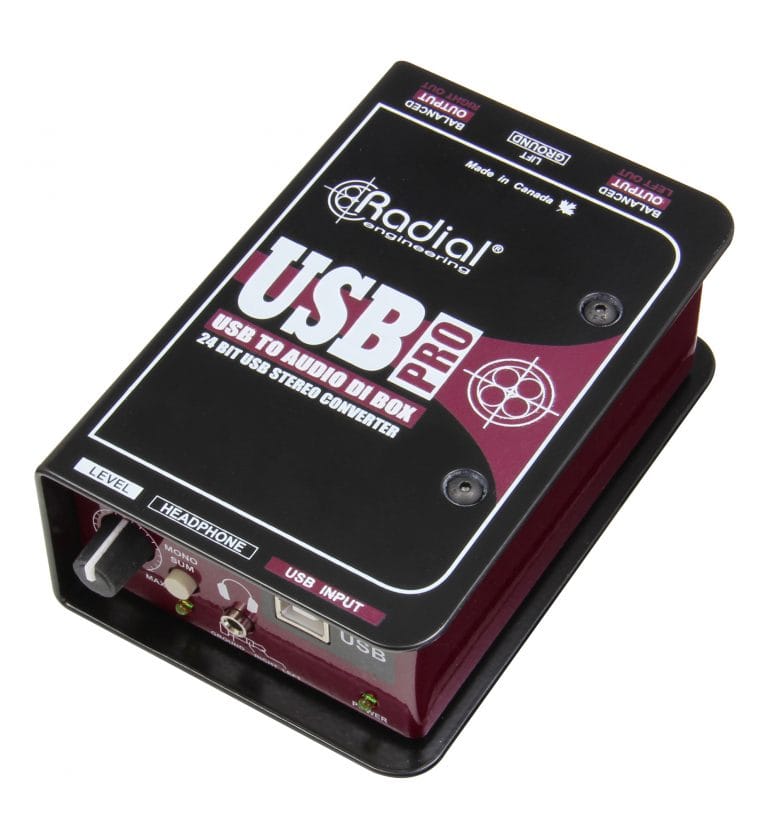
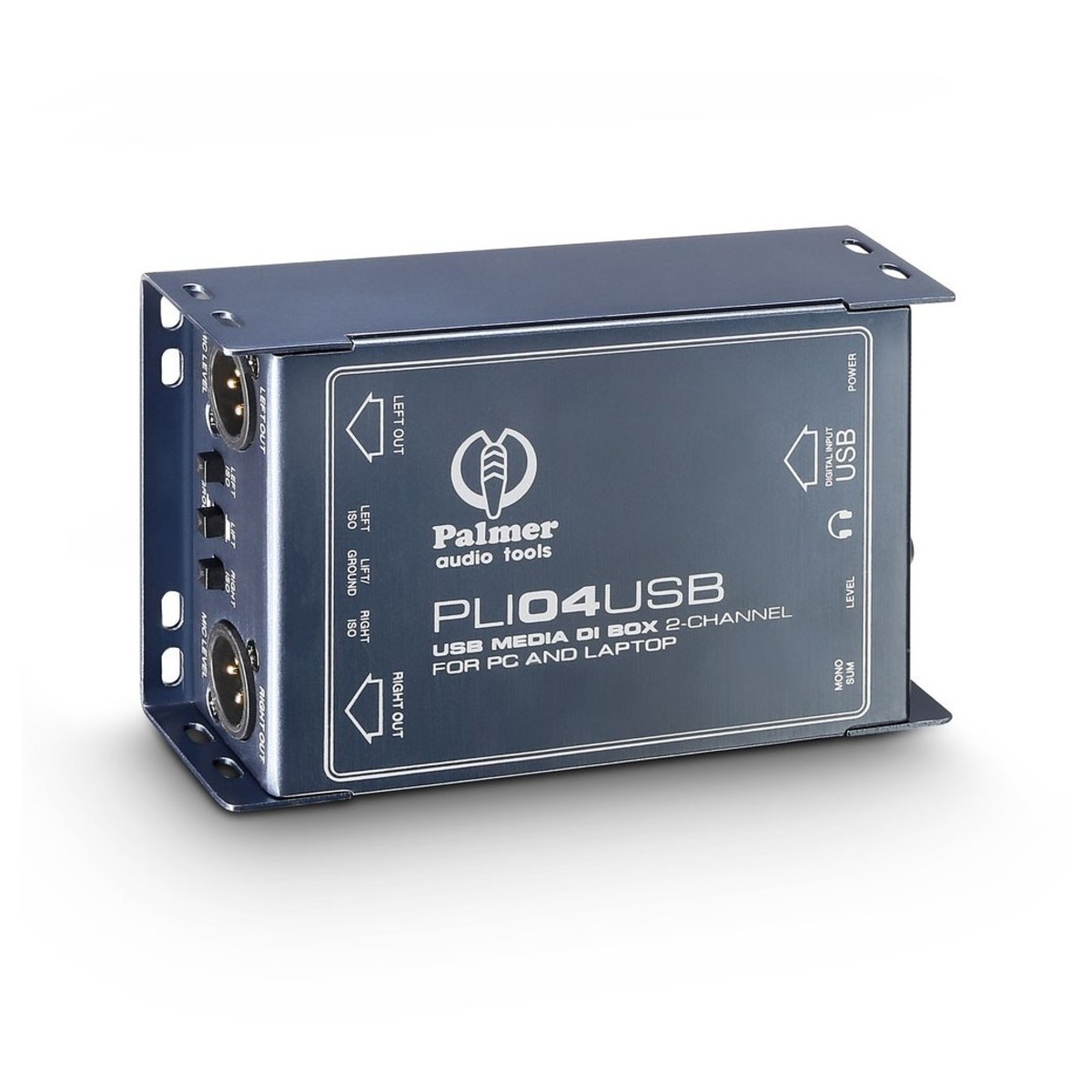
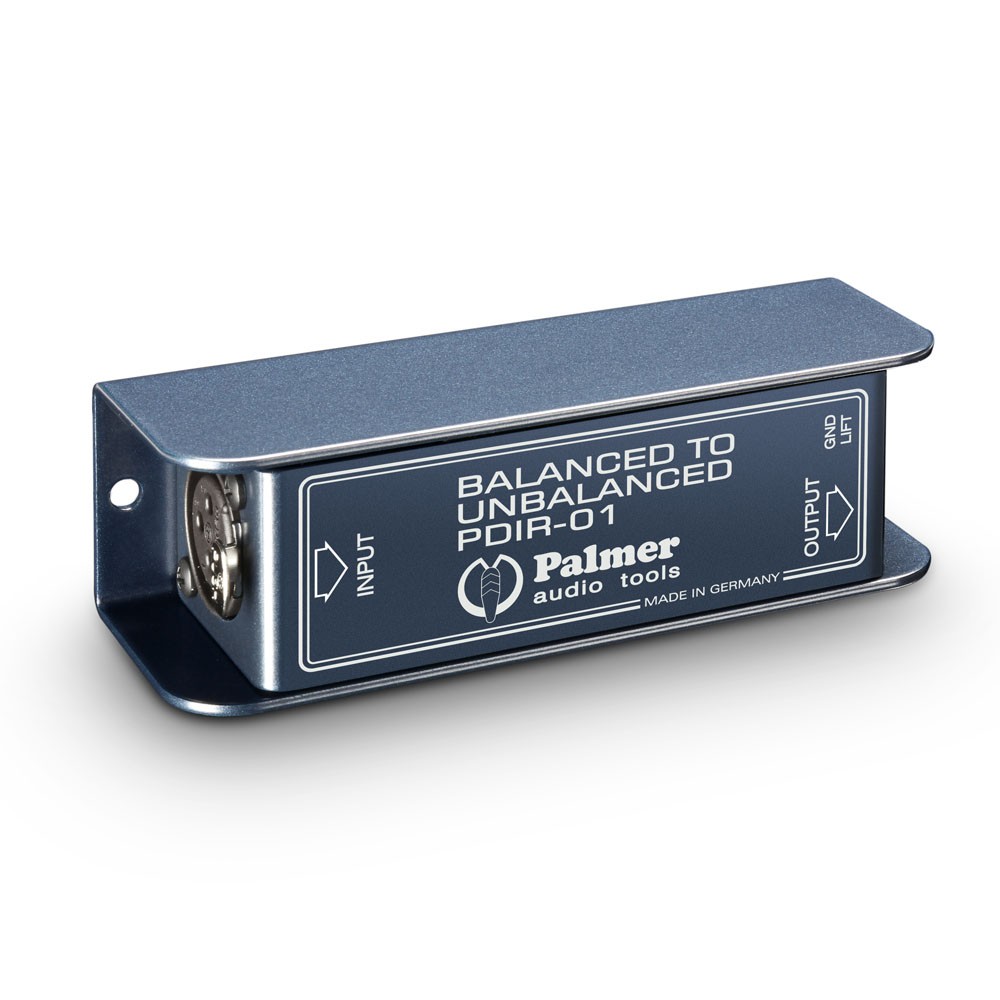
A USB DI box, such as the Radial USB-PRO or Palmer PLI 04 USB, takes audio from a laptop directly over USB and is isolated from ground. A special case is the reversed DI Palmer PDIR01, which does the opposite: it sends the mixer's line signal into a guitar amplifier or effects pedals.
Common mistakes
The most common mistake is counting DI boxes by instrument rather than by output. A stereo keyboard needs two channels, a DJ mixer two, a laptop two. Another is forgetting to switch on phantom power for an active DI and assuming the box is broken. A third is letting a keyboard come in at full output without the pad engaged, which leads to clipping.
- Count channels, not instruments.
- Active DI: switch on 48 V at the mixer.
- Hum: try the ground lift switch first.
- Guitar amp on stage too: use the DI box's thru output.