Audio cables: XLR, jack, speakON and how much cable to rent
Speakers, mixer and microphones make it into the rental request, but cables are often an afterthought. Then on site it turns out the mixer is twelve metres from the speaker, the cable is ten, and the laptop output fits none of the plugs. This guide covers which cable goes with which connection, why one cable hums and another does not, and how to count the cables for your event before the sound equipment rental. Power and extension leads outdoors are covered separately in "Power, cables and weather: sound equipment at an outdoor event".
XLR: microphones and long signal runs
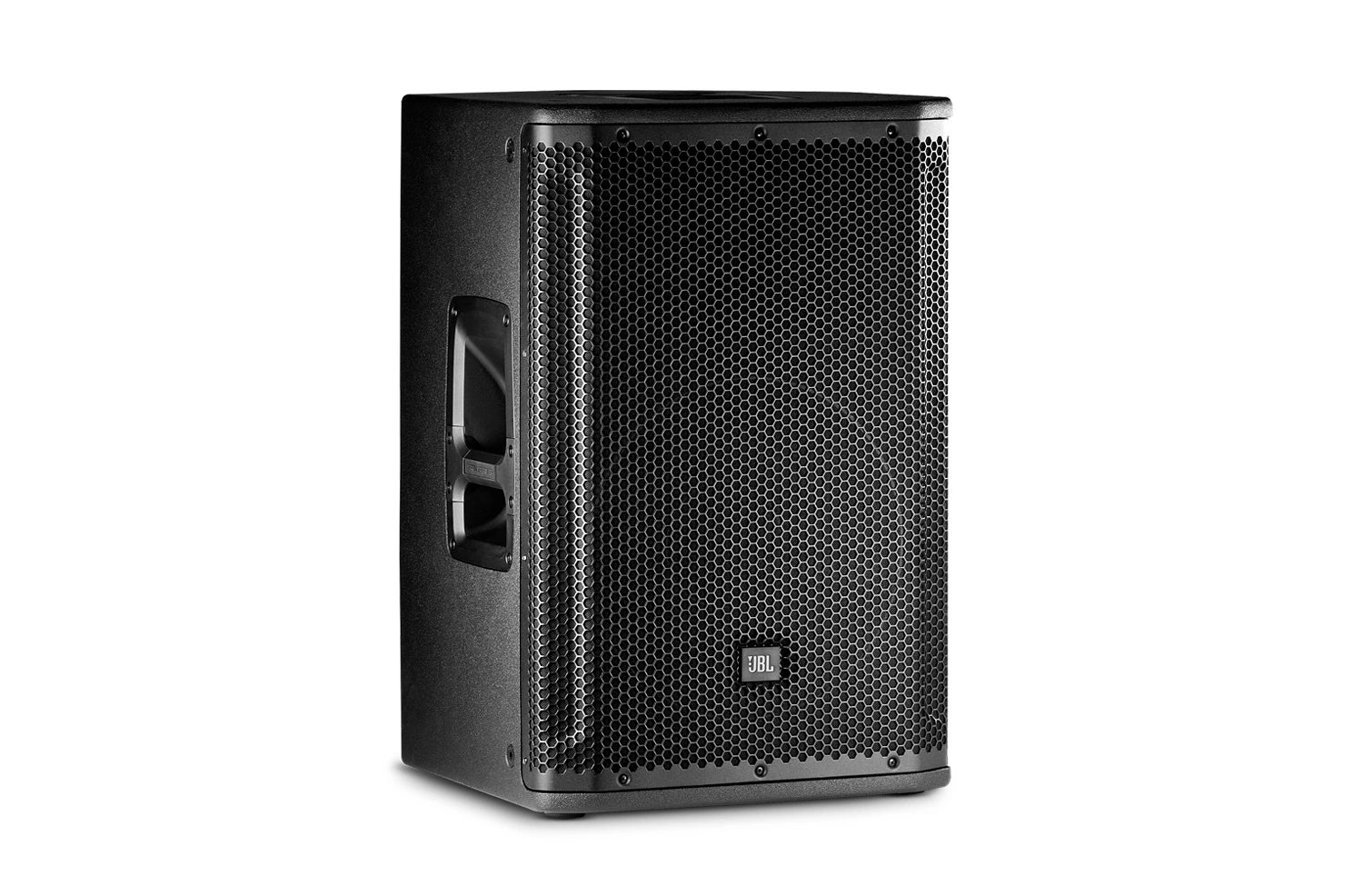
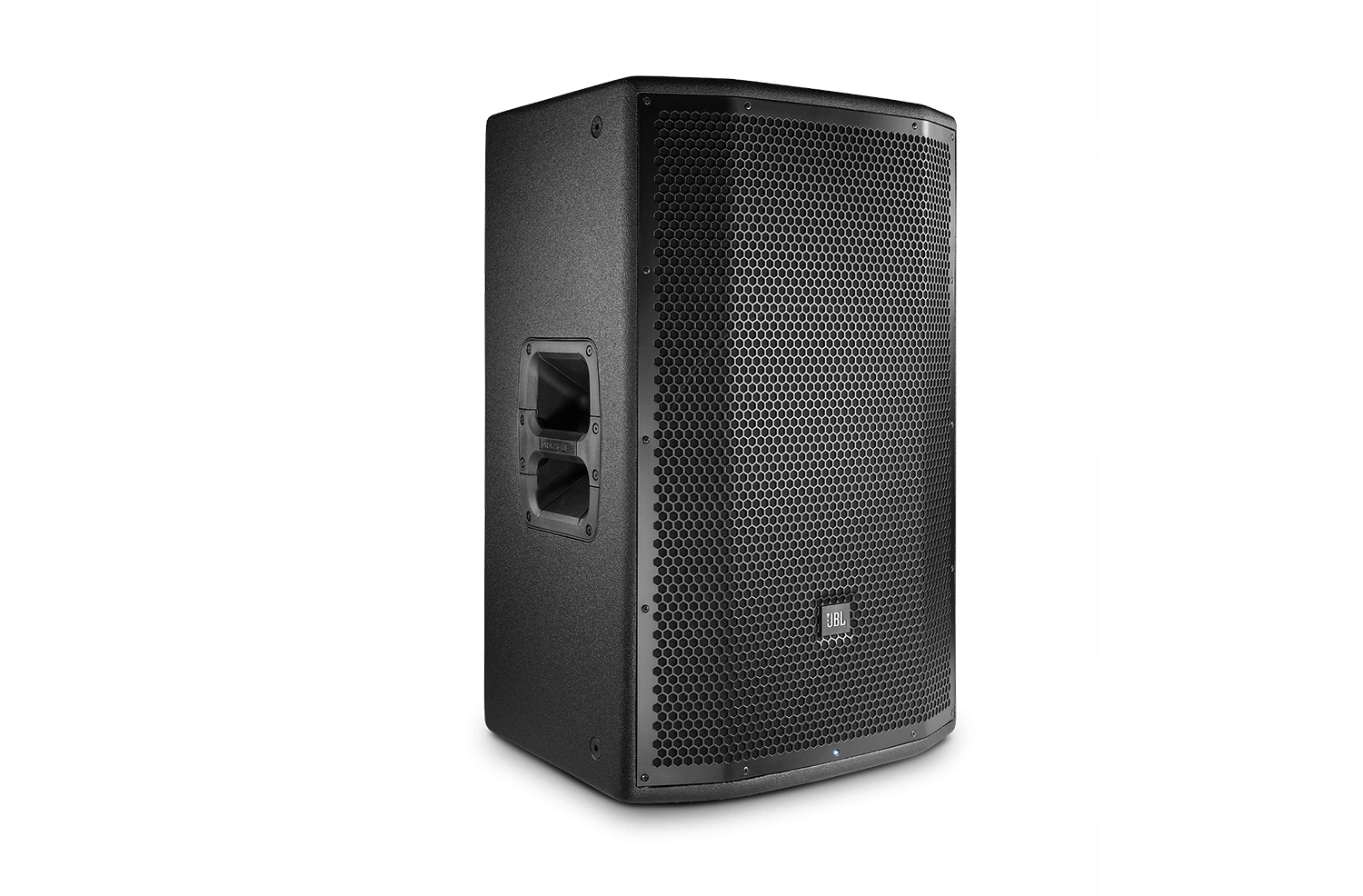
XLR is a three-pin locking connector and the most common cable in audio. It connects microphones to the mixer and the mixer outputs to active speakers such as the JBL PRX812 or SRX812P. An XLR cable is balanced: the signal travels on two wires in opposite polarity and the input subtracts them, so noise picked up along the way cancels out. That is why a balanced line can run tens of metres without picking up hum and noise.
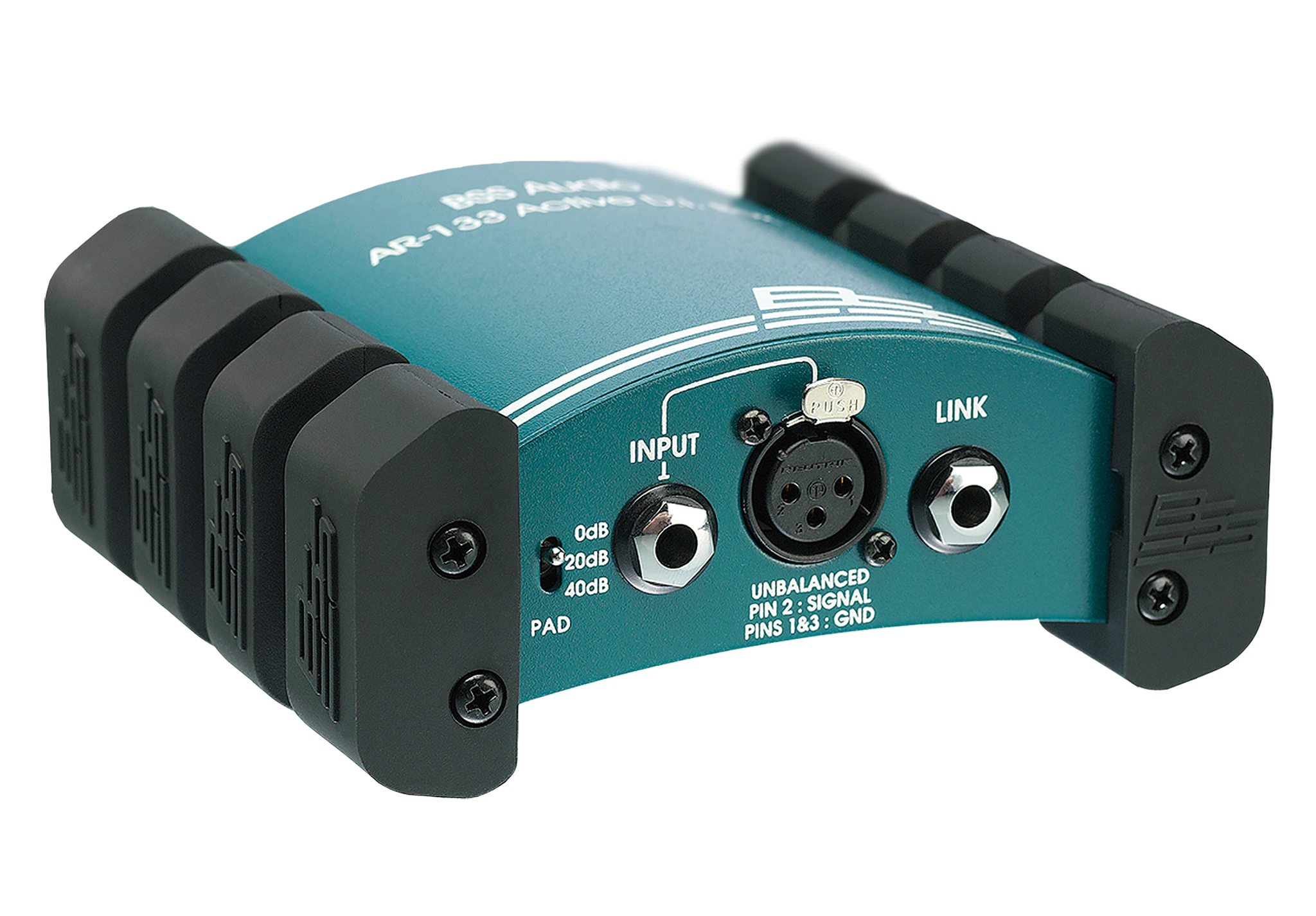
XLR also carries 48 V phantom power to condenser mics such as the Shure SM81 and to active DI boxes such as the BSS AR-133. Every plug has a male and a female end. The signal leaves through a male connector and enters through a female one, so going from mic to mixer, the mic end is female.
Jack: instruments, mixer outputs and headphones
The quarter-inch, or 6.3 mm, jack comes in two kinds. The two-contact TS jack is unbalanced and is used by electric guitar, bass and many keyboards. The three-contact TRS jack can carry a balanced mono signal, such as a mixer output, or stereo, such as headphones. They look almost the same, so check the tip: TRS has two black rings, TS has one.
An instrument TS cable should be short, because a long unbalanced cable picks up noise and loses high frequencies. If a keyboard or acoustic guitar is far from the mixer, put a DI box next to the instrument and carry the signal on from there with XLR. Headphones and recorders often use the 3.5 mm mini-jack.
speakON, powerCON and RCA
speakON is a locking speaker cable that runs from an amplifier output to a passive speaker input. It carries the amplified signal, not line-level audio, so an XLR cable cannot be used instead. Our line array systems, such as the JBL VTX A8 with Crown I-Tech amplifiers, and the passive VTX M22 stage monitors connect with speakON. Active speakers do not need speakON; they need a signal cable and a power cable.
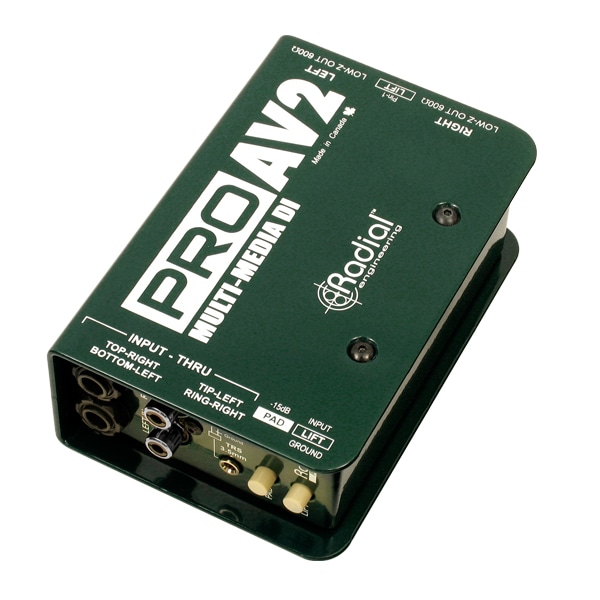
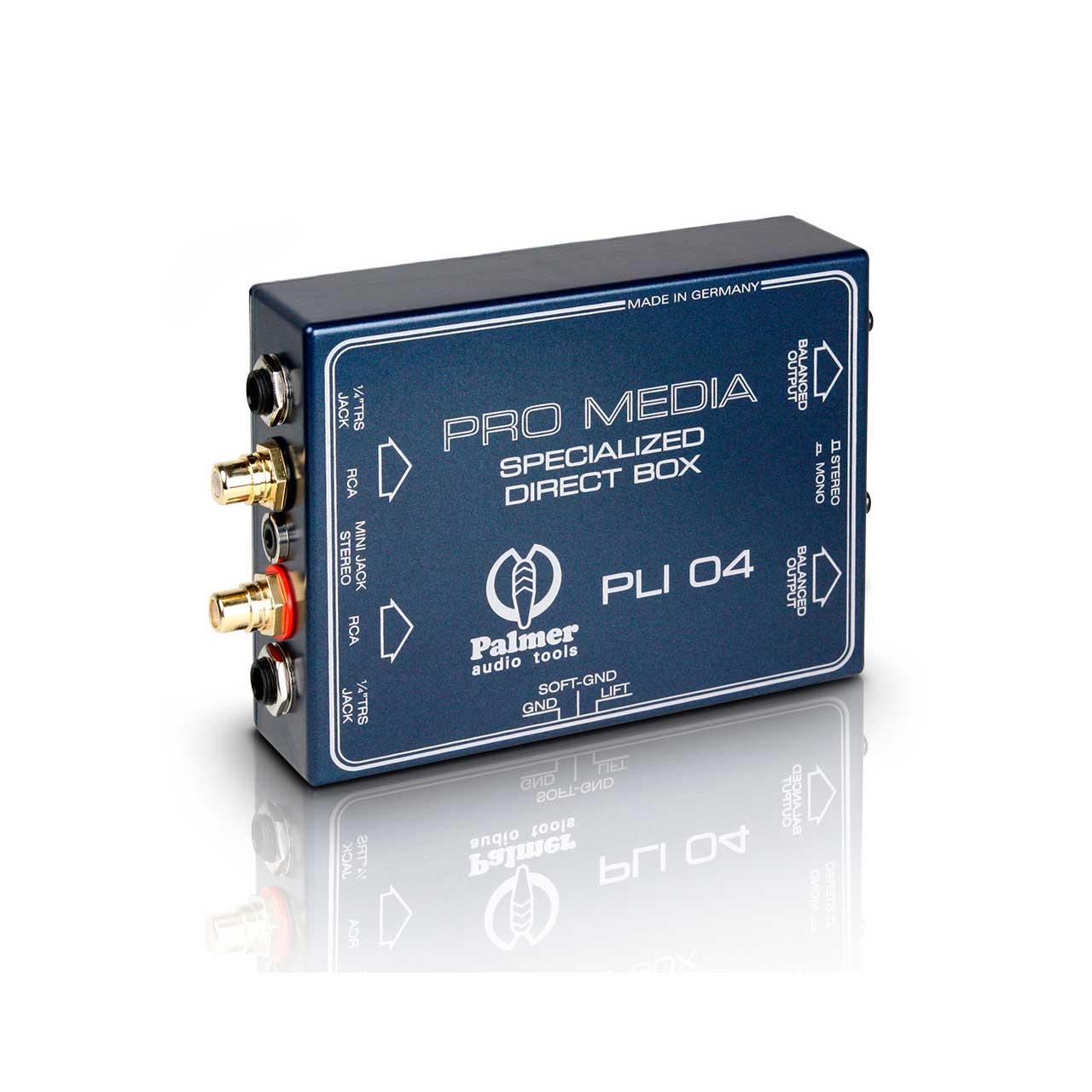
powerCON is a locking power connector used by many active speakers and some mixers instead of a standard mains lead. The lock keeps the plug in when someone trips over the cable. RCA, or phono, is the connector of home and DJ gear. Turntables and many DJ mixers use it, as do TVs and older players. RCA is unbalanced and should not be run far: put a stereo DI box such as the Radial PROAV2 or Palmer PLI-04 next to the source.
- speakON: amplifier to passive speaker.
- powerCON: power to an active speaker.
- RCA: DJ gear, turntable, TV; keep it short.
How to count your cables
Take a floor plan of the room, or sketch one, and mark the mixer, speakers, microphones and power sockets. Then count connections one by one: each microphone needs one XLR to the mixer or stagebox, each active speaker one signal cable and one power cable, each monitor one signal cable from its own mixer output.
Measure the length along the route, not in a straight line. The cable does not go over the audience's heads or through a doorway, but along the wall, up the stand and over the stage edge. Add a couple of metres of slack per connection so the cable is not tight and the mic stand can be moved. Mic cables on stage are usually shorter than speaker cables, which go to the far end of the room.
- Microphone: one XLR.
- Active speaker: one XLR for signal, one power lead.
- Passive speaker: one speakON from the amplifier.
- Laptop or phone: cable to the DI box, then XLR.
- Plus spares of every type.
Multicore and digital stagebox
With more than a few microphones on stage and the mixer at the back of the room, running dozens of separate cables is slow and messy. A multicore, or snake, gathers many channels into one thick cable. A box on stage takes the mics and the other end sits at the mixer.
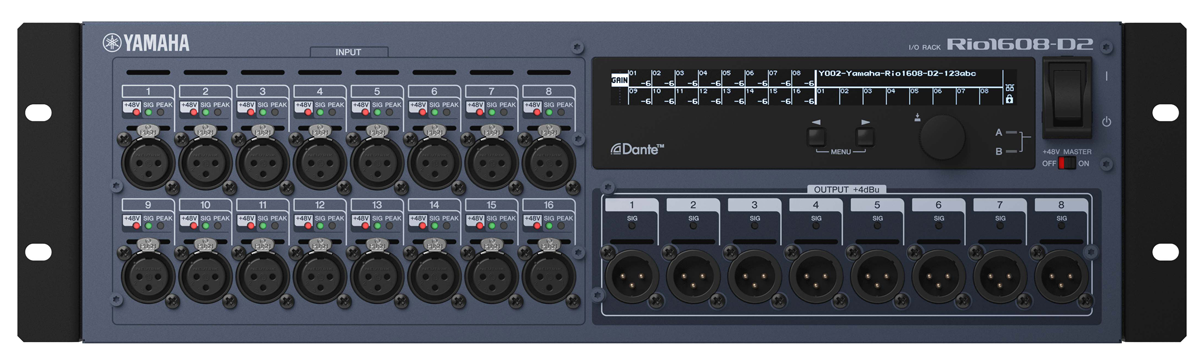
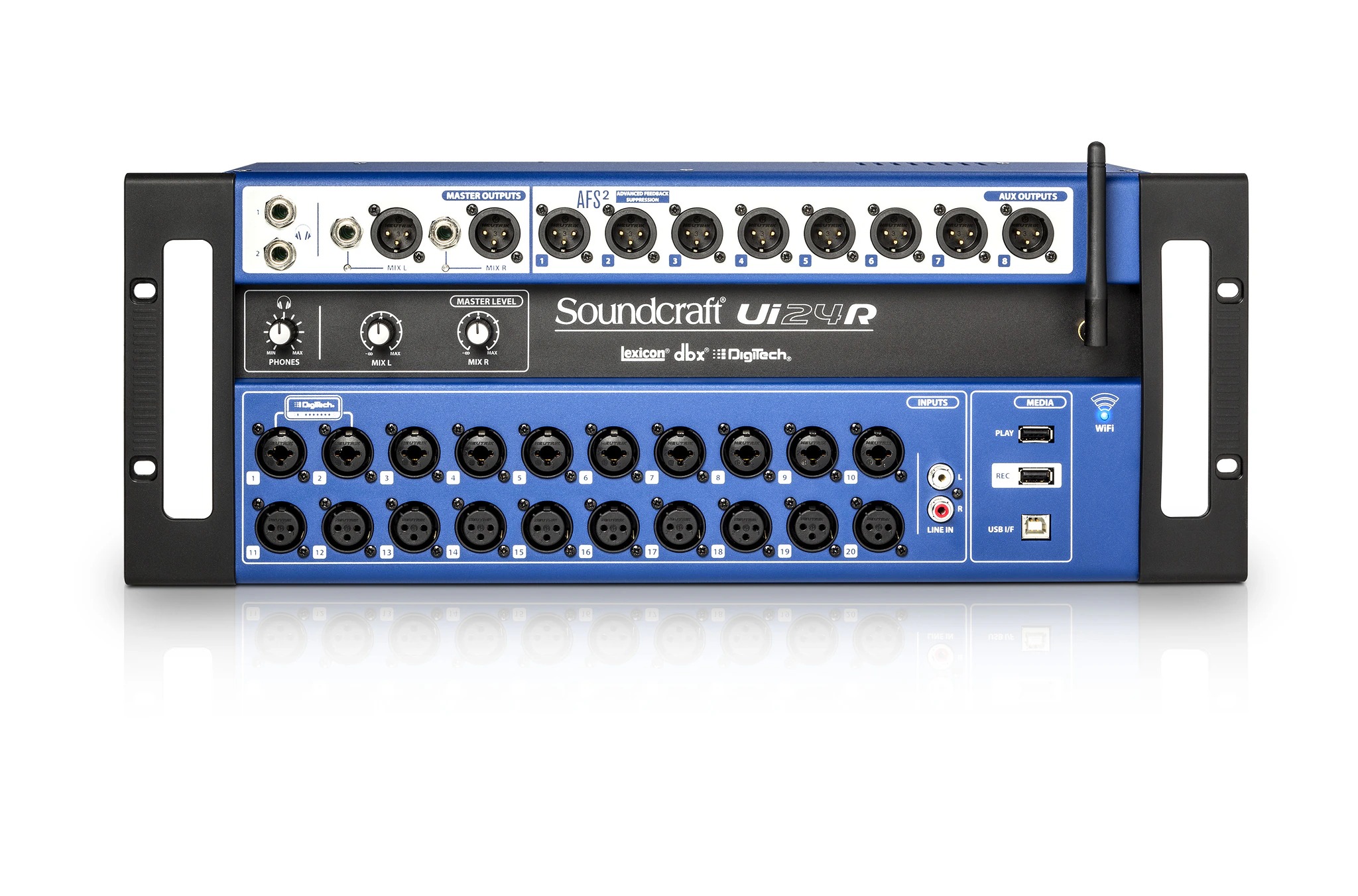
A digital stagebox does the same over one network cable. A Yamaha RIO1608-D2 on stage and a Yamaha QL1 or DM3 at the back connect over Dante, so only a single network cable runs between stage and mixer. With a Soundcraft Ui24R you can often place the whole mixer on stage and control it from a tablet, so long signal cables into the room are not needed at all.
Hum, crackle and other cable faults
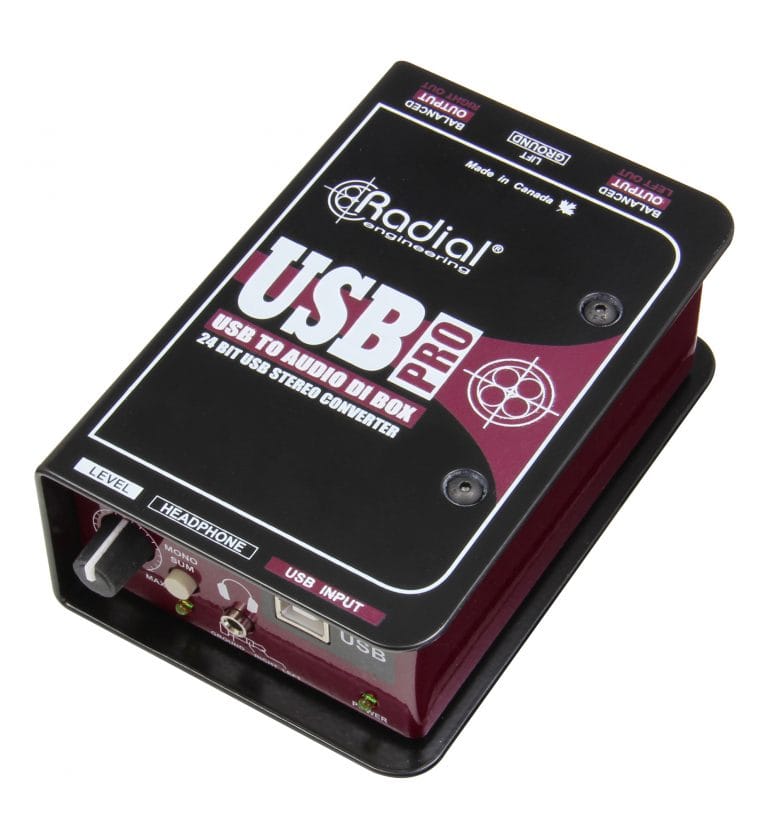
Hum that appears when a laptop or projector is plugged into the sound system is usually a ground loop: the devices are powered from different sockets and current flows between their earths. An isolating DI box helps, such as the Palmer PLI-04, or the Radial USB-PRO for USB. Never remove the earth from a power lead.
Crackle when a cable is moved means a broken wire or a bad solder joint. Swap the cable at once and set it aside so it does not go back into use. Do not run signal cables tightly alongside power cables; where they have to cross, let them cross at right angles.
Laying and coiling
Every cable that crosses a walkway must be taped down or covered with a cable ramp. A cable a guest trips over is a danger to the person and can pull a speaker off its stand. Run cables along the wall and leave a small loose loop at the speaker stand so any pull does not go straight into the plug.
Coil cables so they do not twist: one loop the normal way and the next one turned over, alternating. Then the cable uncoils without knots next time. Do not wrap a cable round your elbow; it twists the wires inside and shortens its life. The return checklist is in "Sound equipment rental checklist".