When a meeting room needs speakers
In a room of up to about twenty people around one table, a speaker usually manages without a microphone. You need amplification when there are more than thirty chairs in rows, when the presenter speaks softly, when someone in the audience hears poorly, or when the presentation includes videos. Video sound from a laptop speaker never reaches the back row.
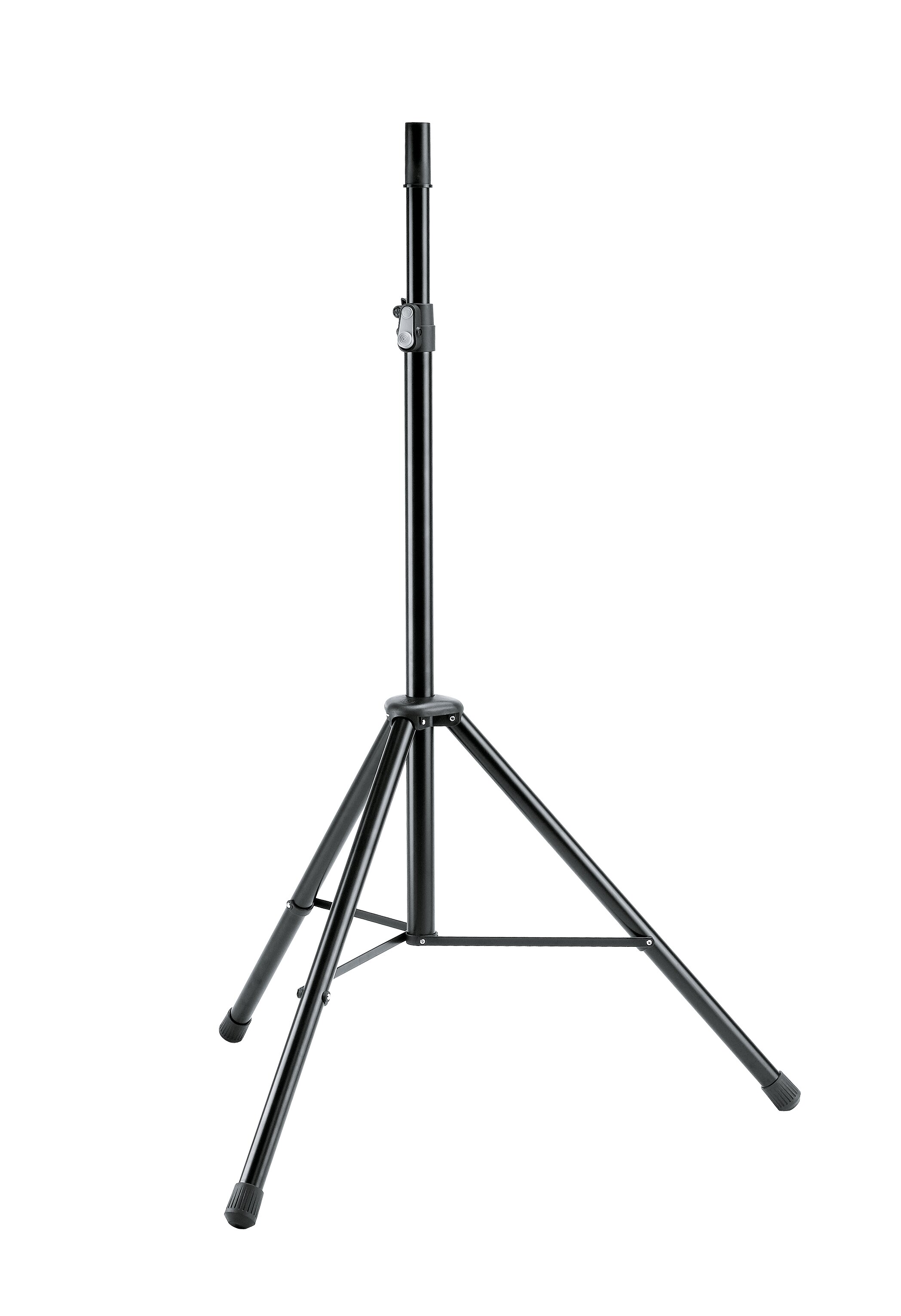
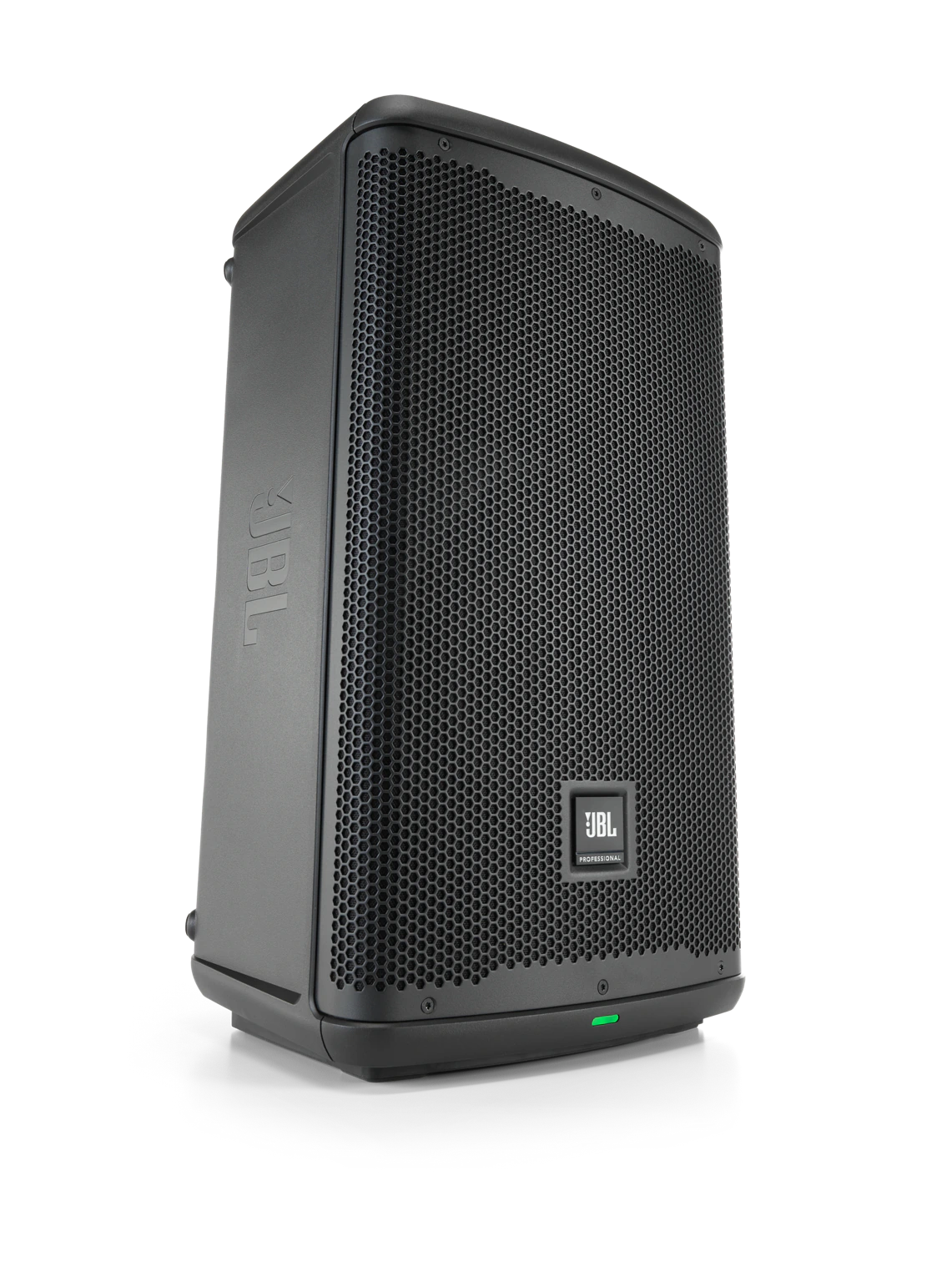
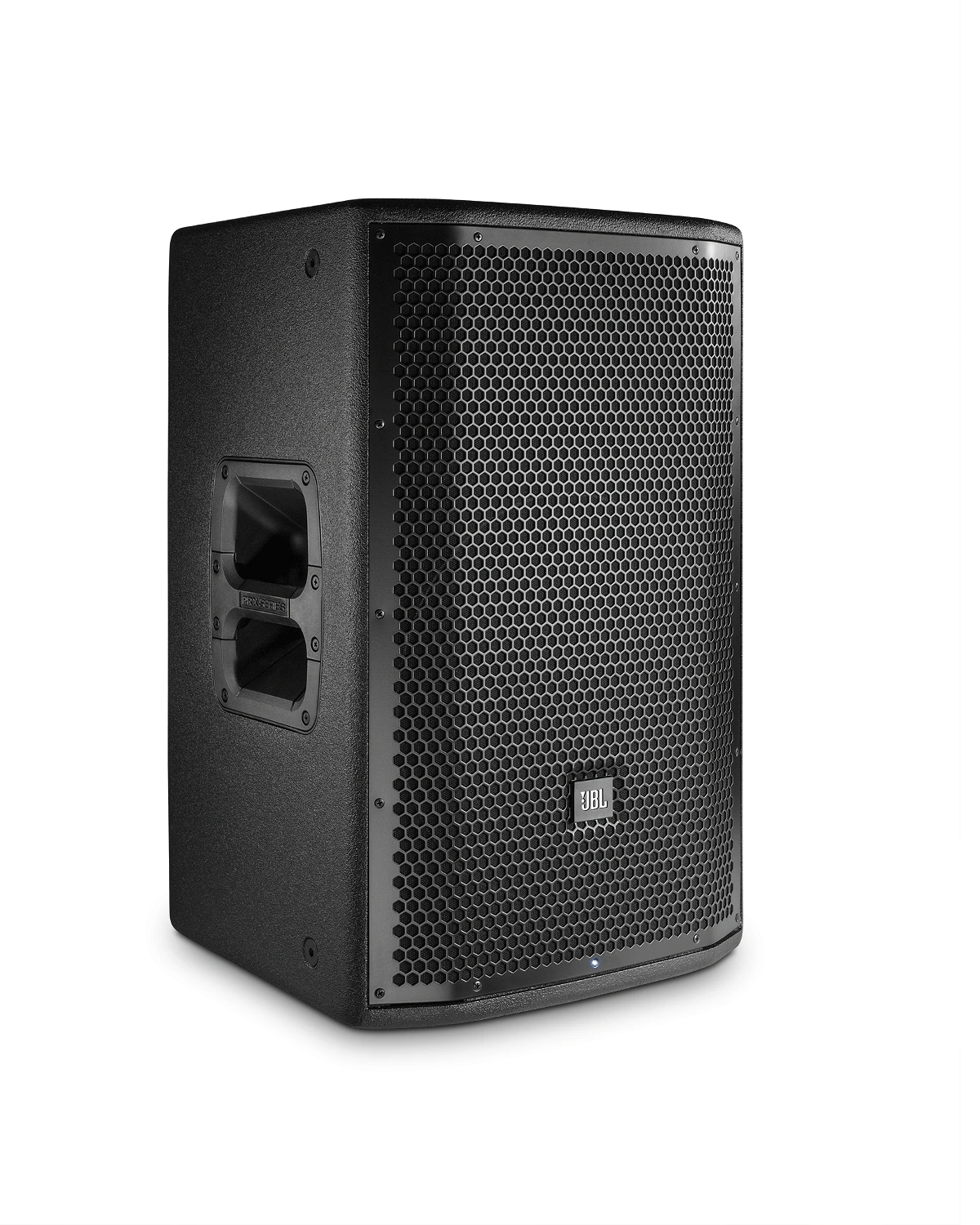
Two small speakers are enough for a meeting room. A pair of JBL EON710 on stands beside the screen is the usual setup. They are light, fit into a narrow room and stay clear for speech at a low level.
Laptop audio without hum
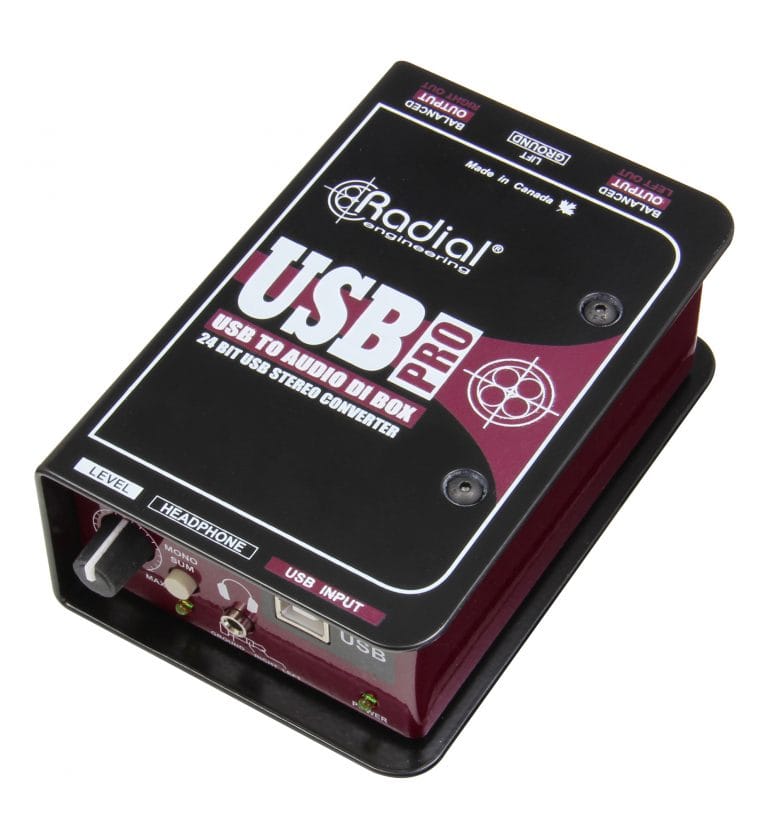
Videos and audio clips in the presentation come from the laptop. The most common problem is hum, caused when the laptop charger and the sound system are plugged into different sockets and a ground loop forms between them. The Radial USB-PRO is a DI box with a USB connection: the laptop sees it as a sound card and the signal goes to the mixer over a balanced XLR cable.
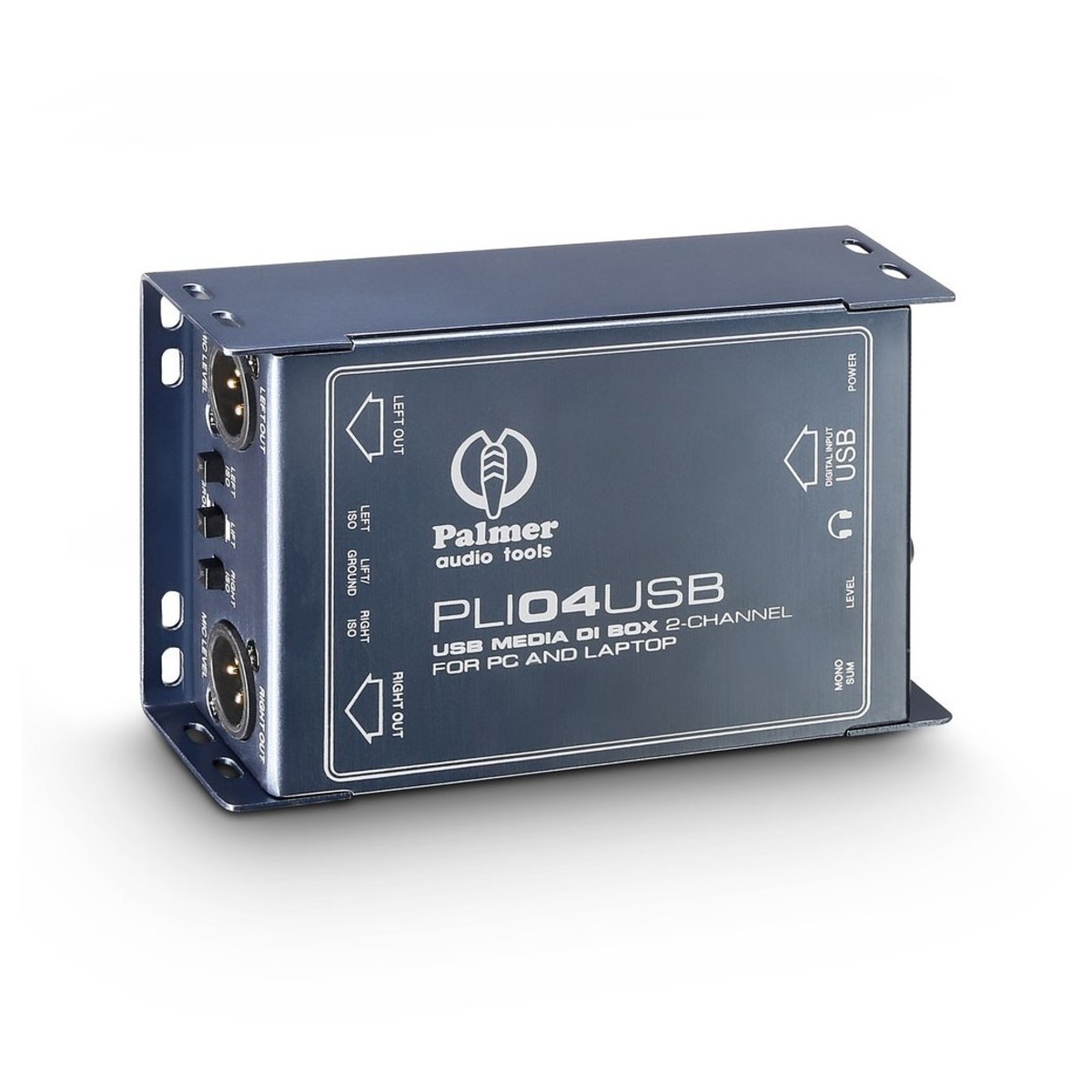
If you already hear hum from the laptop's headphone output, the Palmer PLI 04 USB helps, because it is also a line isolator. Before the meeting check that notification sounds on the laptop are off, or the whole room will hear every new e-mail arrive.
Hybrid meetings: the room and the remote participants
A hybrid meeting has two audiences. People in the room hear the speaker directly and through the speakers, while remote participants hear only what the microphone picks up. A laptop or webcam microphone at a distance mostly captures room echo and ventilation. That is why the stream must get the same microphone signal that goes to the room speakers.
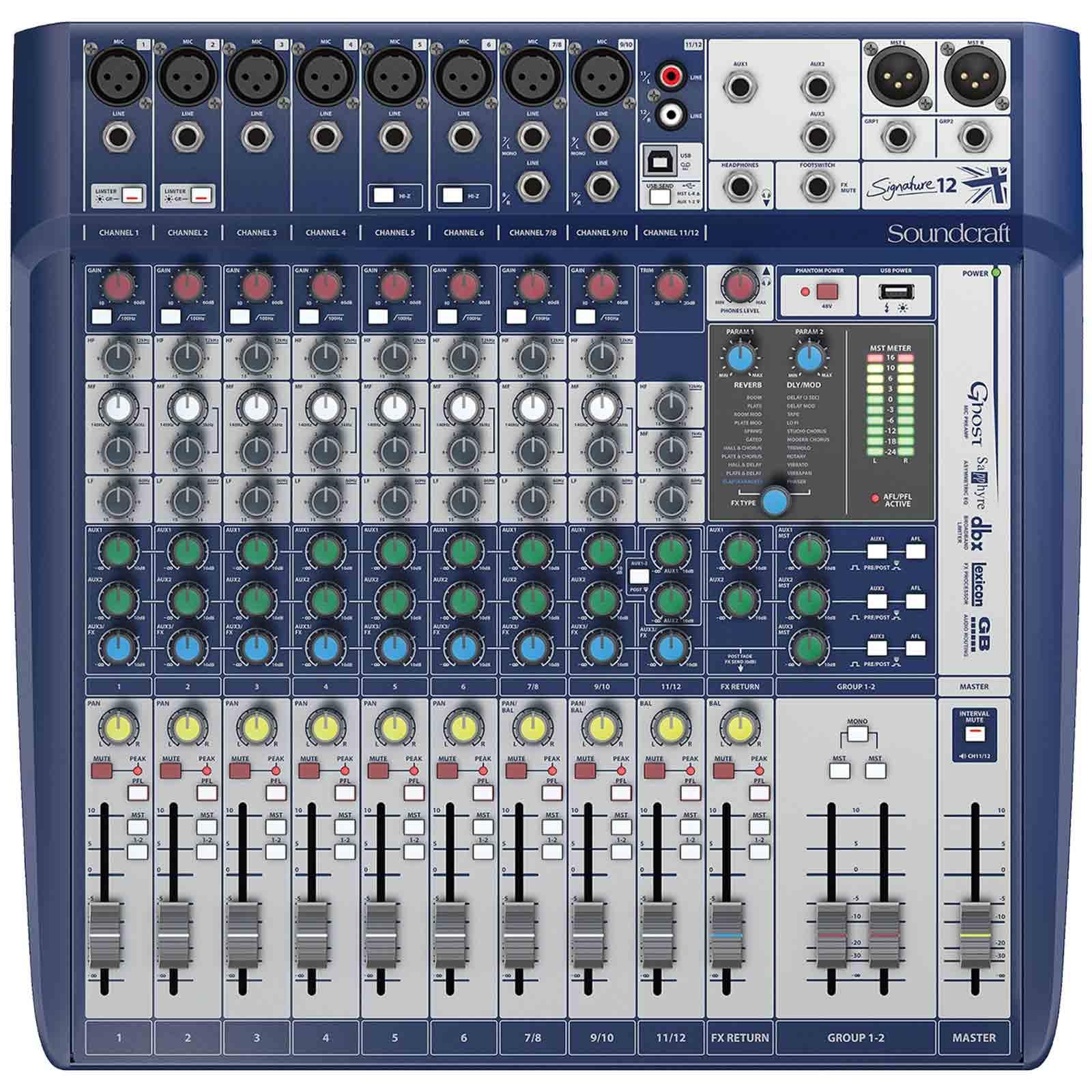
The Soundcraft Signature 10 has a USB connection with two inputs and two outputs, so the mixer's output can go straight into the video call computer and the remote voices can come back into the room speakers. Make sure the remote participants do not hear their own voices sent back, or they will get an echo. In a larger room with several speakers, book a technician to watch the stream.
Lavalier or handheld
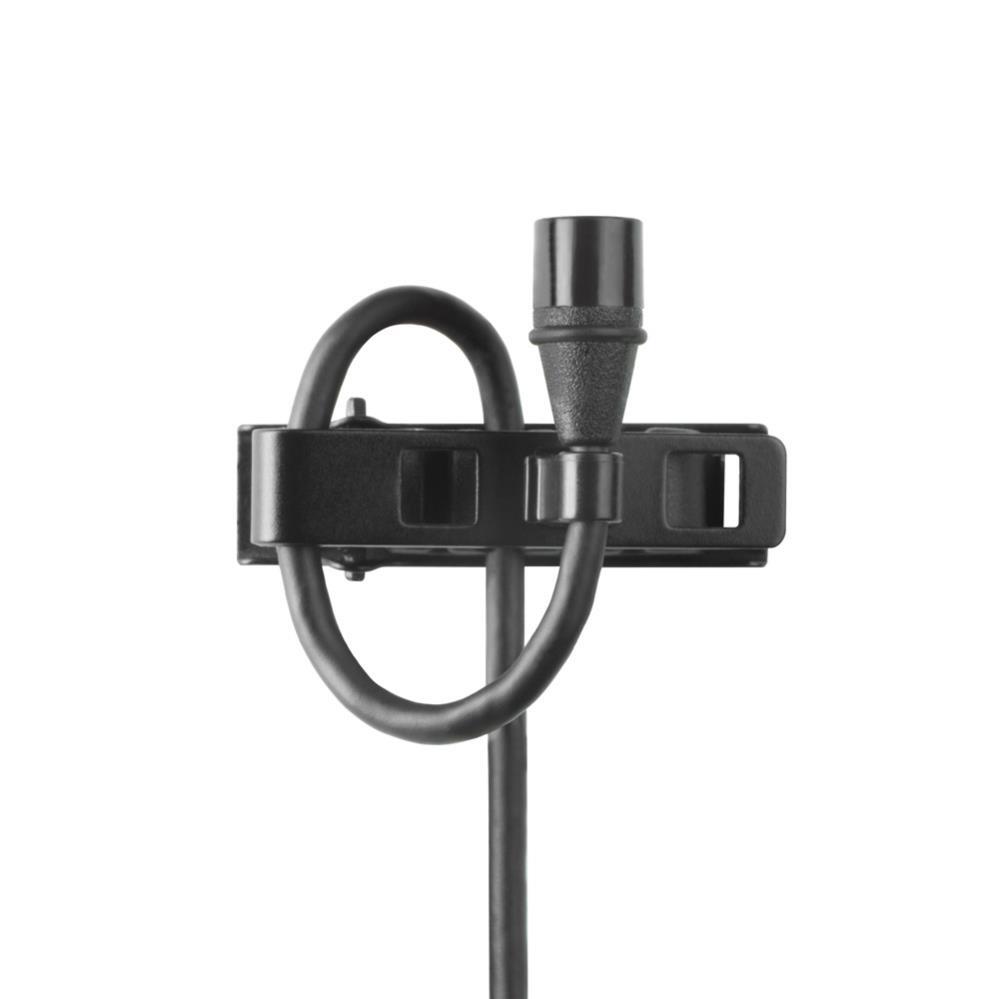
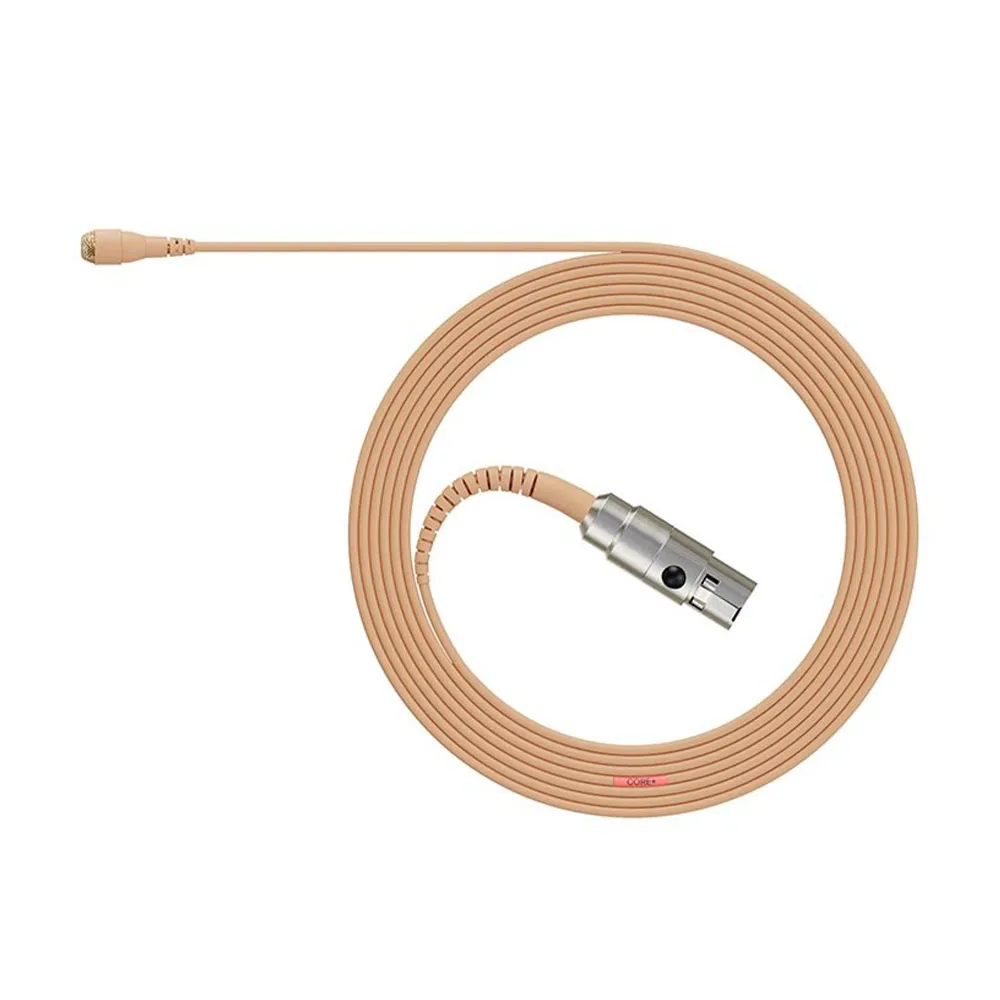
A lavalier leaves the presenter's hands free for the clicker and notes. The Shure MX150B and DPA 4061 are small omnidirectional lavaliers that clip onto clothing and are almost invisible. An omni mic hears from every direction, so in a small room the presenter has to keep away from the speakers, or it will feed back.
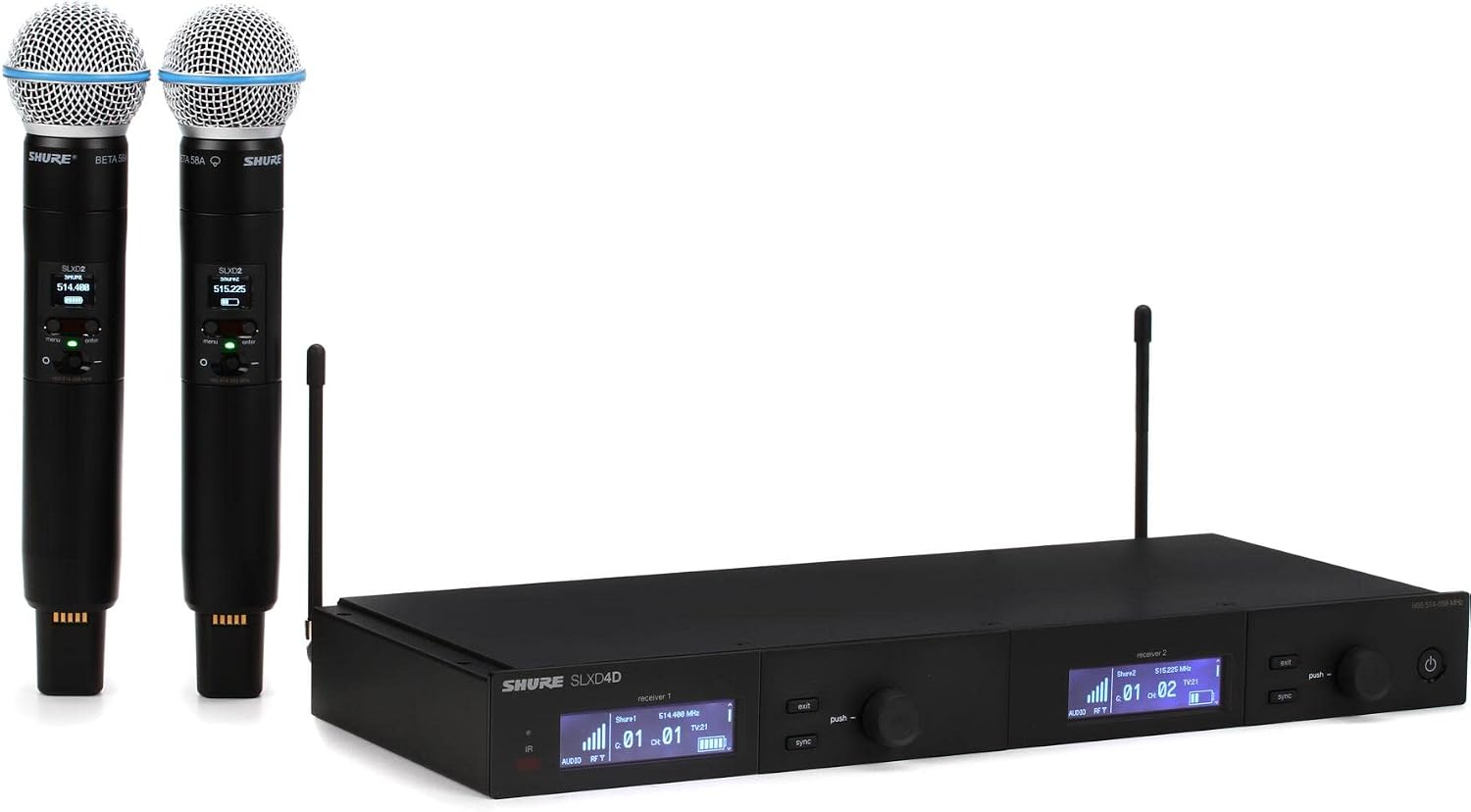
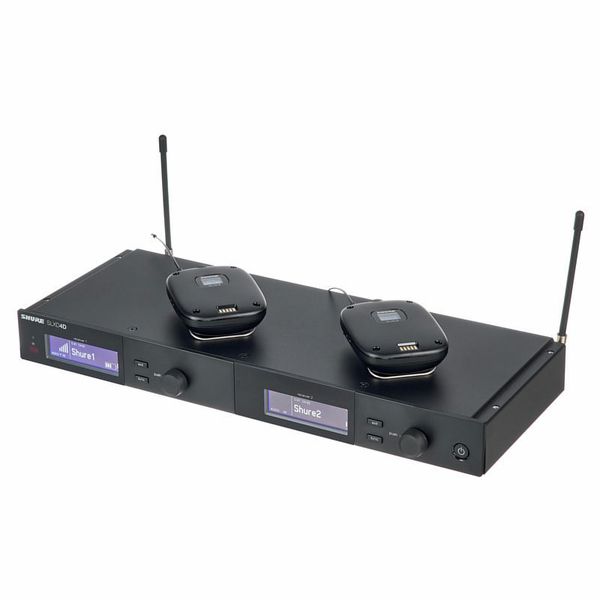
A handheld is better when speakers change or the audience asks questions. The Shure SLXD24D/B58 set has two wireless handhelds; the Shure SLXD14D is the same system with two bodypacks. Often the best answer is one lavalier for the main presenter and one handheld for questions.
- Clip the lavalier at breastbone height, not under the collar.
- Keep it away from necklaces: the clinking is audible.
- Hand the question mic to the audience, do not throw it.
What to rent for a meeting room
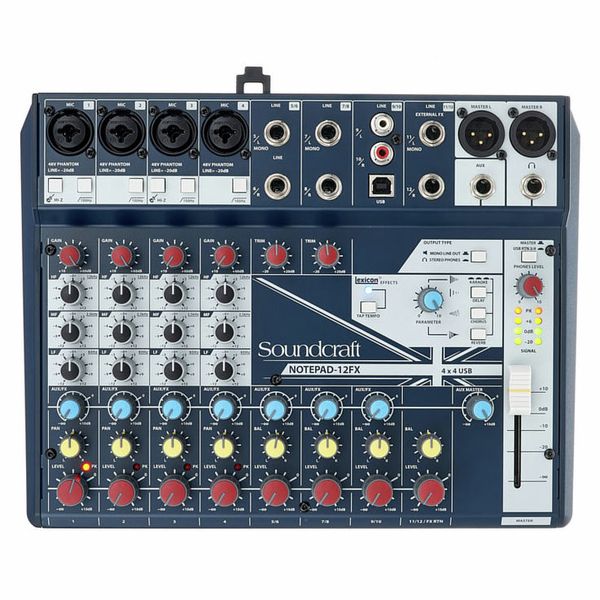
For a small meeting or training session of up to 50 people the Speech kit for up to 50 people fits: two JBL EON710, a Soundcraft Notepad 12FX mixer and two wireless handhelds. For a bigger room or several presenters, the Presentation and seminar kit for up to 150 people adds headset mics and a Radial USB-PRO for the laptop.
Meeting rooms are often in office buildings, where equipment comes up in a lift and has to be in place before the meeting starts. Agree with the building when you can get in and where the sockets near the screen are.