Questions from the audience: floor microphones and getting every question heard
Q&A is the liveliest part of many events and often the weakest technically. The presenter on stage is clearly heard, but when someone in the third row asks a question, only their neighbours hear it. The presenter answers a question half the room missed, and viewers of a stream or recording hear nothing at all. This guide covers how to get audience questions heard through a mic: mic runners, a stand mic in the aisle, wireless coverage in the hall and why a mic among the audience feeds back more easily than one on stage.
Two approaches: a runner or a stand mic
The first approach is a mic runner. One or two helpers move around the hall with a wireless handheld and bring it to whoever is asking. It is the most comfortable for the audience, since nobody has to get up. For more than a hundred people plan two runners, one for each half, so the next person is ready as soon as the previous one finishes.
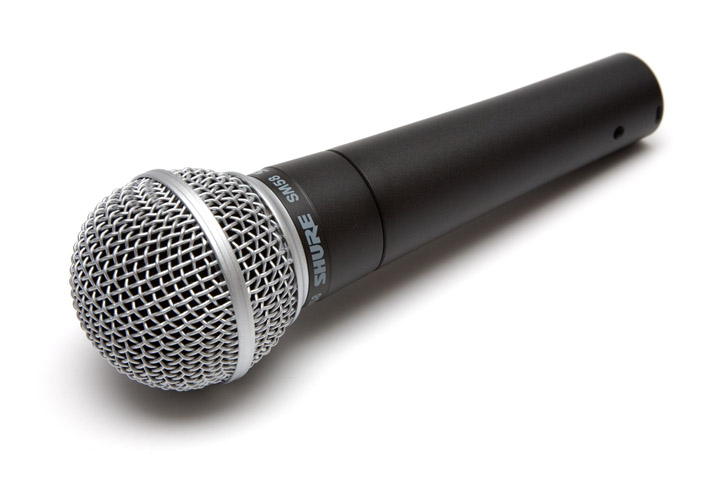
The second approach is a stand mic in the aisle. A mic on a stand, for example a Shure SM58 on a long K&M 210/9, stands in the aisle or at the front, and people queue to use it. It needs no helpers and no radio frequencies, and the queue keeps questions disciplined. The downside is that not everyone dares to walk to the front, so you get fewer questions.
Large conferences often use both: a stand mic in the aisle and a runner for the balcony or the far rows.
- Up to a hundred people: one runner with a wireless handheld.
- Over a hundred: two runners, or a stand mic plus one runner.
- Balcony or a separate section: its own runner or its own mic.
Instructions for mic runners
Running a mic seems simple, but a few rules make a big difference. The runner should either hold the mic near the asker's mouth or hand it over with a short instruction: “Hold it close to your mouth.” Many people who have never held a mic keep it at chest height and their question stays quiet.
The runner must know where the speakers are and avoid standing in front of or under them. A mic in front of a speaker feeds back at once. The runner should already be beside the person when the moderator gives them the floor, not still on the way. When the question ends, the runner takes the mic back so the asker does not start commenting on the answer.
Give runners five minutes before the event to walk the hall with the technician and listen for the danger spots.
Why a mic in the audience feeds back more easily
On stage the mics sit behind the speakers and sound travels away from them. In the audience the mic is in front of the speakers, inside their sound field. The speaker's sound goes straight into the mic and the feedback limit is far lower than on stage. On top of that, people asking questions usually speak quieter and further from the mic than practised presenters, so the technician is tempted to add gain.
The fix has several parts. At sound check the technician sets the floor mic gain while walking the hall with the runner and notes where feedback starts. A high-pass filter and EQ cuts at the feedback frequencies add a little headroom. If the hall has delay speakers, the area beneath them is especially risky, and the runner must approach so the mic stays away from the speaker. Our feedback guide goes into this in more depth.
Wireless coverage at the back of the hall
Stage mics are a few metres from the receiver, but a floor mic can be thirty metres away, behind pillars or under a balcony. If the receiver's antennas sit on the mixer desk behind the stage, the signal can drop out at the back.
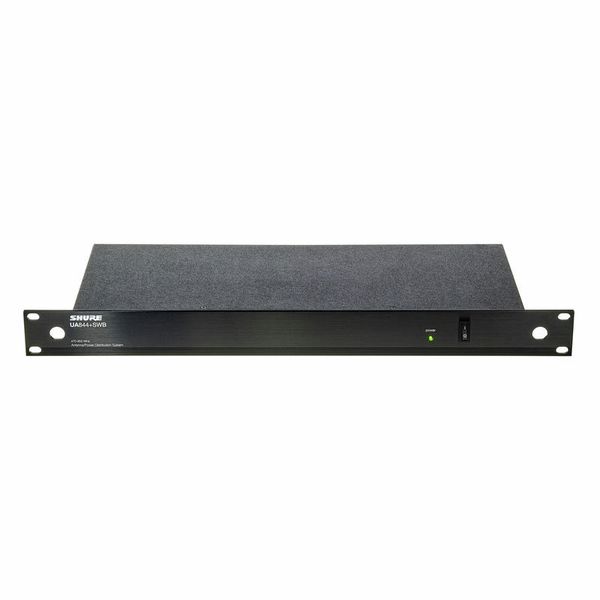
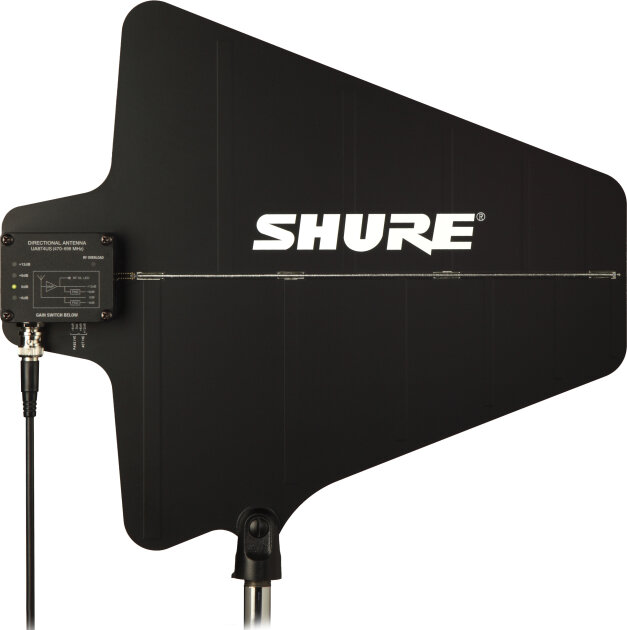
Proper antenna placement solves this. The Shure UA874WB is an active directional antenna that can be aimed at the hall on a stand, and the UA844+ distributes two antennas' signal to several receivers. Both come in our Four wireless handheld microphone kit with the SLXD4QDAN receiver. Put the antennas up high, in sight of the whole hall, and test a mic in the farthest corner during sound check.
If there are more than two floor mics and several wireless mics on stage as well, frequency planning matters. It has its own guide on running many wireless mics at once.
The moderator repeats the question
Even with the best equipment, the moderator or presenter should briefly repeat the question. The asker may speak quietly, quickly or in another language, and repeating it makes sure everyone in the room and on the stream knows what is being answered. It also gives the presenter a moment to think.
With no floor mics at all, repeating is the only way to make the question heard. That works for a small seminar, but not for a larger event where questions are long or a discussion develops.
Recording, streaming and hybrid events
If the event is recorded or streamed, a floor mic is a must. The camera mic does not hear the asker, and stream viewers see only a presenter answering an unknown question. Make sure the technician sends the floor mics to the stream mix too and that they are checked in the recording during sound check.
At a hybrid event where online participants also ask questions, someone has to read them out or the remote voice has to come through the room speakers. Our guide on hybrid event audio covers that.
What to rent
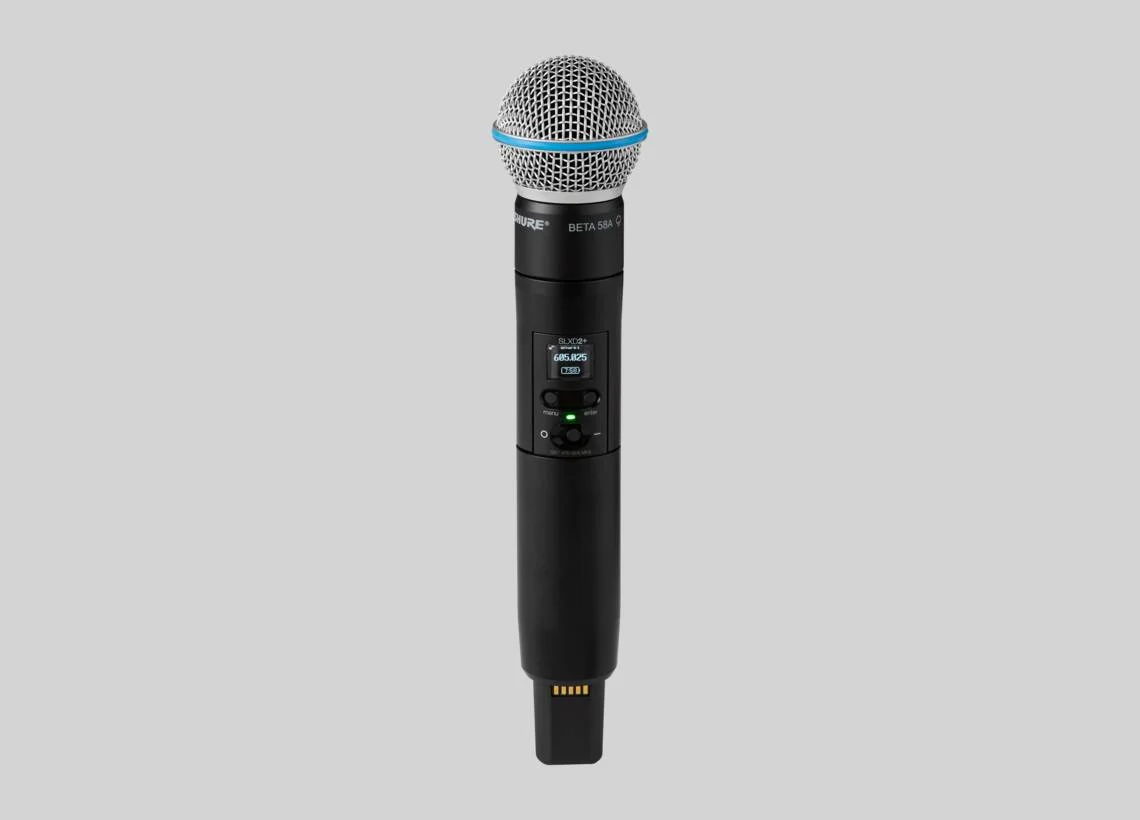
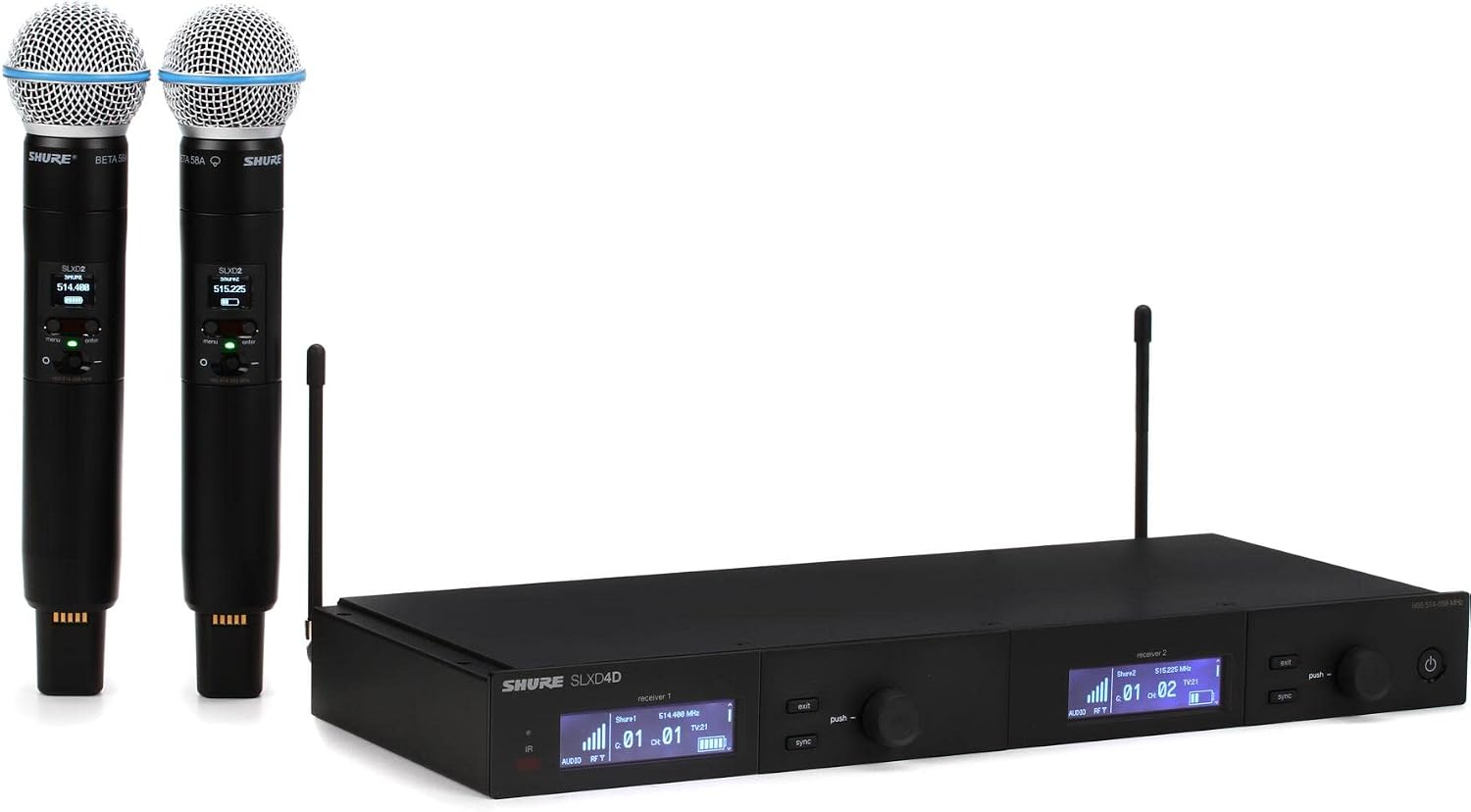
The simplest option is adding one or two wireless handhelds to the rental request, for example a Shure SLXD2/B58 for an SLXD4QDAN receiver you already have, or a separate SLXD24D/B58 dual system. For a stand mic, a wired Shure SM58 and a K&M 210/9 stand with a long enough XLR cable do the job.
If Q&A is part of a larger conference, look at the Conference kit for up to 300 people, which already has a quad receiver with handhelds and headsets. Runners are usually the organiser's own people. You can add a technician to the sound equipment rental who runs the mixer and briefs the runners.