Panel discussion sound: microphones for panelists and the moderator
A panel discussion is harder to amplify than a single talk. Three to six people sit on stage at once, take turns, interrupt each other, laugh and turn towards each other instead of the audience. The moderator moves, asks and hands the floor on. With too few mics, half the time goes into passing them around. With many mics all open at once, feedback risk rises and speech turns roomy. This guide covers how to share mics between panelists and the moderator, how to lay out the stage and what to expect from the technician. Getting questions from the audience heard has its own guide.
One microphone for everyone on stage
The key rule: every panelist and the moderator need their own mic. One or two mics passed between panelists mean every interruption and quick reply is lost to the audience. The discussion turns into a series of monologues and loses the liveliness that is the point of a panel.
Add one spare mic at the technician's desk in case a battery dies or a transmitter fails. If audience questions follow, you need one or two more floor mics. Four panelists, a moderator, a spare and two floor mics make eight wireless channels.
- Panelists: one mic each.
- Moderator: their own mic, ideally a headset or a handheld.
- Spare: one handheld on the technician's desk.
- Audience questions: one or two handhelds for the floor.
Handheld, headset or table mic
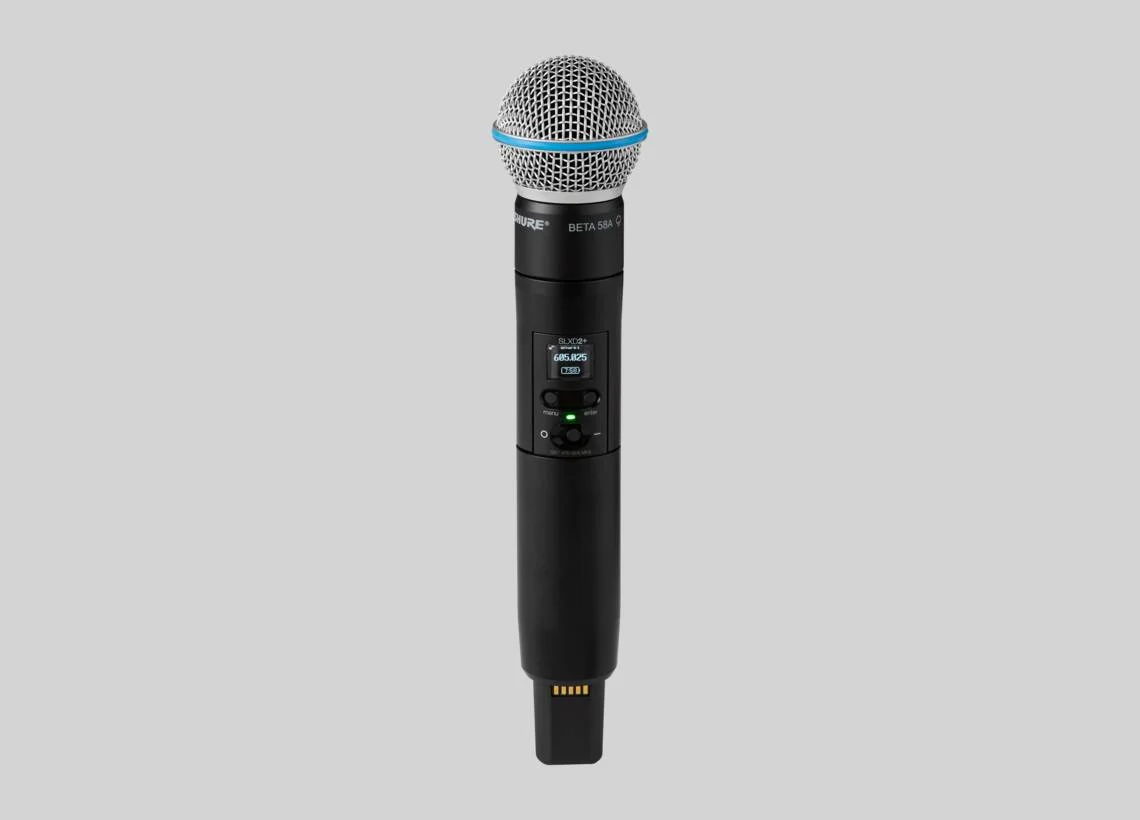
The handheld is the most common and dependable choice for panels. The panelist holds it in their lap and raises it when they speak. Everyone sees who is talking, and so does the technician. The downside is that people forget to raise it when they interrupt and wave it away when they gesture. For four handhelds our Four wireless handheld microphone kit has a Shure SLXD4QDAN quad receiver, four SLXD2/B58 mics, antennas and a battery charger.
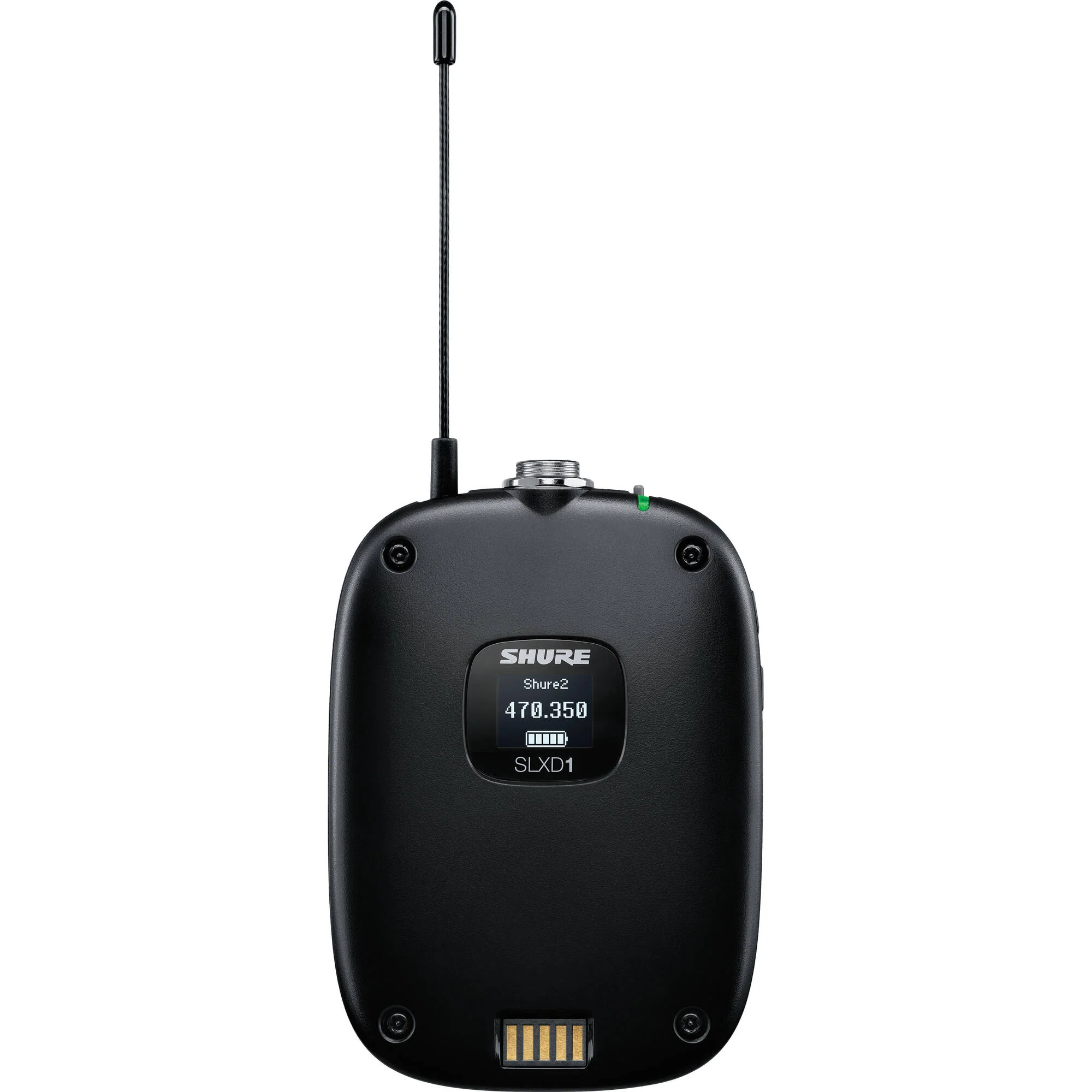
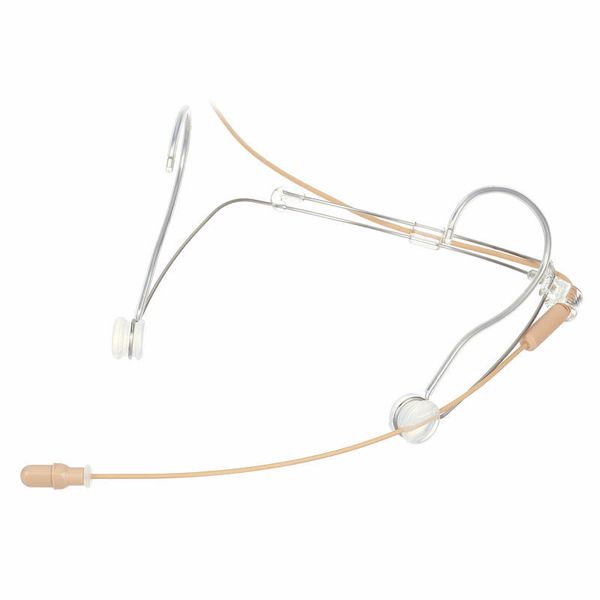
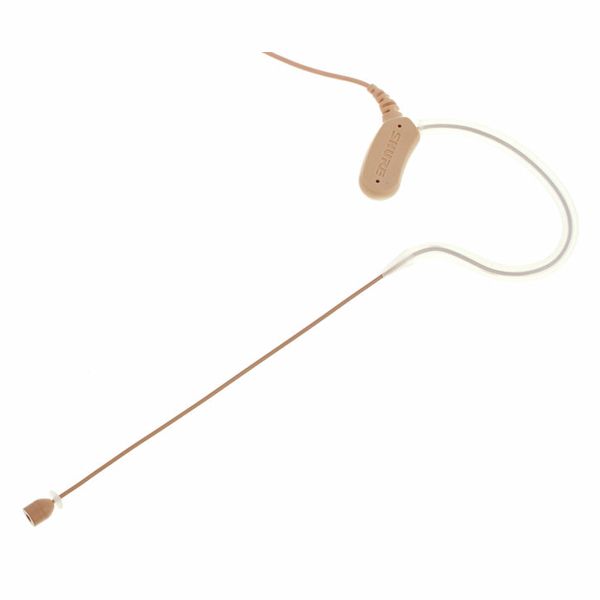
A headset such as the Shure DH5T or MX153T with an SLXD1 transmitter leaves hands free and keeps the distance from the mouth constant. It suits long panels with experienced speakers. The downside is that it also picks up coughs, sighs and side comments, so the technician has to be extra attentive. A lavalier is the weakest choice for a panel, because panelists turn to each other and the voice drops away.
For a panel seated at a table, wired mics on short stands work too, for example a Shure SM58 on a K&M 259/1. They need no batteries or radio frequencies. Panelists do have to speak towards the mic and not push their chair back too far.
The moderator's microphone
The moderator talks the most and moves the most. Give them a mic that stands out: a headset if the panelists have handhelds, or a handheld with a different coloured ring. The technician then knows straight away which channel to open when the moderator speaks.
If the moderator also relays audience questions, a handheld is better, because it can be passed to the person asking. A moderator on a headset has to repeat the question, which is good practice anyway.
Stage layout and speakers
Seat the panel in an arc so they can see each other and the audience. In a straight row, the panelists at the ends turn towards the middle and away from their mic. An arc also means each panelist talks more towards the audience.
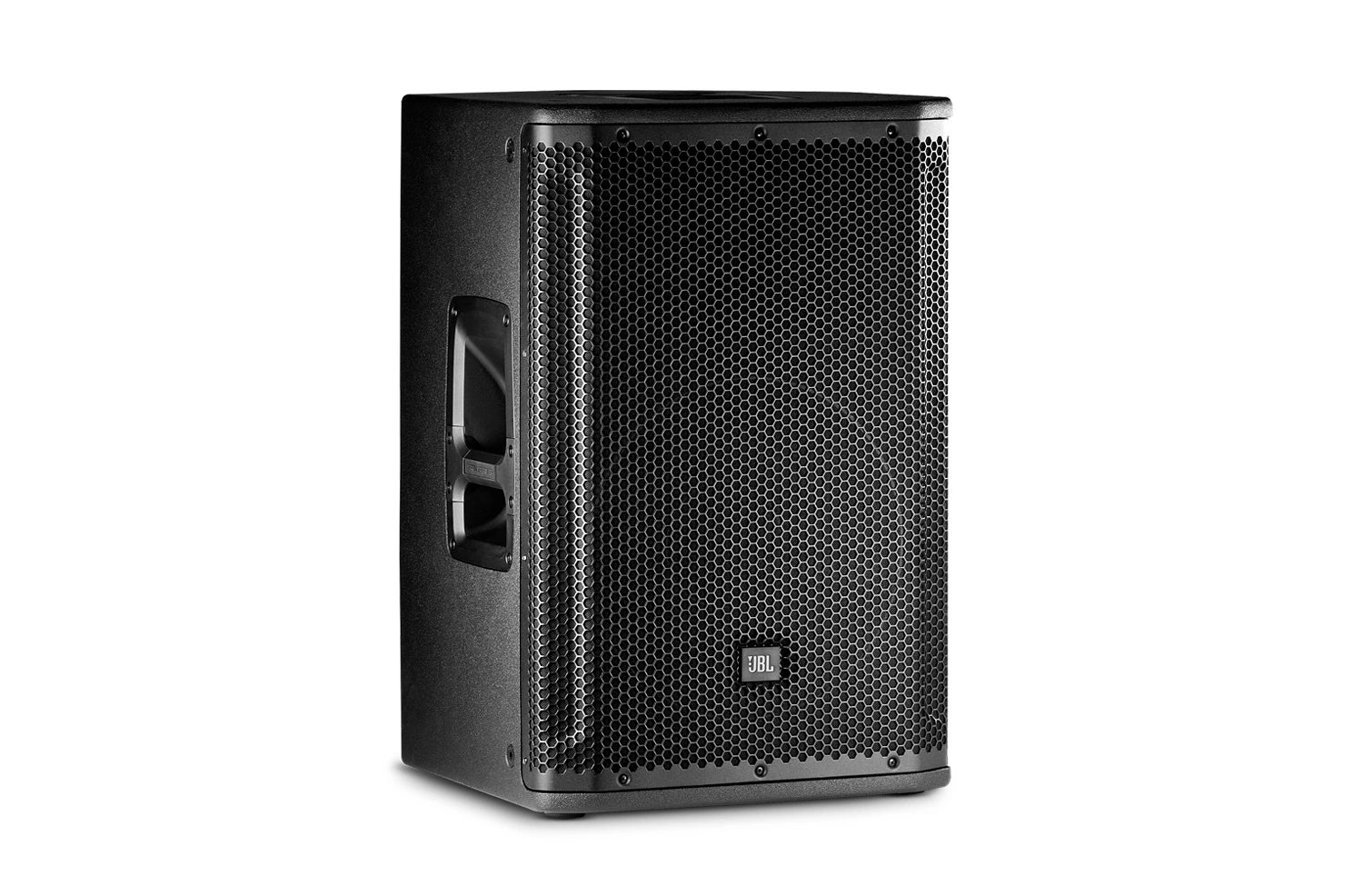
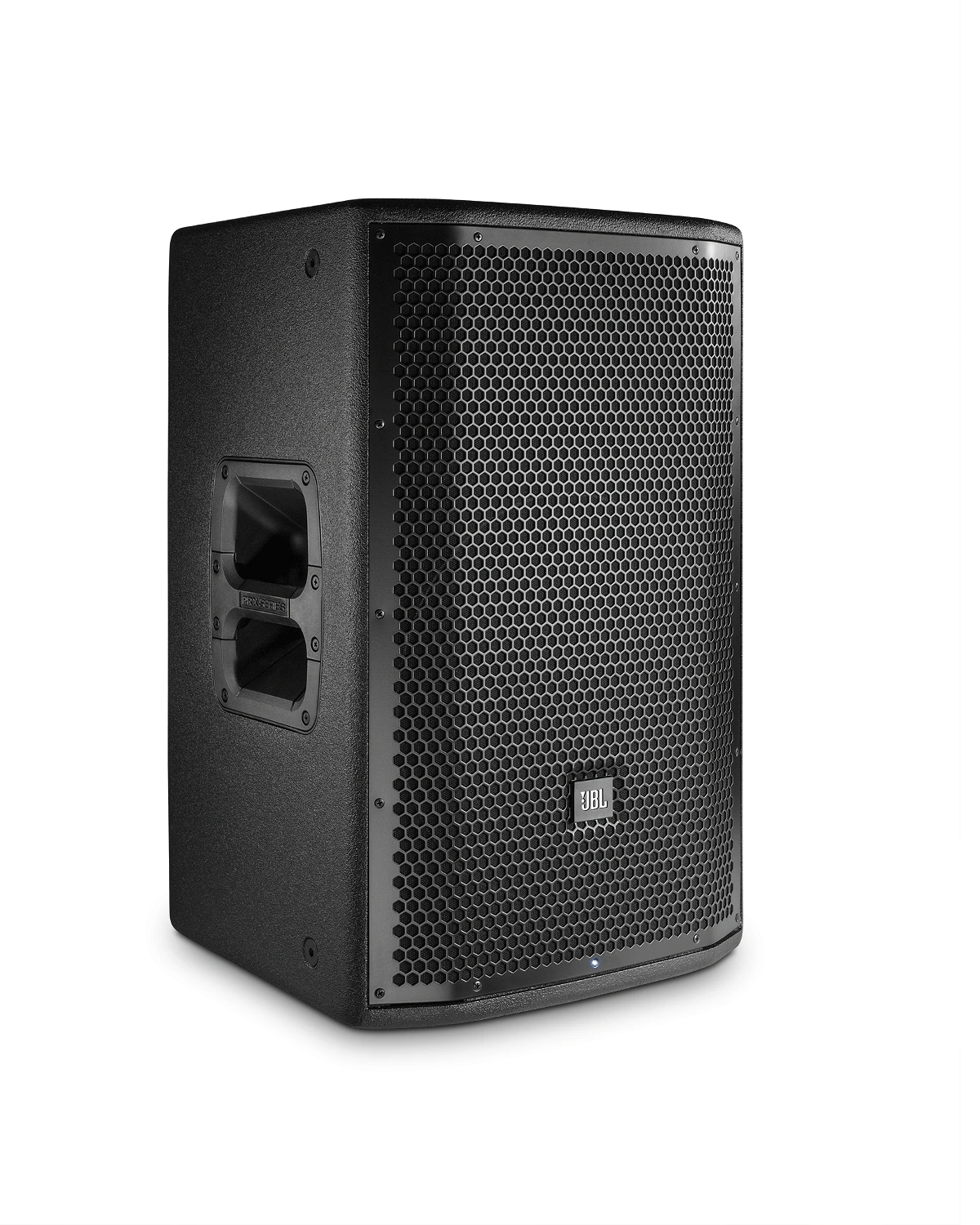
Speakers belong in front of and to the sides of the panel, aimed at the audience, not at the panel. With several open mics on stage and a speaker behind them, feedback starts quickly. If panelists struggle to hear each other, especially in a large hall, a small monitor such as a JBL EON710 at the stage edge at very low level helps. Usually seating the panelists close together is enough.
Put a small table or stand by each chair for water and the mic. A mic rustling on the floor or in a lap comes through the speakers.
The technician's job: opening and closing mics
Five open mics each pick up all the other voices and the room. Speech then sounds distant and roomy and the feedback limit drops. So during a panel someone has to sit at the mixer, open the mic of whoever is speaking and pull the others down. A good technician does not close mics fully but keeps the silent ones low so interruptions are not lost.
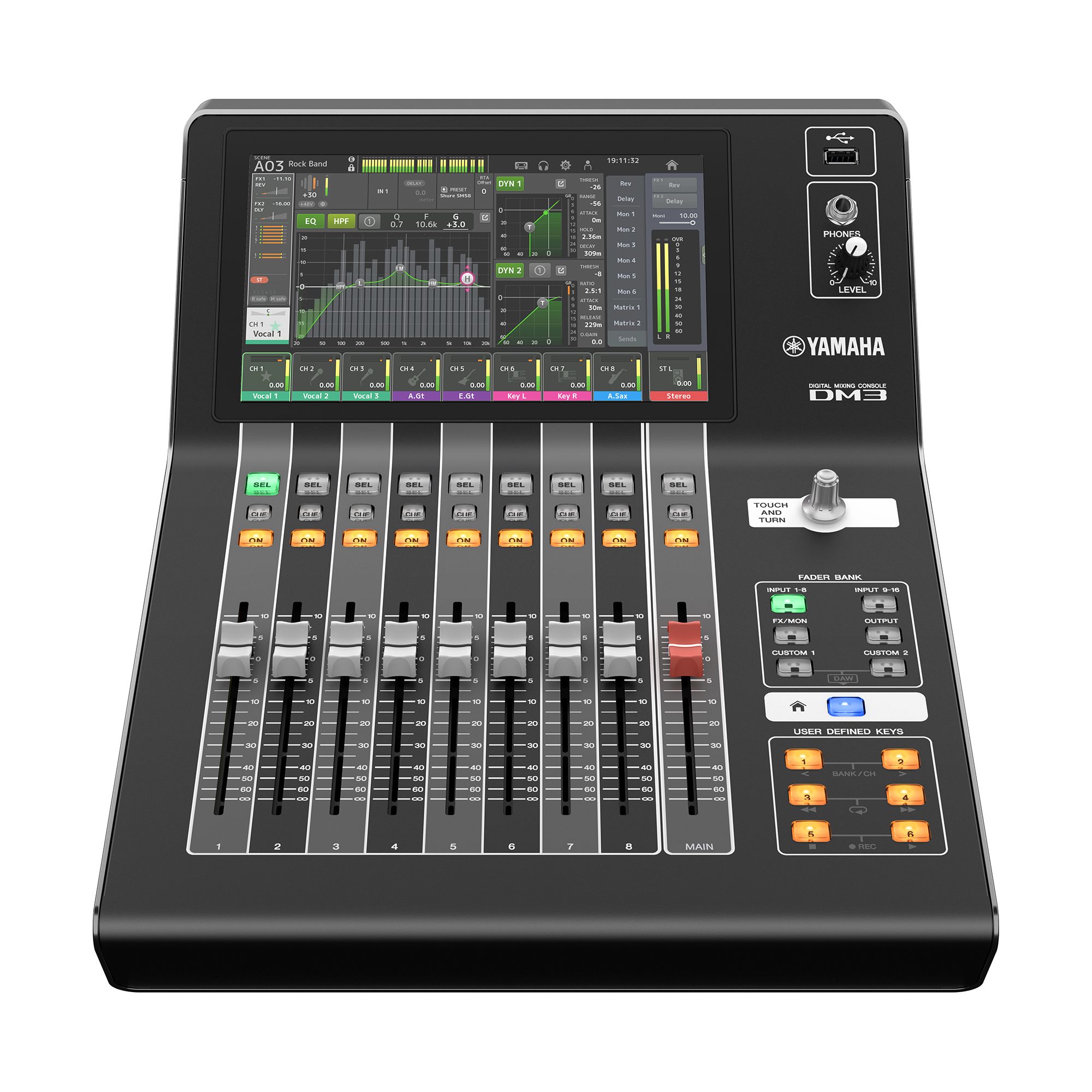
A digital mixer such as the Yamaha DM3 or Soundcraft Ui24R makes this easier. Channel settings can be stored for each panelist and channels named after them. With the Ui24R the technician can run the mixer from a tablet while sitting in the hall, hearing the panel as the audience does.
A panel without a technician works worse. On a tight budget, consider wired table mics with an on/off switch, such as the Shure SM58SE, that panelists switch themselves. With the sound equipment rental you can book a technician who runs the mixer for the whole panel.
Preparation before the panel
A panel takes longer to sound check than a single speaker, as every mic has to be tried separately. Plan at least five minutes per panelist and ask the panelists to arrive before the event starts.
- Draw a seating plan with each panelist's name and mic number and give it to the technician.
- Mark mics with coloured rings or stickers.
- Charge the batteries; the wireless kit includes a Shure SBRC charger for this.
- Give the panelists a short briefing on holding the mic before they start.
- Agree how the moderator signals the technician when someone wants to cut in.