Sound in several rooms and the foyer: zones, cabling and overflow rooms
Many events do not fit in one room. A conference has a main hall and a foyer where coffee is served and where the announcement that the next session is starting has to be heard. A company evening at a restaurant uses two rooms and a terrace. At a house party there is music in the living room but people want to talk in the garden. When a sound equipment rental covers several rooms, you have to decide before choosing speakers whether every room plays the same thing or something different, who controls the volume where, and how the signal gets from one room to another. This guide walks through those decisions.
Same content everywhere, or each room its own
The first question shapes the whole setup. If every room must hear the same thing, such as the main-hall speech in an overflow room or an announcement in the foyer, you need one central mixer and a signal that reaches every room. If different things happen in the rooms, say dancing in one and a quiet lounge in the other, it is simpler to give each room its own small system.
Often the answer is a mix: the foyer has its own background music, but announcements from the main hall must reach it too. Then you need a mixer that can make a different mix for each room. Write down for each room what has to be heard there and how loud, before you send the request.
- Main hall: speeches, presentations, full-range music.
- Foyer: quiet background music and announcements.
- Overflow room: only the main-hall speech, clear and without music.
- Terrace or garden: its own music or announcements only.
Option 1: a separate system in each room
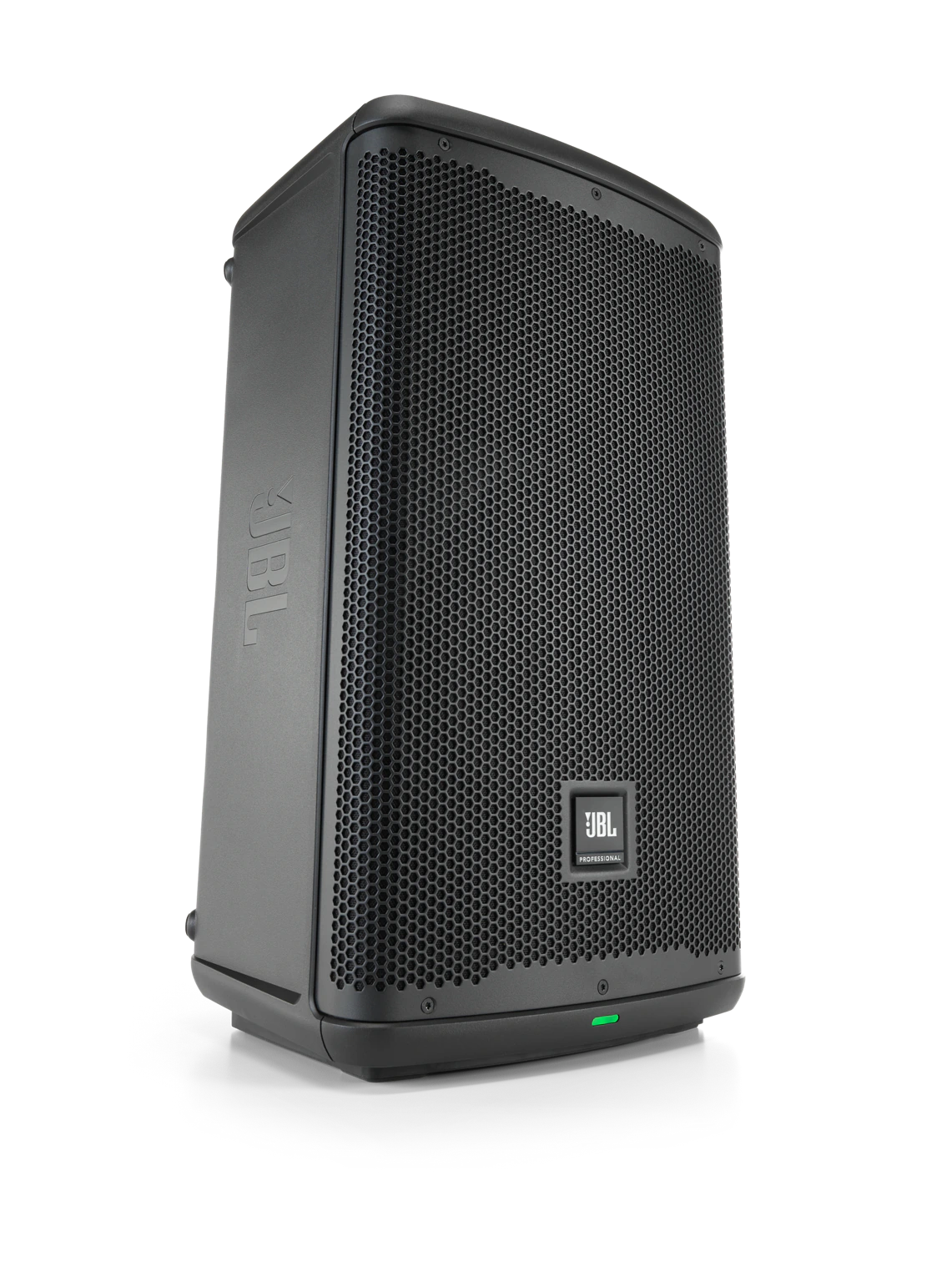
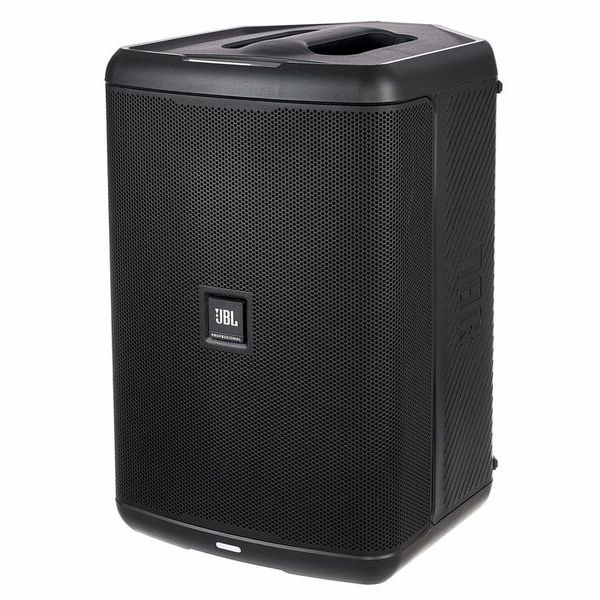
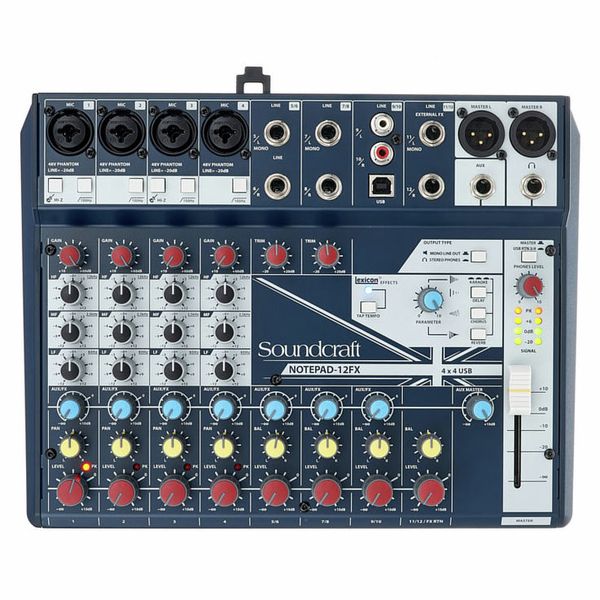
The simplest and most robust solution is to give each room its own speakers and source. For a foyer, two JBL EON710 speakers with a small Soundcraft Notepad 12FX mixer and a phone or laptop playing background music work well. For a terrace or garden with no power nearby, the JBL EON COMPACT ONE is a battery-powered portable speaker with a built-in mixer.
The advantage is that each room's volume is independent, and if something happens in one room the others keep playing. The drawback is that announcements cannot be made from one place: someone has to take a mic in each room, or each system needs its own wireless microphone.
Option 2: one digital mixer, several zones
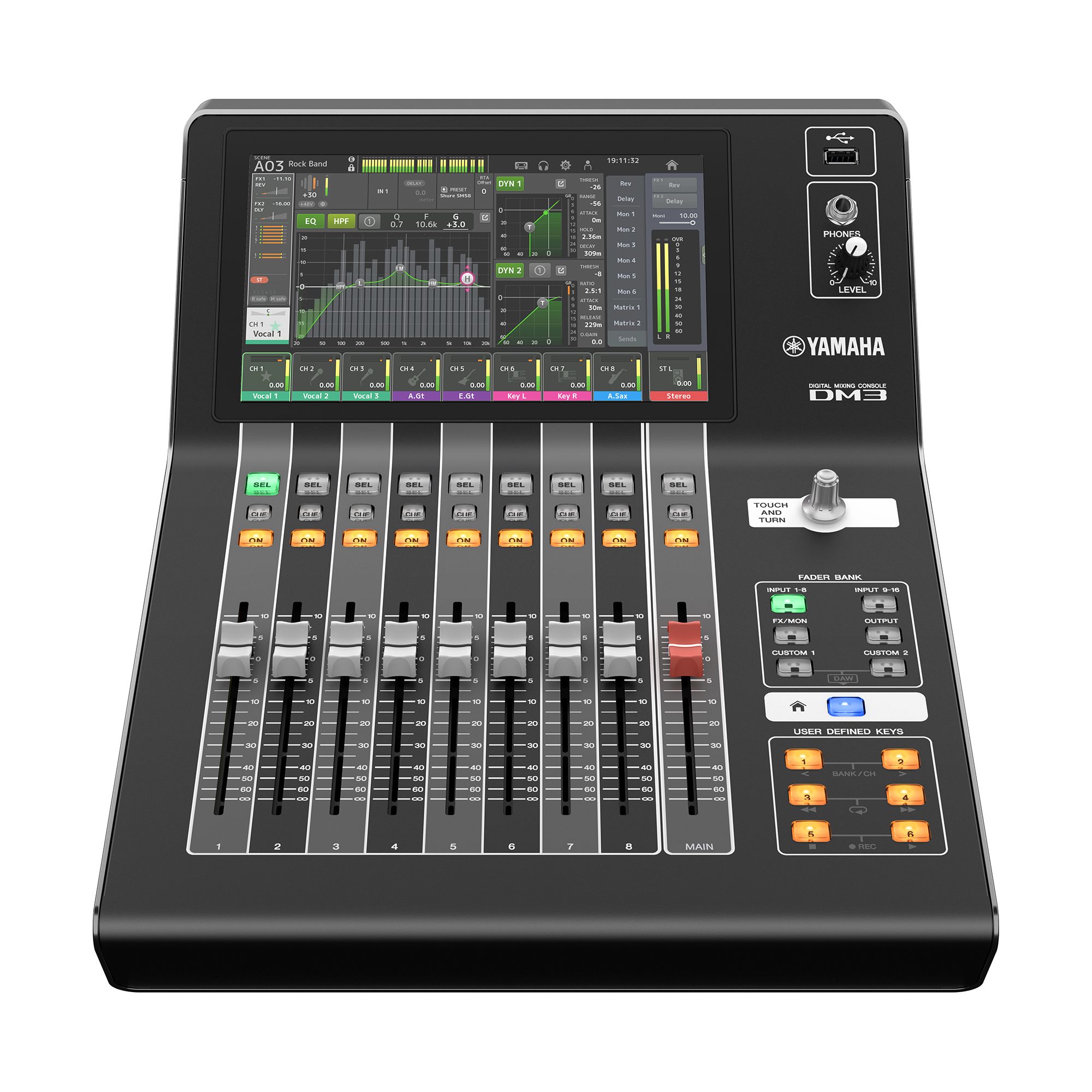
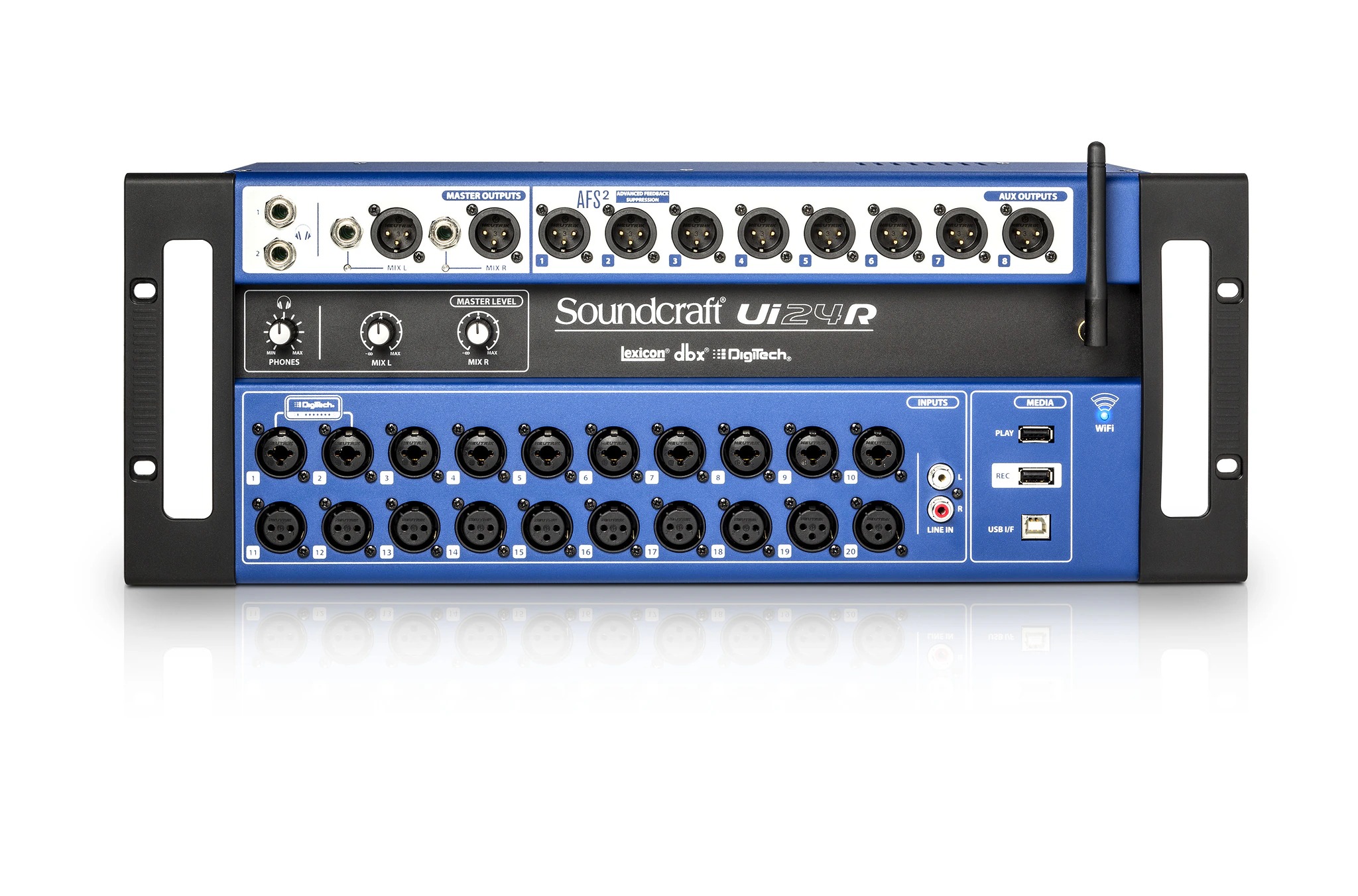
When the same content has to reach several rooms, the right tool is a digital mixer with several outputs. Each room, or zone, gets its own output and its own mix: the main hall all inputs at full level, the foyer background music and the host's mic quieter, the overflow room only the speech mics. The Yamaha DM3 has 16 inputs and 8 outputs according to the catalog, enough for several zones. The Soundcraft Ui24R is controlled wirelessly from a tablet, so you can stand in the foyer, set that room's level and hear how it actually sounds there.
Set each zone's level from the mixer output, not from the back of the speaker. That gives one place where all levels are visible, and nobody accidentally turns a foyer speaker all the way up. Label outputs and cables with the room name: Foyer, Hall B.
Getting the signal to another room: cables, splitters and Dante
A balanced signal on XLR cable handles long runs without audible loss, so foyer speakers can be fed from a mixer several tens of metres away. Walk the route first: the cable must not get caught in a door or stop a fire door from closing. Fire doors are never wedged open for a cable; ask the venue where cables may be run.
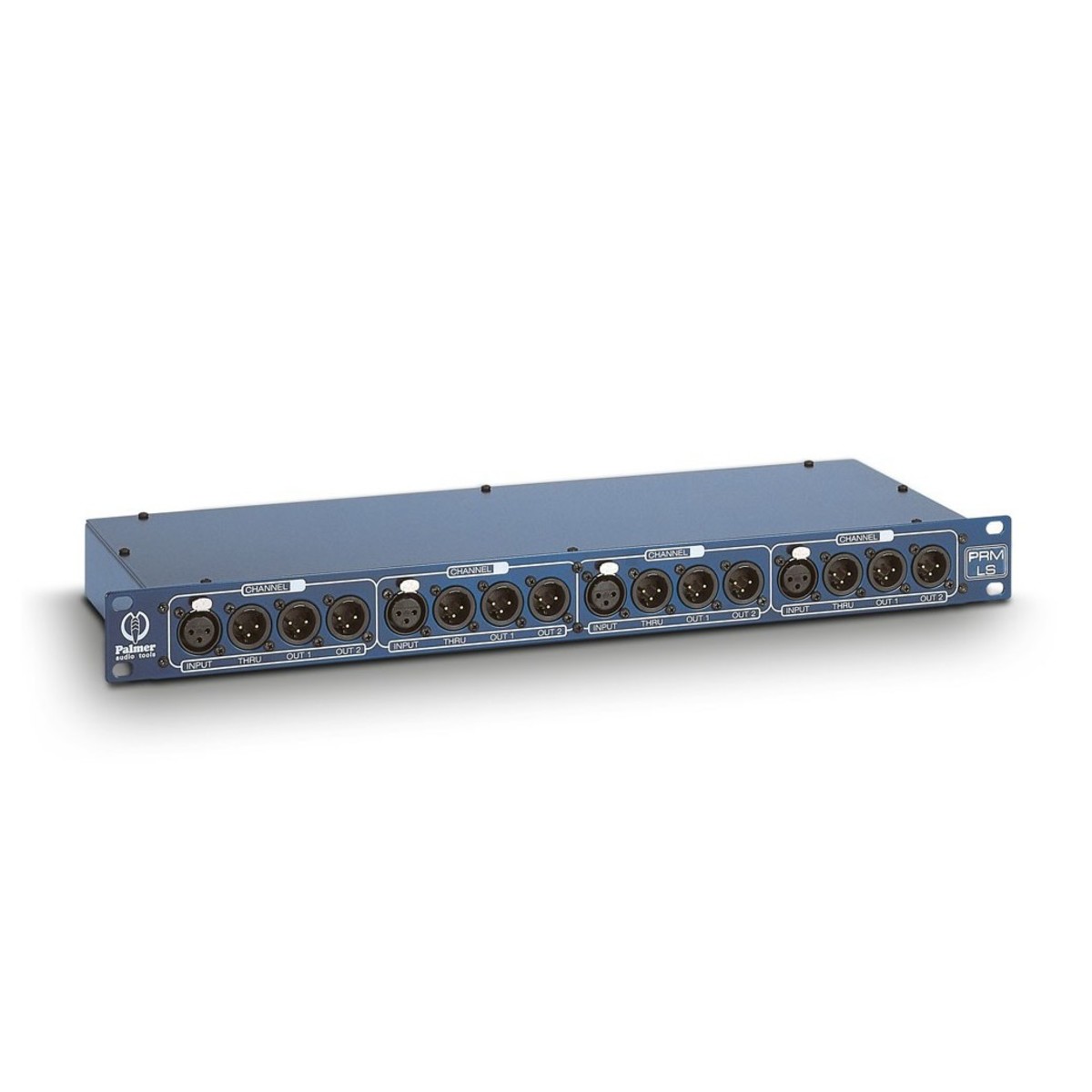
If the same signal has to go to several places, for example the foyer and the video team, split it with the Palmer PRMLS four-channel line splitter, so each destination gets its own feed and unplugging one does not cut the others. If the foyer has the building's own sound system, connect your mixer to it through an isolator such as the Palmer PLI-04, which prevents hum between the two systems; ask the venue which input to use and at what level.
At larger events where the rooms are far apart, Dante is used: a Yamaha RIO1608-D2 or RIO3224-D2 stagebox in the other room connects to the mixer over one network cable and carries all the channels needed there. That is a solution for a technician to configure.
Echo at the doorway and bass through the wall
Someone standing in the doorway between two rooms hears the speakers in both. Sound from the farther speaker arrives later and speech turns blurry, as if the room had strong echo. Point zone speakers away from doors and keep the foyer level low near the doorway. Digital mixers can add delay to an output so a distant speaker plays in time with the main hall; it is the same principle as delay speakers in a long hall.
When adjacent rooms play different music, the problem is bass. Low frequencies pass through walls and doors far more easily than high ones, and in a quiet room all you hear of the dance music next door is the thump. Do not put a subwoofer against a wall with a quiet room behind it, and if possible choose the room farthest from the others for dancing.
Microphones that move from room to room
A wireless microphone signal weakens as it passes through walls. When the host walks from the main hall into the foyer, the signal may drop out, even though everything worked perfectly in one room. The fix is antennas: a Shure UA844+ antenna distribution system with two Shure UA874WB directional antennas lets you place the antennas near the doorway so they see both rooms. The alternative is giving the foyer its own receiver and microphone.
When several radio systems run in the rooms, their frequencies must be coordinated or they interfere with each other; the guide on running several wireless mics covers this. During the sound check, walk the whole route with the mic, in every room the presenter might enter.
Who runs which room
A multi-room event needs clear responsibility. With one mixer, one person sits at it with a list: when to bring the foyer music down, when an announcement goes out, when the overflow room is switched on. With a system in each room, every system has its own person who knows where the volume control is and what to do if the sound disappears.
During the event, walk through every room and listen. At the mixer everything sounds right, but in the foyer the music may be too loud for conversation, or the speech too quiet in the overflow room. For a small event it is often enough for one of the organisers to do a round every hour and report back.