How to prevent microphone feedback
Feedback is sound that goes from the speaker into the microphone and back out of the speaker, round and round until it builds into a howl. It is caused not by bad equipment but by placement and levels, which means it can almost always be prevented before the first guest arrives. Here is how we set a system up so it does not ring, and what to do if it rings anyway.
Speakers in front of the microphones
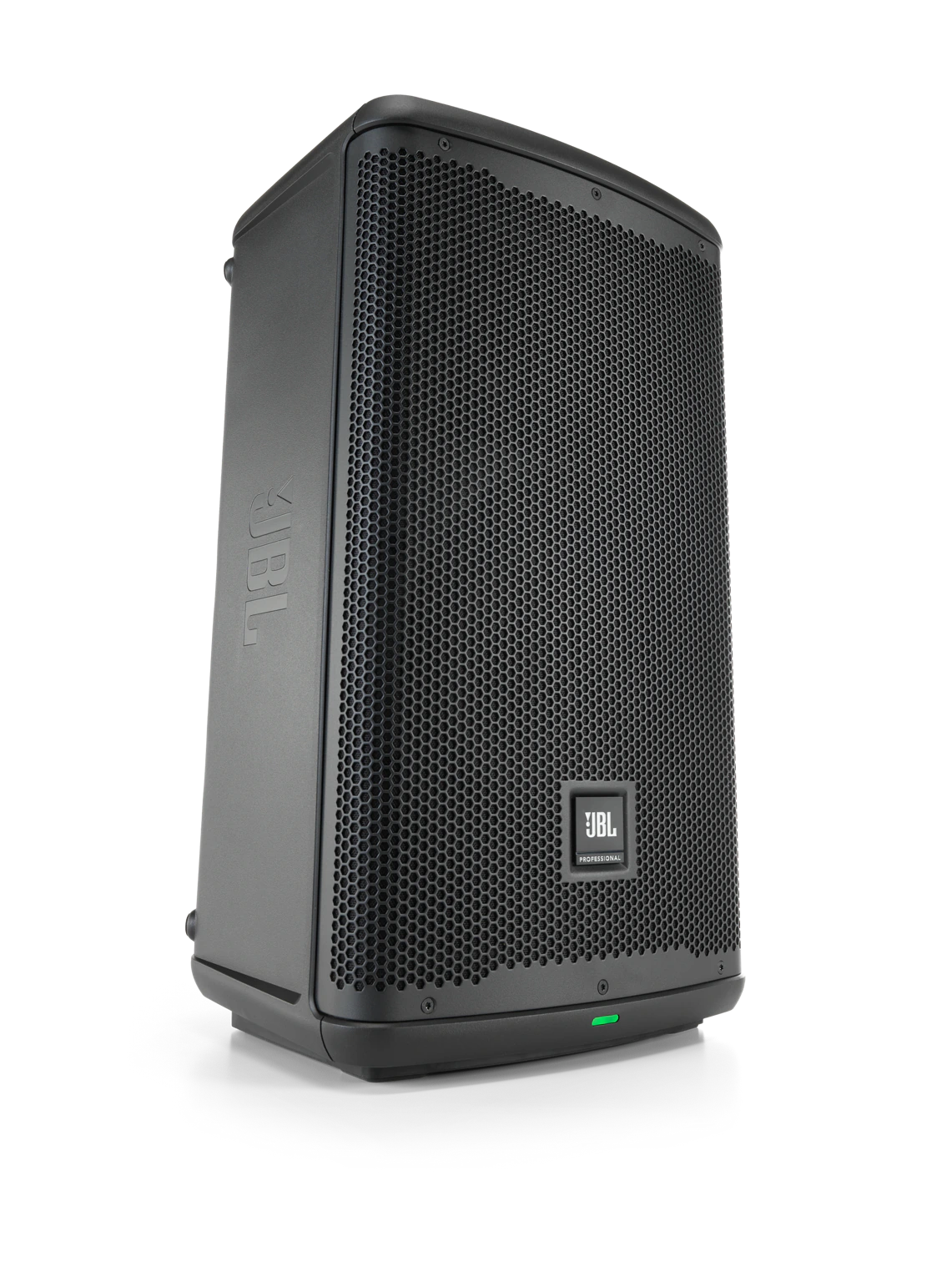
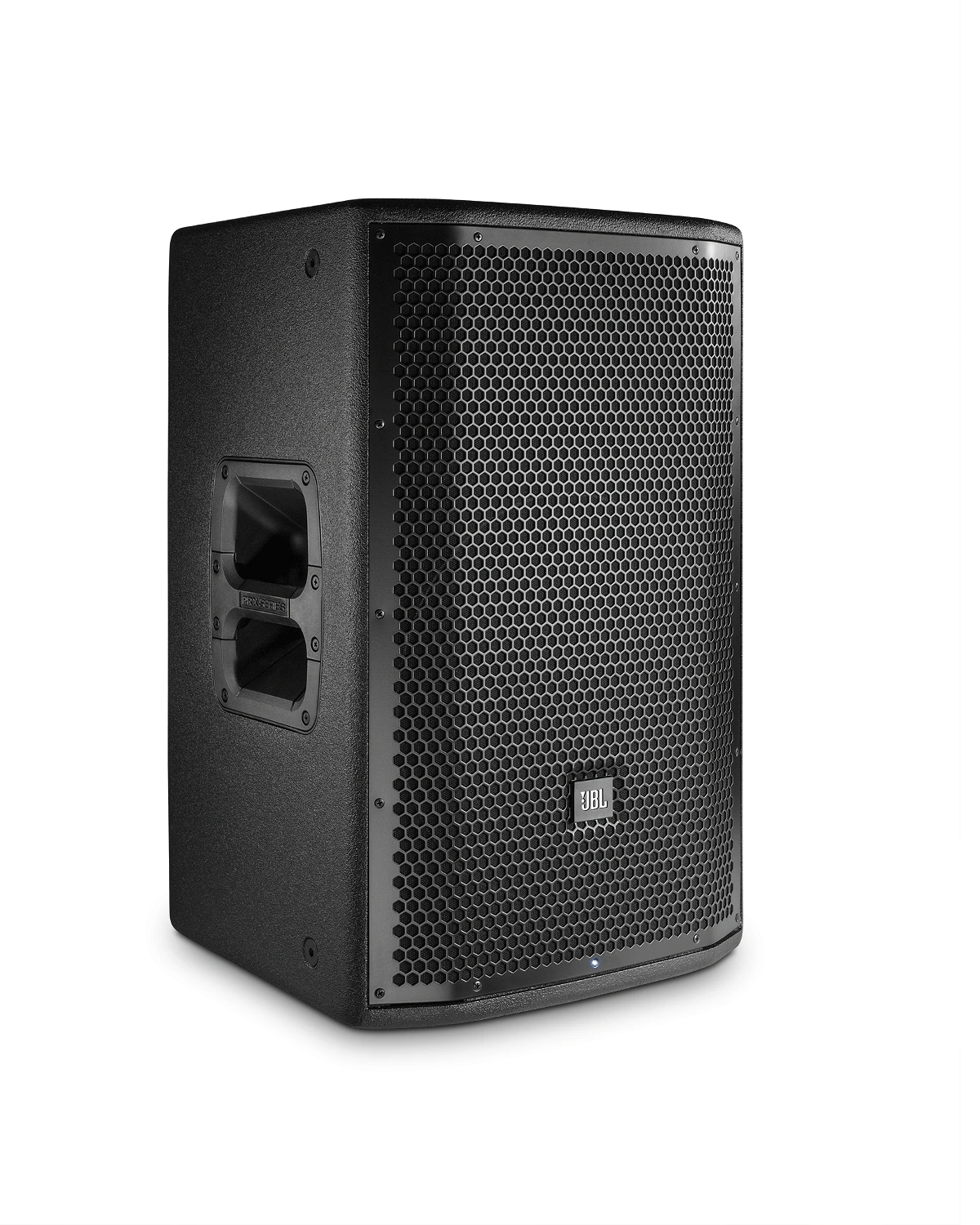
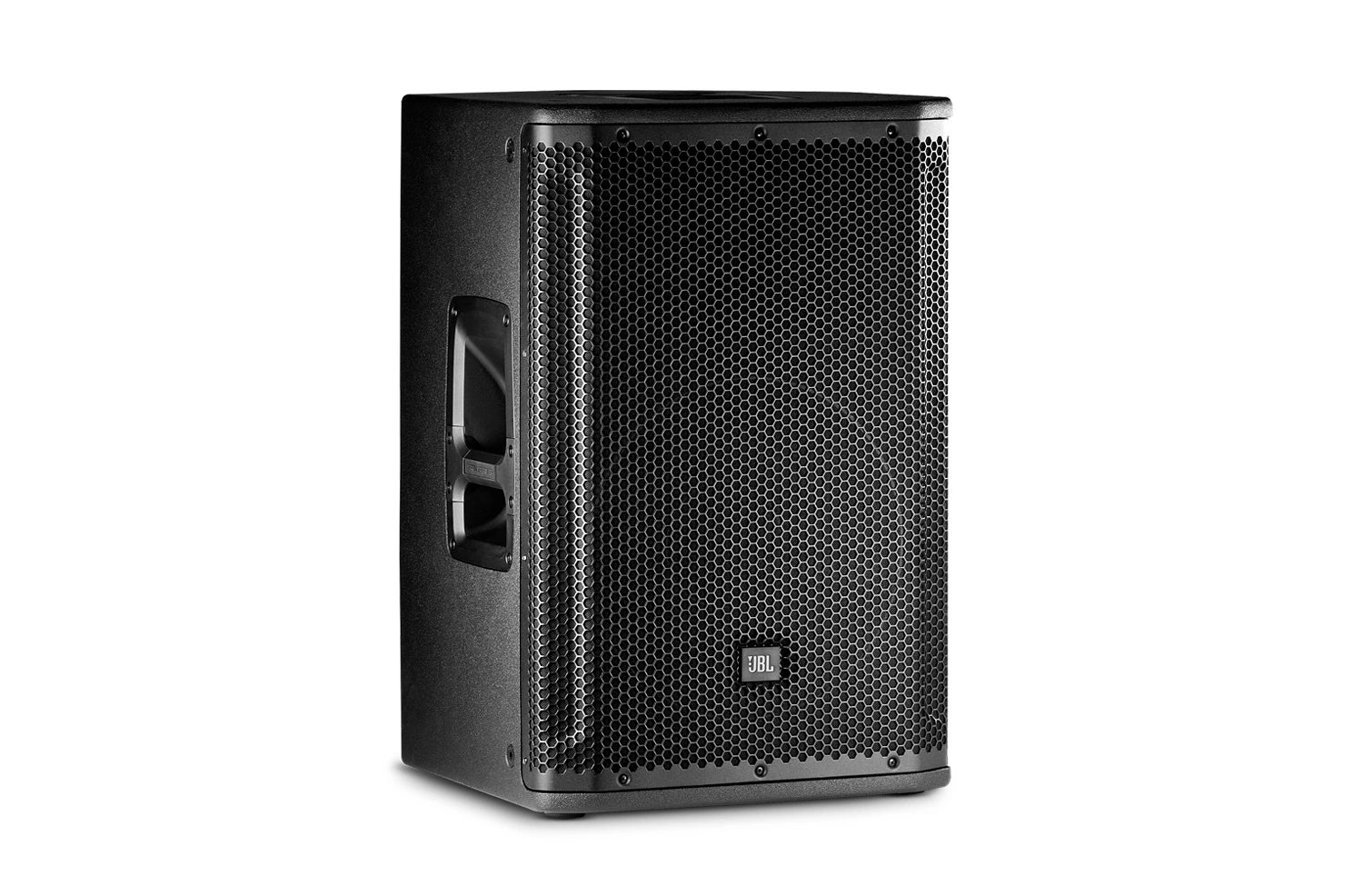
The basic rule is simple: the speakers must be in front of the presenter and the microphones, facing the audience, never behind or beside them. If a microphone stands behind a speaker or the speaker points at the presenter, the amplified voice goes straight back into the capsule and the system starts ringing at a low level.
In practice this means the two speakers on stands go at the edge of the stage or performance area, aimed at the audience, and the person with the microphone stays behind them or at least on the same line. Raise the speakers on their stands above head height, so the sound reaches the audience instead of the presenter's ears and microphone.
- Speakers in front of the presenter, facing the audience.
- A microphone on a stand at least a couple of metres from the speaker.
- Tell the presenter not to walk in front of the speakers with the microphone.
- Near reflective walls, angle the speakers towards the middle of the room, not the wall.
Monitor angle and distance
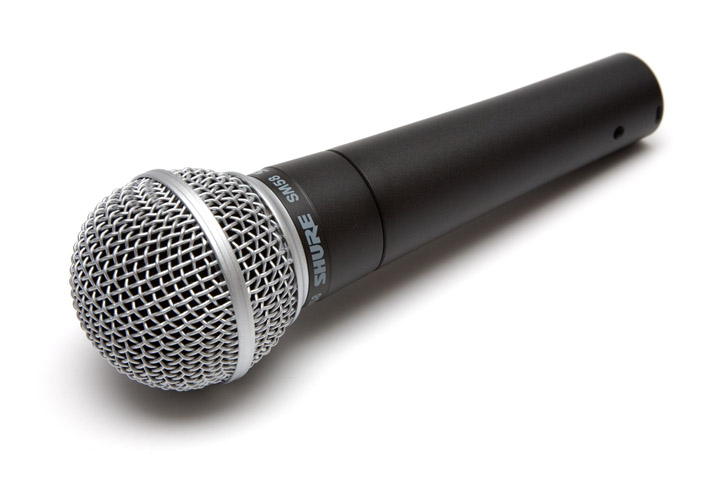
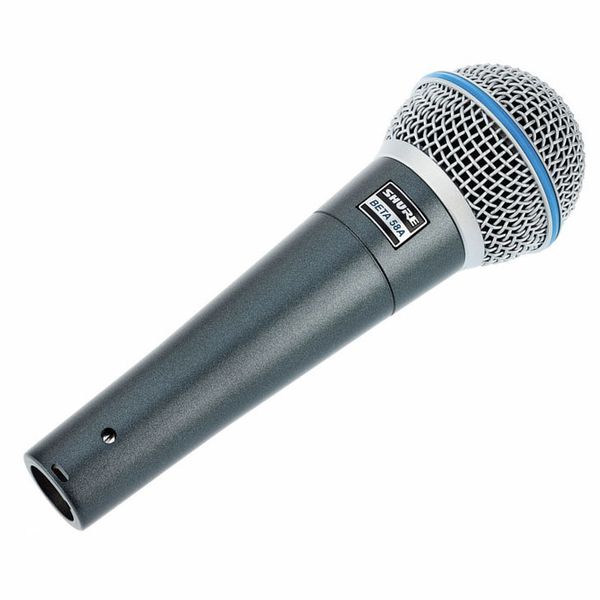
A stage monitor is always behind the microphones, because it has to reach the performer. Here direction helps: a cardioid microphone such as the Shure SM58 is least sensitive directly from behind, so the monitor should sit straight behind the microphone, tilted up at the performer's face. The supercardioid BETA 58A is least sensitive at roughly 120 degrees, so two monitors angled at the sides suit it better than one in the middle.
Keep the monitor level as low as the performer can tolerate. If a singer struggles to hear, in-ear monitoring, as in our In-ear monitor kit for four musicians, is the sure fix: there is no monitor on stage at all and the feedback risk goes with it.
Gain and level set right
A mixer channel has two controls that affect feedback: the input sensitivity, or gain, and the channel fader. Set the gain so that the presenter's normal voice lands in the upper green on the mixer's meter, not in the red and not barely visible. Then the fader controls loudness without the whole system being made too sensitive.
Set the speaker level so that feedback does not start even with the fader a couple of centimetres above where you need it for the event. That headroom is what saves you when a presenter speaks softly and the level has to come up.
Pull down any open microphone nobody is using. Every extra open microphone lowers the level at which the system begins to ring.
Cardioid or omni, handheld or headset
A directional, or cardioid, microphone picks up sound from the front and pushes sound from behind into the background, so it tolerates a louder speaker. An omnidirectional microphone picks up sound from everywhere and is more prone to feedback, but as a headset it makes up for that by being close to the mouth: the capsule is a couple of centimetres from the lips rather than half a metre away like a microphone on a table.
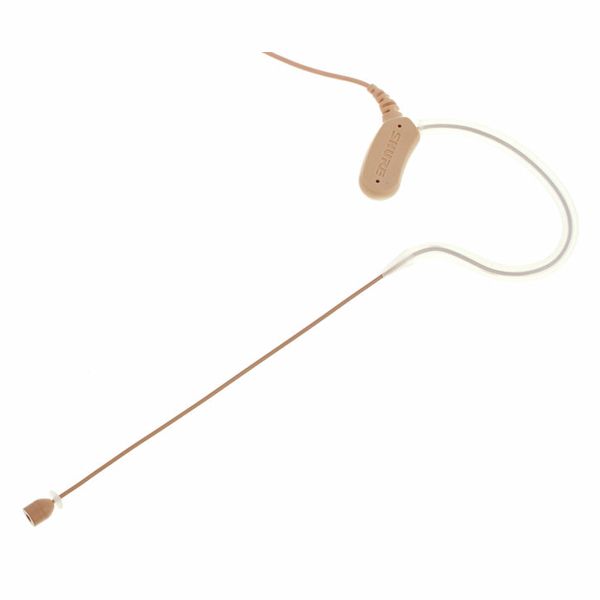
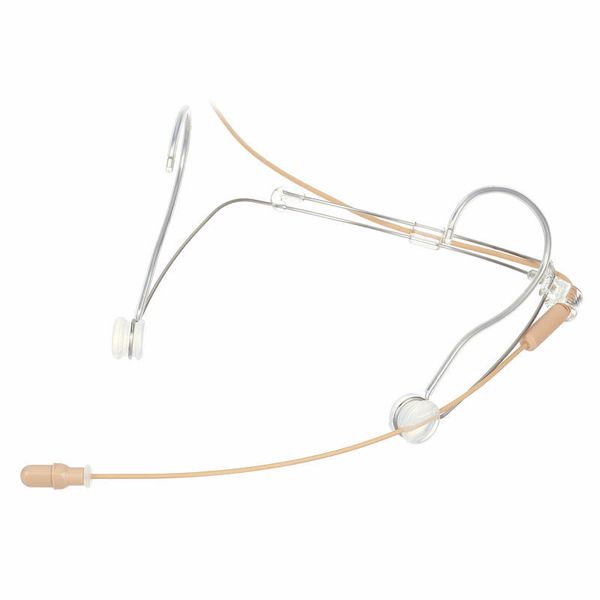
That is why an omni headset such as the Shure MX153T or DH5T works well in a hall when it is placed correctly, at the corner of the mouth rather than on the cheek. If the presenter pushes the capsule back towards the ear, the level has to come up and feedback comes with it. For singers and instructors standing in front of loud speakers, the directional SM35-TQG headset is the safer choice.
What to do when the hall starts ringing
The surest method is a sound check before the guests arrive, with every microphone from the spot where the presenter will actually stand. An empty hall rings earlier than a full one, so if there is headroom at the check there will be more at the event.
- Pull down the fader of the microphone currently in use at once, then bring it back a little lower than before.
- Look where the presenter has walked. Usually they have stepped in front of a speaker or turned the microphone towards one.
- Ask a handheld user to bring the microphone to their mouth, then you can lower the level.
- Never cup the head of the microphone with a hand; it makes feedback worse.
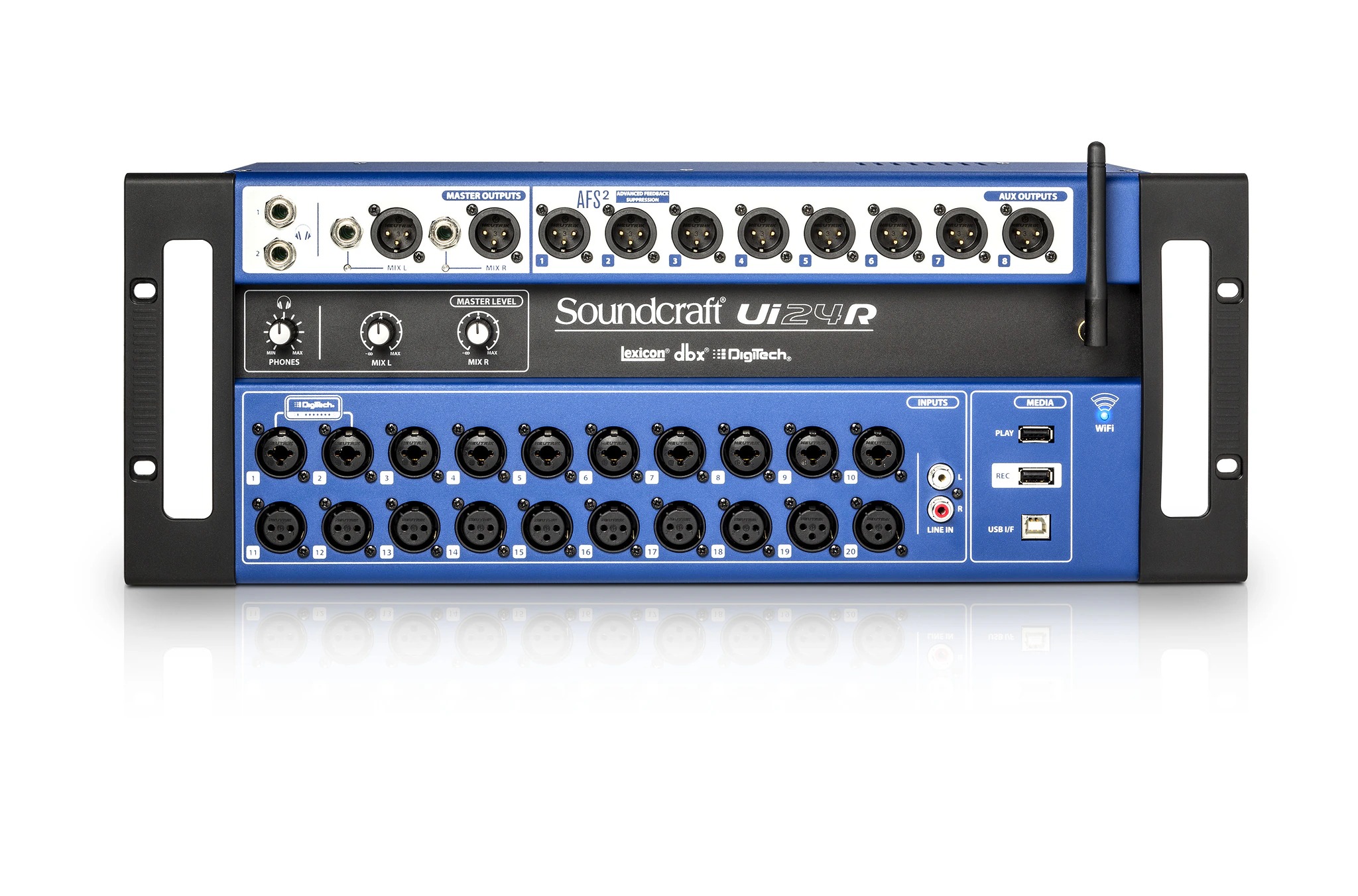
- On a digital mixer such as the Soundcraft Ui24R or Yamaha DM3, use the channel equaliser to cut the ringing frequency narrowly. On an analogue mixer, reducing highs or mids on the channel helps.