Fitting a headset microphone on a performer, step by step
A headset mic suits a performer who moves, gestures or needs both hands: an actor, a trainer on stage, a singer who dances, a conference keynote speaker. The mic stays at the same distance from the mouth and the voice sounds even when the person turns their head. All of that only holds if the mic is fitted properly. A capsule in front of the mouth pops, one too far away sounds thin and starts to feed back, and a tight cable moves the mic with every turn of the head. If your sound equipment rental includes headset mics, this guide walks through fitting them on a performer step by step, attaching the bodypack and what to check in the sound check.
Which headset for whom
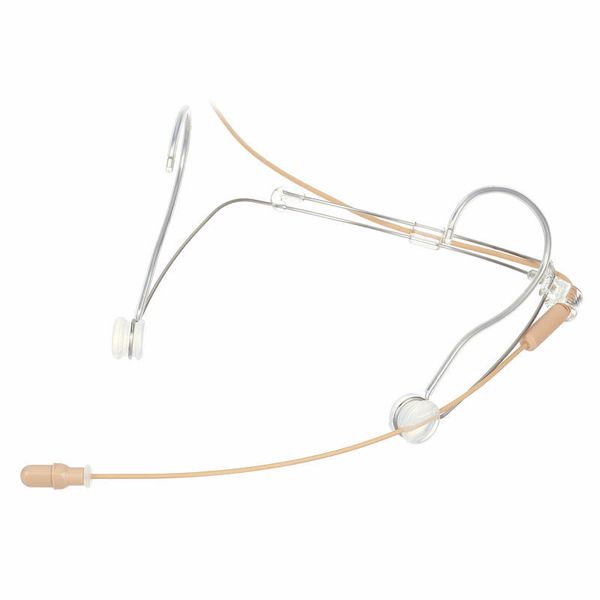
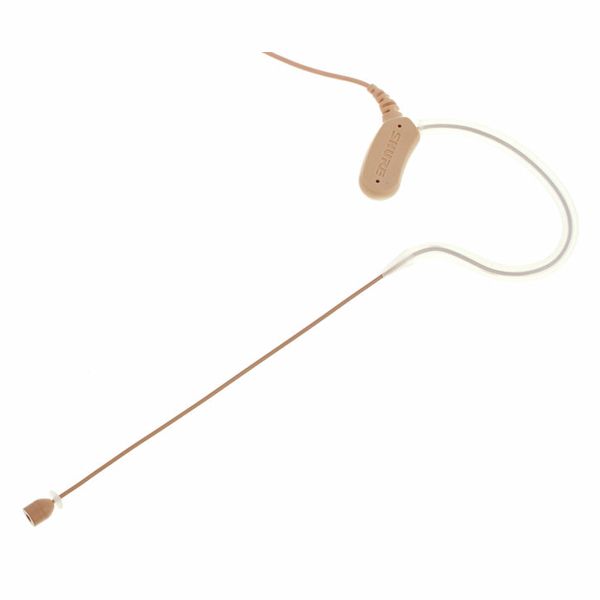
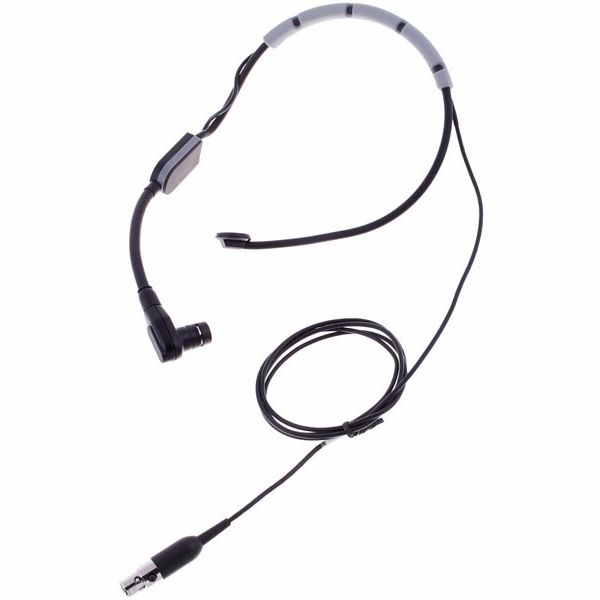
We rent three types. The Shure DH5T/O-MTQG is a subminiature omnidirectional headset with a frame that sits on both ears; it is the workhorse of theatre and conferences and is part of the Theatre and musical headset mic kit (4 performers) and the Conference kit for up to 300 people. The Shure MX153T/O-TQG is an earset that sits on one ear, almost invisible, good for a speaker who does not want a pop-singer look. The Shure SM35-TQG is a cardioid condenser performance headset for someone who sings and moves on a loud stage.
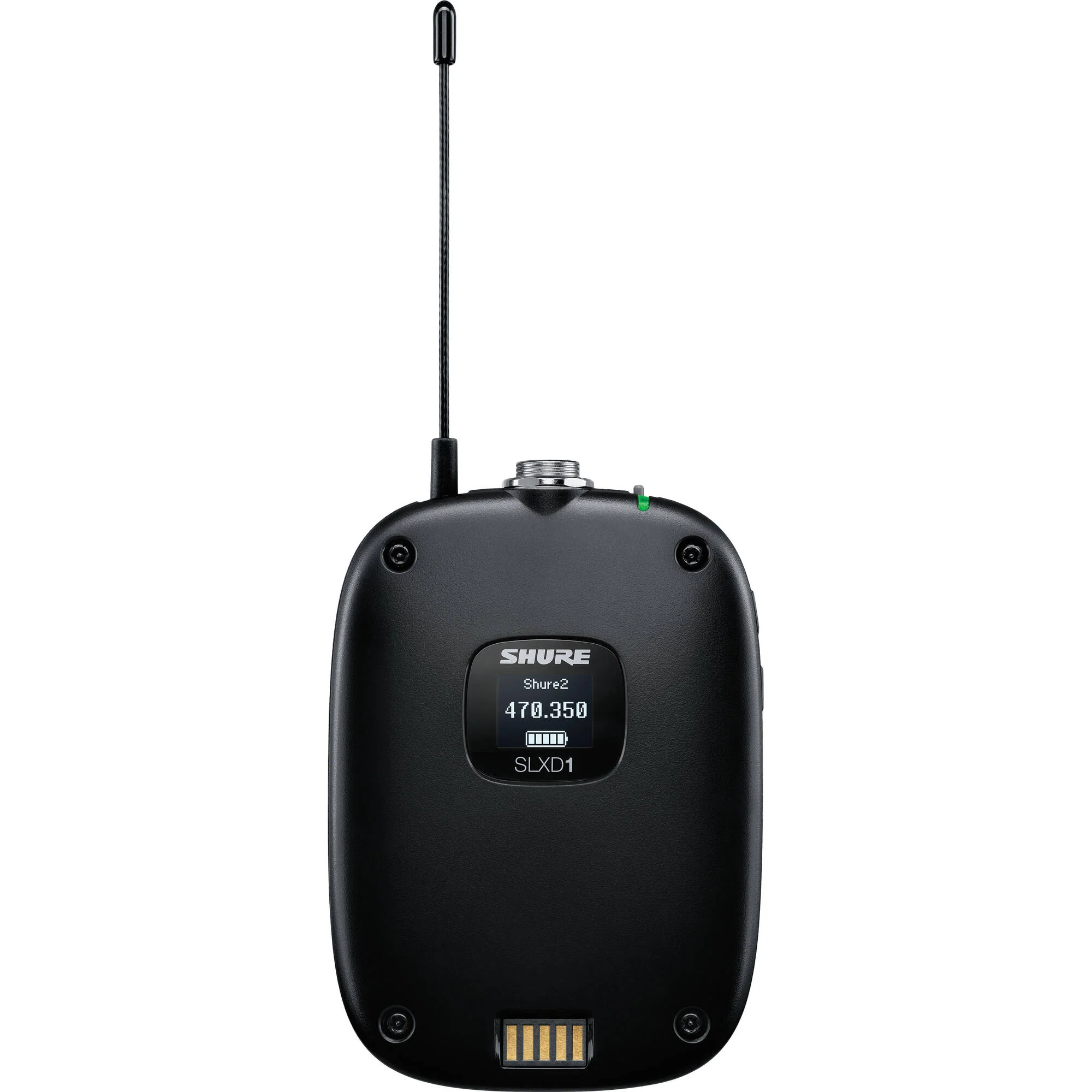
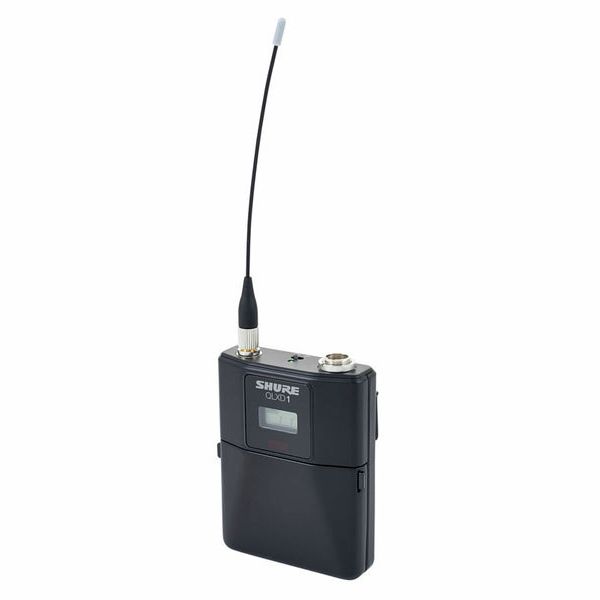
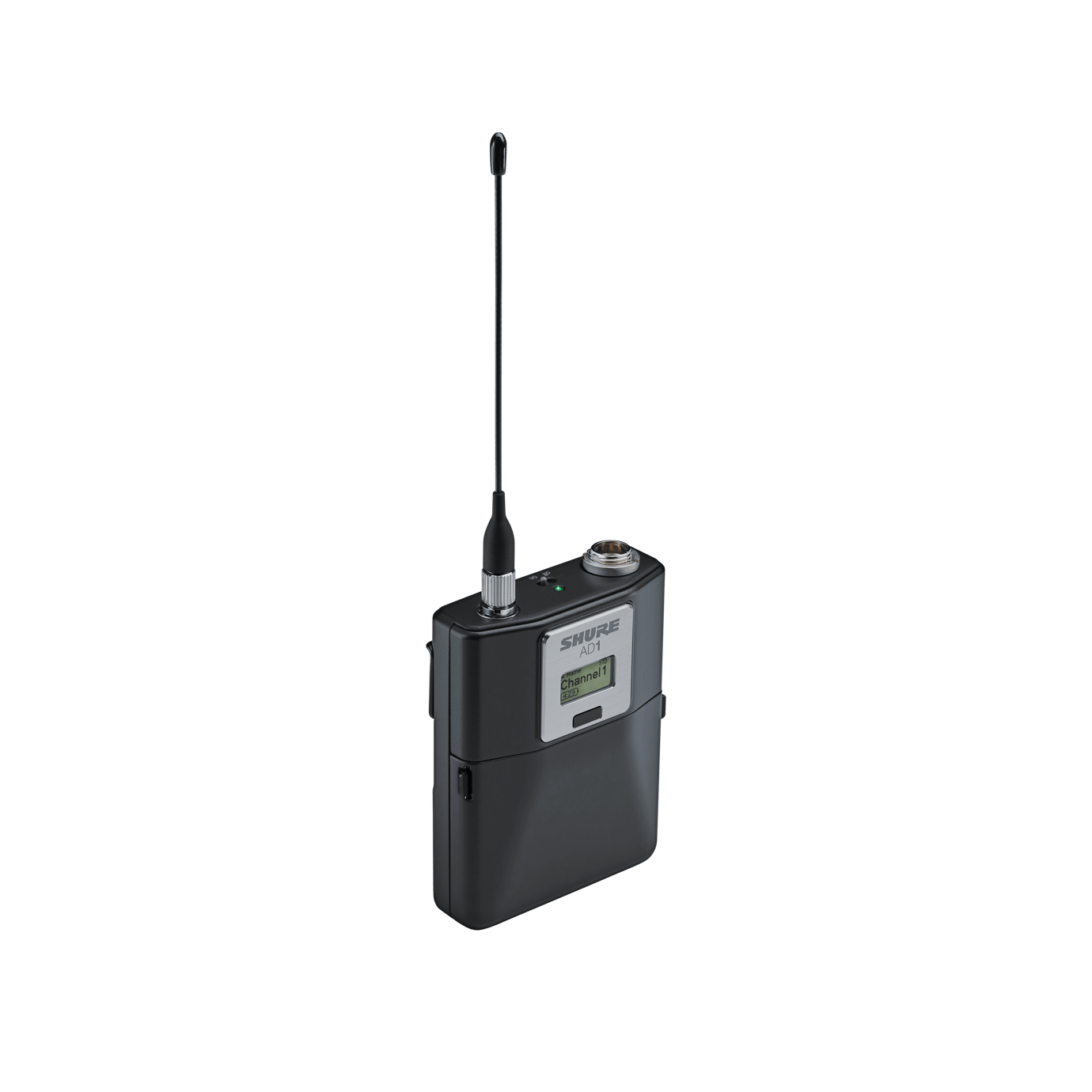
An omnidirectional capsule hears in every direction, so placement is forgiving and the voice sounds natural, but it also hears its surroundings. A cardioid capsule is directional and gives more headroom before feedback, but it has to point precisely at the mouth. All three have a TA4F connector that fits Shure bodypacks such as the SLXD1, QLXD1 and AD1.
Before the performer arrives
Prepare everything so the performer waits as little as possible. Put fresh batteries or fully charged packs in the bodypack, plug in the headset and write the performer's name and channel number on tape on the transmitter. With several performers, a name on the pack is the only way to avoid two actors swapping packs by accident and the mixer channels being all mixed up.
Ask the performer in advance what they will wear. Trousers with a belt let you clip the pack at the back; a dress or costume needs an elastic belt or pouch. Have skin-friendly tape, safety pins, alcohol wipes and, if possible, a capsule cover for each performer ready. A headset sits against someone's face, and hygiene matters to the performer as much as sound.
- Fresh batteries or charged packs in the transmitter.
- Tape on the pack with the performer's name and channel.
- Skin-friendly tape, safety pins, a belt or pouch.
- Cleaning wipes and a spare capsule cover.
- A mirror so the performer can see the result.
Fitting it, step by step
Follow this order and you will not have to redo anything. The performer holds the pack until the headset is on, so the cable does not pull the frame out of place.
- 1. Clip the pack at the back or side of the belt, antenna hanging free, not against the skin or bent.
- 2. Put the frame over the ears from behind so it sits comfortably on the ears without pressing.
- 3. Bend the boom forward along the cheek. An omni capsule sits at the corner of the mouth, about a finger's width away, not in front of the mouth.
- 4. With the cardioid SM35, point the capsule at the mouth, a little closer, but out of the breath stream.
- 5. Run the cable behind the ear to the back of the neck, under the clothing, and fix it at the back of the collar with a clip or tape, leaving slack for head turns.
- 6. For an actor, tape the earset cable at the cheek and behind the ear with skin-friendly tape.
- 7. Have the performer look in the mirror and turn their head both ways: the mic must not move.
Hair, glasses, hats and sweat
With long hair, run the frame and cable under the hair; then hair does not rustle against the mic and the result is almost invisible. An actor in a wig has the cable run under the wig and fixed before the wig goes on. A performer with glasses should try which order is more comfortable: usually the headset goes on first and the glasses over it. Plan hats and hoods together with the costume so they do not push the frame out of place.
For dancers and very active performers the biggest enemy is sweat. It runs down the cheek into the capsule and the sound turns muffled. Keep the capsule rather higher on the cheek, use a capsule cover and have spare covers ready. For costume changes, agree where the pack stays during the change so nobody pulls the mic off together with the shirt.
Sound check with the performer
Ask the performer to speak or sing exactly as loud as they will in the show, not quietly for the check. Many people use half their voice at the sound check and the level ends up too high during the performance. Have them walk the whole area, including near the speakers: that is where the feedback risk is highest. If feedback occurs at a particular spot on stage, mark that spot or change the speaker positions; the guide on preventing microphone feedback goes into detail.
Agree who mutes the mic. Best is that the person at the mixer does it and the performer never touches the pack. Tell the performer plainly that the mic is live backstage too: a phone call or a comment in the corridor can be heard across the hall if the channel is open.
Common mistakes
Almost every headset problem comes from the same few mistakes. Most can be seen in the mirror or heard in the first sentence, so always check before the performer goes on.
- Capsule right in front of the mouth: p and b sounds pop, breathing is audible.
- Capsule too far back on the cheek: the voice is thin, you add gain and feedback comes sooner.
- Cable tight: the mic moves with every head turn.
- Pack in a pocket with a phone, or antenna bent: the signal drops.
- Batteries changed the day before rather than before the performance.
- Two performers swapped packs and the names on the mixer are wrong.
After the performance
Mute the channel at the mixer before the performer takes the mic off; otherwise the hall hears scraping and rumbling. Remove the headset by the frame, not by pulling the cable, and disconnect the cable from the pack only once the frame is off. Wipe the frame and capsule with a cleaning wipe, change the capsule cover and coil the cable loosely without sharp kinks.
If the same mic goes to the next performer, check the batteries and write the new name on the pack. At an event with several headsets, such as a play with four actors, all transmitters must run on coordinated frequencies; the Theatre and musical headset mic kit (4 performers) includes a Shure SLXD4QDAN quad receiver with antenna distribution for exactly that.