Monitor mix
A monitor mix is a separate blend that a performer hears on stage through a wedge or in-ear system, so they can sing and play in tune and in time with the others.
What a monitor mix is
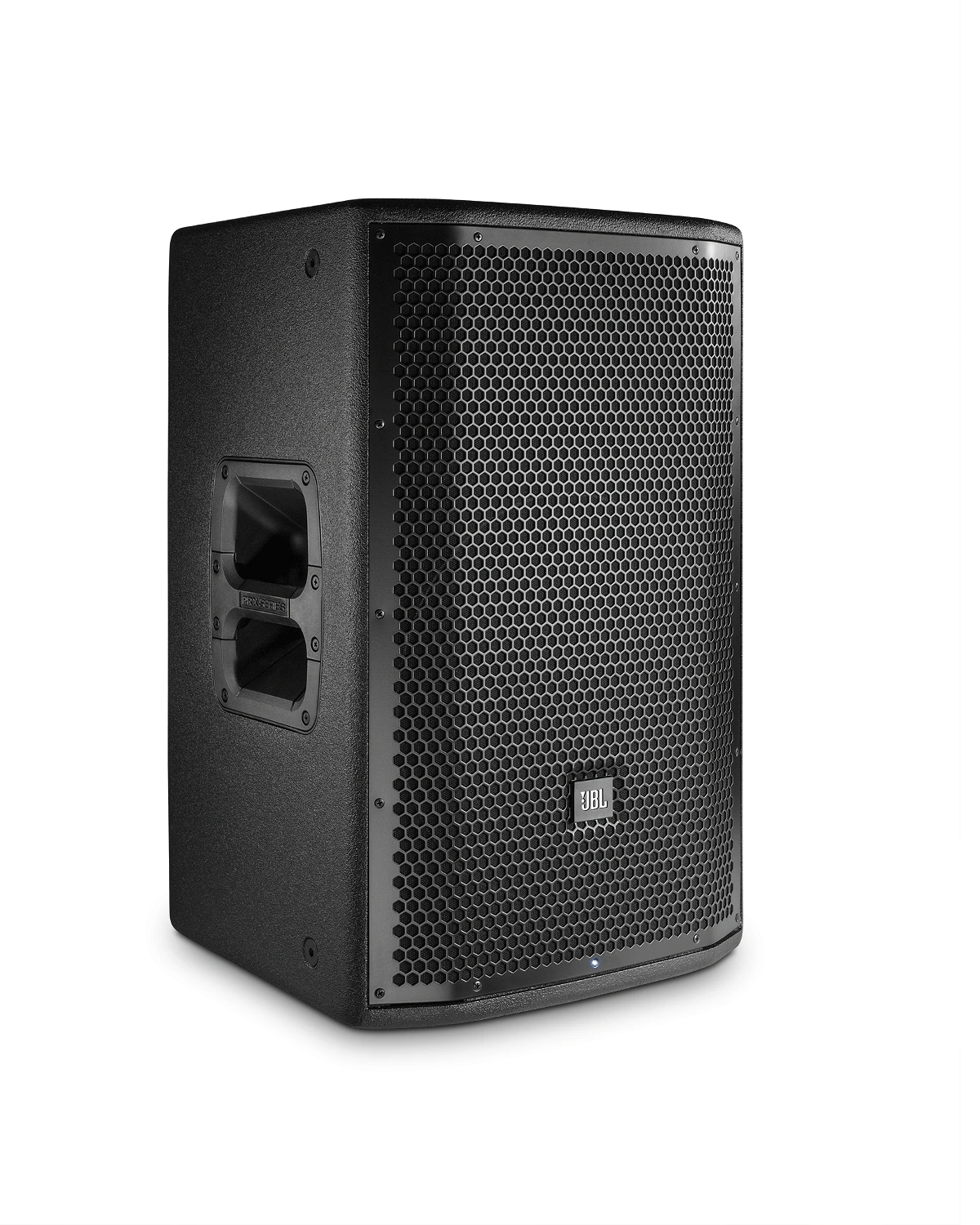
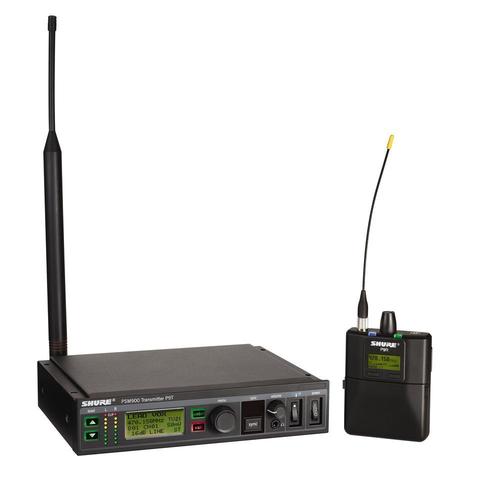
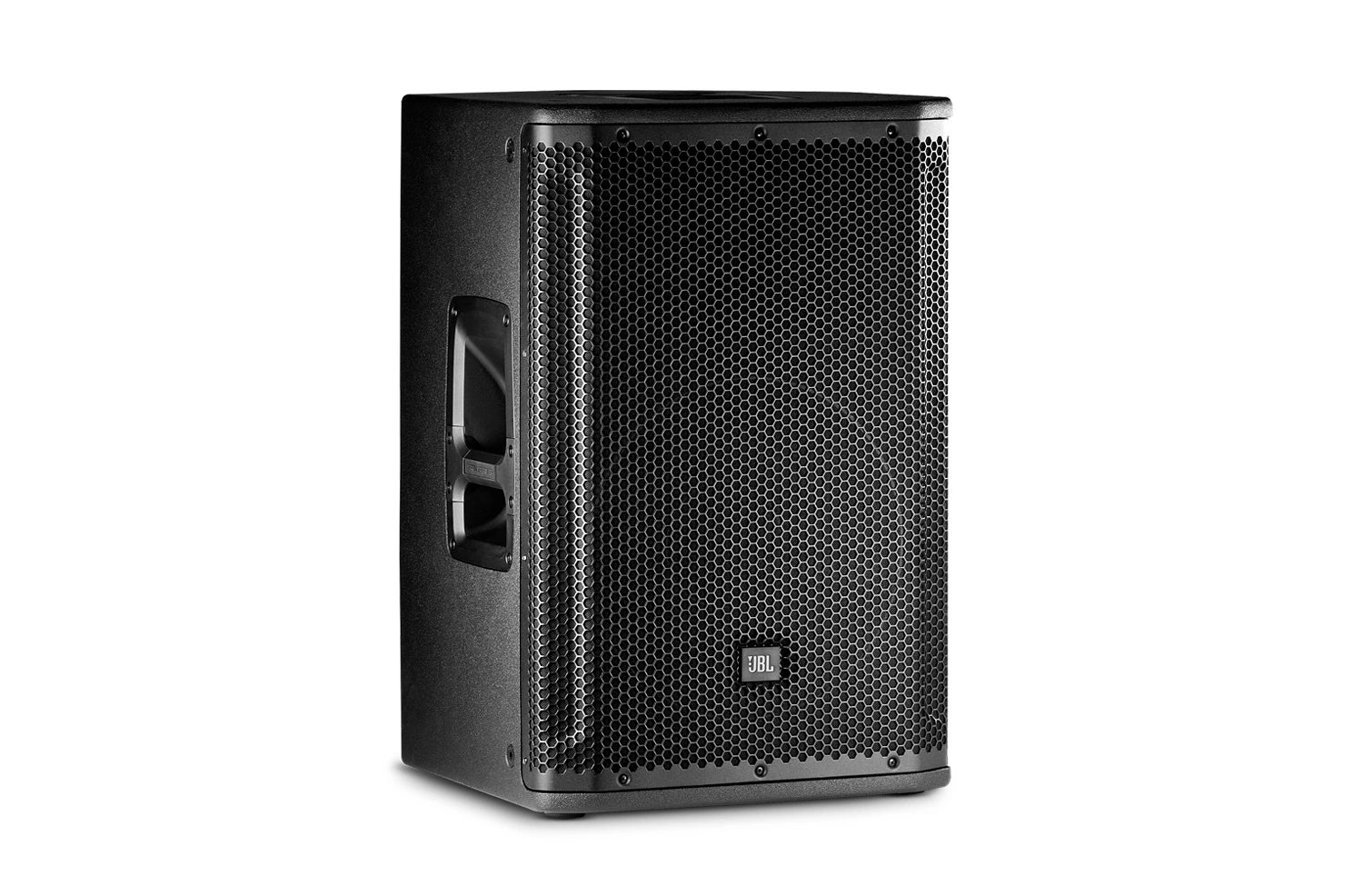
The main speakers face the audience, so someone on stage hears mostly reflections and late sound from them. A singer who cannot hear their own voice starts pushing or singing off pitch. That is why stages have monitors: angled floor wedges or in-ear monitors such as the Shure PSM900. What each monitor plays is the monitor mix.
Every performer can have their own mix. The drummer wants bass and vocals, the singer their own voice and the guitar, a presenter just a quiet bit of themselves to know the mic is on.
Why it affects the room
Sound on stage does not stay on stage. Loud monitors spill into the room, mix with the main speakers and blur them. The louder the monitor, the closer feedback gets, because the wedge points straight at the microphone. A good monitor mix is therefore as quiet as possible and contains only what the performer really needs.
In-ear monitors solve much of this, because the sound is in the ear and nothing spills onto the stage. Our guide comparing in-ear monitors and wedges covers the pros and cons.
How to build a monitor mix at the sound check
Start from an empty mix, not everything at once. Ask each performer what they most need to hear and add that first. Then add other things bit by bit until they say it is enough. Set monitor levels only once the room sound is in place and channel gain is final, because changing gain changes the monitors too.
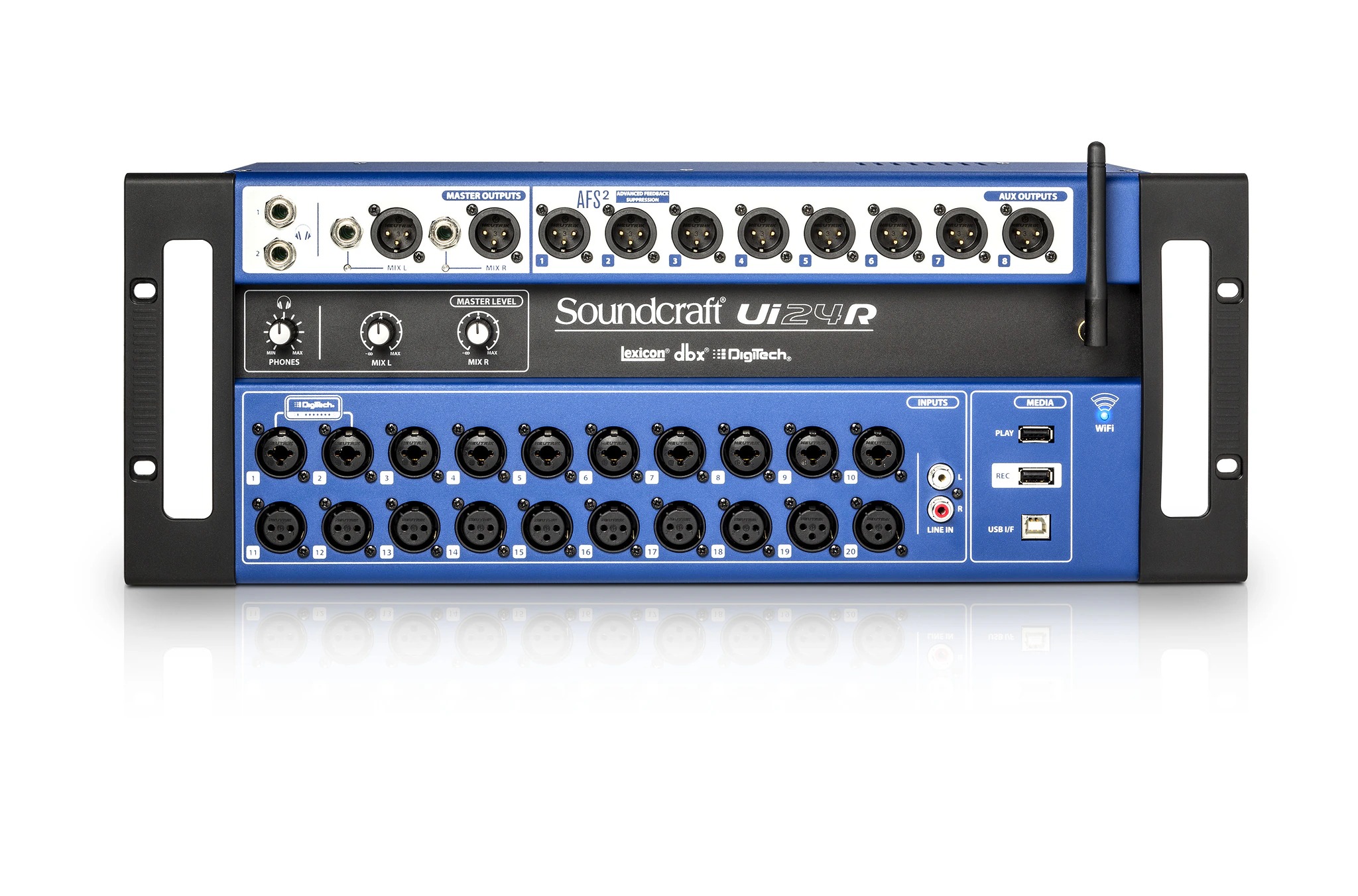
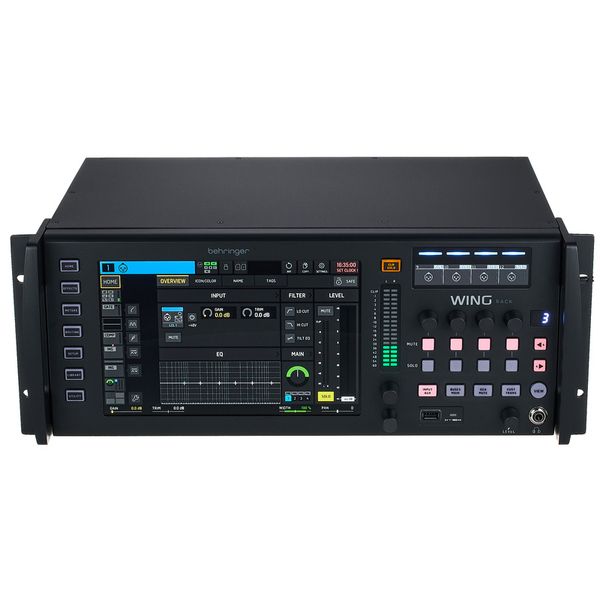
Agree on signals: thumb up means more, hand down means less. The performer should not have to shout at the technician mid-show. With many mixes, it helps when musicians can control their own mix from a phone, as the Soundcraft Ui24R and Behringer Wing Rack allow.
Common mistakes
The most common mistake is a monitor war: one musician asks for more, another can no longer hear themselves and asks too, until the stage is far too loud. The answer is turning others down, not yourself up. The second is placing a wedge in front of the microphone's face; with a cardioid mic the monitor belongs behind it. The third is sending background music to a presenter's monitor when they do not need it.