Setting up in-ear monitors: frequencies, antennas and mixes
Once the band has chosen in-ear monitors over wedges, the real work starts: every musician needs their own radio frequency, their own mix and earphones that fit properly. A well-set in-ear system gives a quiet stage and clear hearing; a badly set one gives dropouts, too much bass or too little of everything. This guide covers step by step how to put a Shure PSM900 system on stage, connect it to the mixer and take the musicians through their first rehearsal. If the decision has not been made yet, read our comparison of in-ear monitors and stage wedges first.
What is in the system
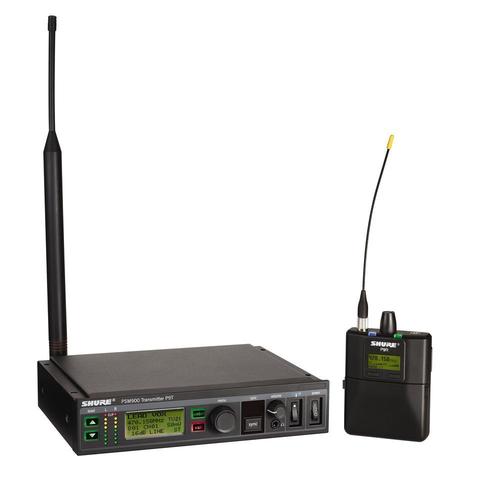
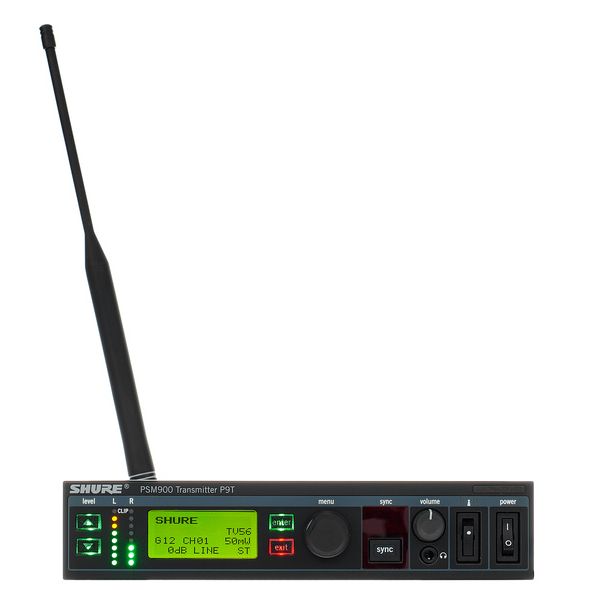
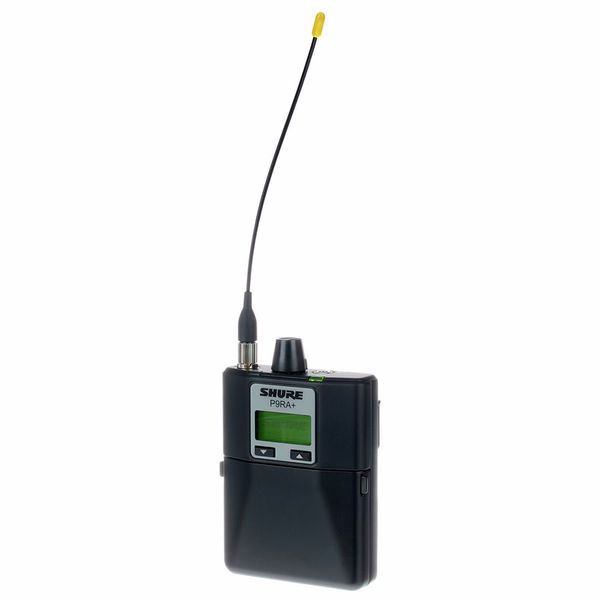
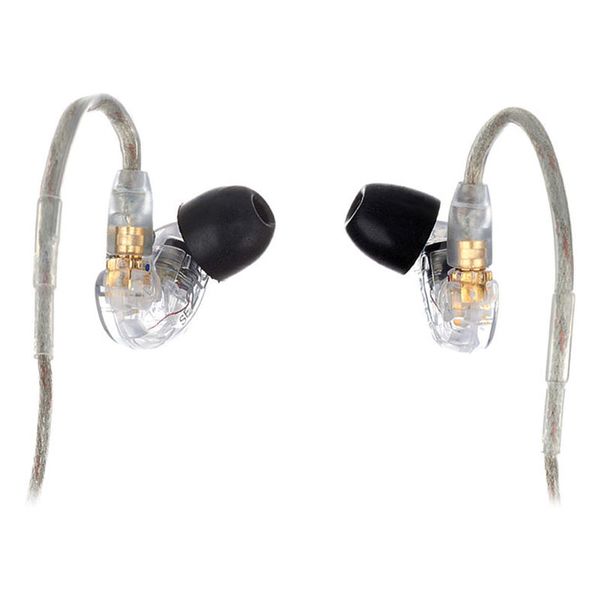
A Shure PSM900 has two parts: the P9T transmitter, which sits in a rack near the mixer, and the P9RA+ bodypack receiver on the musician's belt. The transmitter takes a stereo or mono signal from the mixer and sends it by radio to the receiver, into which earphones such as the Shure SE215CL are plugged. The In-ear monitor kit for four musicians contains four such systems, a PA421B antenna combiner and an HA-8091 directional antenna.
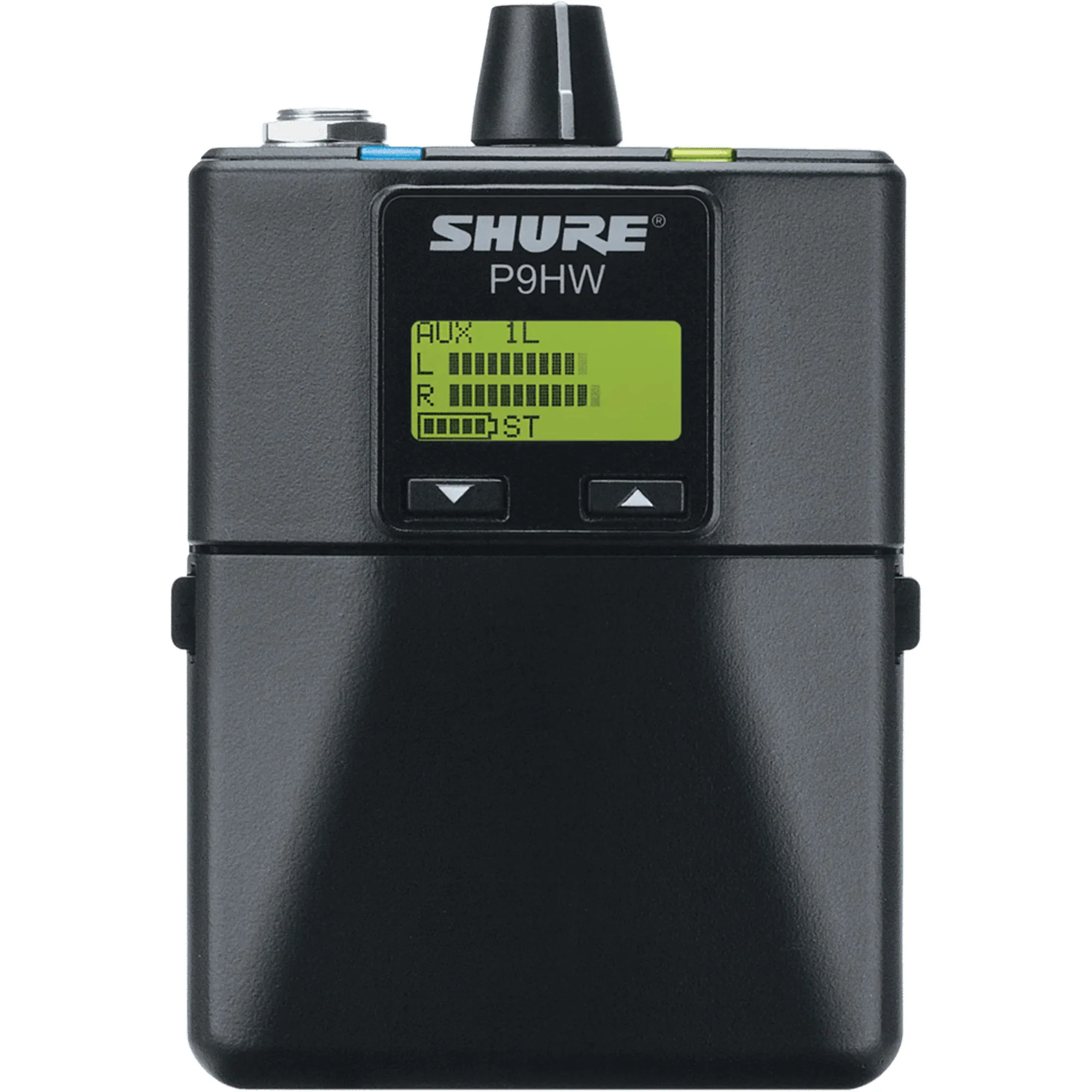
The drummer and keyboard player move very little. A wired option often suits them: the Shure P9HW, a bodypack headphone amp connected to the mixer by cable. It needs no radio frequency, cannot drop out and frees up a transmitter. On large stages with many transmitters, the Axient Digital PSM system is used: the ADTQ quad transmitter and ADXR receivers.
Frequencies: one channel each
Every transmitter needs its own frequency, and they must not collide with each other or with the wireless mics. A PSM900 transmitter can scan for a free frequency, and the receiver picks it up from the transmitter over infrared when you hold them close together. Do it in order: switch on all transmitters and all wireless mic receivers, scan with one transmitter, sync its receiver, and only then move to the next. That way two transmitters do not pick the same gap.
In-ear transmitters send continuously, are often stronger than wireless mics and can interfere with mic receivers if the antennas sit side by side. Keep the in-ear antenna away from the mic antennas, not in the same rack. If the stage has many wireless mics, list every device with your order so the frequencies can be worked out before the event. Our guide to running several wireless mics at once and frequency interference covers this in depth.
Antennas and the combiner
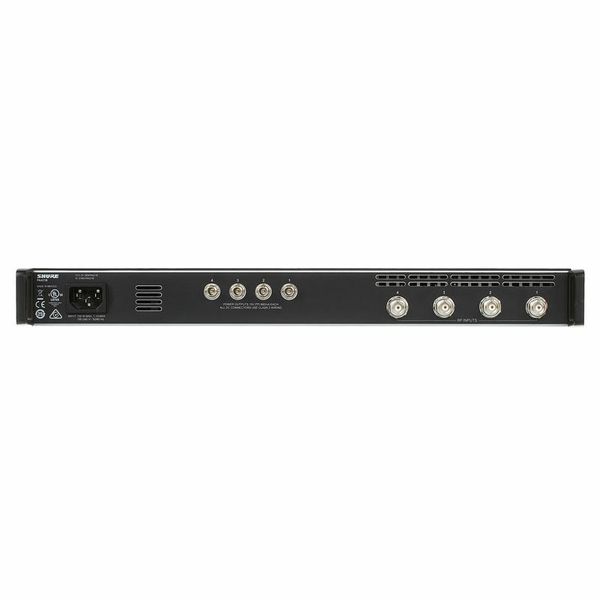
Four transmitters, each with its own antenna, interfere with one another when placed together. The PA421B antenna combiner merges the transmitters' signals and sends them to one antenna. The HA-8091 is a domed helical antenna and it is directional: it sends the signal one way and must be aimed at the stage, at the musicians.
The antenna needs line of sight to the musicians, not behind a rack or a metal stage element. Put it on a stand at about head height or higher, at the side or front of the stage. The human body absorbs radio signal, so if the antenna is behind a packed crowd, the signal weakens. For a single transmitter its own antenna or an omnidirectional UA860 is enough.
The mixer side: aux mixes
Each in-ear mix is an aux bus on the mixer; a stereo mix is two linked aux buses. Four musicians in stereo need eight aux outputs, which an analogue mixer rarely has. That is why in-ears are almost always paired with a digital mixer such as the Yamaha DM3, Soundcraft Ui24R or Behringer Wing Rack.
Monitor mixes must be pre-fader, so moving a house fader never changes the level in a musician's ears. The Soundcraft Ui24R lets each musician adjust their own mix from a phone or tablet, which saves a lot of rehearsal time. Add a little effect to each mix, especially on vocals, because a completely dry voice in the ears is unpleasant.
- Label each aux with the musician's name, not a number.
- Connect the aux outputs to the P9T inputs, left and right for stereo.
- Put up at least two ambient mics so the musicians hear the audience.
Fitting the earphones
An earphone that does not seal loses its bass. The musician turns up the volume to compensate and the ears tire quickly. The Shure SE215CL comes with tips in several sizes and materials. Try them with the musician to find the size that seals: the outside world should go quieter and the bass stronger the moment the tip seats.
For hygiene each musician uses their own tips. If the band has custom-moulded earphones, use those; they plug into the PSM900 receiver with an ordinary 3.5 mm plug. Run the cable over and behind the ear and clip it to clothing so it does not pull the earphone out.
The first rehearsal step by step
The first in-ear rehearsal should not be on the day of the concert. Allow at least one rehearsal to build the mixes and let the musicians get used to them. The order:
- Turn the receiver volume to zero before the earphones go in.
- Put the earphones in and raise the volume slowly until speech is comfortably clear.
- Start each mix with the musician's own voice or instrument, then add the others.
- Keep drums and bass moderate: earphones deliver low frequencies very close to the eardrum.
- Add the ambient mics so the stage does not feel like a vacuum.
- Save the state as a scene on the digital mixer so next time you do not start from zero.
During the show and common mistakes
During setup keep every receiver turned down while microphones are being plugged in and phantom power switched on, because a pop in the earphones is dangerous for the ears. Check the batteries before each performance and keep a full spare set. A flat battery in a receiver means the musician hears nothing at all.
Good practice is a spare receiver on stage tuned to the most important musician's frequency, usually the singer's. Agree on signals for the engineer with the band, for example a hand gesture meaning more of me. The most common mistakes are an antenna placed too low, forgotten ambient mics and an earphone only halfway in.