Aux send
An aux send is an extra control on a mixer channel that sends part of that channel's signal to a separate output, such as a stage monitor, an effects unit or lobby speakers.
What an aux send is
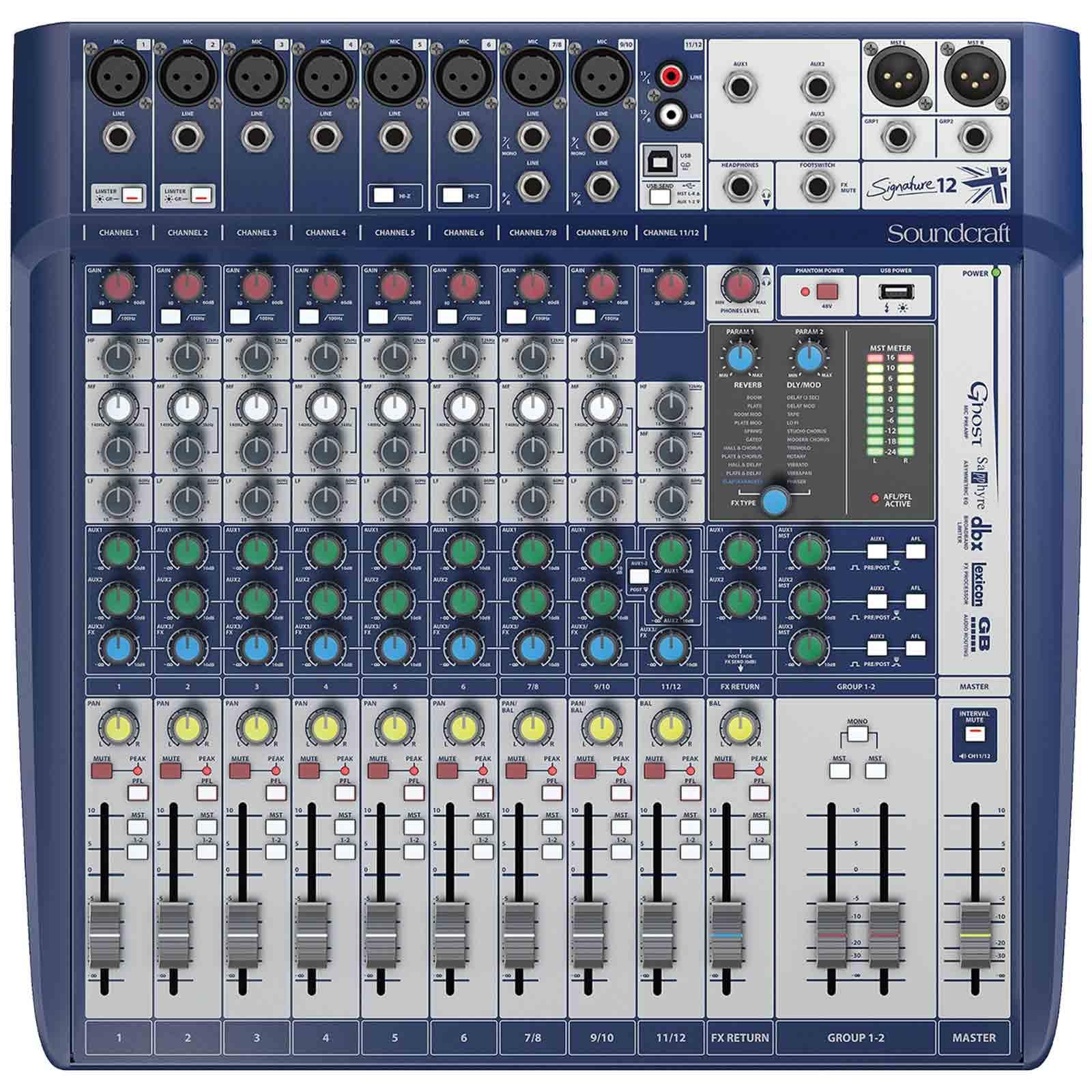
The mixer's main mix goes to the room speakers. Often you also need a second, different blend: the singer wants more of their own voice in the monitor, the effects unit needs only the vocals, and the lobby should hear the speeches but not the band. That is what the aux knobs on each channel are for. Each aux knob sends a chosen amount of the channel to one aux bus, and that bus has its own output on the back of the mixer.
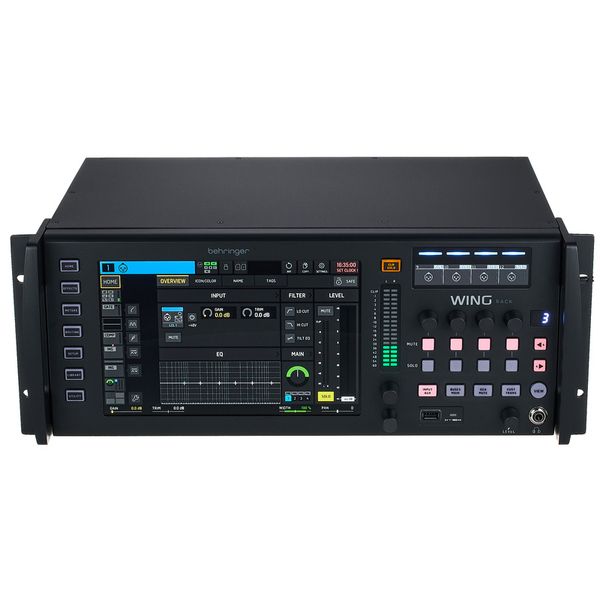
The number of aux outputs is one of a mixer's most important figures. Every separate monitor mix and every separate effect needs one aux bus. The Behringer Wing Rack has 28 buses, room for many monitor mixes; a small analogue desk has only a few.
Pre-fader and post-fader
A send can take the signal before the fader or after it. A pre-fader send ignores the channel fader: when the engineer pulls the vocal down in the room, the singer's monitor level stays the same. That suits monitors. A post-fader send follows the fader and suits effects: turn the channel down and its reverb goes down too.
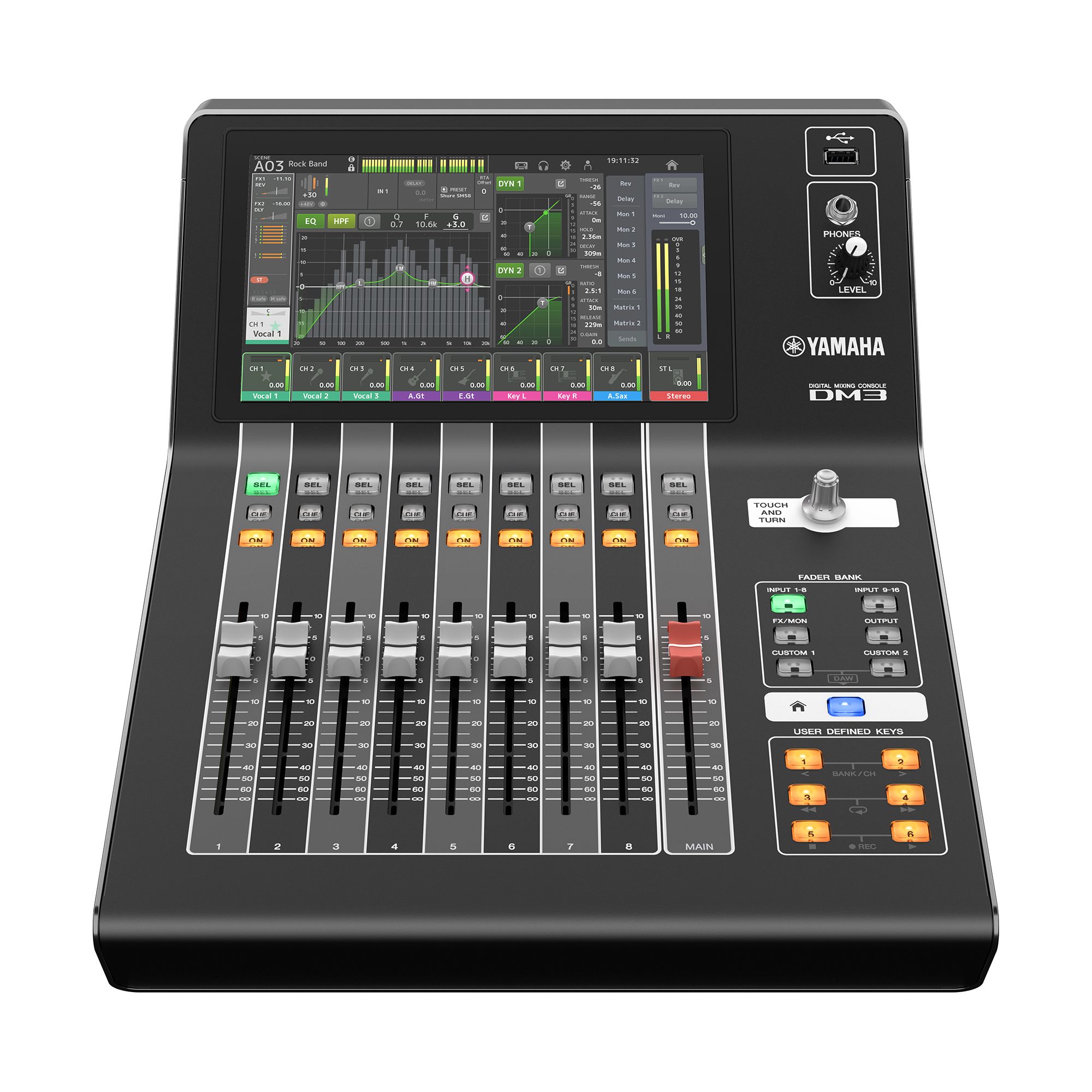
On an analogue desk this is often a switch in the aux section; on a digital desk it is set per bus. Check it before the sound check, because the wrong choice is one of the most common causes of monitor trouble.
How to use aux sends
Before the event, write down what is on each aux output: aux 1 singer's monitor, aux 2 guitarist's monitor, aux 3 reverb, and so on. Put the same on tape on the desk. Connect each aux output to its speaker or device and check that the right monitor responds to the right knob.
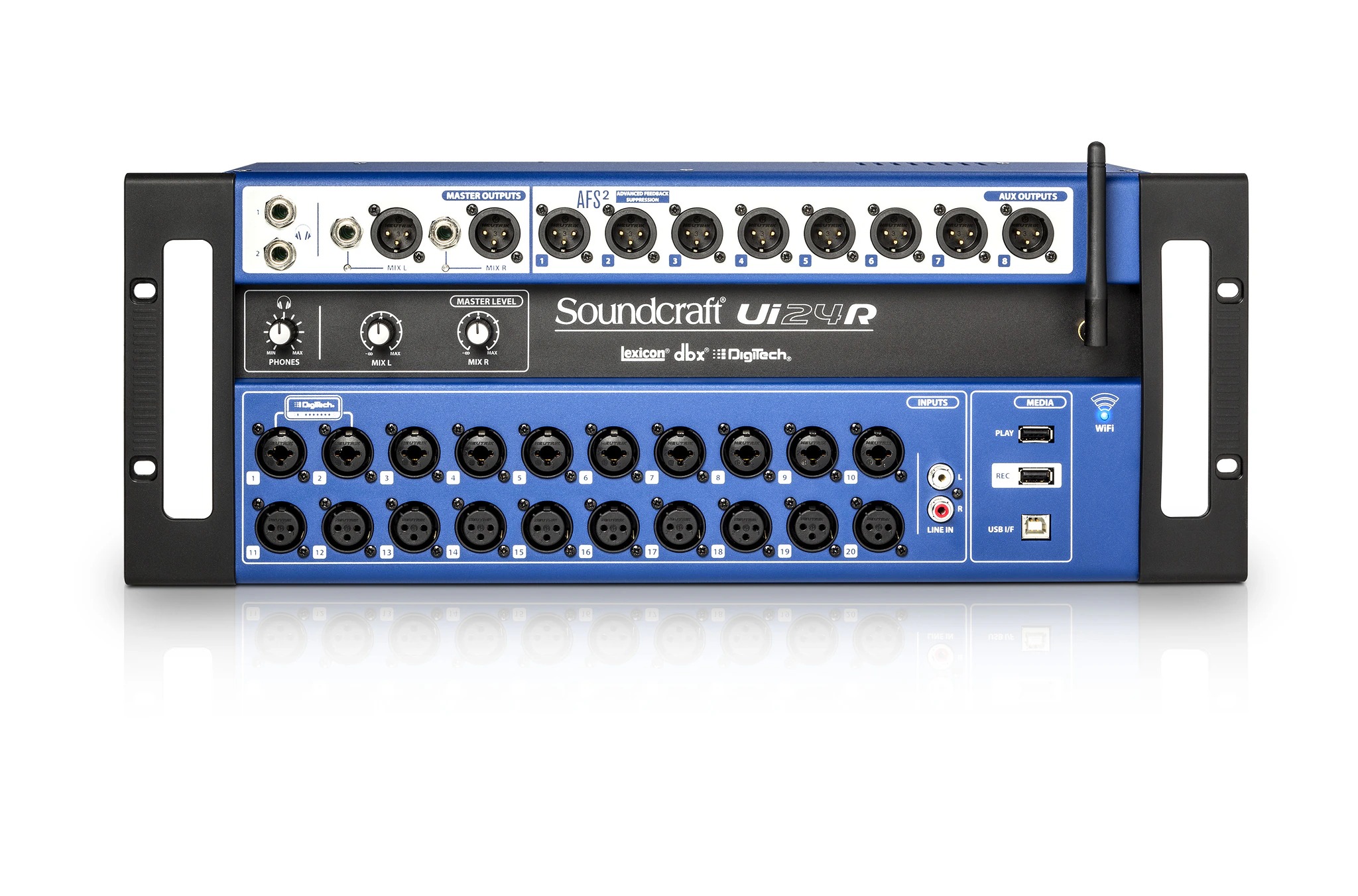
When the lobby or a side room needs sound too, an aux output does that job as well. You can send only the speeches or only the music there and set its level separately. With the Ui24R and Wing Rack, musicians can also run their own monitor mix from a phone.
Common mistakes
The first mistake is a post-fader send on a monitor, so the monitor changes every time the room mix is adjusted. The second is leaving the aux master down and looking for a cable fault. The third is sending reverb or background music to a monitor where the performer does not need it. Too few aux outputs is a planning mistake: count them before choosing the mixer.