UHF frequencies
UHF is the radio frequency range where most professional wireless microphones and in-ear systems work; each transmitter needs its own clear frequency in it.
What UHF means
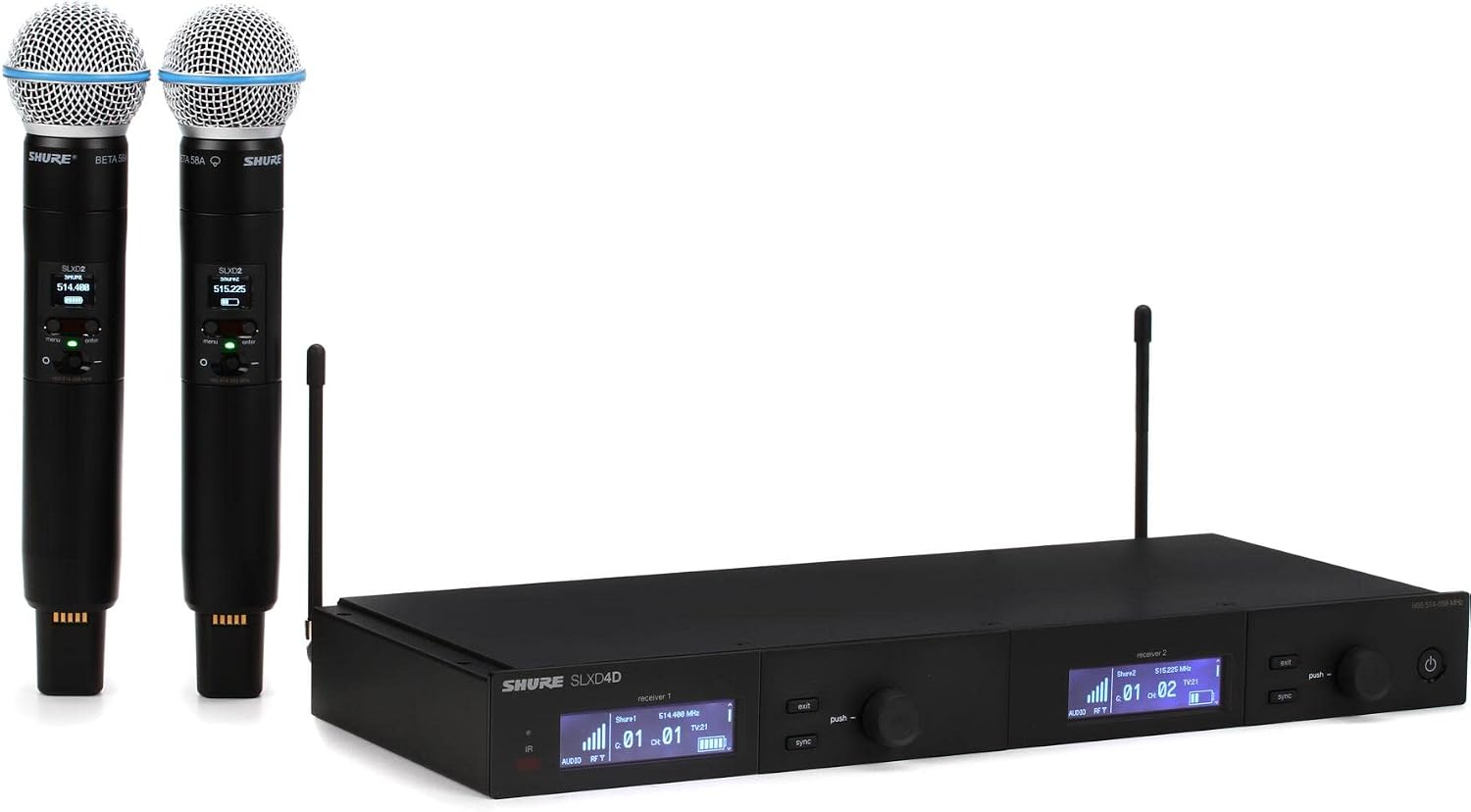
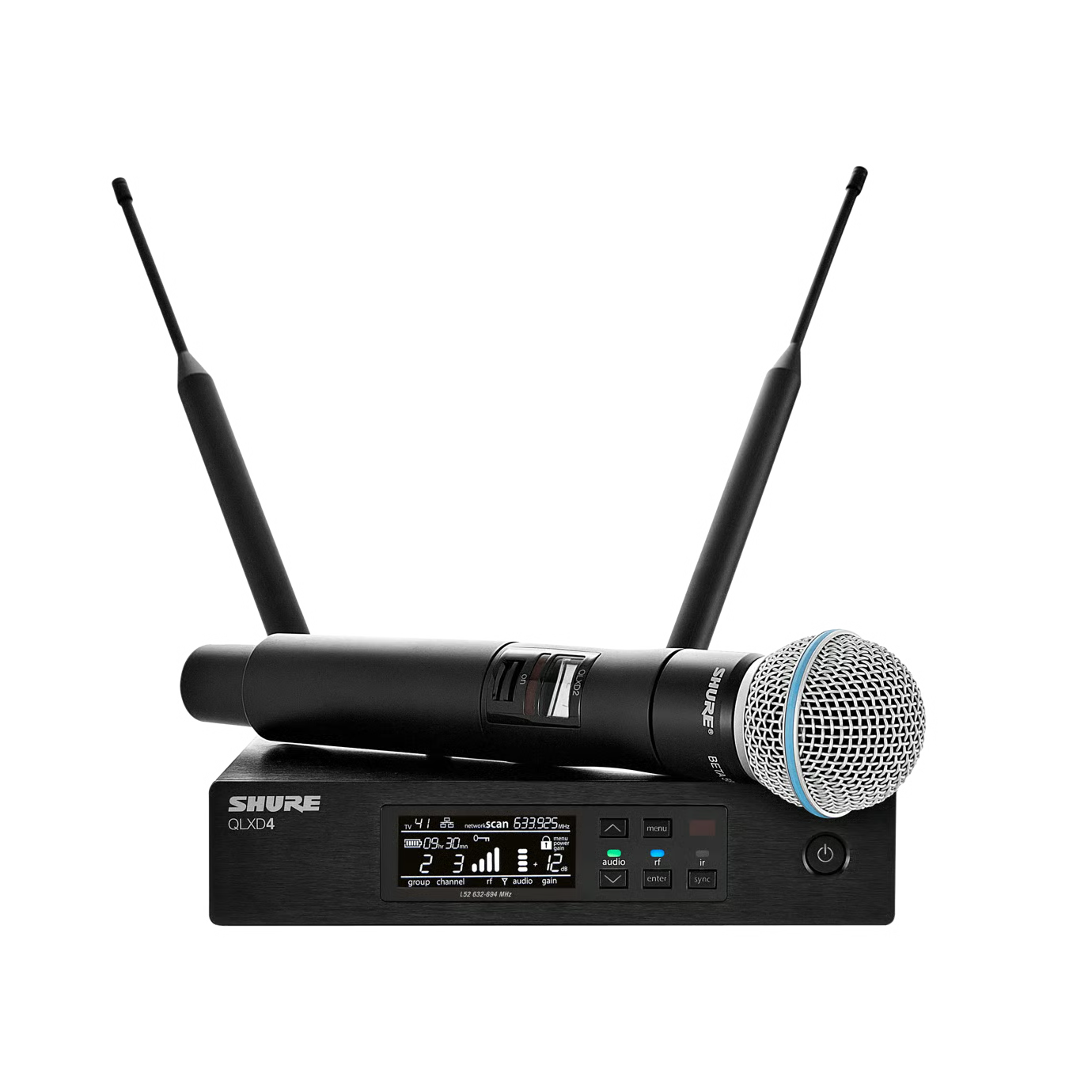
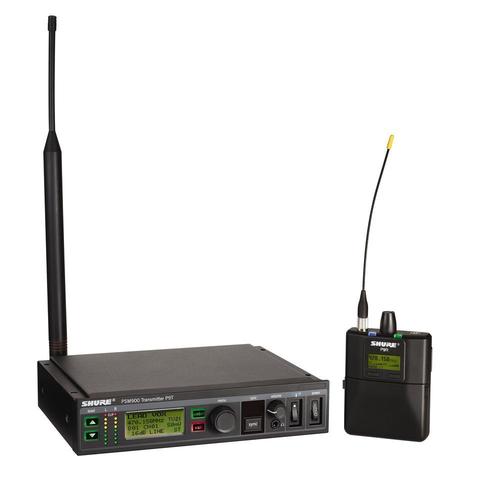
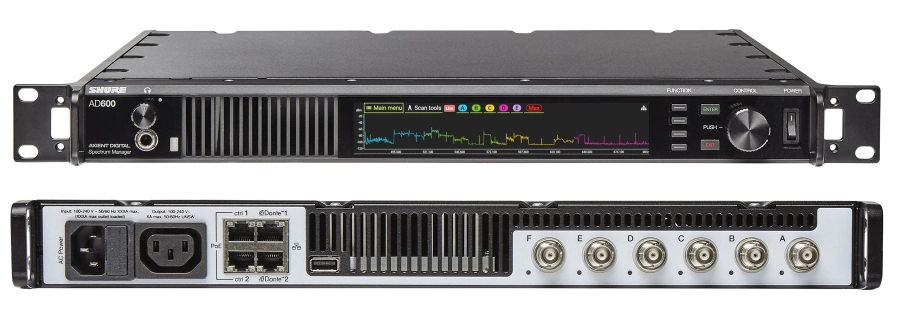
UHF stands for ultra high frequency. Most professional wireless mics work in this radio range, including Shure SLX-D, QLX-D and Axient Digital systems, as do in-ear monitors such as the Shure PSM900. The signal carries reliably through a hall in this range, and the antennas are a sensible size.
Each wireless mic sends its sound on one specific frequency, and the receiver listens to exactly that one. Two transmitters on the same frequency interfere, so each channel needs its own clear slot. The range is shared with other users, such as TV broadcasting and other radio equipment, and what is free depends on the country and the location. Radio frequency use is regulated in every country, which is why equipment works in specific frequency ranges.
What causes interference
Interference sounds like crackle, hiss, silence or somebody else's audio. Often it comes from another radio system: the venue's own mics, the hall next door, a TV crew, a band with its own system, or in-ear monitors. LED screens, lighting control gear and digital equipment can also produce radio noise, especially when antennas sit right next to them.
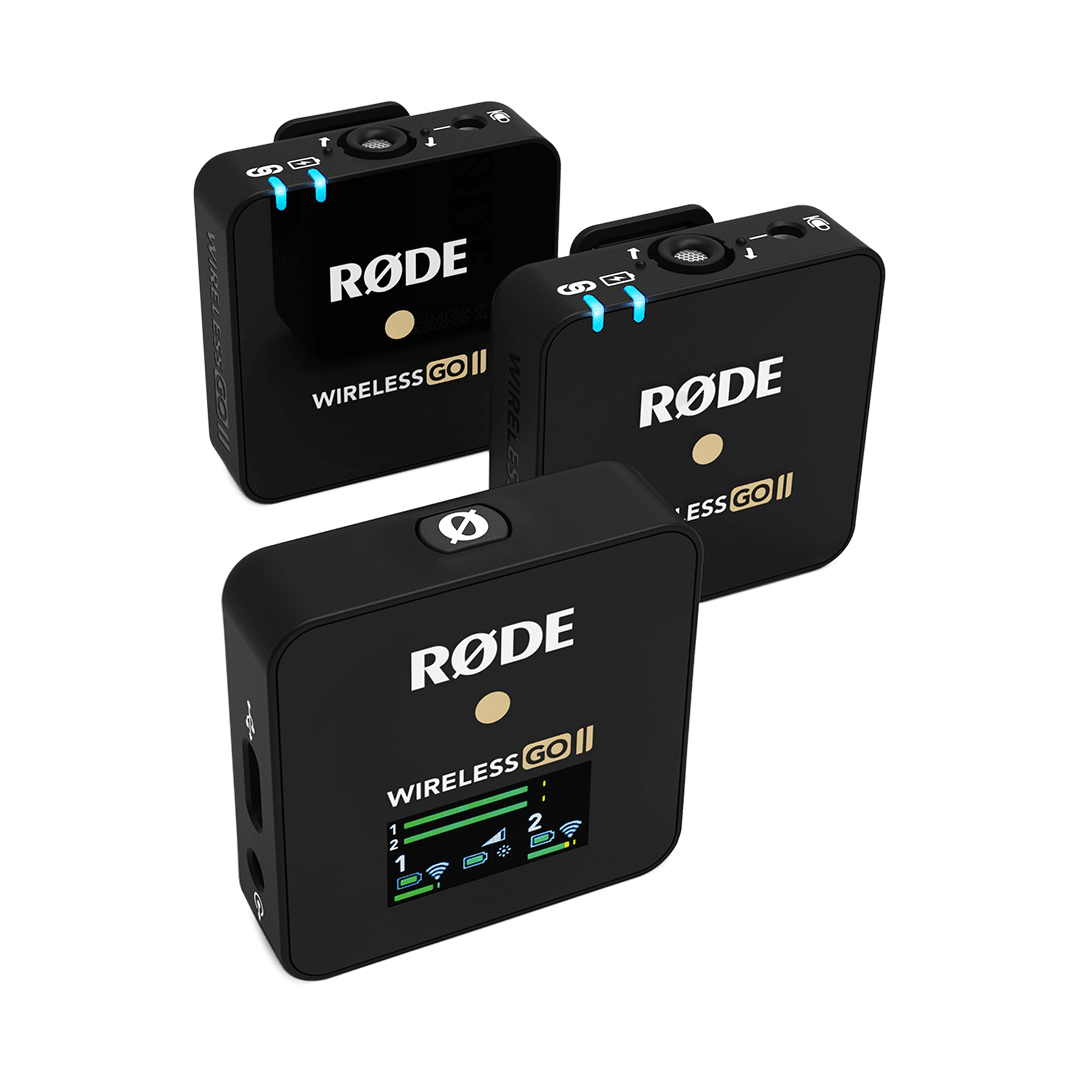
Digital systems resist interference better than old analogue ones and can search for a free frequency themselves, but they do not change physics: the frequency has to actually be free. The exception is compact systems such as the RØDE Wireless GO II, which use the 2.4 GHz band, the same as WiFi, and suit video and short distances better.
Practical advice and common mistakes
With radio mics the question is not only whether the unit works, but whether it works in this room alongside every other device. That is why the technician scans the range on site and only then picks channels.
- Ask the venue whether they run radio mics of their own and whether another event is on next door at the same time.
- Do not switch on every system at factory settings and hope they will not clash. Each channel needs its own frequency.
- After changing the frequency on the receiver, sync the transmitter again, usually by infrared from the receiver front panel.
- Mistake: bringing extra mics of your own without telling the technician. A stray transmitter can ruin the whole frequency plan.
- Mistake: assuming interference is a faulty mic. Moving to another frequency is often enough.