Diversity reception
Diversity reception means a radio mic receiver listens to the transmitter through two separate antennas and uses whichever signal is stronger at that moment, which reduces dropouts.
Why one antenna is not enough
A radio wave does not only travel straight from the transmitter to the receiver. Part of it reflects off walls, the ceiling, the floor and metal structures and reaches the antenna slightly later. At some spots the direct and reflected waves meet in a way that cancels them out. That creates a dead spot: the performer takes a step and the sound vanishes for a moment, even though the receiver is close.
A diversity receiver has two antennas, A and B, placed apart. It is very unlikely that both hit a dead spot at the same moment. The receiver watches both continuously and uses the better one or combines them. The A and B lights on the front panel show which antenna is in use.
Receivers in our catalog
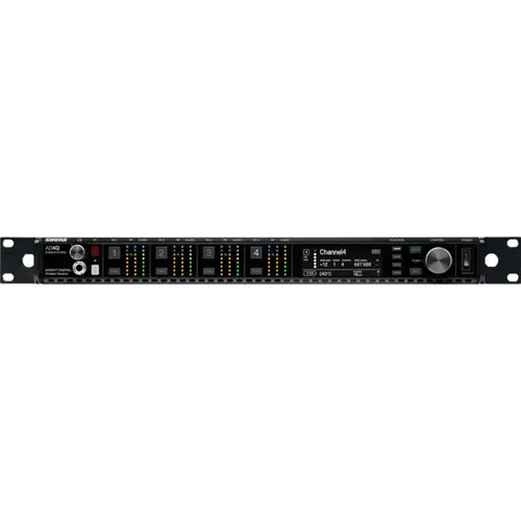
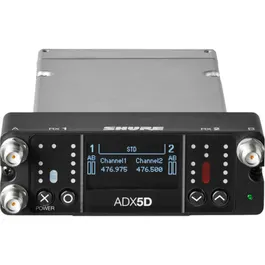
Every Shure receiver we rent has at least two antenna inputs. The Shure SLXD4QDAN is a four-channel receiver with a Dante network connection, the AD4D and AD4Q are Axient Digital two- and four-channel rack receivers, and the ADX5D is a portable two-channel receiver for a camera or recorder.
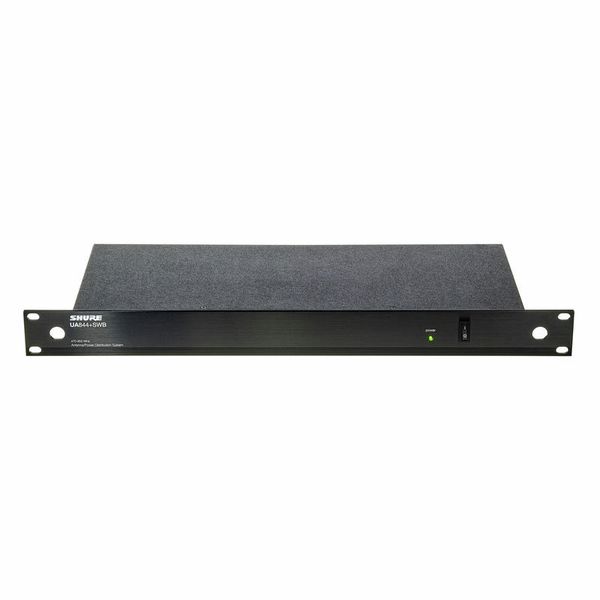
In a multi-channel receiver all channels share one antenna pair. With several receivers, they are connected to one antenna pair through an antenna distribution unit, so the stage does not turn into a forest of antennas.
Antenna placement and common mistakes
A radio signal needs as clear a path as possible from transmitter to antenna. The most common problem is a receiver hidden in a closed metal rack behind the stage or under a table.
- Keep both antennas connected. A receiver with one antenna loses the diversity advantage completely.
- Angle the receiver's antennas outward in a V, not against a wall or side by side.
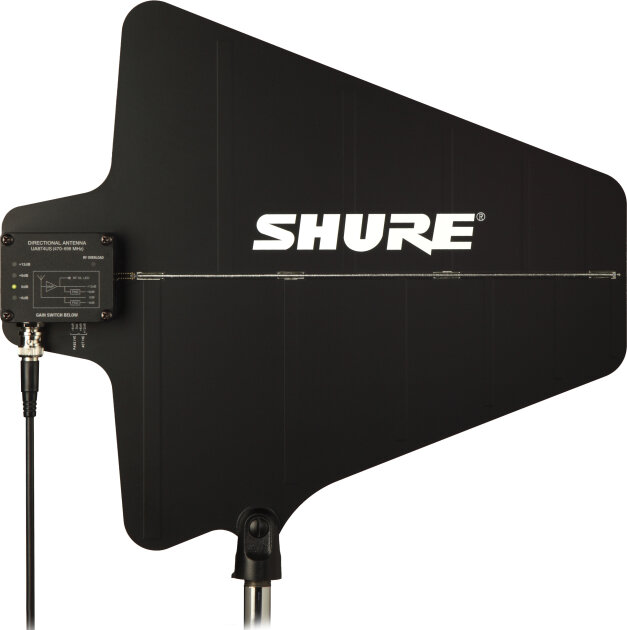
- If the receiver has to sit in a rack or far away, bring the antennas out on cable and lift them above the audience, for example Shure UA874WB directional antennas on stands.
- Keep antennas away from LED screens, lighting desks and large metal surfaces.
- In the sound check, walk every place the performer will go, including the stage edges and the aisle.