Mixing console
A mixing console is the device that takes every microphone, instrument and music source, lets you set the level and tone of each, and sends the blend to the speakers.
What a mixing console is
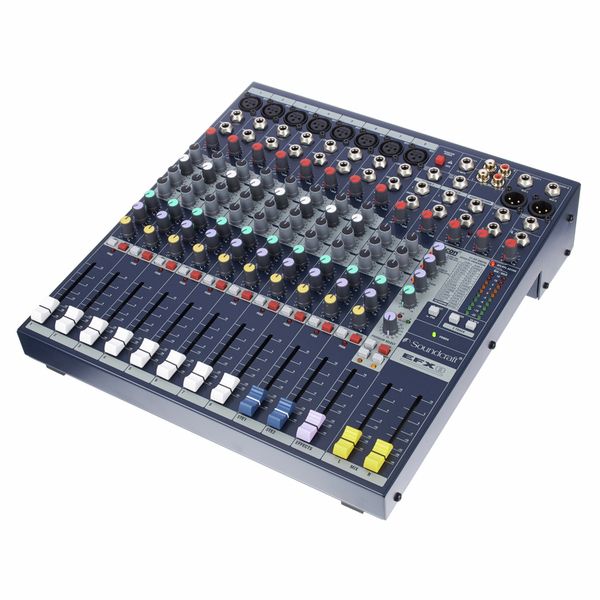
A mixing console, or simply a mixer, is the centre of a sound system. Every microphone, guitar, keyboard, laptop or phone gets its own channel on the desk. On that channel you set the input sensitivity, the tone and the level, and you decide where the signal goes next: the main speakers, the stage monitors or a recorder.
Mixers are either analogue or digital. An analogue desk has a physical knob for every function, so the settings are visible at a glance. A digital mixer processes the sound as numbers, with effects, compressors and stored settings built in.
What the mixer does at an event
Without a mixer you cannot sensibly run two microphones and background music at once. The mixer lets you bring up a quiet speaker, pull the music down during a speech and give the stage a different blend from the room. That is why the person at the desk has to hear what the audience hears.
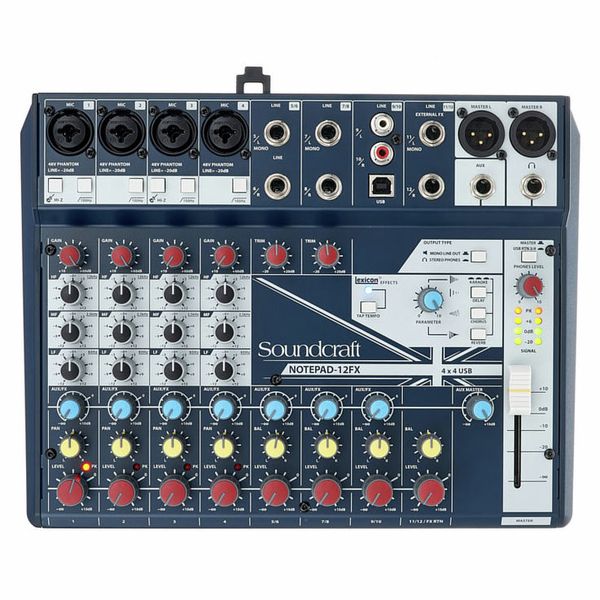
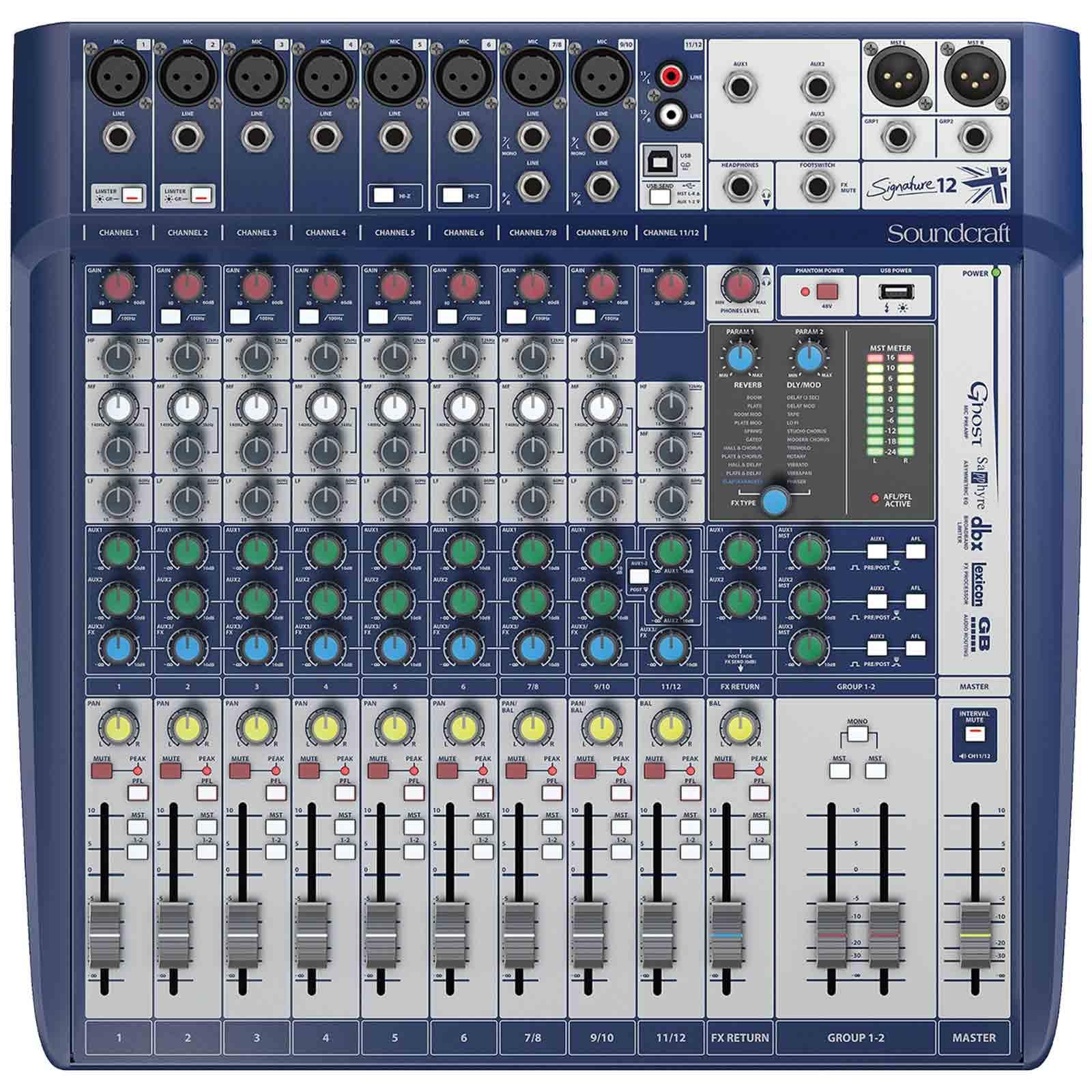
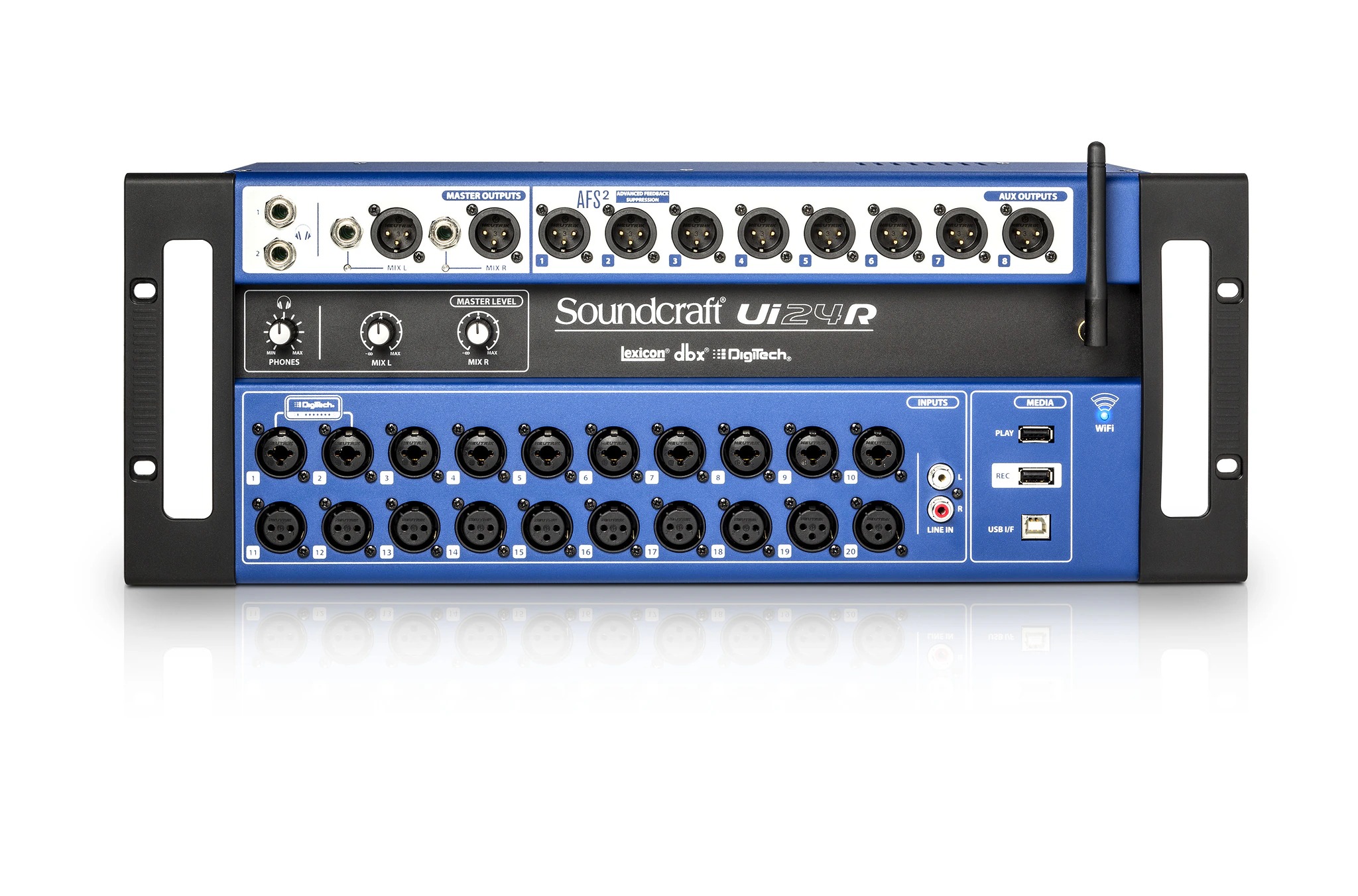
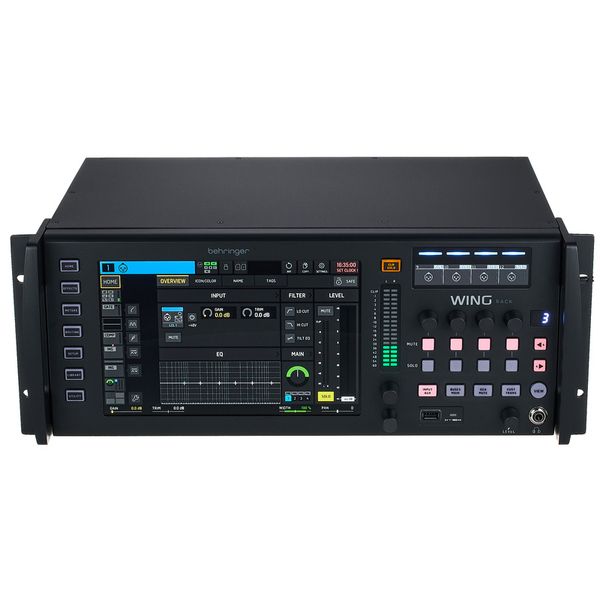
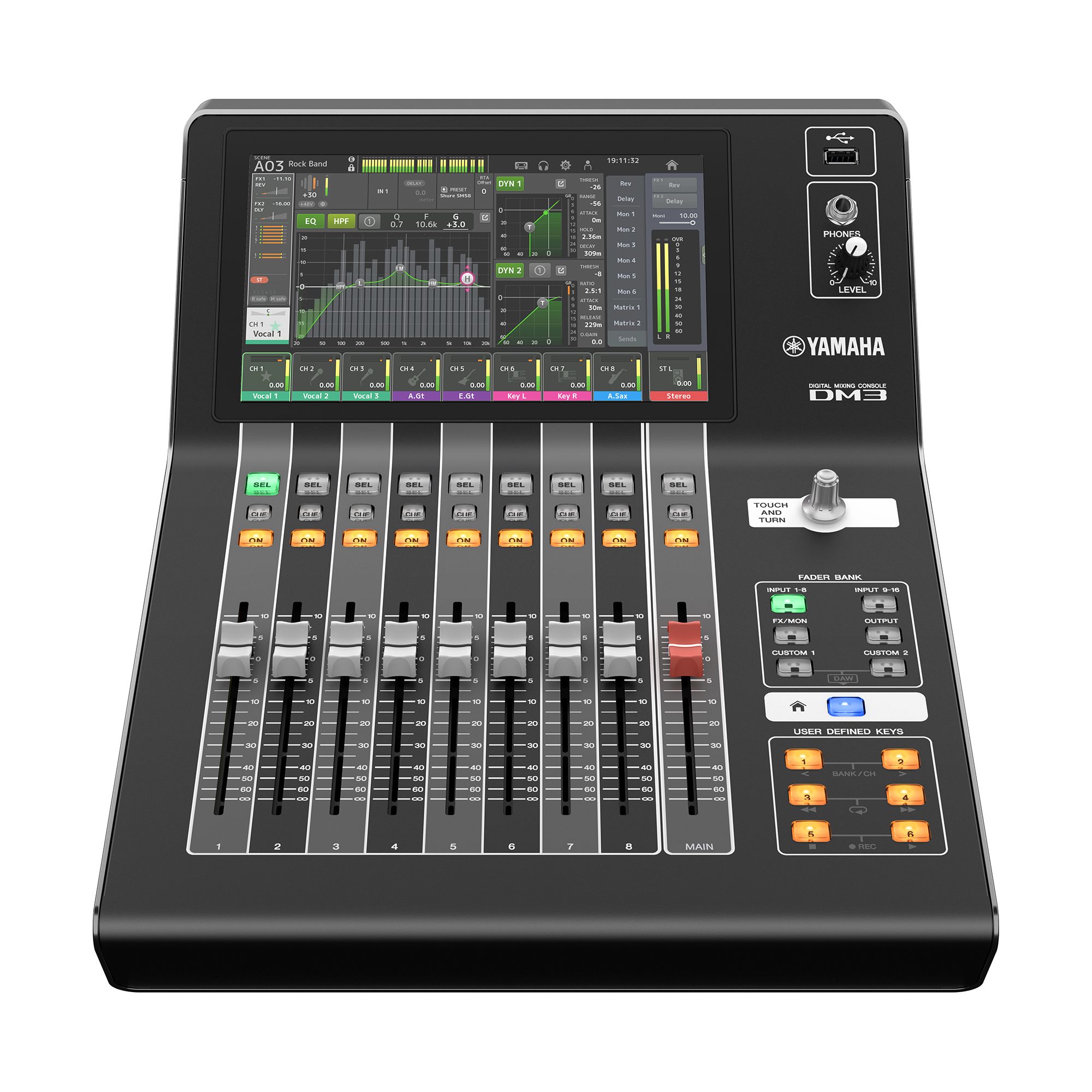
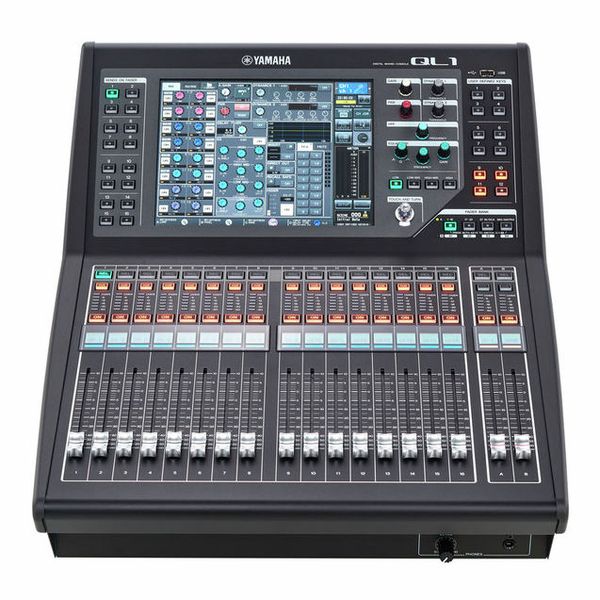
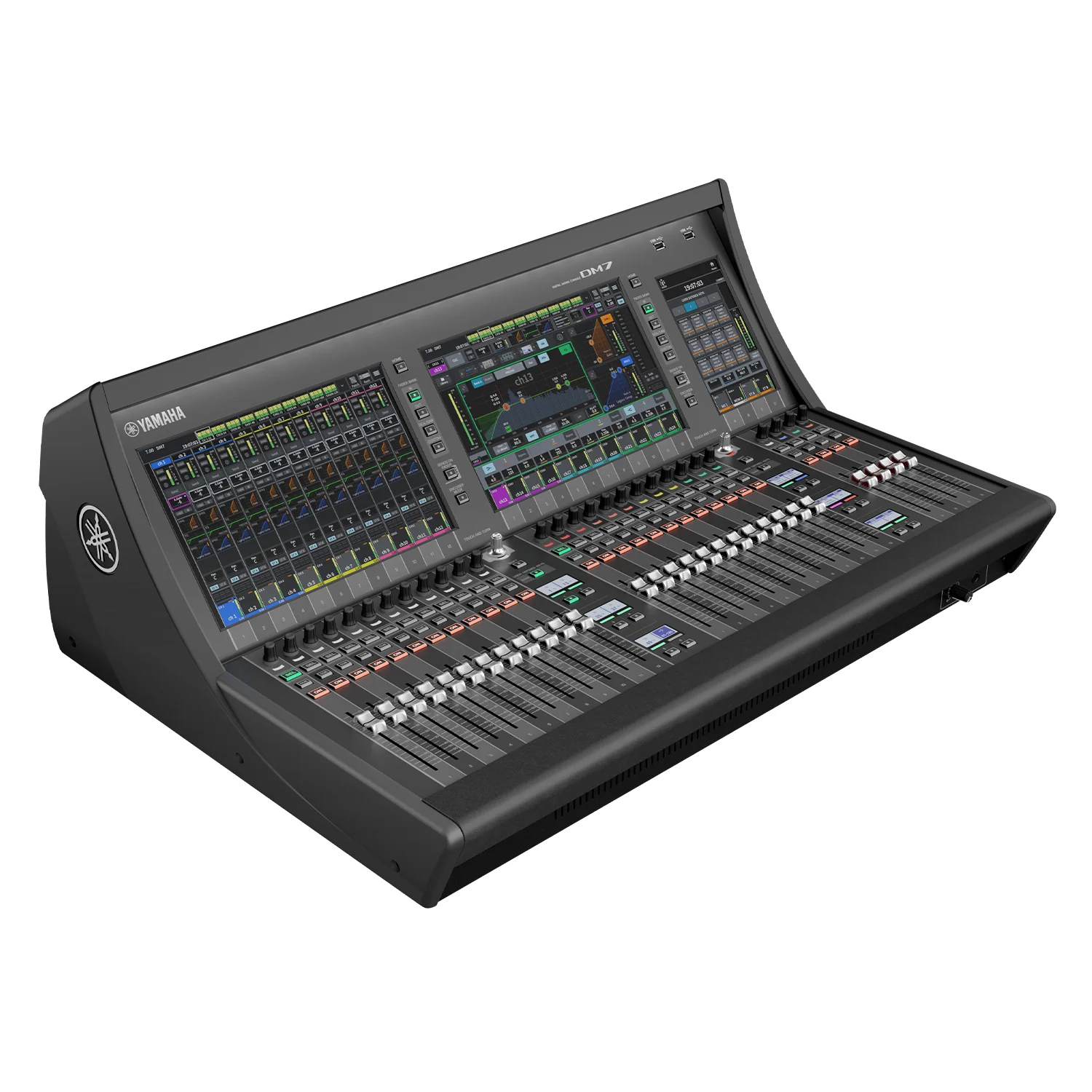
Our mixers range from the small Soundcraft Notepad 12FX, with four mono and four stereo channels, to the Yamaha DM7 with 120 input channels. In between sit the analogue Soundcraft Signature 10 with ten inputs, six of them for microphones, the 24-channel Soundcraft Ui24R, and the Yamaha DM3 and QL1.
How to count inputs and outputs
The size of the mixer follows from how many sources and how many separate outputs the event has. Count every microphone first, then the music sources: a laptop or DJ controller usually takes one stereo channel or two mono ones. Then count the outputs: main speakers, each separate monitor mix, lobby speakers, and a recording or live stream feed.
Always leave a couple of channels spare. A performer often turns up with an extra instrument, or someone asks for a second microphone at the last minute. Our guide on choosing between an analogue and a digital mixer goes deeper into channel counts.
- Microphones: one mic input per microphone
- Music sources: one stereo channel or two channels per source
- Outputs: main mix, each monitor mix, extra zones, recording
- Spare: at least two free inputs
Common mistakes
The most common mistake is counting only microphones and forgetting the laptop, the projector audio or the band's backing track. The second is putting the mixer behind the stage or in a side room where the operator cannot hear what the room hears. The third is plugging a microphone into a line input meant for a much stronger signal, then wondering why the sound is quiet and hissy.