Channel strip
A channel strip is one vertical column of controls on a mixer that belongs to a single input and sets that input's gain, tone, sends and level.
What a channel strip is
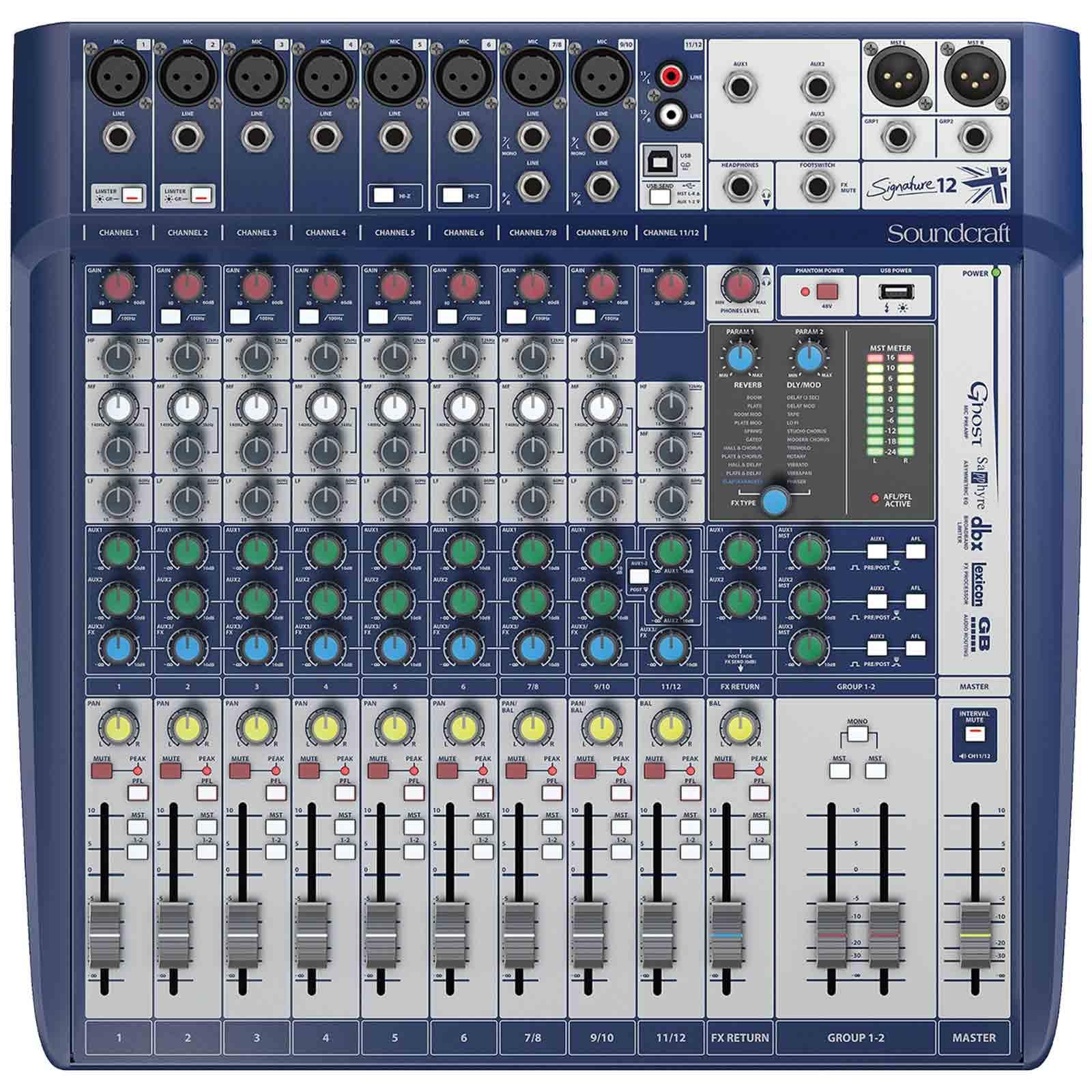
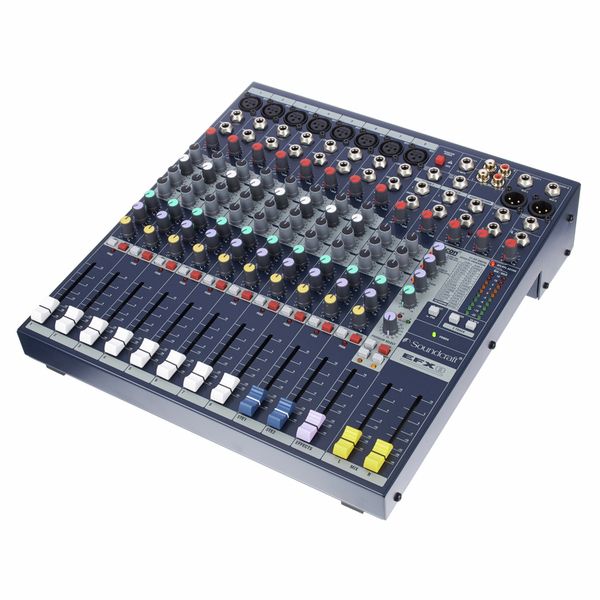
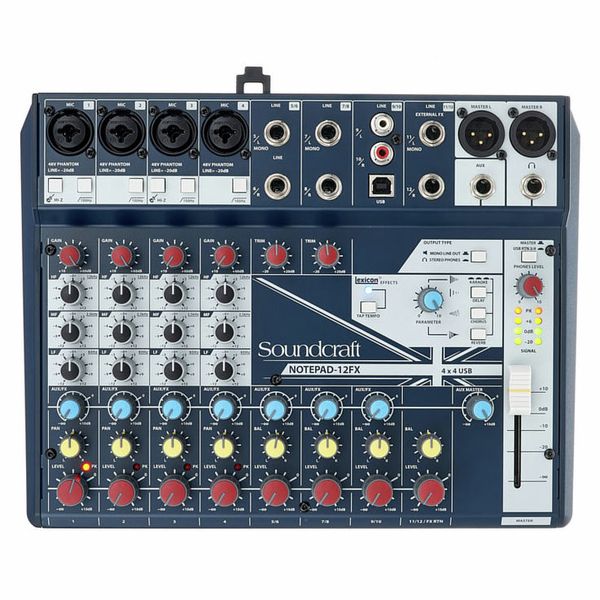
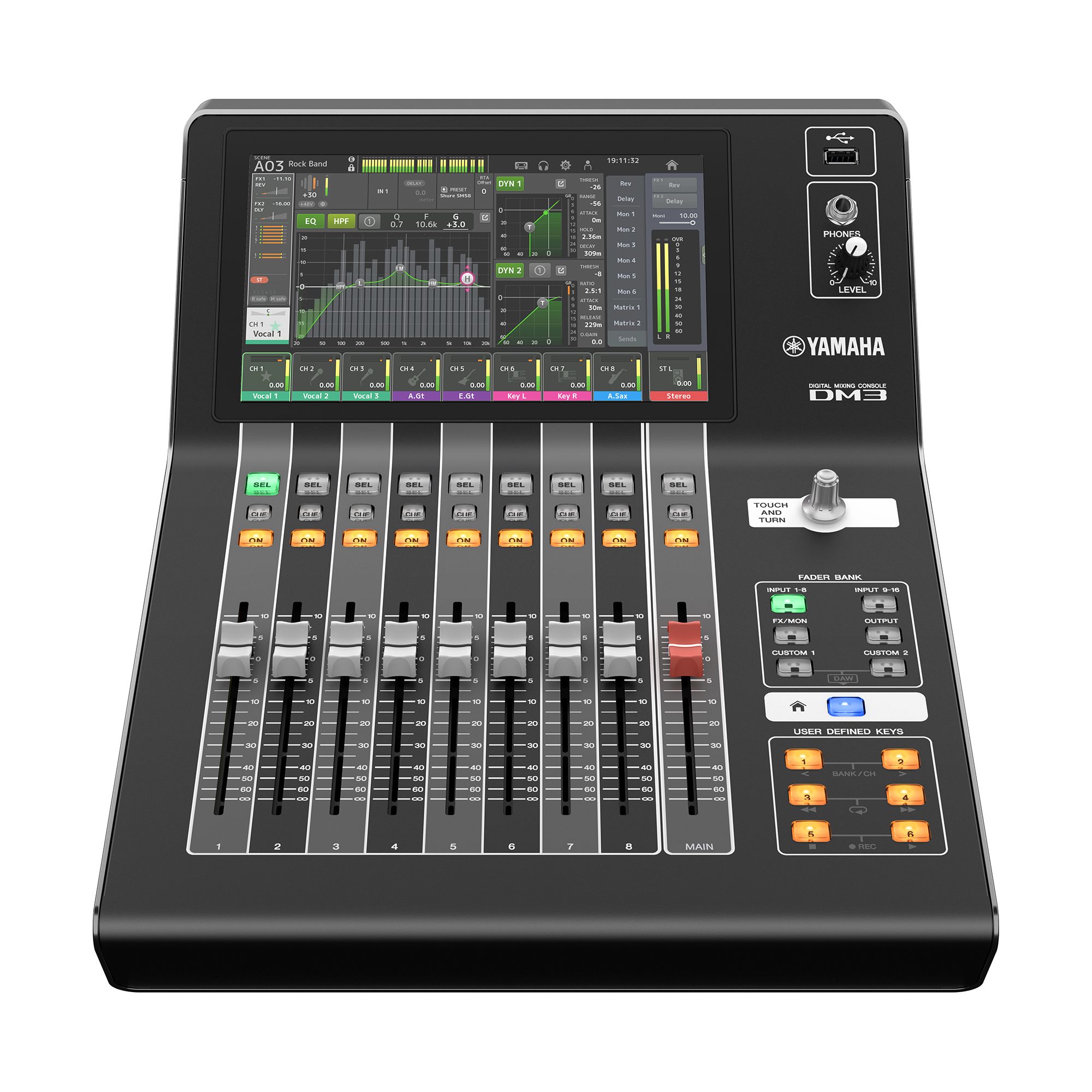
Look down at an analogue mixer: the knobs run in columns, and each column belongs to one input. One of those columns is a channel strip. On the Soundcraft Signature 10 and EFX8 it is a physical row of controls; on a digital mixer such as the Yamaha DM3 or Ui24R, the same strip opens on screen when you select the channel.
The signal travels down the strip from top to bottom, and each step works on the result of the one before. That is why the order is the same on almost every mixer.
What is on the strip, top to bottom
At the top is the input sensitivity, or gain, and on a mic channel the 48 V phantom power switch for condenser microphones. Next comes the high-pass filter, which cuts low rumble, and the equaliser for shaping the tone. Digital desks add a noise gate and a compressor here.
In the middle are the aux sends, which feed the channel to monitors or effects. Lower down is pan, which places the sound left or right, the mute button, and at the very bottom the fader that sets the channel's level in the main mix.
- Gain and phantom power
- High-pass filter
- Equaliser, plus gate and compressor on digital desks
- Aux sends to monitors and effects
- Pan, mute and fader
How to set up a channel strip
Work from top to bottom. Set the gain first so the performer's normal voice gives a healthy level and the loudest moment does not light the red clip LED. Switch on the high-pass filter on every channel that does not need deep bass. Only then touch the EQ, and the fader last. If you start with the fader, you never know whether a quiet channel has too little gain or is simply pulled down.
Label every channel with masking tape: who or what is plugged in. Finding the right one among ten identical strips in the middle of a speech is hard. The guide “Gain staging: how to avoid distortion and noise” explains the logic of levels.
Common mistakes
A common mistake is copying one speaker's EQ to another, even though the voice and microphone are different. Another is forgetting that an aux send can follow the fader, so pulling the channel down also silences the monitor. A third is leaving the mute on and looking for a cable fault.