Digital mixer
A digital mixer converts incoming audio into numbers and processes it inside, so equalisers, compressors, effects and stored settings all live in one box.
How a digital mixer works
At the input of a digital mixer the microphone or instrument signal is converted to numbers. Everything after that happens in a processor: each channel has its own equaliser, high-pass filter, noise gate and compressor, plus several effects engines. On an analogue desk the same amount of processing would need a rack full of separate units and dozens of cables.
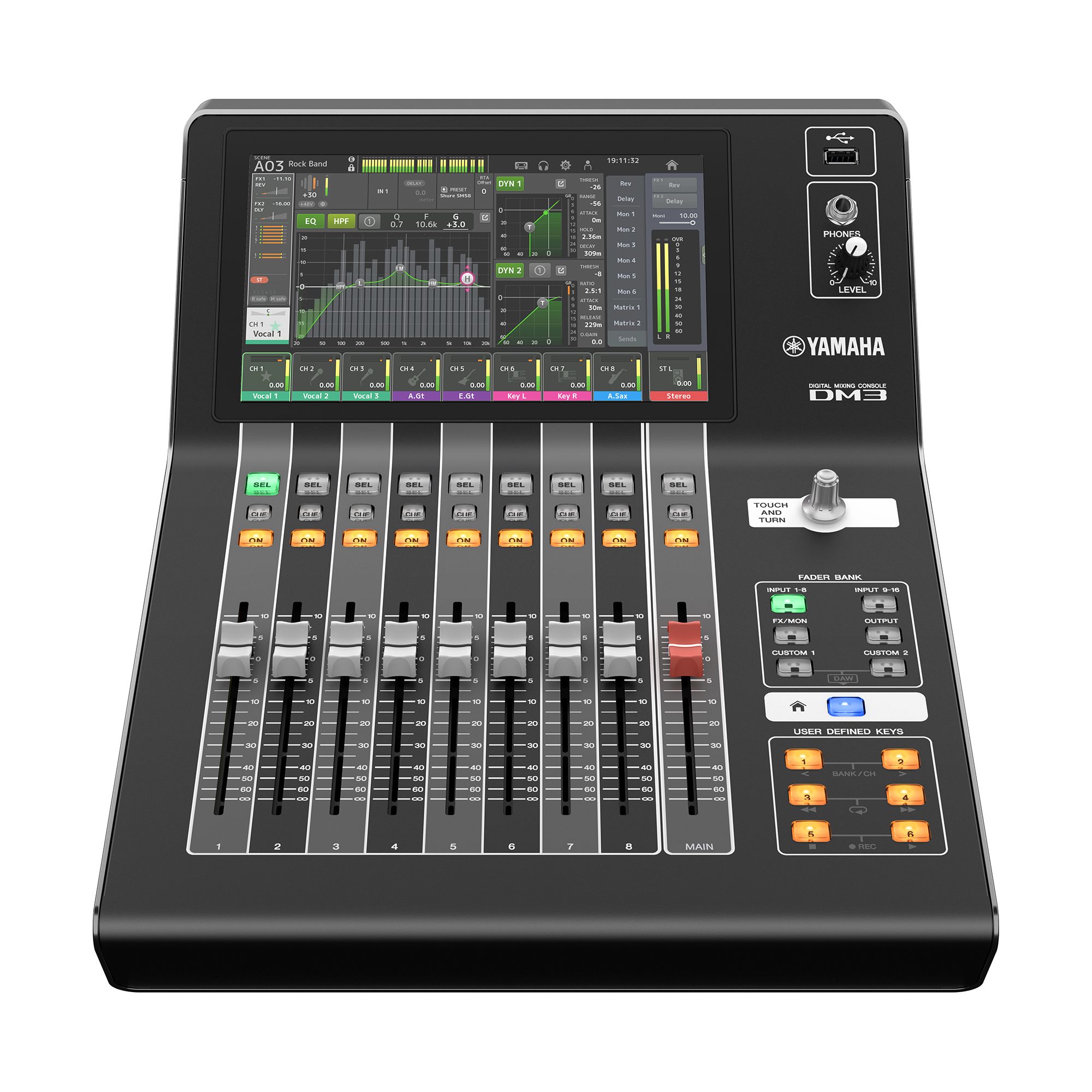
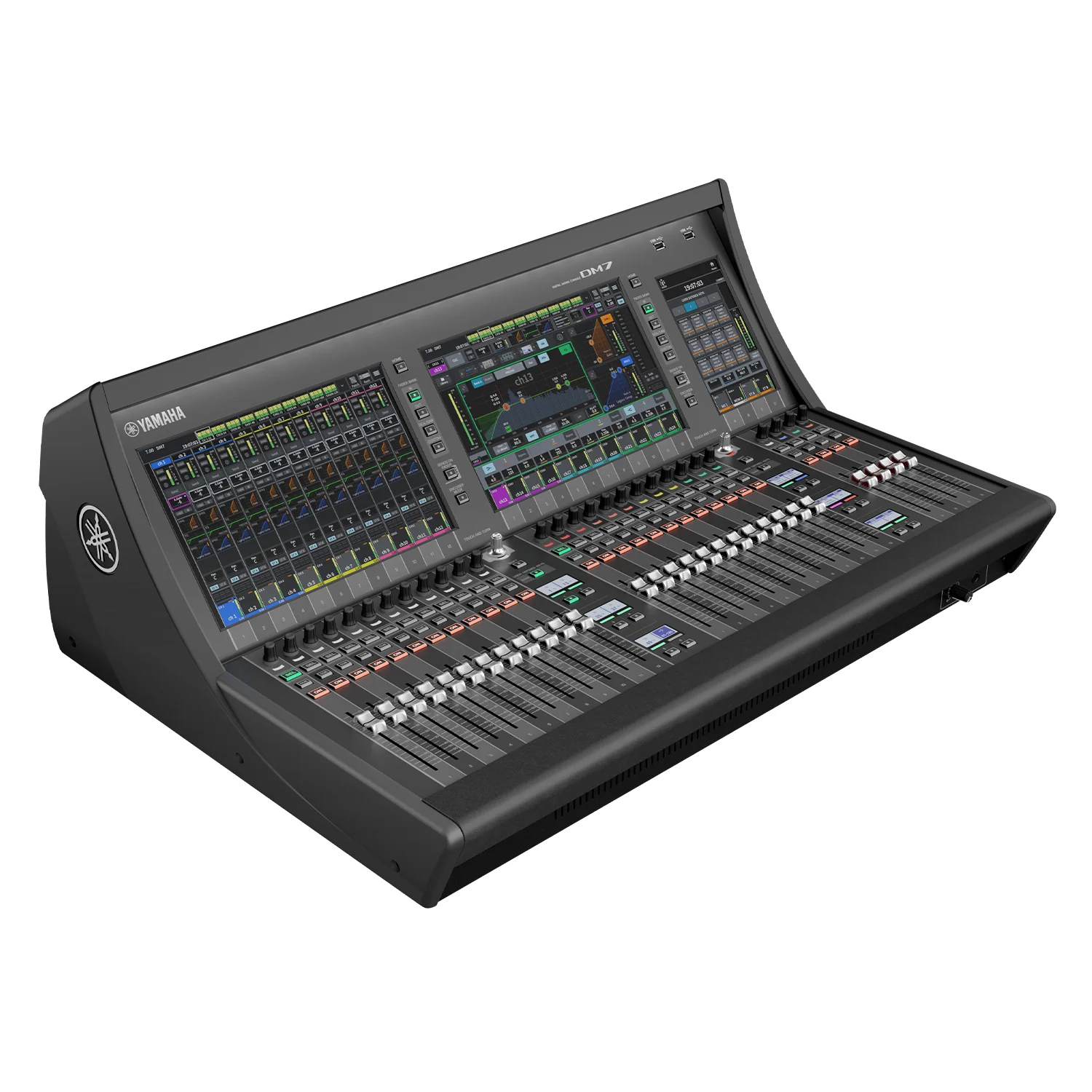
Because it is all software, not every function has its own knob. You set things up on a screen or in an app, and there are fewer physical faders than channels; you move between channels in layers.
What it adds at an event
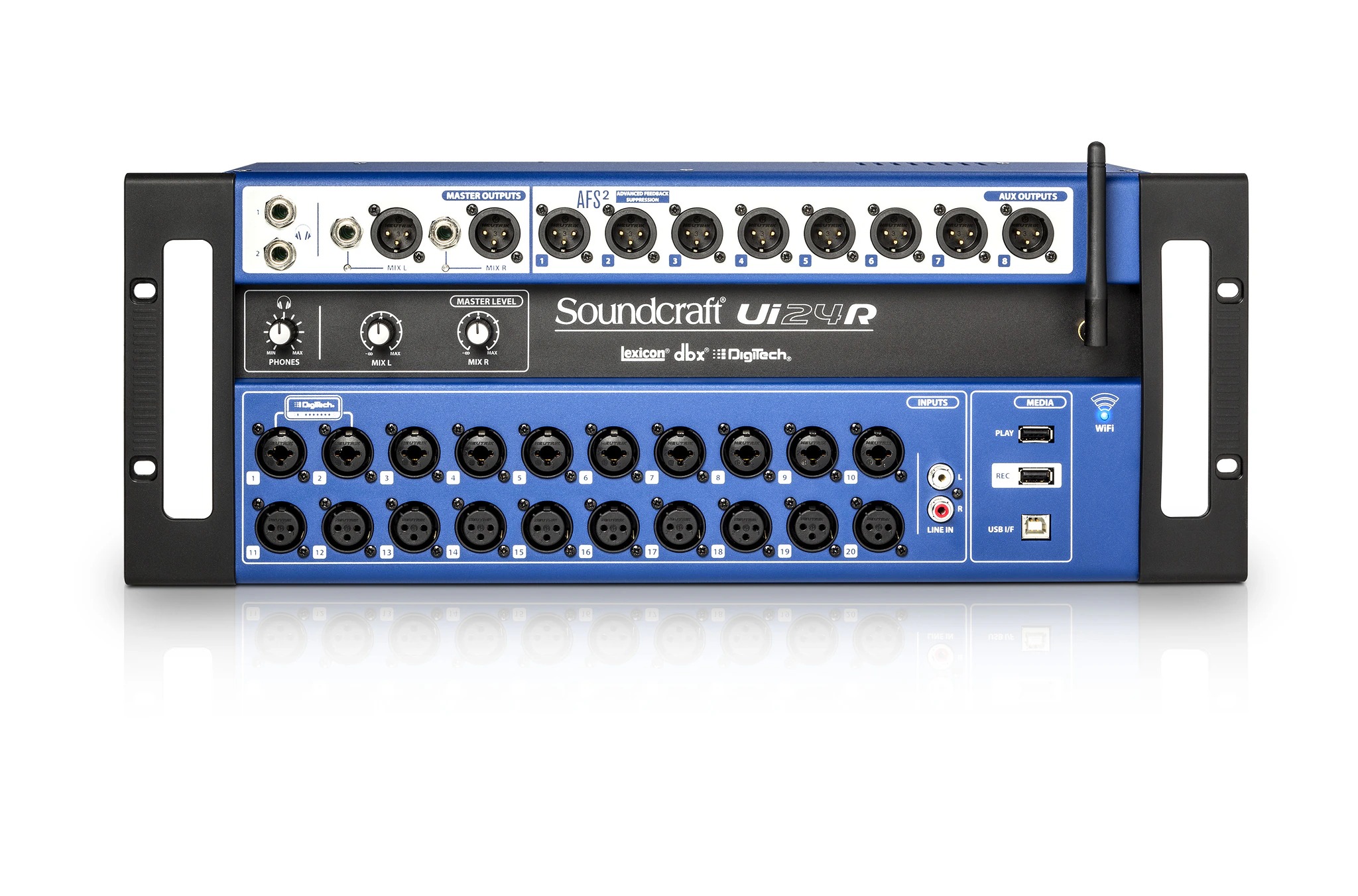
The biggest gain is stored scenes. Once everything is set at the sound check, the settings stay, and you can load a separate state for the speeches, the band or the award ceremony. The second is remote control: the Soundcraft Ui24R is a 24-channel digital mixer with wireless control, so the technician can stand in the room or next to a stage monitor and adjust the sound from a tablet.
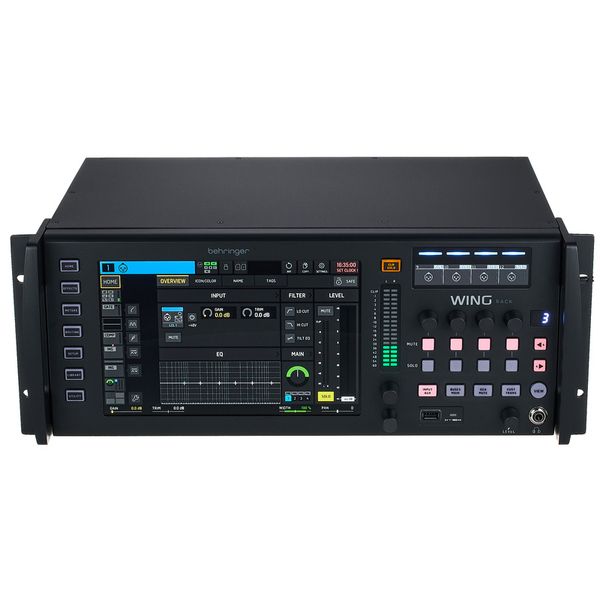
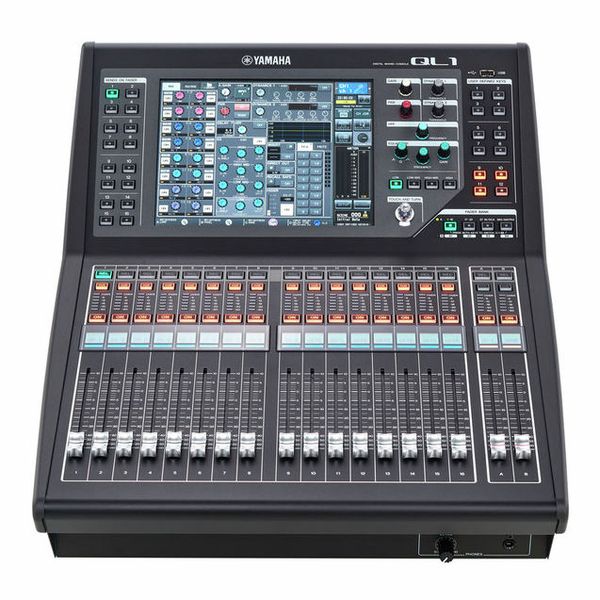
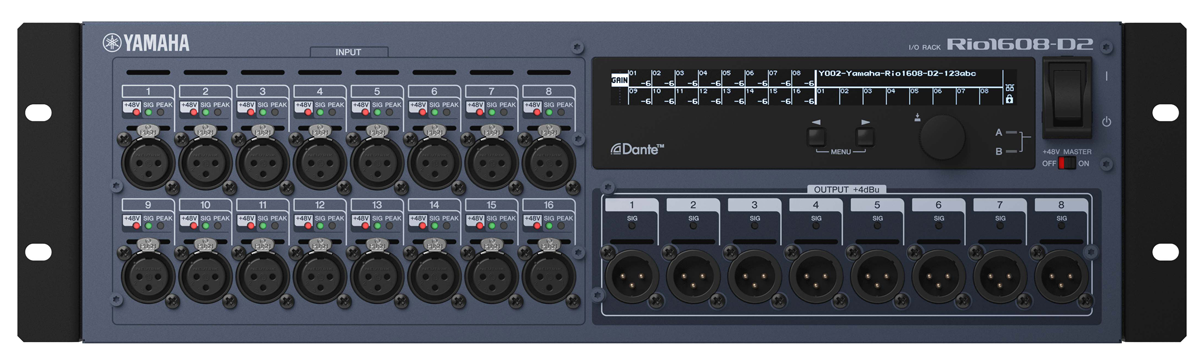
The third is moving the inputs onto the stage. The Yamaha QL1 connects over a Dante network to a Yamaha RIO1608-D2 stagebox at the edge of the stage, so a single network cable replaces a heavy multicore between stage and desk. The Behringer Wing Rack is a 48-channel rack-mount digital mixer, and our version also has Dante. The Ui24R can also record every channel to its own track over USB.
What to know before renting
A digital mixer is powerful, but every maker's menus are different. If the person at the desk does not know the model, the sound check is spent hunting for functions. Tell us who will run the mixer: if a technician brings a ready show file, pick a model they know; if the organiser runs it, a simple analogue desk is often the safer choice.
Rack mixers such as the Ui24R and Wing Rack need a tablet or laptop to control them. Make sure the device is charged and that the app or browser is connected before the event.
Common mistakes
The first mistake is starting the sound check on an old scene with the previous user's settings, then spending an hour finding out why one channel is muted. Start from a clean setup. The second is relying entirely on a wireless link in a packed room where hundreds of phones crowd the airwaves. Keep the tablet close and know where the mixer physically is. The third is changing a scene and not saving it before the next one is loaded.