Fader
A fader is the sliding control on a mixer that sets the level of a channel or output in the mix; push it up for louder, pull it down for quieter.
What a fader is
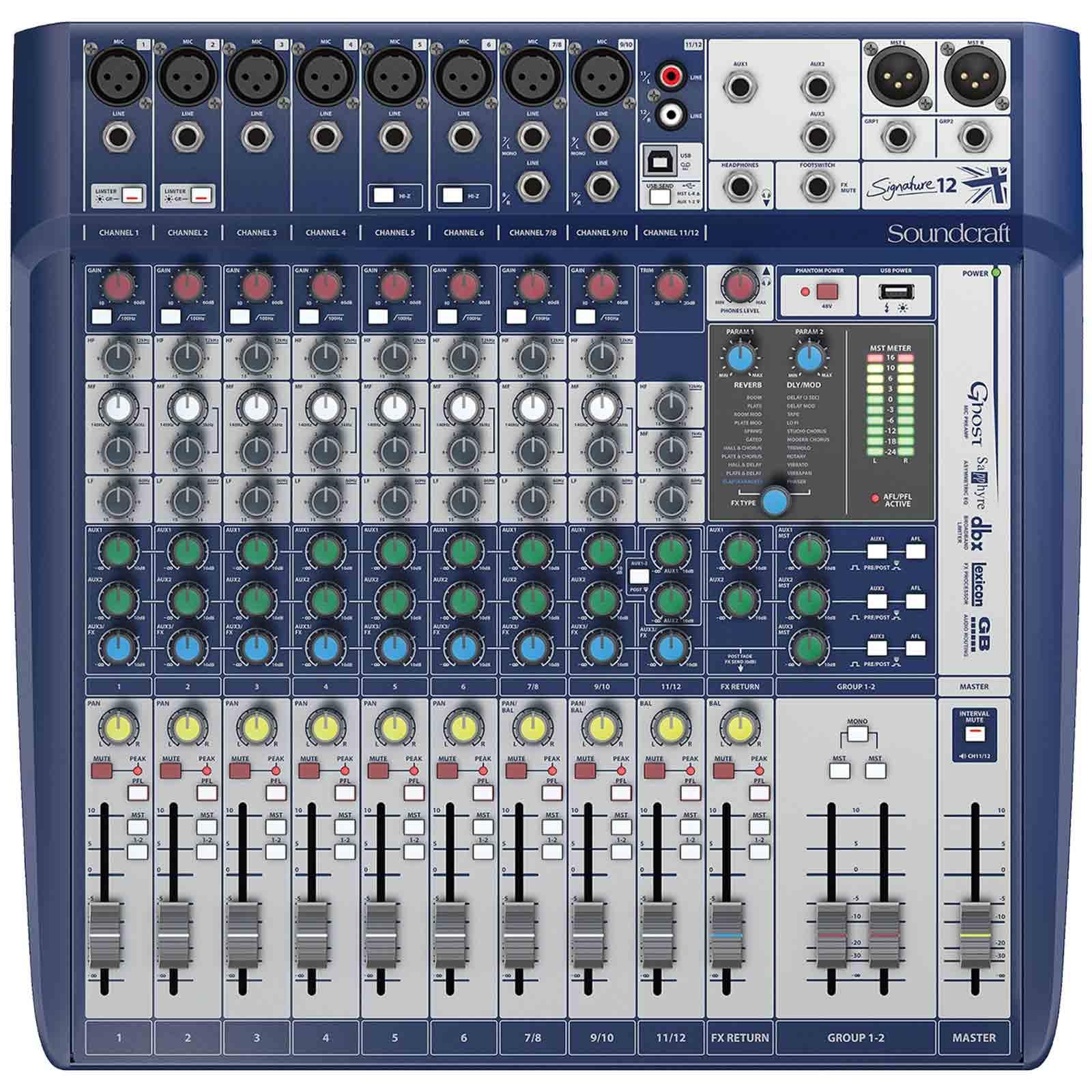
A fader is a long-throw slider at the bottom of the channel strip. A slider is used instead of a rotary knob because its position is visible at a glance and one hand can move several faders at once. Each input channel has its own fader, plus a master fader for the main mix and often faders for the aux outputs.
The fader scale has a mark labelled 0 or U, for unity. At that position the channel goes into the mix without being boosted or cut. Above it there is a little extra room; below it, a long range for turning down.
Fader and gain are not the same
Gain at the top of the strip sets how much the input amplifies the microphone signal. The fader sets how much of that amplified signal goes into the mix. The right order is to set gain first, then use the fader to mix. With good settings most channel faders sit near unity.
If gain is too low and the fader is pushed to the top, you get more hiss and less margin before feedback. If gain is too high and the fader is low, the input can distort even though the room is quiet. The guide “Gain staging: how to avoid distortion and noise” explains this in detail.
Motorised faders and layers
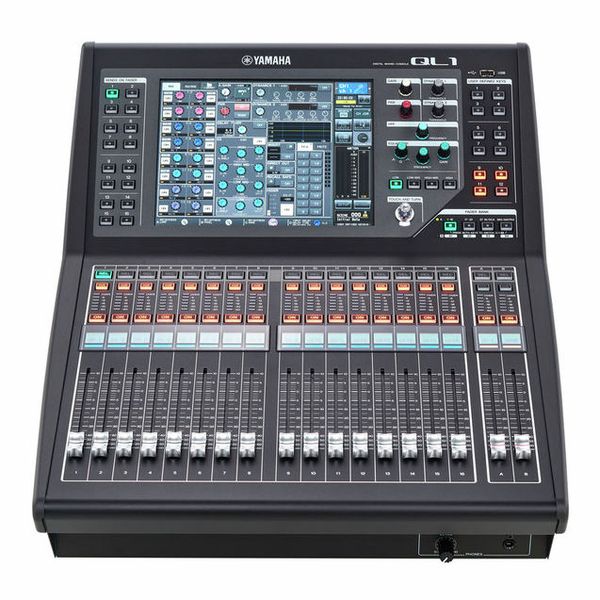
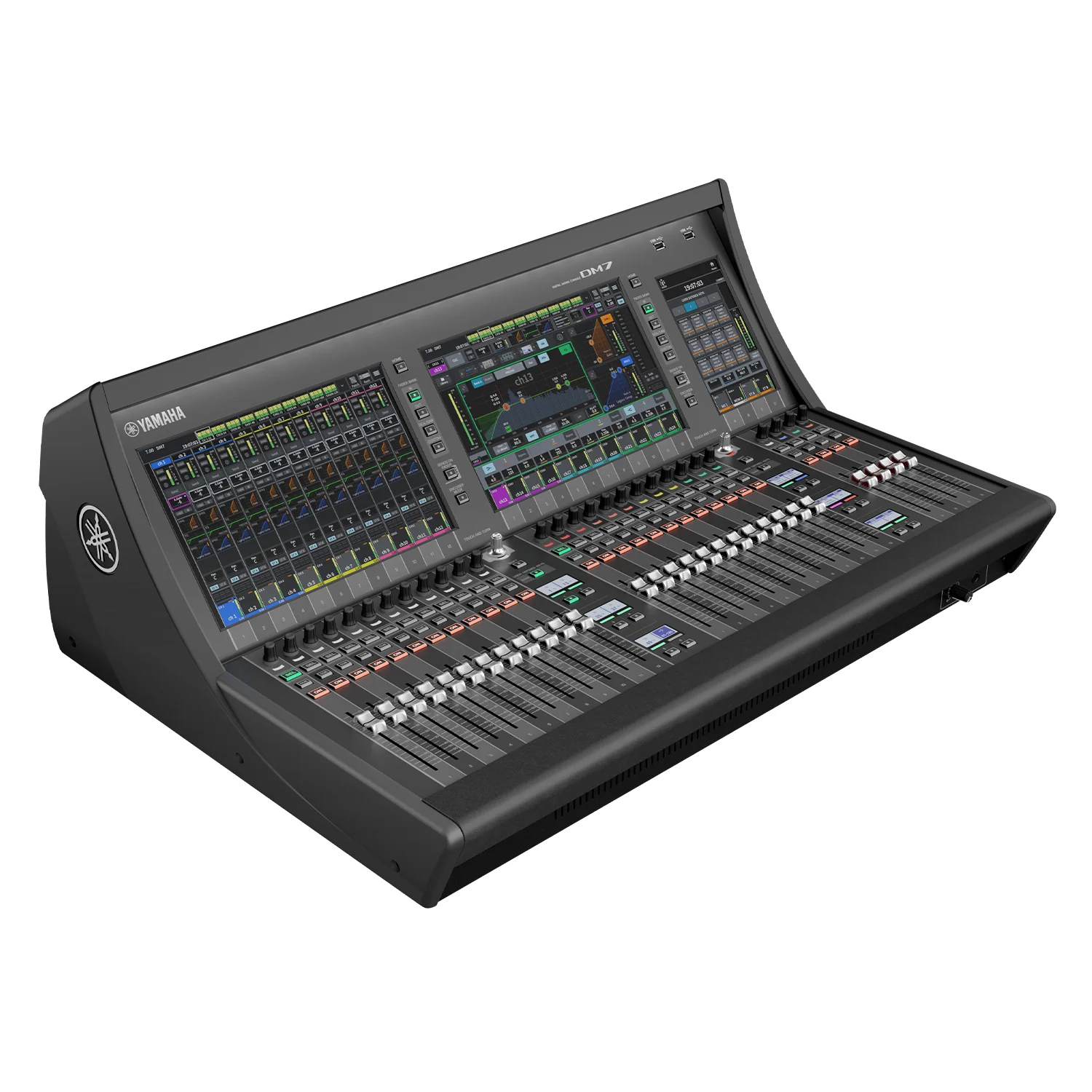
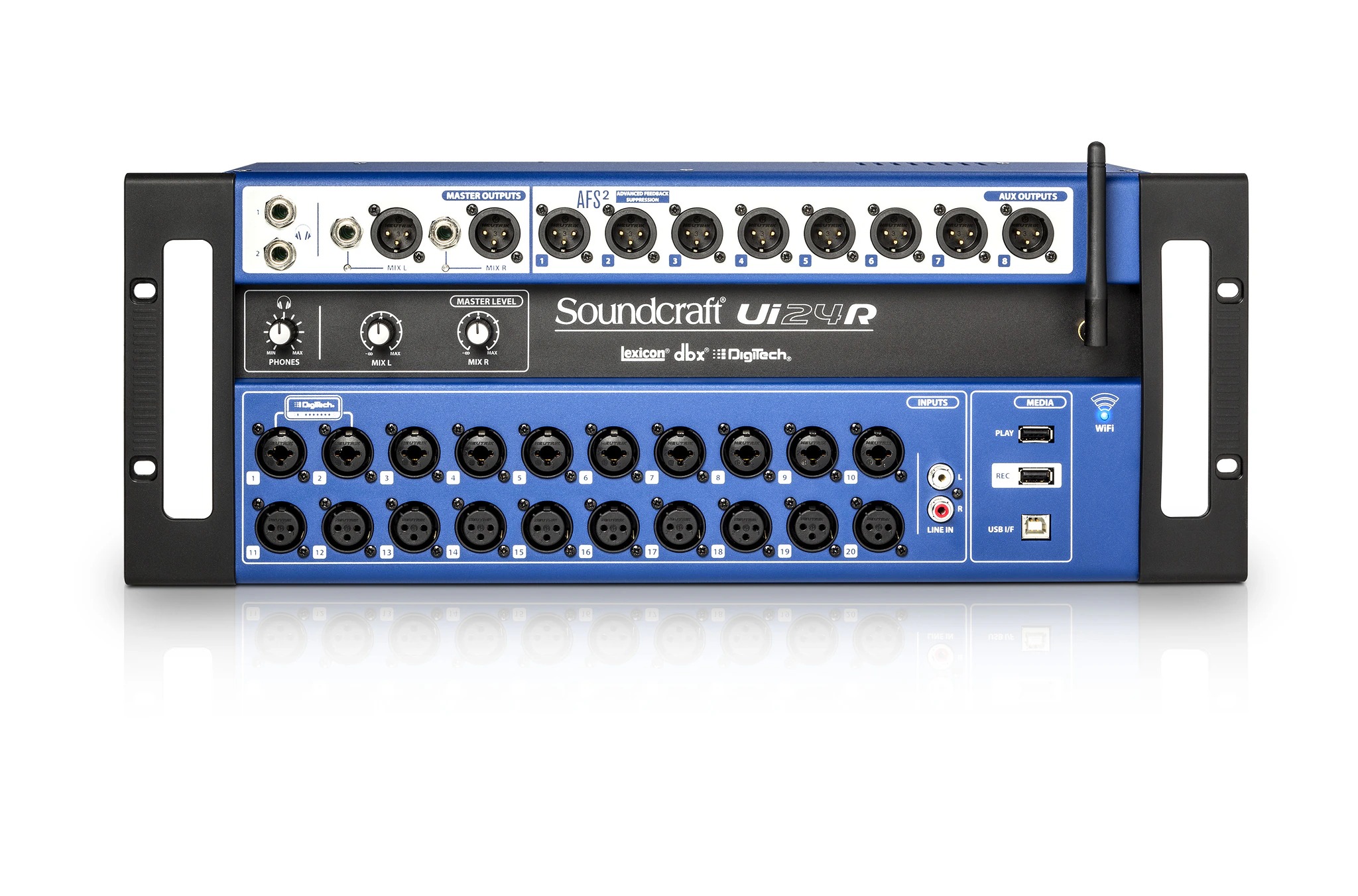
Digital mixers often have motorised faders. Select another layer, for example channels 17 to 32 or the aux outputs, and the faders move to the right positions by themselves. That lets a small number of faders control many channels; the Yamaha QL1 and DM7 work this way. The Soundcraft Ui24R has no physical faders; they are on the tablet screen.
When working in layers, check the screen to see which channel a fader is controlling before you move it.
Riding speeches and common mistakes
During speeches, keep a hand on the speaker's fader and listen. Push it up a little for a quiet speaker and down for a loud one. When the speech ends, pull the fader down so the next microphone does not pick up the room. Unused microphones should have their faders down or the channel muted.
A common mistake is the master fader at half and the channel faders at the top. Another is moving the wrong channel on a layered desk. A third is forgetting that a post-fader aux send follows the fader, so pulling a channel down also silences its effect or monitor.