Speeches and music on the same night: transitions and levels
A company evening, a milestone birthday, a wedding and a Christmas party all follow the same pattern: welcome speech, dinner with background music, toasts, a performance, awards and finally dancing. Technically it is two different events on one sound system. Speech needs clarity and quiet around it; dance music needs volume and bass. Most things go wrong in between: the music keeps playing under the speech, the host says the first sentence into a muted mic, or the mic squeals because the volume was turned up for dancing. The sound equipment rental for such a night is simple; running it is the hard part. This guide shows how to plan the transitions and which levels to keep when.
Why speech and music need different settings
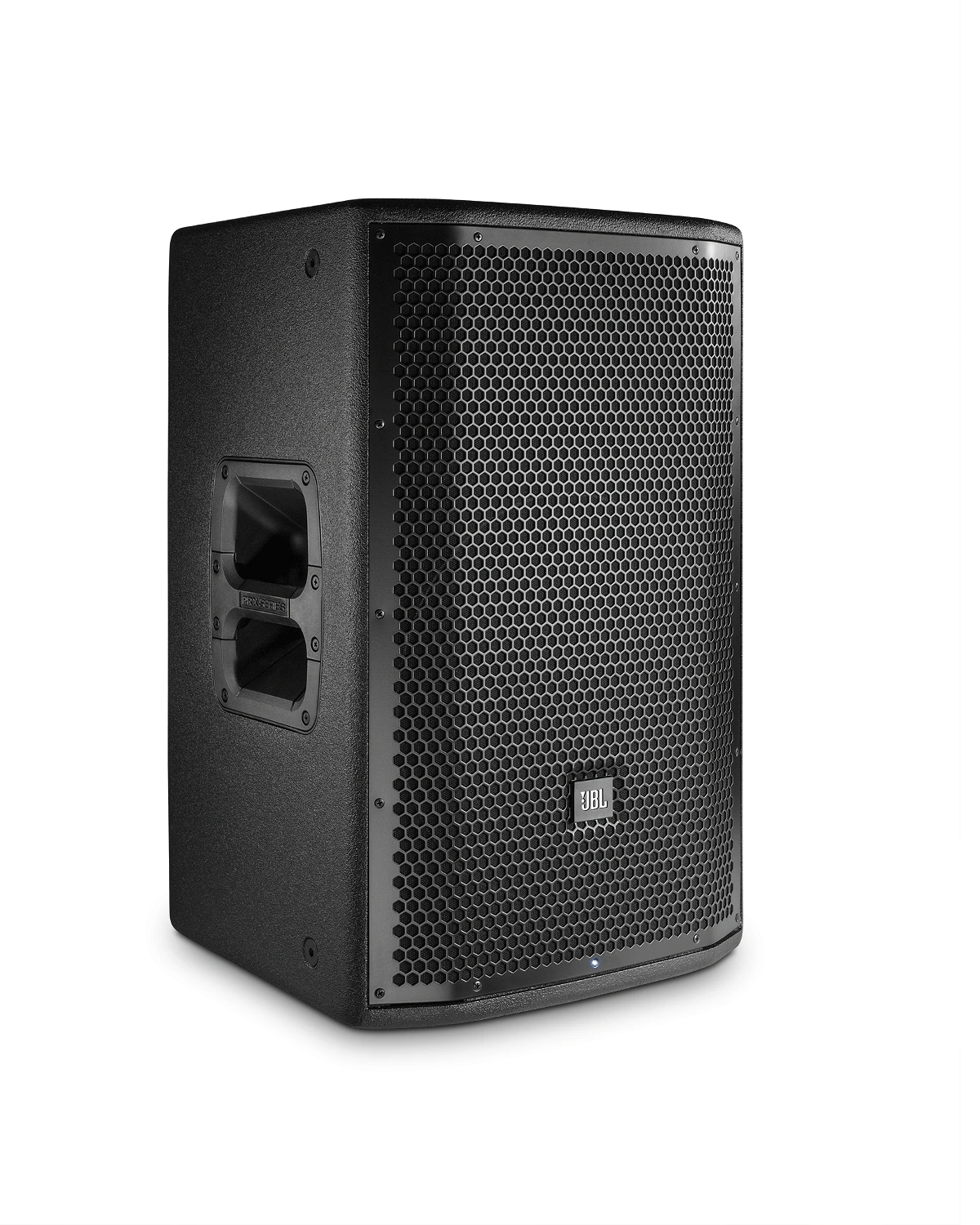
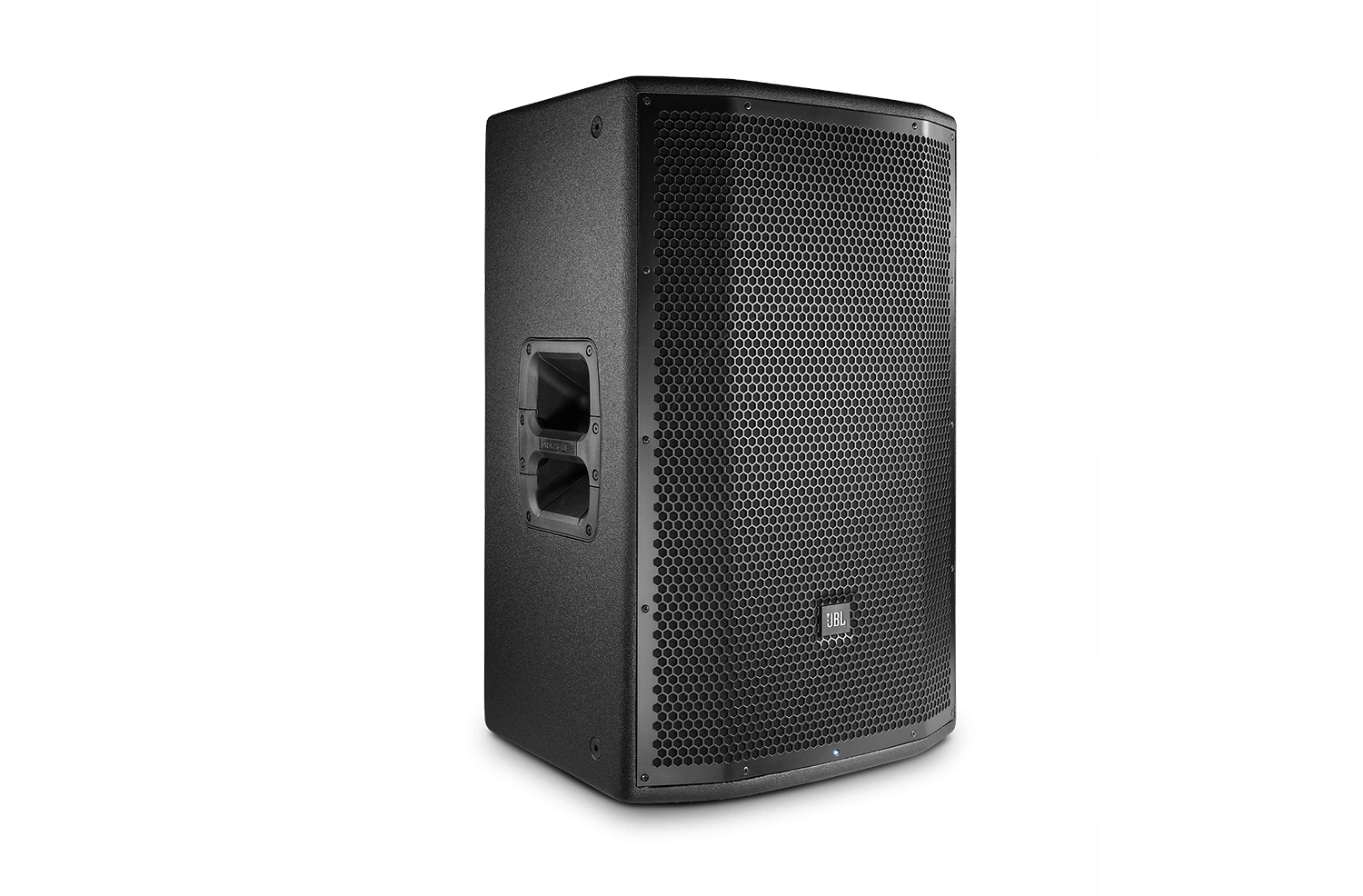
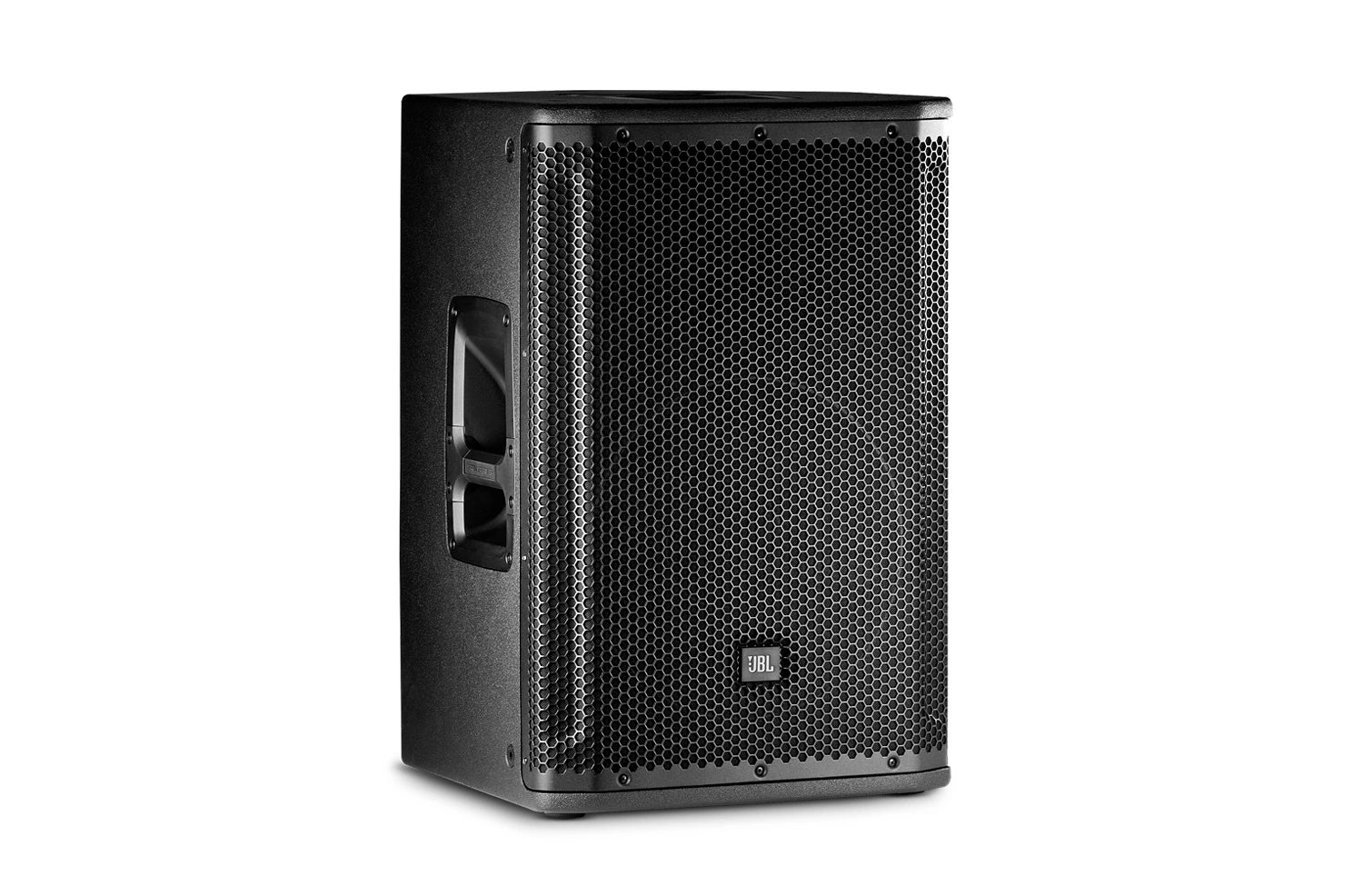
With speech the aim is that every word is understood in the back row, not that it is loud. On the mic channel a high-pass filter removes frequencies the voice does not need: table knocks, hand rustle, rumble from the subwoofer. Music needs the full frequency range, the subwoofer and more volume. So one system, for example two JBL PRX812 speakers and a JBL SRX818SP subwoofer as in the Wedding sound kit, has two operating modes.
The dangerous moment is when one mode carries over into the other. If the master is up for dancing and someone picks up the mic, feedback is almost certain. If music plays under a speech, the audience tires and half-listens. That is why speech and music are controlled on separate mixer channels and the master stays at the same level all evening.
The running order from a sound point of view
Take the event running order and write next to each item what changes in the sound and who triggers it. The person at the mixer then has a sheet showing what comes next. Give the same sheet to the host, so they know the music will fade after their cue.
- Guests arriving: background music low, mics muted.
- Welcome speech: music fades out, host mic opened before the first word.
- Dinner: background music quiet enough to talk at the table without raising your voice.
- Toasts: second handheld ready, music down for each toast.
- Performance or awards: music only for walk-on and walk-off.
- Dancing: speech mics muted, music and subwoofer up.
From music to speech, step by step
The best transition is one nobody notices. Agree a cue with the host: they stand up, step to a set spot or nod towards the mixer. Then everything happens in a fixed order.
- 1. The host gives the cue and takes the mic, but does not speak yet.
- 2. The music fades over a few seconds instead of stopping dead mid-phrase.
- 3. The mic channel is opened when the music is almost silent.
- 4. The host starts only when the music has stopped completely.
- 5. After the speech the mic is muted and the music comes back up to background level.
The music source: laptop and phone without surprises
If the music comes from a laptop or phone, prepare it so nothing unexpected is heard during the evening. Switch off all notifications and system sounds, put the device in flight mode or at least do-not-disturb. A free streaming service may insert ads between tracks, so download the playlist to the device. Make a separate playlist for each part of the programme: arrival, dinner, dancing.
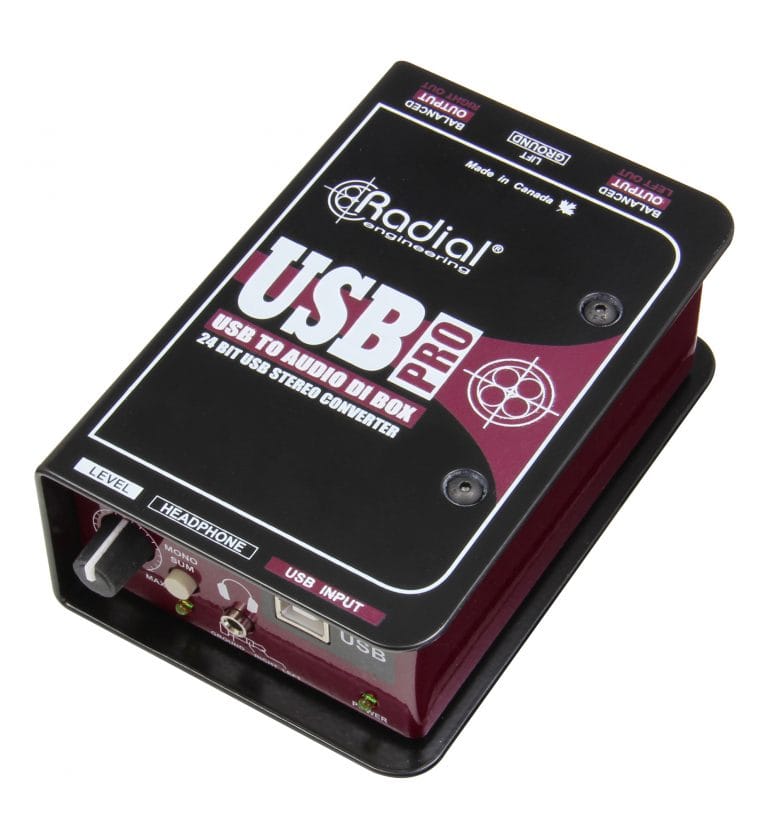
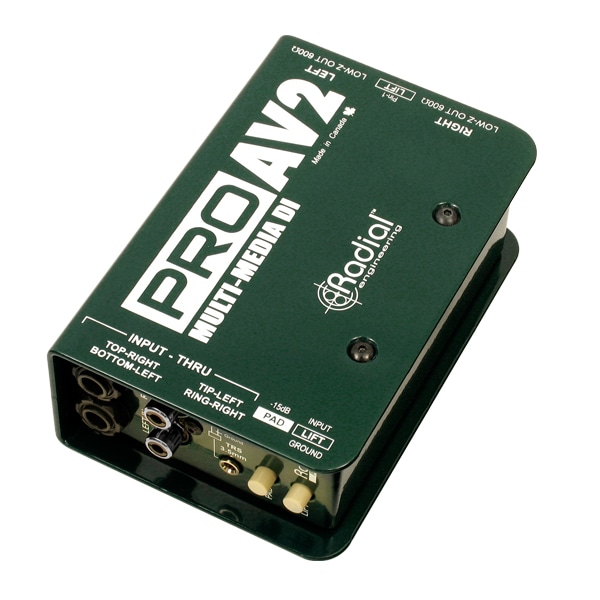
Connect the laptop to the mixer through a DI box such as the Radial USB-PRO, which takes audio over USB and prevents hum; for a phone the Radial PROAV2 works. The guide on connecting a laptop or phone to a PA covers this in detail. Set the music source level on the mixer during the sound check and do not touch the device's own volume during the evening; otherwise every transition lands at a different level.
Levels: how loud is enough
In the sound check, set three levels and note where the faders were: speech, background music during dinner, and dance music. Speech must be clearly heard across the room, but not so loud that the guests at the front table flinch. Dinner music is right when people at the table can talk without raising their voices. If people start talking over the music, it is too loud.
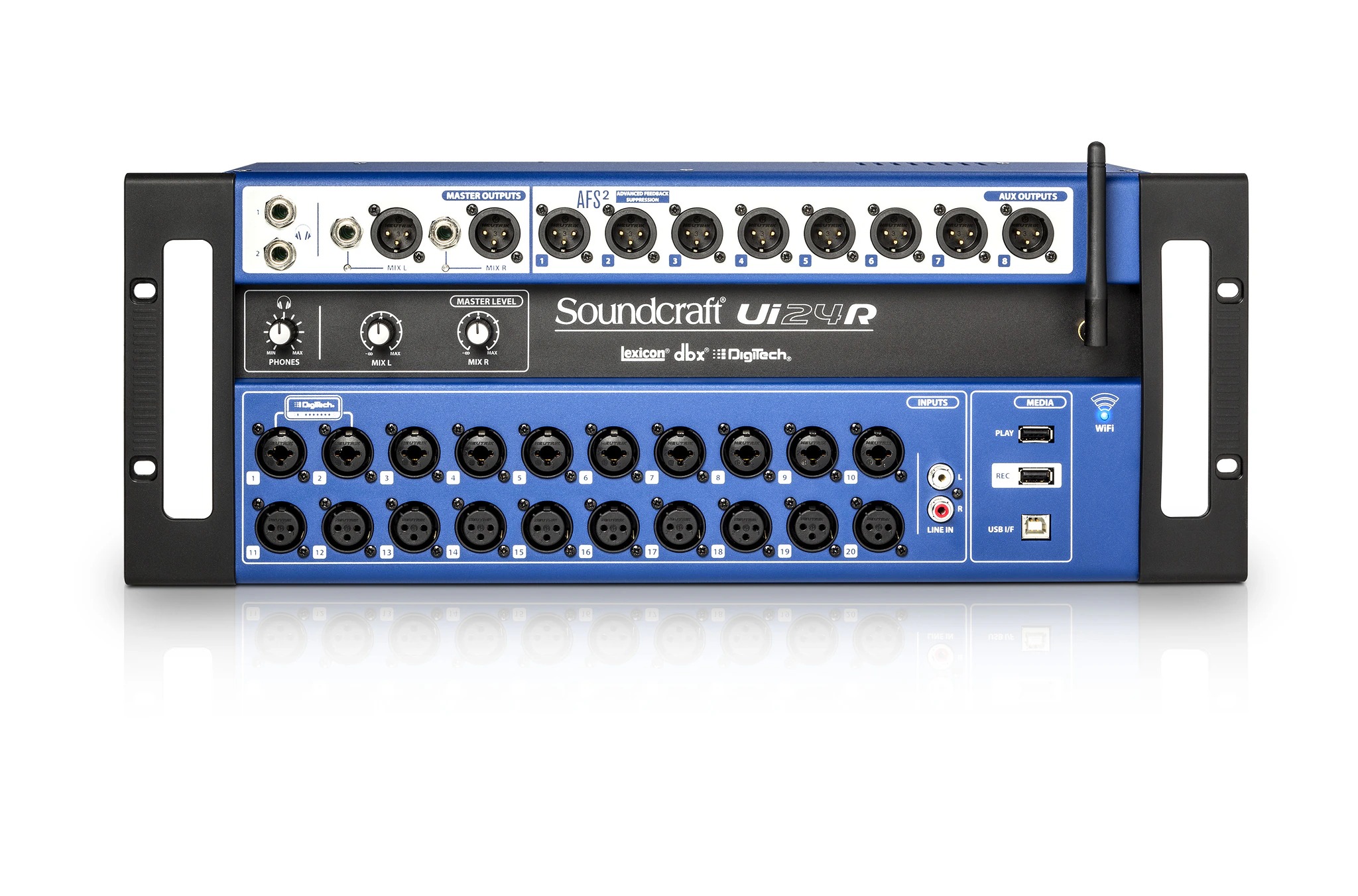
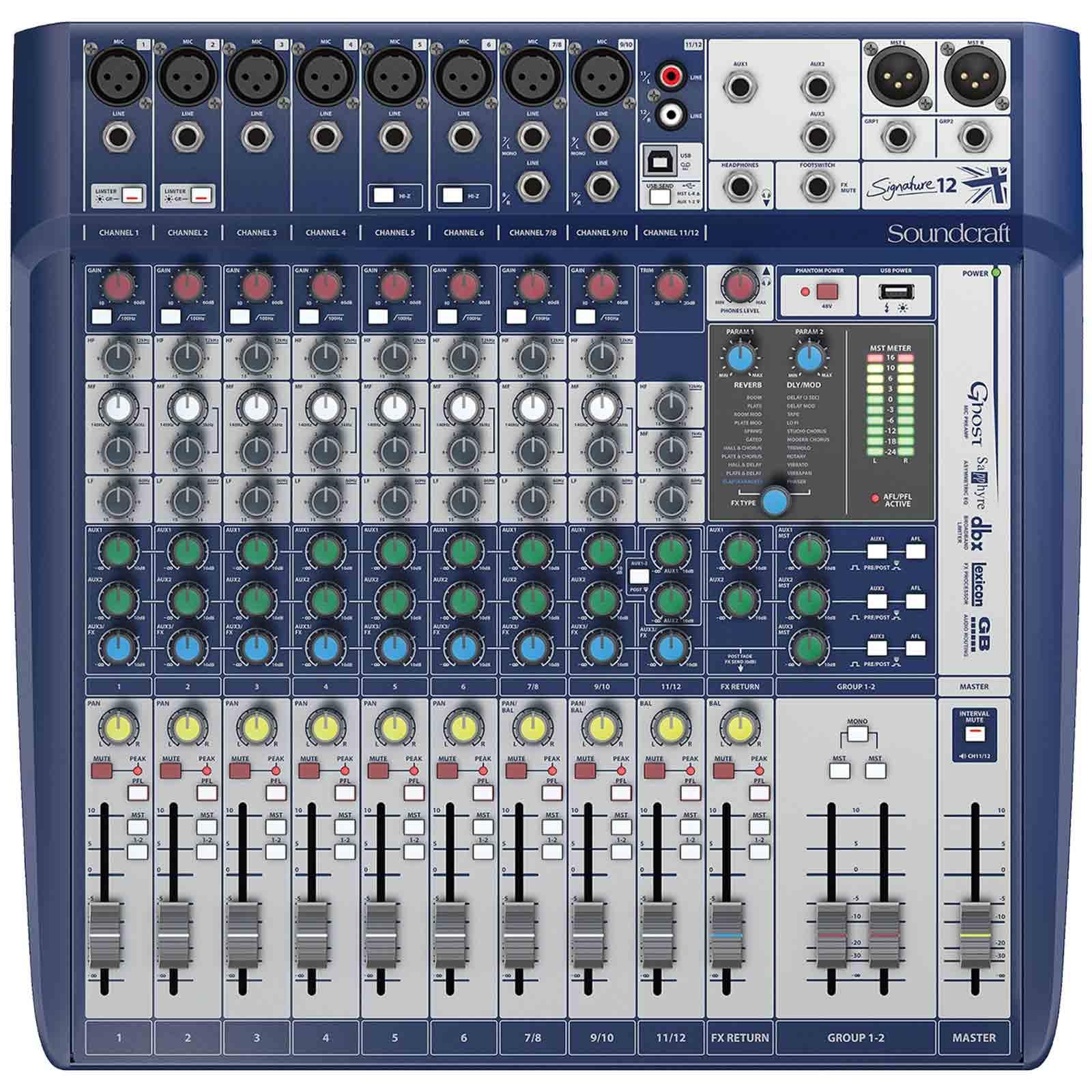
On a digital mixer such as the Soundcraft Ui24R you can save these settings as scenes and switch with one tap; the Ui24R is also controlled from a tablet, so the operator can move around the room and listen. With an analogue mixer such as the Soundcraft Signature 10, mark the fader positions with tape. During the dancing the level rises gradually; the first dance can be quieter than midnight.
Microphones during the dancing
When the dancing starts, mute all speech mics at the mixer. An open wireless mic left on a table hears the music and starts to squeal as soon as someone lifts it in front of a speaker. If spontaneous toasts or announcements are likely, keep one handheld with the operator, muted and with less gain than during the speeches, because the dance level is higher.
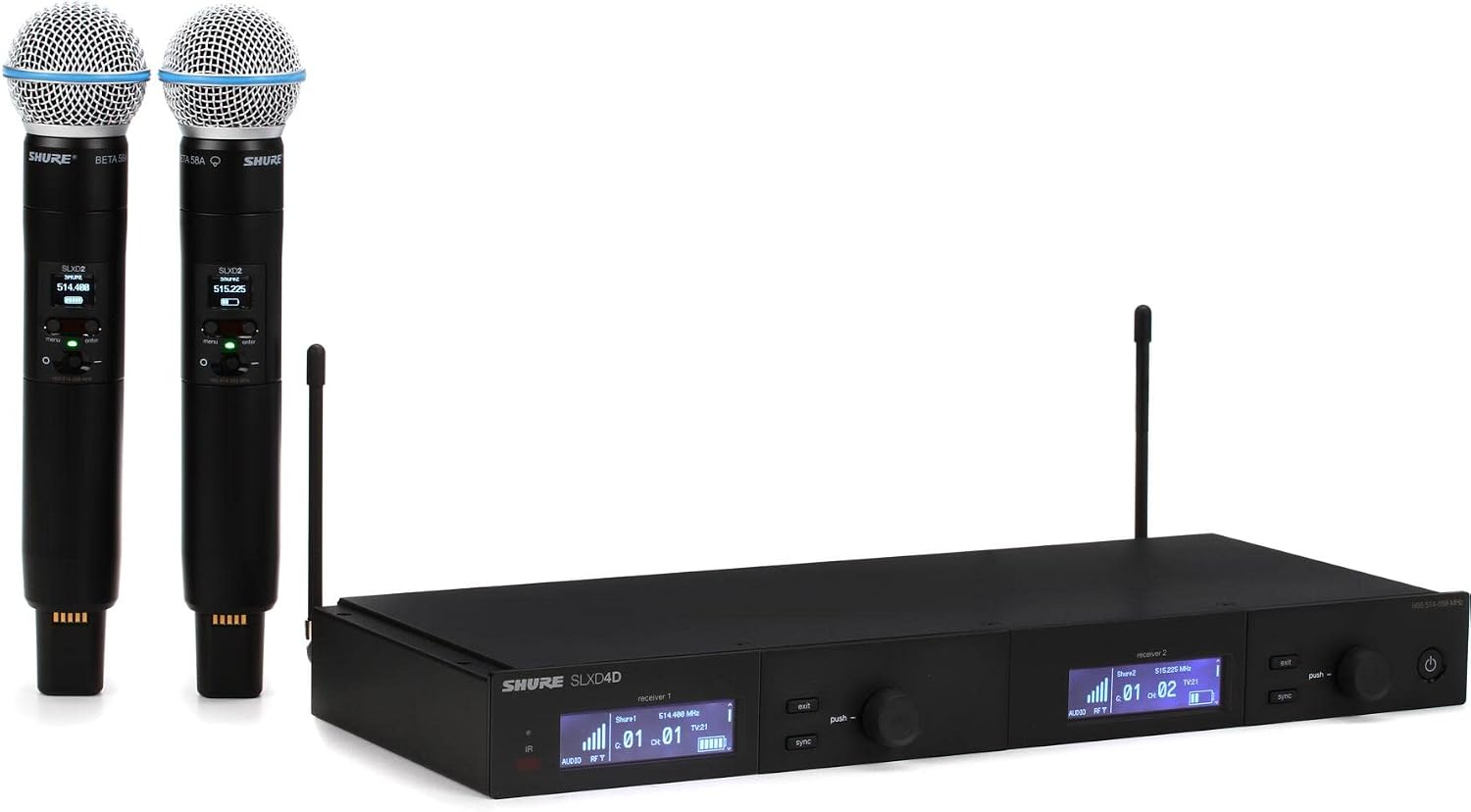
With wireless mics such as the Shure SLXD24D/B58, check the battery display between dinner and dancing on a long night and change batteries then if needed, not in the middle of a toast. Do not let guests pass the mic around without the operator knowing who has it.
When a DJ or band provides the music
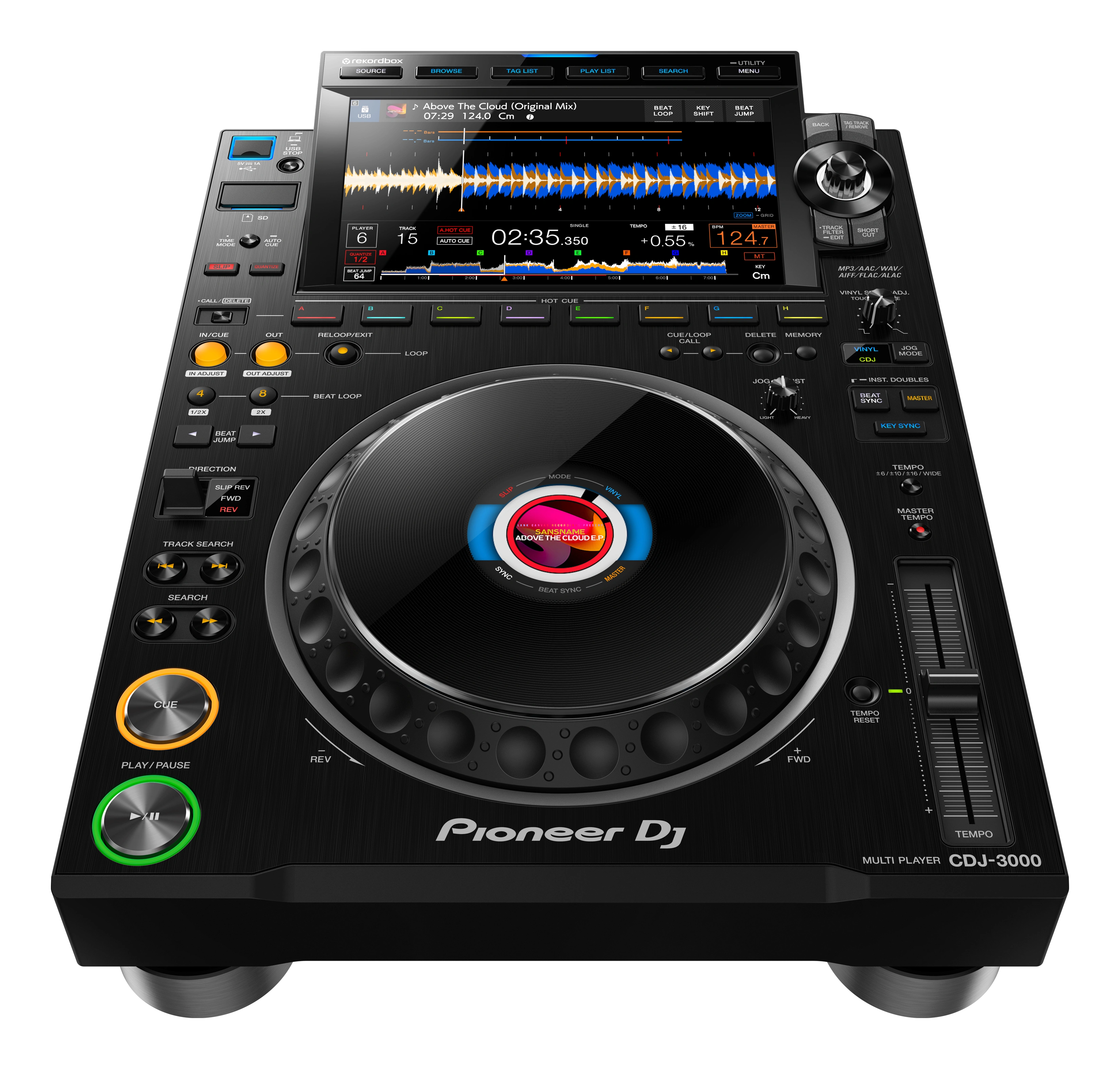
The DJ controls their own music level, but speeches must go through the main mixer. The safest setup is to connect the DJ mixer output to its own channel on the main mixer; then the DJ can be pulled down for a speech even if the DJ is away from the booth. Agree with the DJ who mutes the music and who hands over the mic. The DJ kit for up to 200 people includes a Shure QLXD24/B58 handheld for the DJ's own announcements.
With a band, schedule speeches for the band's breaks. Do not use the singer's mic for speeches: its channel has tone and reverb set for vocals, which blur speech. A separate wireless handheld for speakers is simpler and clearer. Specifics for the big day are in the guide Sound equipment for a wedding: ceremony, speeches and the dance floor, DJ gear in the guide DJ equipment hire: what a party or club night actually needs.
When one person runs the evening
Without a technician, the operator is usually one of the organisers, who also has guests to look after. Put the mixer where the stage can be seen and the room heard, not in a corner against the wall. Label each channel with tape: Host, Toast, Music. Keep the running order next to the mixer and set a phone reminder five minutes before each speech.
If the programme is tight, with many speakers and quick transitions, consider a technician who stays at the mixer all evening; it is a separate service priced in the offer. The guide on renting with or without a technician describes how to decide.