Speech intelligibility in a large hall: why speech gets muddy and how to fix it
In a large hall it often happens that the presenter's voice is audible everywhere, yet the back rows cannot make out the words. People ask their neighbour, look at their phones and lose the thread. The cause is rarely too little power. Usually the listener receives too much sound reflected from walls and ceiling and too little sound coming straight from a speaker. This guide explains what affects speech intelligibility and gives the steps you can take before the event, during setup and at sound check. General speaker placement rules are in the separate guide on speaker placement; here we focus on speech.
Why speech sounds loud but stays hard to follow
Intelligibility depends mostly on consonants: s, t, k, p and their sharp onsets. They sit in the high frequencies, they are short and they are quiet. Vowels are long and loud and give the voice its tone. When a hall is reverberant, each vowel hangs in the room and masks the consonants of the next word. The result is loud but mushy.
The second cause is distance. The further a listener sits from the speaker, the smaller the share of direct sound compared with reflected sound. In an empty stone hall, a church or a sports hall that point comes early, often in the middle rows. A hall full of tables, carpets and people reverberates less, so a sound check in an empty room always sounds worse than the event itself.
The third cause is simply turning it up. A louder speaker also excites more reverb, so the ratio of direct to reflected sound does not change. The back row hears it louder but not clearer, and the front row starts covering their ears.
Step 1: bring the sound closer to the listener
The most effective fix is to shorten the distance from speaker to listener. Instead of two big speakers at the stage edge throwing sound to the end of a long hall, add a second pair halfway down the room. These are called delay speakers. They play quieter and cover only the back half.
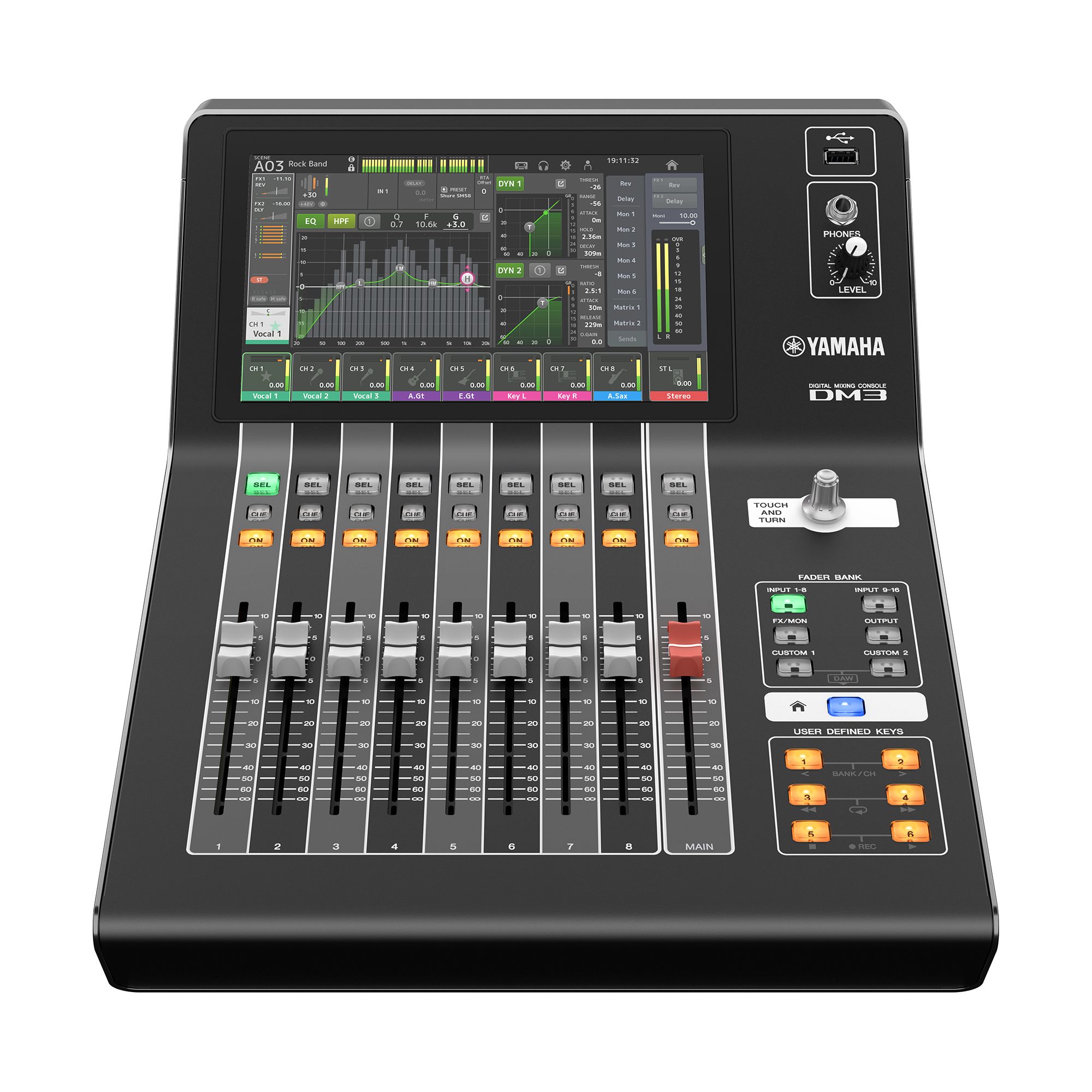
Delay speakers have one requirement: their signal must be delayed by the time sound takes to travel from the stage to them. Sound travels through air at roughly three milliseconds per metre. If the delay pair stands twenty metres from the stage, its output needs about sixty milliseconds of delay. Without it, the back rows hear every sentence twice and intelligibility gets worse. You set the delay on the outputs of a digital mixer such as the Yamaha DM3 or Soundcraft Ui24R.
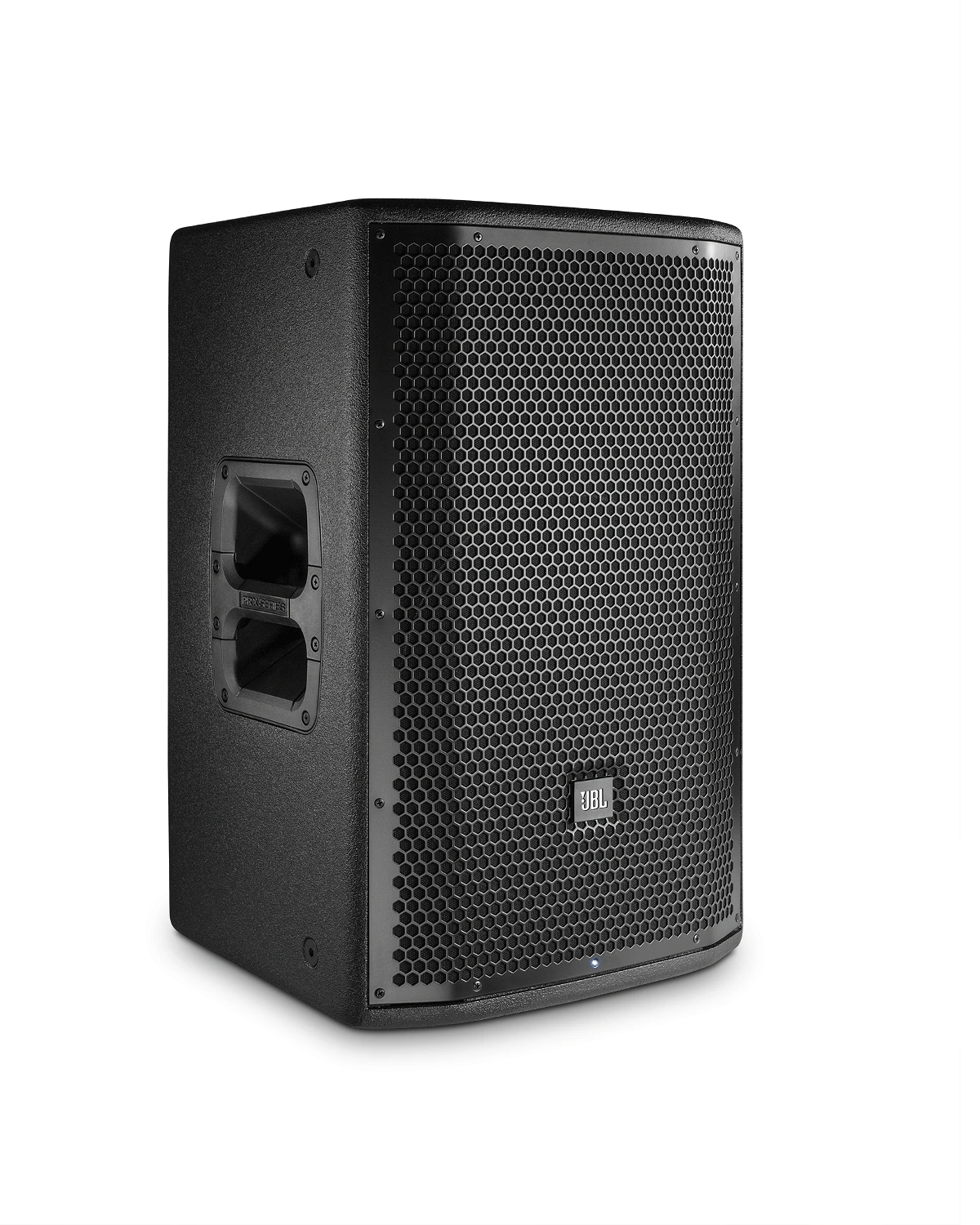
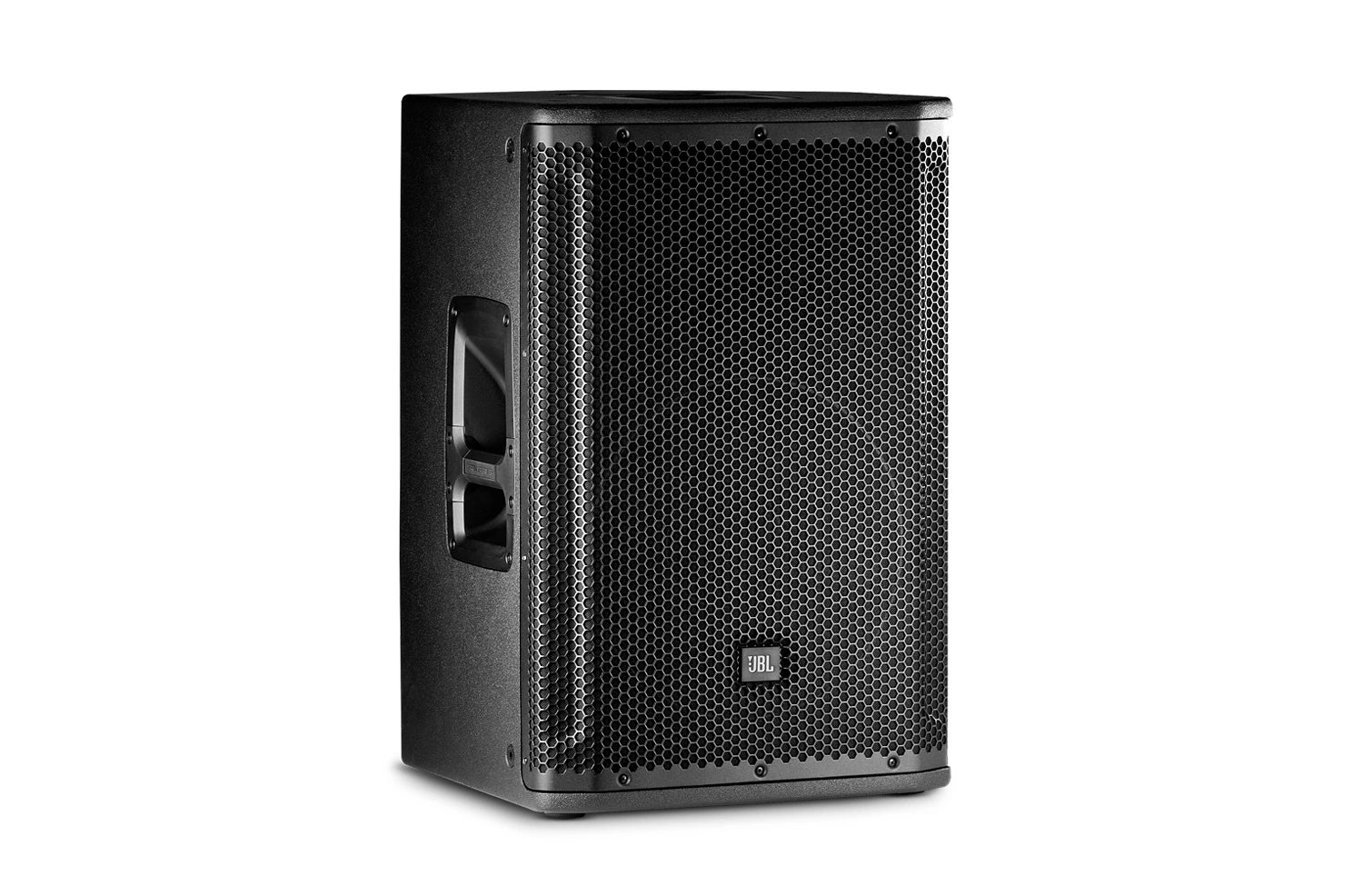
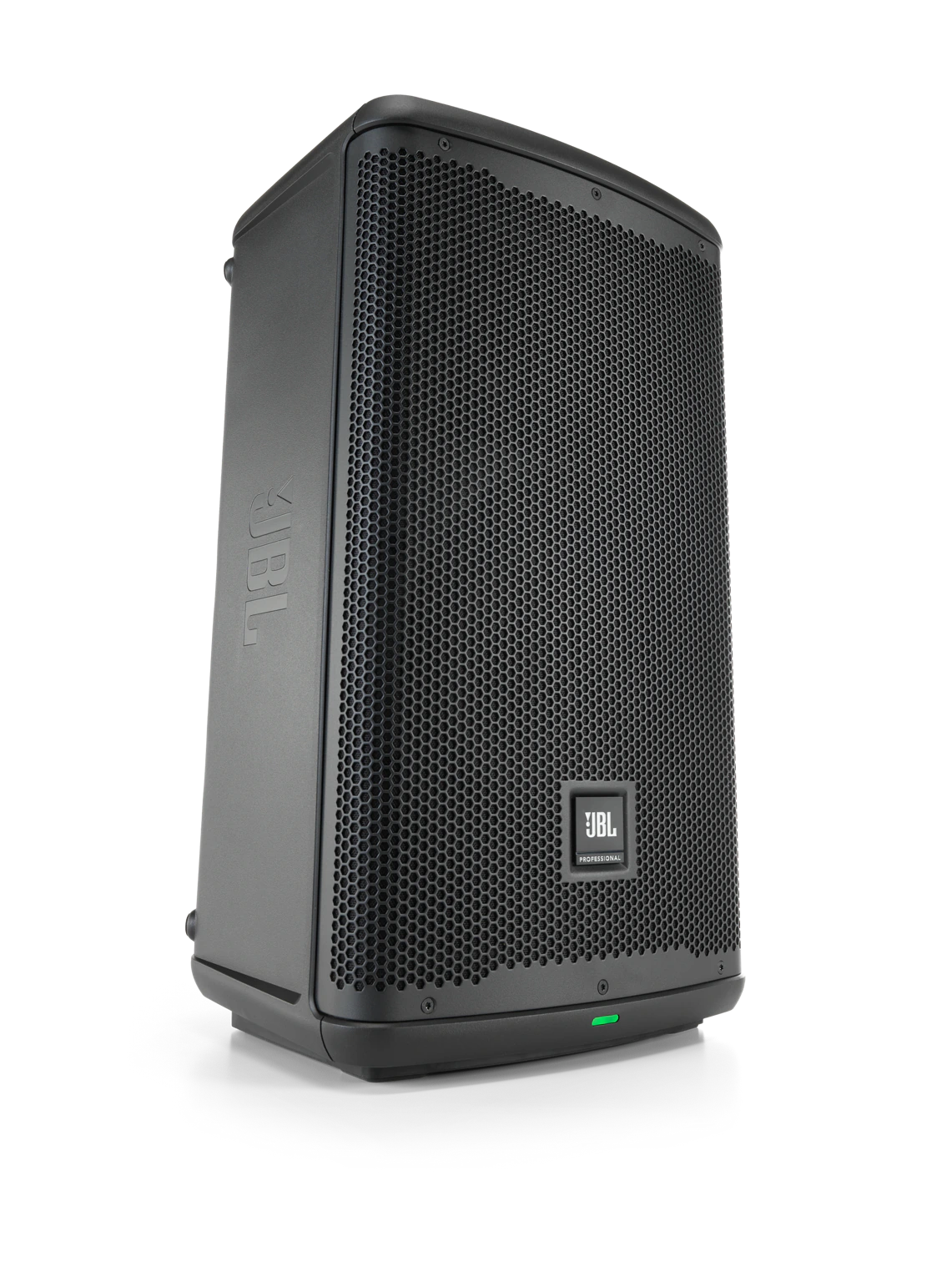
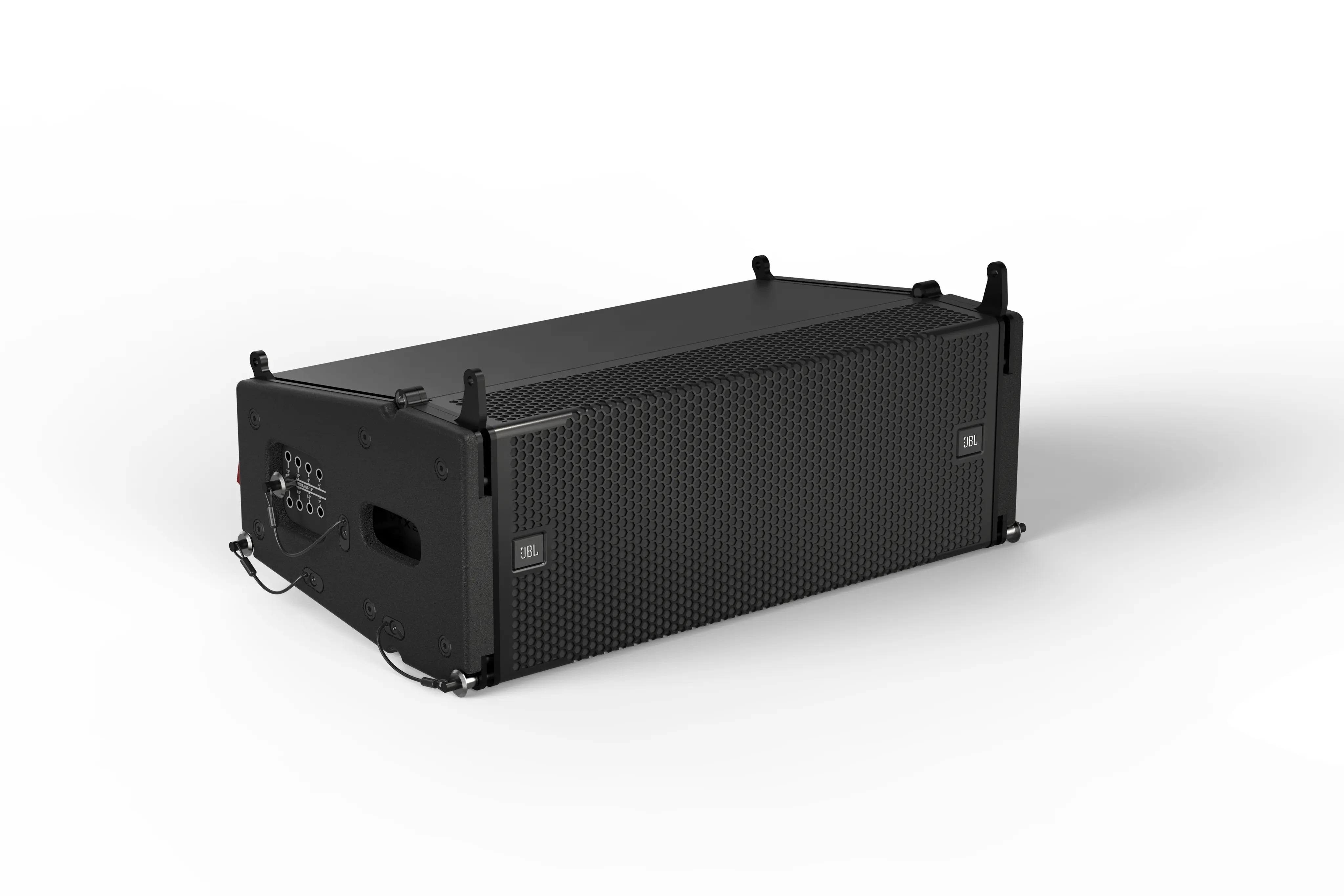
Compact active speakers like the JBL EON710 or JBL PRX812 on stands work well as delays. For the main pair in a bigger hall use the JBL SRX812P, or in a very long room the compact JBL VTX A6 line array, which throws sound in a narrower pattern and puts less of it on the ceiling.
- Up to about fifteen rows: two speakers at the front are enough if they are at the right height.
- Long hall or gala tables far from the stage: add a delay pair halfway down.
- Very reverberant room (church, sports hall): more small speakers closer to listeners, not bigger ones at the stage.
Step 2: aim at people, not at walls
Any sound that hits the ceiling, back wall or a glass window comes back as reverb. The speaker's high-frequency driver should be at or just above head height and aimed at the audience, not straight at the back wall. Raise a stand-mounted speaker high enough that the front rows do not shadow the back ones, and tilt it slightly down. A sturdy stand such as the Gravity TLS 431 B holds a 12-inch speaker securely.
If the back wall is large glass or bare concrete, do not let the main speakers cover it. It is better to feed the back of the room from delay speakers pointed down onto the audience. Curtains or drapes on the back wall help too, if the venue allows them.
Step 3: the microphone and its distance from the mouth
Much of the reverb you hear starts at the microphone. If the presenter holds a handheld at chest height or a headset sits too far from the mouth, the engineer has to raise the gain. Then the microphone also picks up the room and the speakers and adds them to the voice. The closer the mic is to the mouth, the cleaner and clearer the speech.
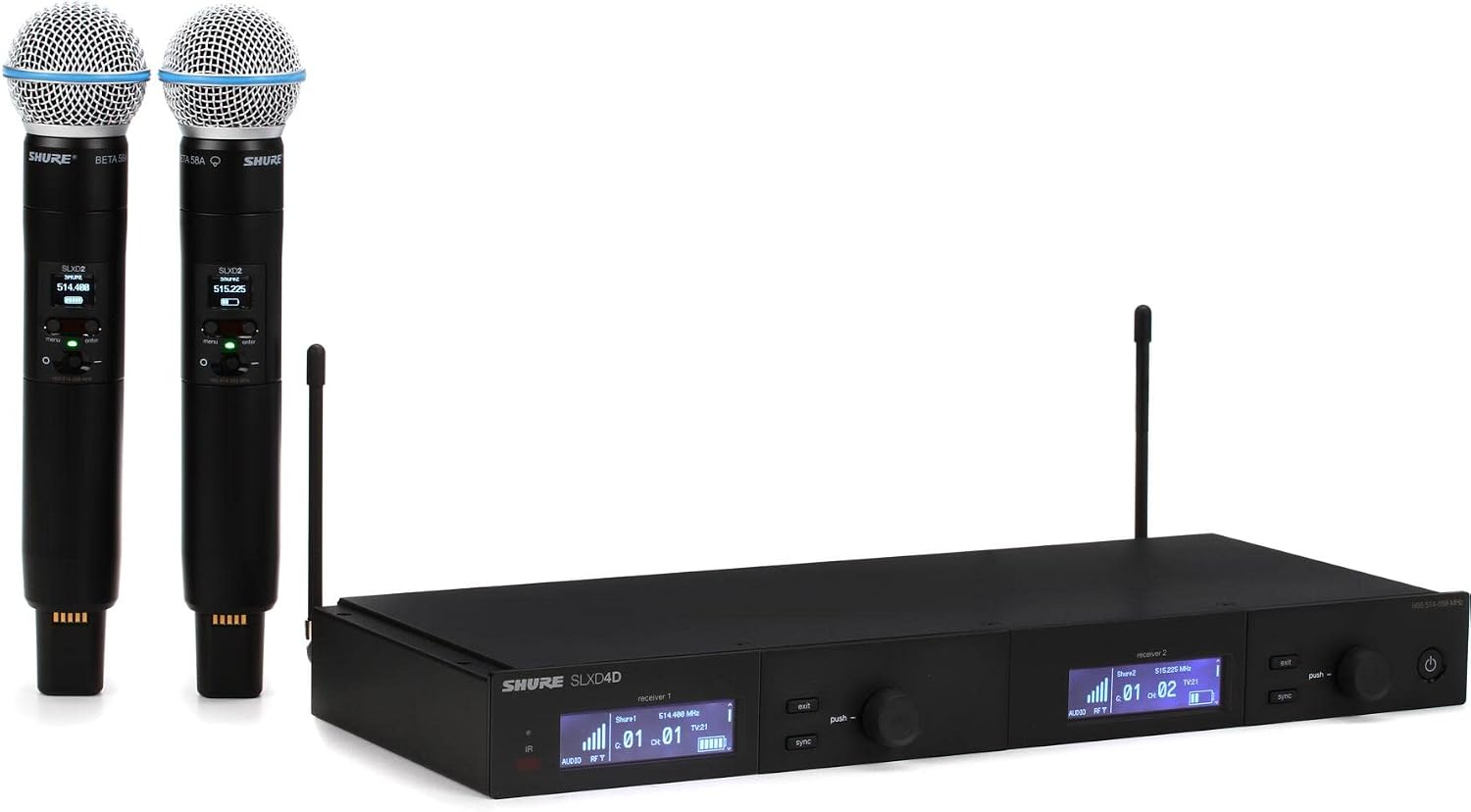
For long talks a headset such as the Shure DH5T is the most stable, because the distance stays the same when the presenter turns towards the slides. A handheld, such as the one in the Shure SLXD24D/B58 system, works if the presenter keeps it near the mouth. Our guide on holding a microphone is written for presenters, and you can send it to them before the event. A lavalier is the most comfortable but the furthest from the mouth, so in a reverberant hall it is the weakest option.
Step 4: EQ and filters at sound check
Speech needs no bass. Switch on the high-pass filter on every mic channel and raise it as far as the voice allows without sounding thin. For a male voice that is usually around 100 Hz, higher for a female voice. This removes the boom that hangs in the hall the most, as well as handling rumble.
Next, pull down the lower mids a little, where a voice turns boxy. Avoid boosting the highs, as that raises the feedback risk. If speech is still unclear, the cause is usually speaker position or mic distance, not EQ. Our feedback guide explains how to find the gain limit.
Step 5: walk the room
During sound check have someone read ordinary text on stage at a normal voice and walk the whole room yourself: front rows, centre, back corner, balcony and the seats behind pillars. Listen for whether you understand every word, not whether it is loud enough. Where speech smears, move or turn a speaker rather than raising the level.
Remember that a full hall absorbs sound. If the back row is borderline when empty, it will improve with people. If everything is clear when empty, you can raise the level slightly during the event as the hall fills.
- Test with normal speech, not “one, two, three”.
- Listen also when the presenter turns their head to the side.
- Note the bad spots and fix them before the doors open.
What to rent and how to order
For a seminar of up to 150 people the Presentation and seminar kit for up to 150 people has two JBL PRX812 speakers, a mixer and both handheld and headset microphones. For a larger hall the Conference kit for up to 300 people comes with JBL SRX812P speakers and a Yamaha DM3 digital mixer whose outputs can be delayed. For a delay pair, add two JBL EON710 or PRX812 with stands to the rental request.
If you do not know the venue, send us its length, width, ceiling height and wall materials. With the sound equipment rental you can also book a technician who sets up the system, aligns the delays and stays at the mixer for the event. Call +372 5562 0282 or write to info@showgear.ee.