How much power a sound system needs: sockets and extension leads indoors
When a sound system goes quiet in the middle of the dancing, the cause is often in the wall, not the speaker: a breaker tripped because a coffee machine and a warming cabinet were on the same circuit. This guide is about indoor venues: homes, restaurants, conference and party halls. It explains what the watts in a speaker description mean, how sockets are grouped into circuits, how to fit a sound equipment rental into an ordinary electrical installation, and when to hand the question over to the venue's electrician. Generators and weather at outdoor events are covered in a separate guide on power, cables and weather outdoors.
The watts in a speaker description are not its power draw
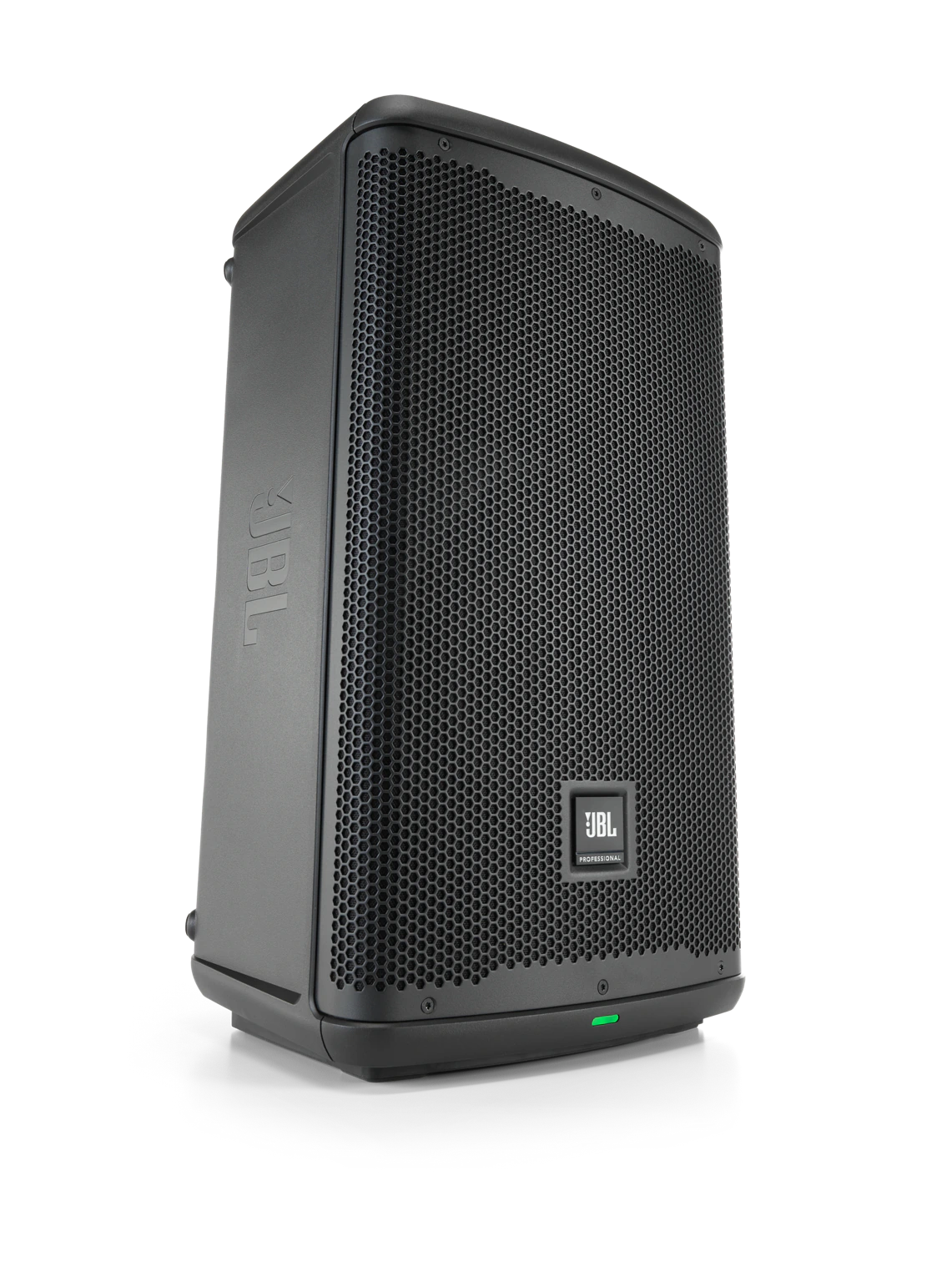
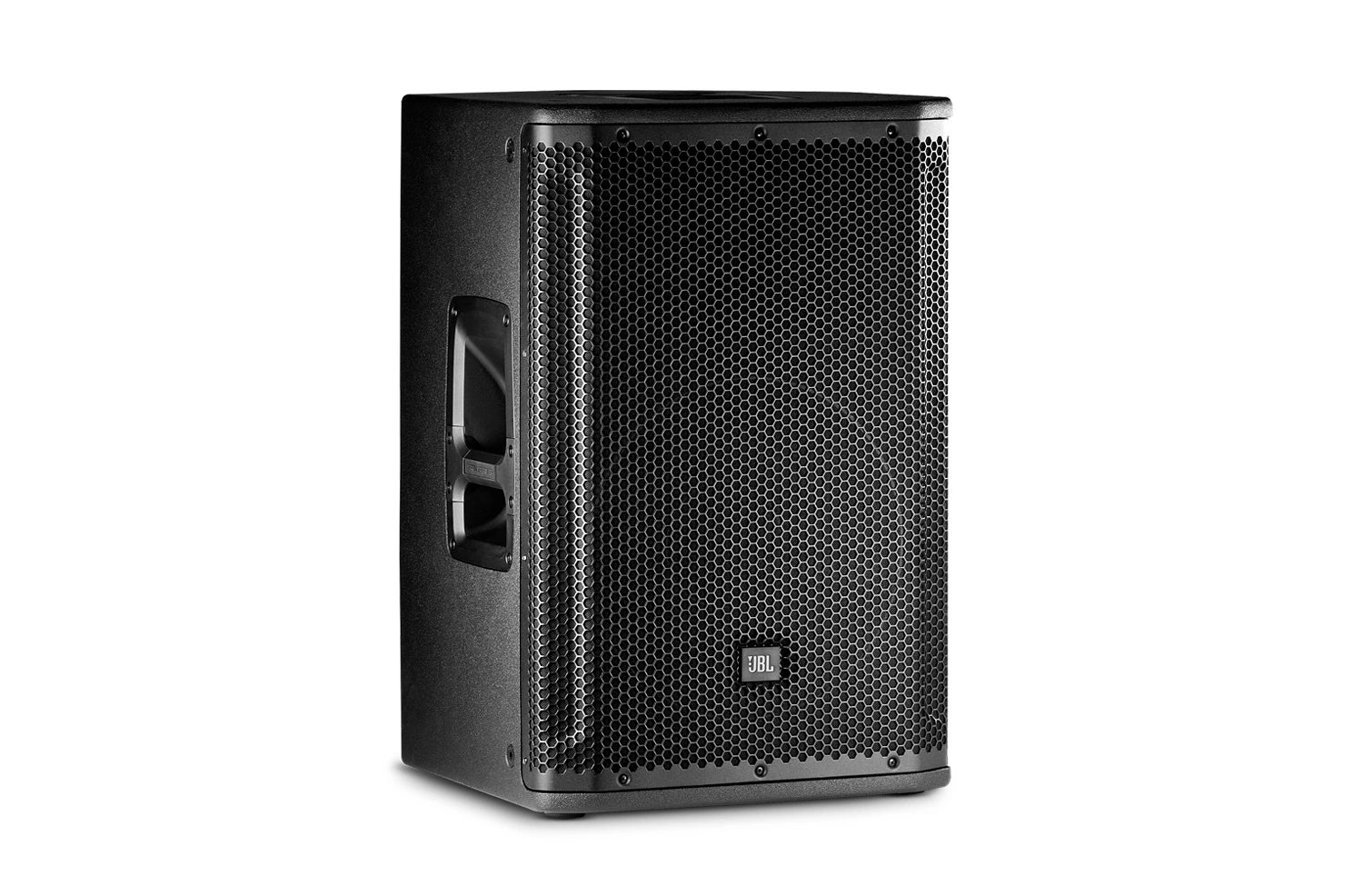
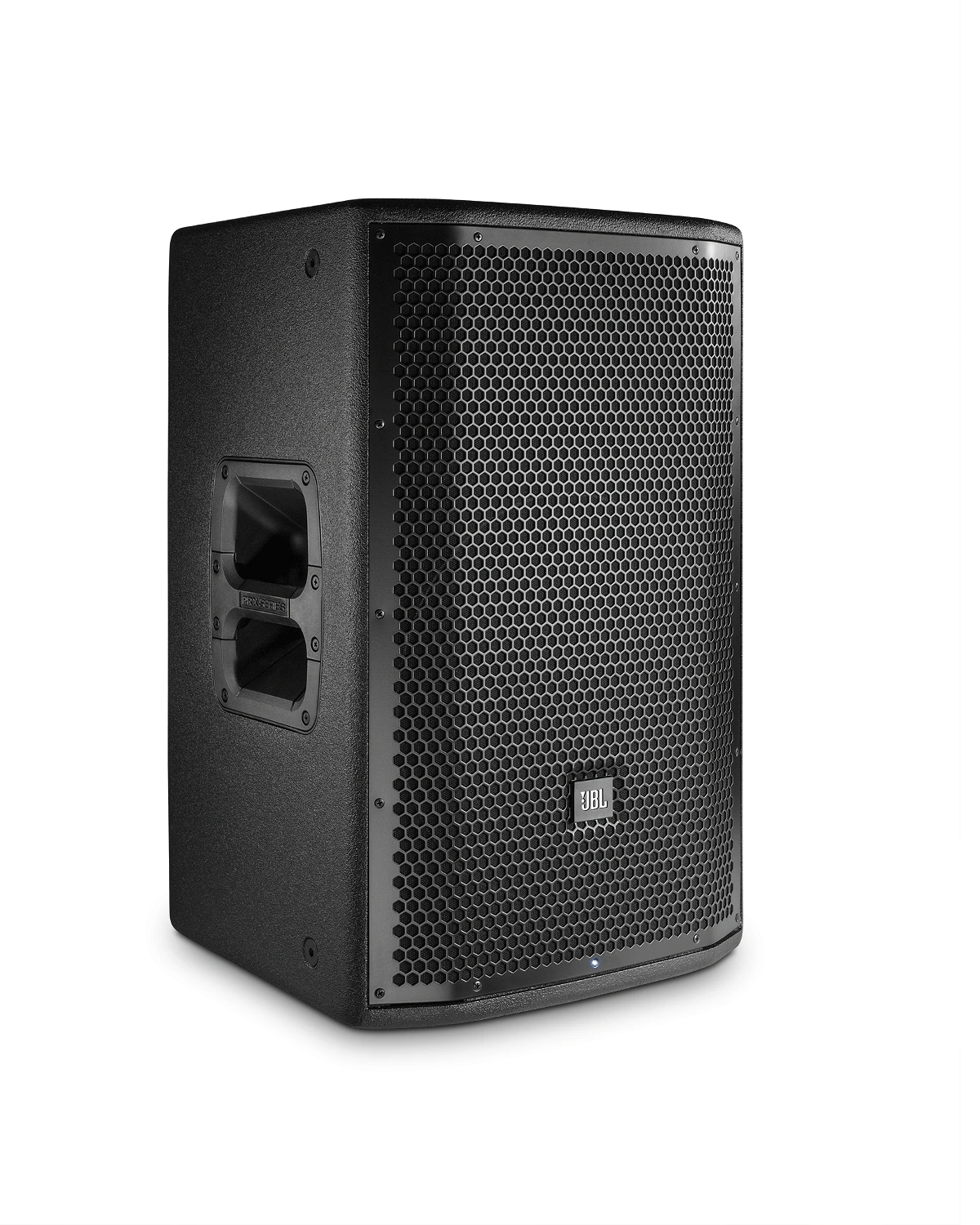
The catalog lists 1500 W for the JBL PRX812 and 2000 W for the JBL SRX812P. That figure describes the amplifier built into the speaker: how much power it can deliver to the drivers on peaks. It is not what the speaker constantly takes from the socket. Actual consumption depends on volume and programme material: small during speech and quiet background music, highest on the bass hits of loud dance music.
So you cannot simply add up catalog watts and call it your requirement. Every active speaker has a label on the back, next to the power inlet, where the manufacturer states its rated consumption; the same figure is in the manual. If the venue's electrician asks how much your system draws, give them those labels or the device names and let them do the sums.
How sockets are grouped into circuits
The sockets in a room are not independent. They are grouped into circuits, and each circuit has its own fuse or breaker in the distribution board. Sockets on one wall are often on the same circuit, but sockets in the next room or the corridor can belong to it too. The breaker protects the wiring: when the total of all devices on the circuit gets too high, it cuts the power.
In homes and smaller restaurants the board is not always labelled with which breaker feeds which socket. Ask the owner or venue manager where the board is, who is allowed to reset a breaker, and which sockets near the stage or DJ table are on separate circuits. If nobody knows, that is a sign an electrician should have a look before the event.
Who else is on the same circuit
Indoors, sound equipment is usually not the biggest consumer. The biggest are devices that produce heat: coffee machines, kettles, hot plates, warming cabinets, fan heaters and radiators. If they share a circuit with the speakers, the breaker trips exactly when the bass and the coffee break coincide. The caterer often arrives after the sound crew and uses the nearest free socket, which turns out to be the one your subwoofer is on.
Agree with the caterer and decorators in advance which sockets are for sound, and label them. Lighting can interfere too: older incandescent and halogen lamps draw a lot, and lighting on a dimmer can put a hum into the speakers.
- For sound: dedicated sockets with no heating or kitchen appliances.
- Label those sockets with tape and a note.
- Catering, decorations and lighting: other circuits.
- If there are not enough circuits, use a smaller system or ask an electrician for an extra line.
Spreading the load across circuits
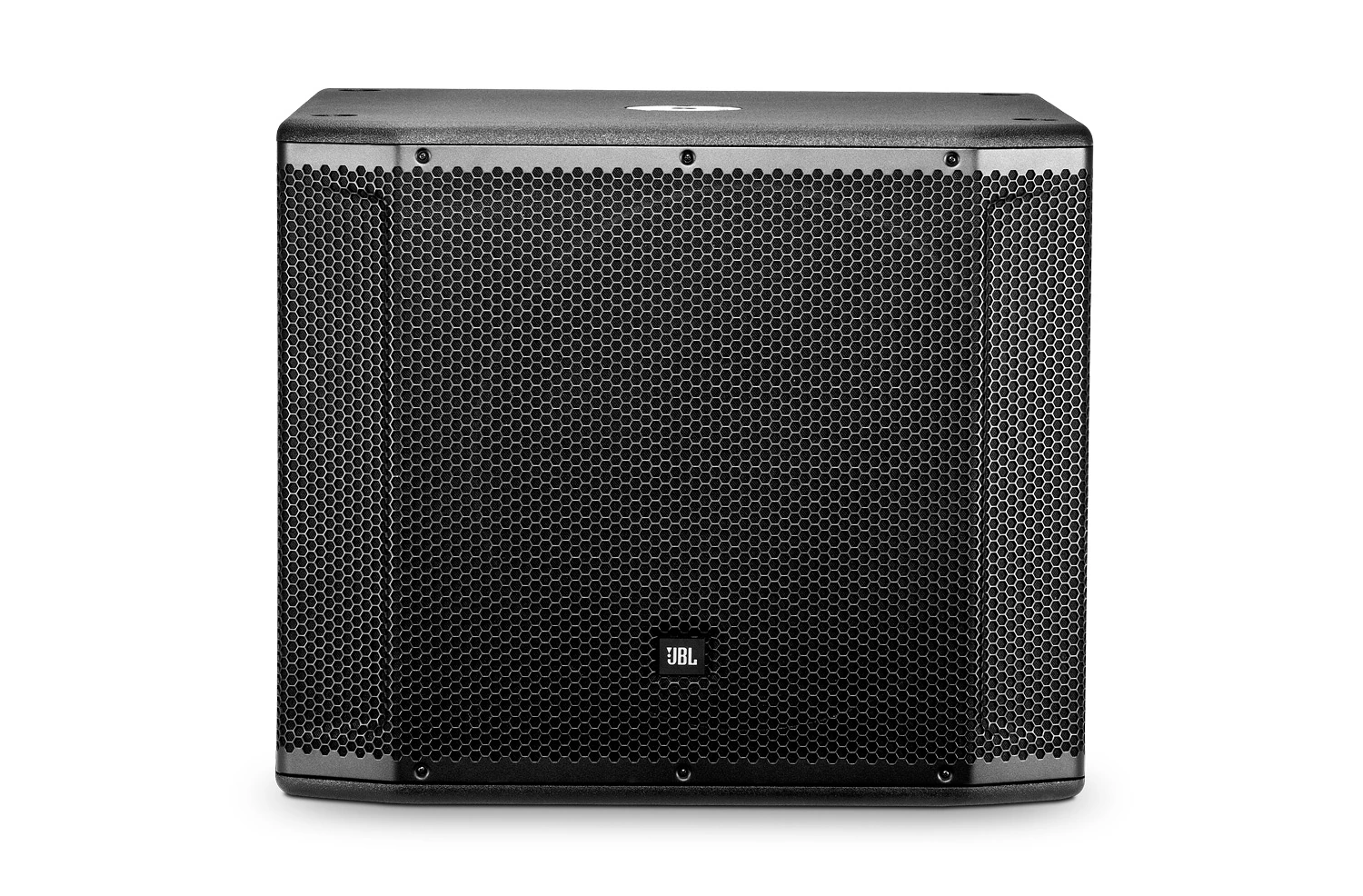
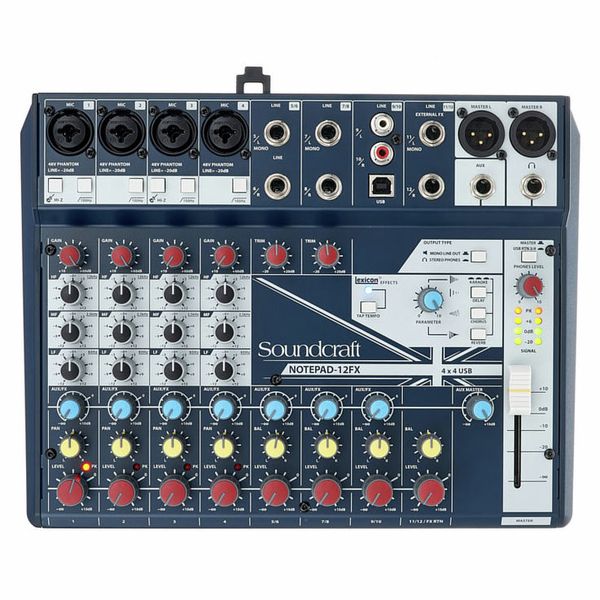
A two-speaker speech kit, for example two JBL EON710 speakers and a Soundcraft Notepad 12FX mixer, normally runs from one circuit without trouble if nothing heat-producing is on it. Once subwoofers come in, as in the Party kit for up to 200 people with two JBL SRX818SP, ask for two separate circuits near the stage if possible: one for the left speaker and sub, one for the right. Plug the mixer, laptop and wireless receiver into a single socket at the mixer.
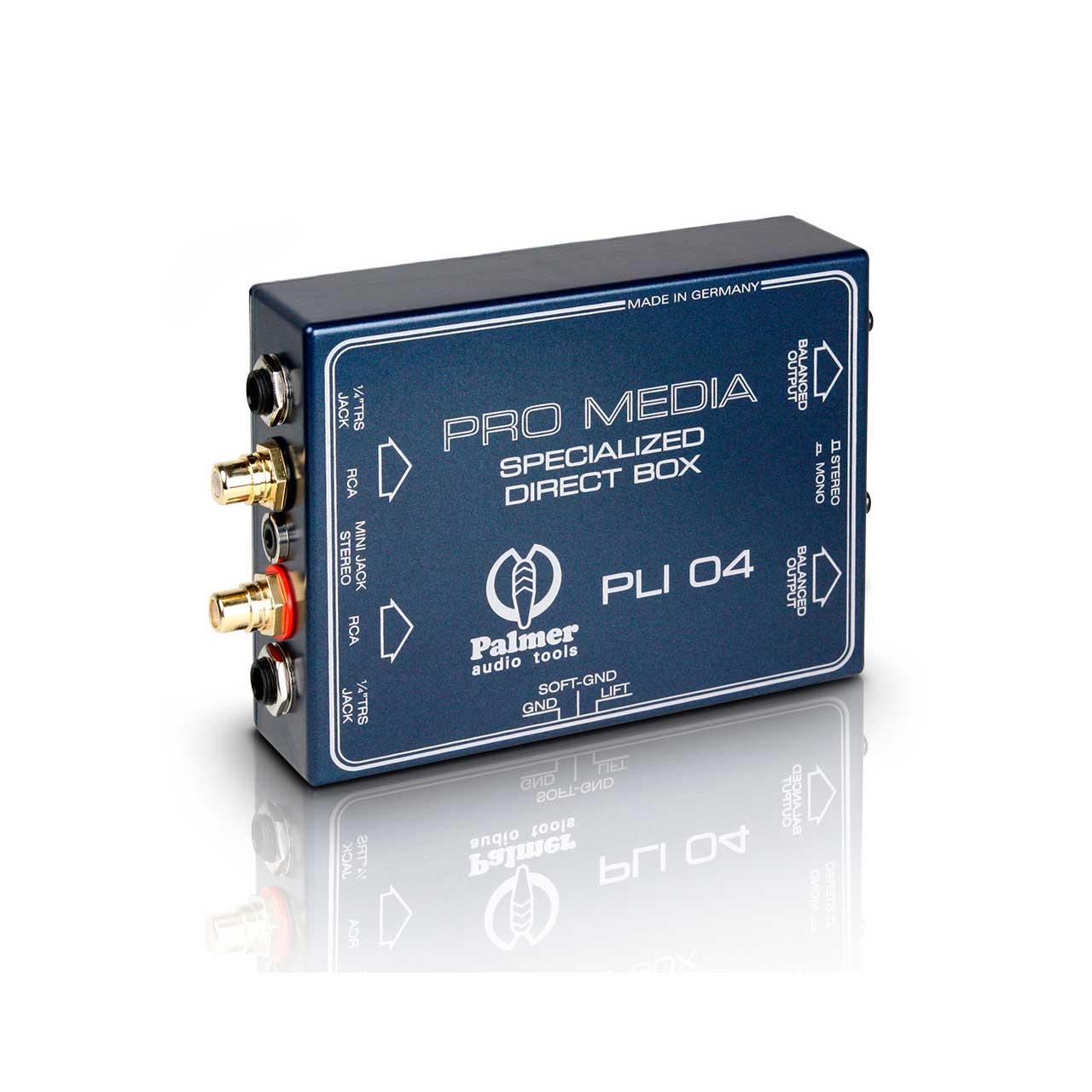
If a hum appears after splitting, the cause is often a ground loop: the devices are plugged into different sockets whose earth potentials differ slightly. Never break the earth connection or use adapters without earth to silence the hum. The right fix is galvanic isolation of the signal, for example between laptop and mixer through a Palmer PLI-04 or Radial USB-PRO.
Larger systems, such as a line array with Crown I-Tech amplifiers or a band kit with stage monitors, often need a separate distribution board or an industrial socket. An extension lead does not solve that: the technician and the venue's electrician agree the supply in advance.
Extension leads and power strips
Use only earthed extension leads and power strips with an intact housing and plug. A thin household lead that is fine for a desk lamp is not meant for a subwoofer. Do not plug a power strip into another power strip: every extra connection is a point that can heat up, and in the end the whole system hangs on one cheap plug.
Always unroll a cable reel completely, even if you only need a couple of metres. Coiled, a reel heats up under load because the heat cannot escape. Tape down leads that cross walkways or cover them with a cable ramp. Keep leads and strips away from drinks, flowers and the catering table; water and sockets do not mix.
Switch-on and switch-off order
Switch on from sources to speakers: first the laptop and players, then the mixer and receivers, and the speakers and subwoofers last, with the volume low to begin with. Switch off in reverse: speakers first. That avoids a thump from the speakers, which is unpleasant and can stress the drivers. Do not power the whole system at once from a single power-strip switch.
If a breaker trips, turn the speakers down and switch them off, and only then have the breaker reset. Do not keep resetting it in the hope that it holds this time. Find the cause: did someone plug a heater into the same circuit, is a power strip overloaded? If it trips again with no visible reason, stop trying and call the venue's electrician.
What to ask the venue, and when to call an electrician
This guide covers using ordinary sockets. Anything beyond that is electrician's work: opening the distribution board, running a temporary line, industrial sockets and three-phase power. Do not open the board yourself or let anyone do it who is not qualified. The venue's or building's electrician knows what load each circuit can carry and is responsible for it.
- Which sockets near the stage and DJ table are on separate circuits?
- Where is the distribution board and who may reset a breaker?
- What appliances will the caterer and lighting crew be running at the same time?
- Does the venue have an industrial socket or separate board for a larger system?
- Whom do we call if the power goes during the event?