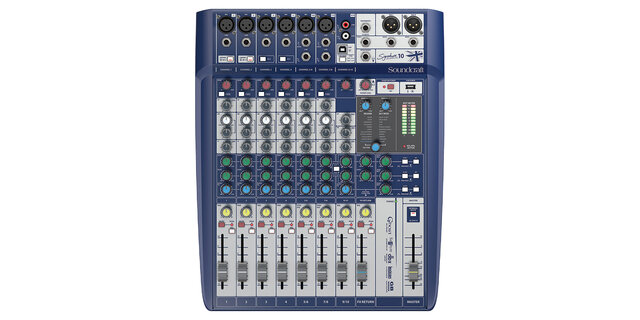
Sound equipment rental checklist: before the event, at pickup and at return
Most problems with hired sound equipment are not in the equipment but in something that was not asked, not brought along or not tested. This list is drawn from what we see at our warehouse: what customers forget most often and how to avoid it. Go through it three times: when booking, when collecting the gear and when bringing it back.
Booking: when, and what to tell us
Ask as early as you can. Summer weekends, the Christmas party season and graduation time are periods when the popular kits and wireless microphones are often already promised. We will not quote an exact number of days, but a week's margin is always better than a day's. Send a request through the cart on the site, call +372 5562 0282 or email info@showgear.ee; on weekdays 10:00 to 18:00 we answer fastest.
To recommend the right kit we need to know:
- What kind of event and how many people: speech, party, band, DJ, karaoke, conference.
- The room: size, indoors or outdoors, whether the ceiling is high, whether there is a lot of glass and concrete.
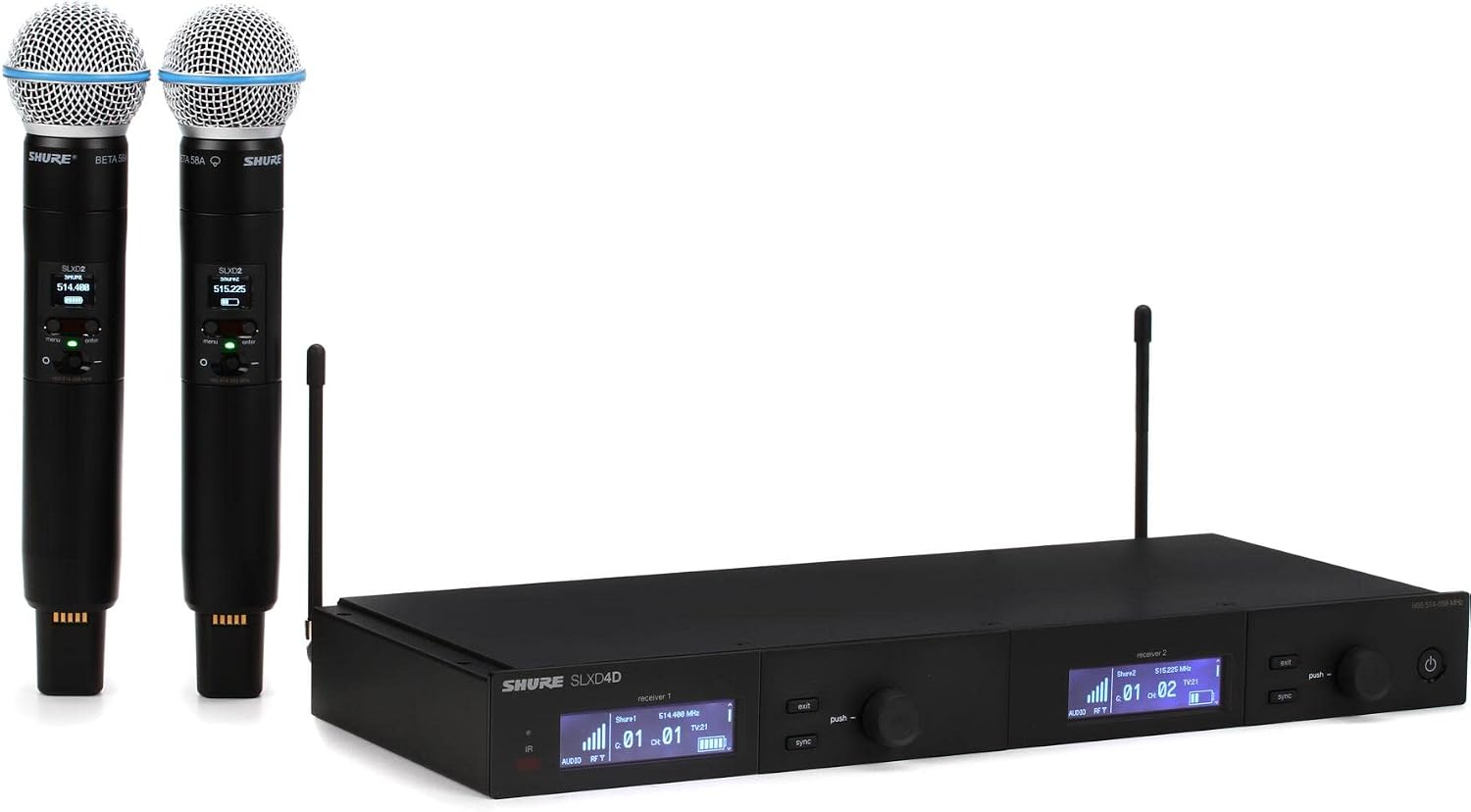
- What signals there are: how many microphones, whether there is a laptop, an instrument, a phone or a DJ booth.
- The date, pickup and return times, and the address if you want delivery.
- Whether you will set up yourselves or want a technician on site.
At pickup, in the warehouse or on delivery
Allow time for the handover. Count the items against the list and check that the things not listed separately are there too: power cables, signal cables, microphone batteries, antennas for the wireless systems and power supplies for the receivers. The power supply is the item most often left behind somewhere, and without it neither the receiver nor the mixer works.
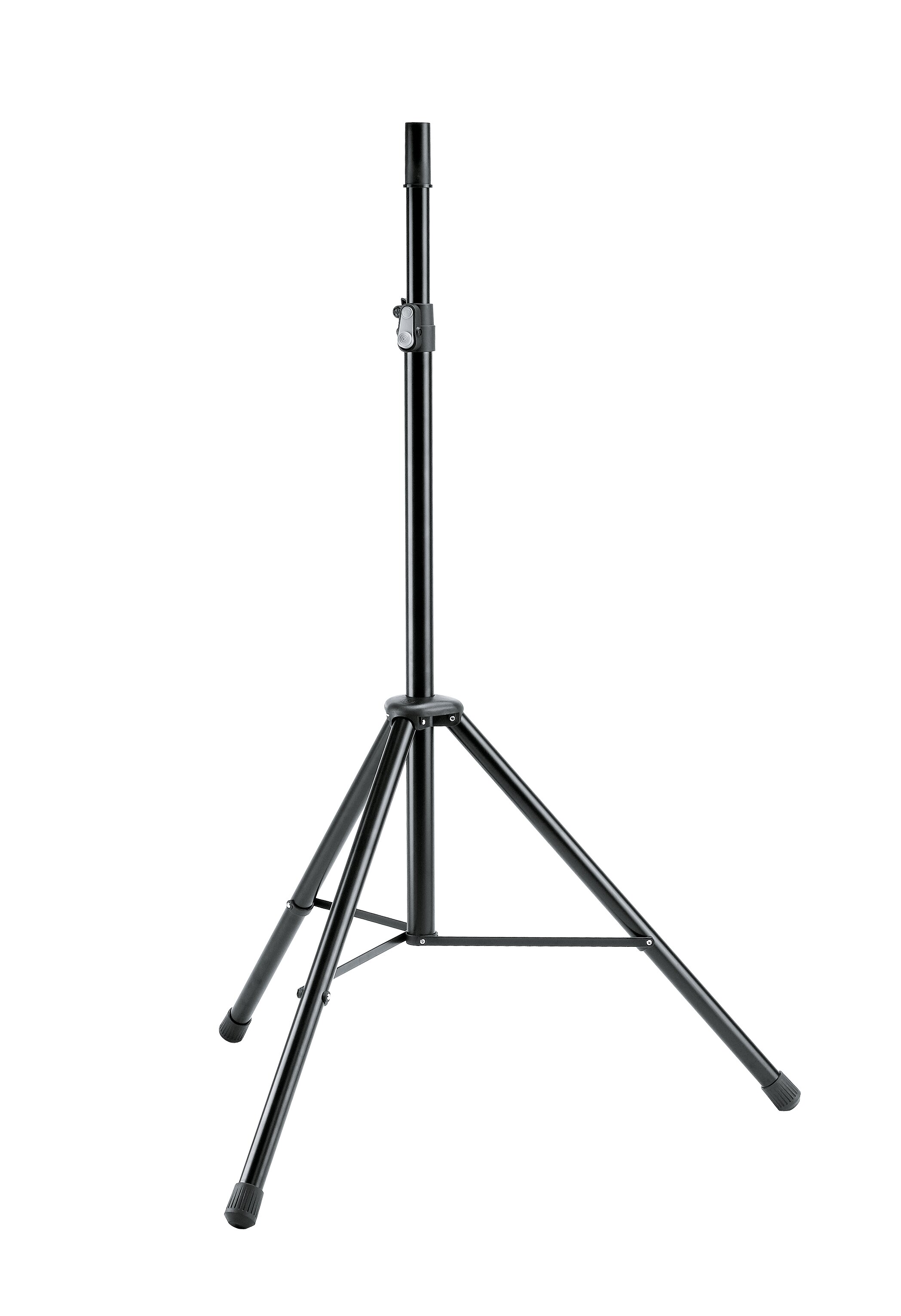
Ask us to connect the system up briefly in the warehouse if you have not done it before. Five minutes in the warehouse saves an hour in the hall. Photograph the connections with your phone; it helps on site. Also check that there are as many speaker stands as speakers and that the wireless microphone talks to its receiver; switch it on for a moment.
On the day
Arrive early enough to set up, test and still fix something before the guests arrive. For a kit with two speakers and a mixer an hour is reasonable; for a band or a DJ allow more. Do the sound check with the real microphone and real music, not by tapping the mic with a finger.
- Start quiet: mixer and speaker levels down first, then bring them up.
- Walk around the room while music is playing and listen at the back row.
- Put the phone or laptop on charge; presentation audio ends with an empty battery.
- Change the microphone batteries before the start, not halfway through.
- Keep one spare XLR cable and one 3.5 mm or RCA cable at hand.
Returning
Pack the equipment the way you received it: cables coiled and in their bag, microphones in their cases, stands folded and clamped. Check that every cable and power supply is back in the bag; those are the things that stay by the wall of the hall or in a performer's bag. Dry and wipe wet or dusty equipment before packing, especially after an outdoor event.
If something broke or behaved strangely, tell us when you return it rather than leaving us to find out. Then we know what to check before the next renter and we can sort the situation out together. A broken cable or a scratch is not the end of the world; a hidden fault at the next customer's event is worse.
What gets forgotten most often
These are the things we get called about most often on the day of an event:
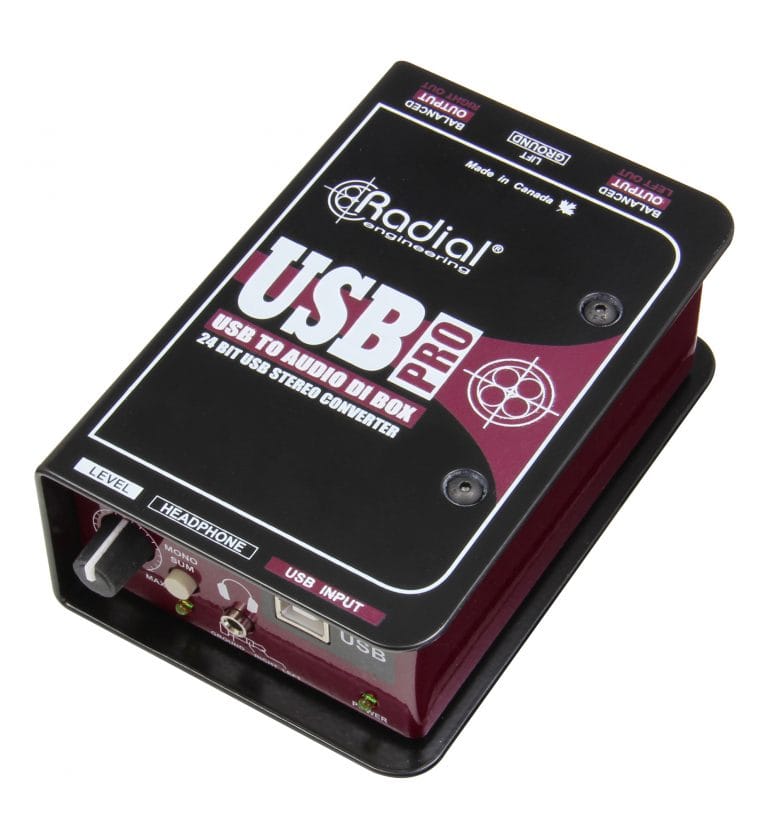
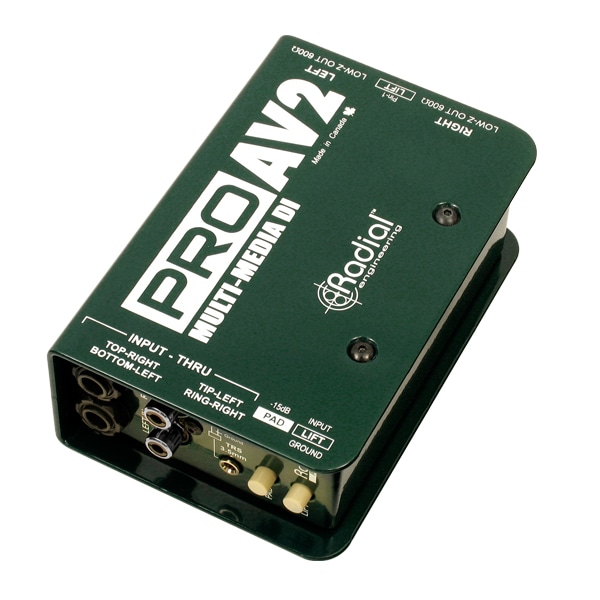
- The laptop connection: a laptop has no XLR socket. A Radial USB-PRO or Radial PROAV2 DI box solves it and protects against hum.
- Extension leads and power strips: the wall socket is rarely where the speaker stands. Bring extensions or ask us to add them.
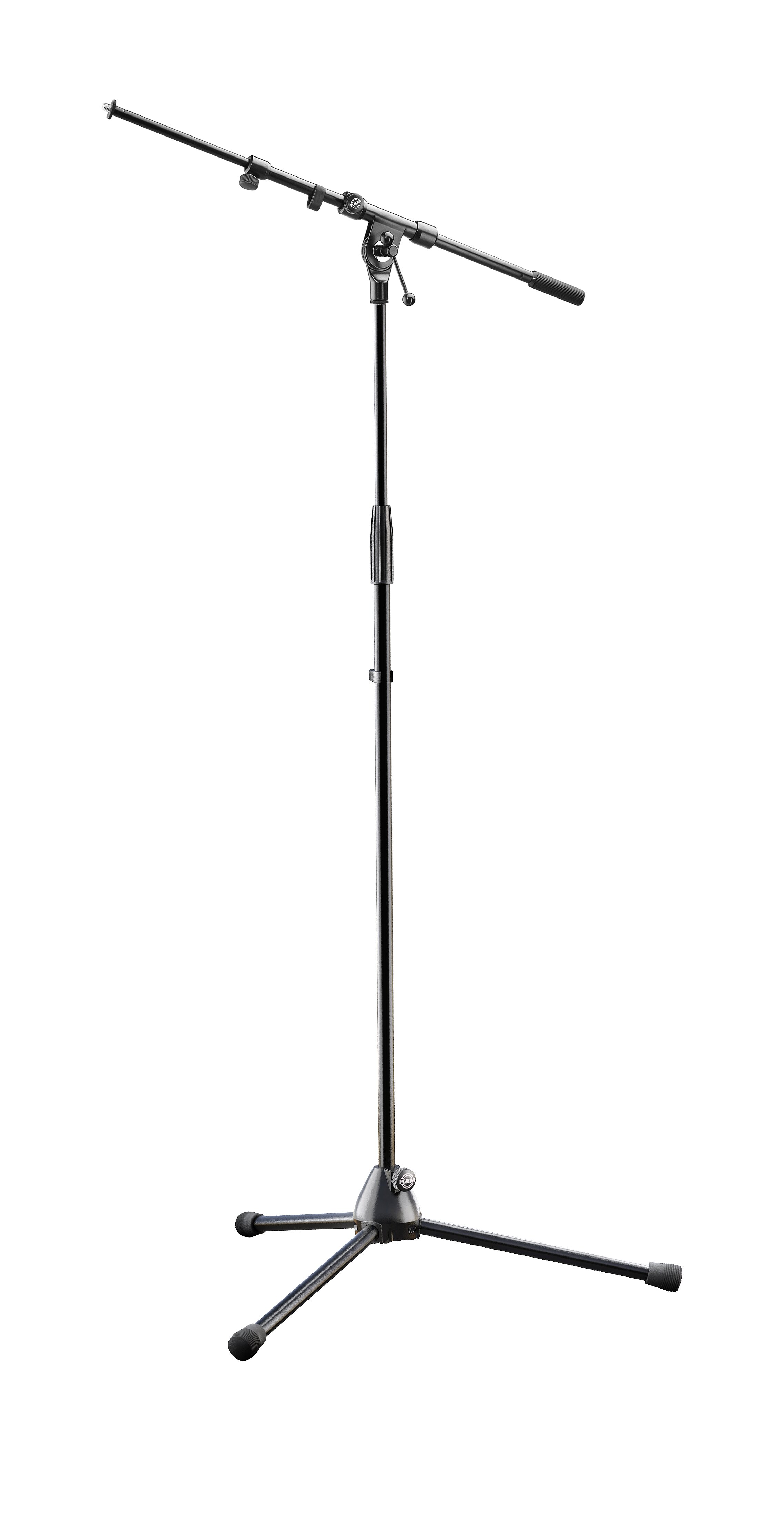
- Microphone stands: a handheld cannot be left lying on a table. A K&M 210/9 is easy to bring along and spares the speaker's arm.
- Adapters: playing music from a phone needs the adapter that fits that phone; it is not part of the sound equipment and you have to bring your own.
- The music itself: downloaded, not streamed, because the venue wifi is never certain.
- Setup time: the hall is often booked from the exact start of the event. Agree a sound check slot with the venue separately.