Sound check before the event, step by step
A sound check is not the moment someone says "one, two, three" into a microphone and everyone nods. It is a pass in a fixed order that starts with power and ends with a walk round the empty room, and each step rules out a fault that would otherwise show up in front of the audience. Once the sound equipment rental is sorted and the gear is on site, a proper check takes about half an hour for a speech event and a good deal longer with a band. Below is the order worth following whether you set the system up yourself or simply want to follow what the technician is doing.
Before the first sound: power and cables
The first step is silent. Switch on in the right order: mixer and sources first, speakers last. Switching off goes the other way, speakers first. That keeps the switch-on thump out of the speakers and out of the audience's ears.
Before anything makes a sound, walk the cables. Is each speaker's signal cable in the right mixer output, are left and right the right way round, are the cables across walkways taped down? Check that speakers and mixer are on the same circuit, or at least fed from the same distribution board, because separate circuits are a common cause of hum.
- On: mixer, sources, then speakers.
- Off: speakers, then mixer.
- Master fader and channels down at the start.
Speakers one at a time
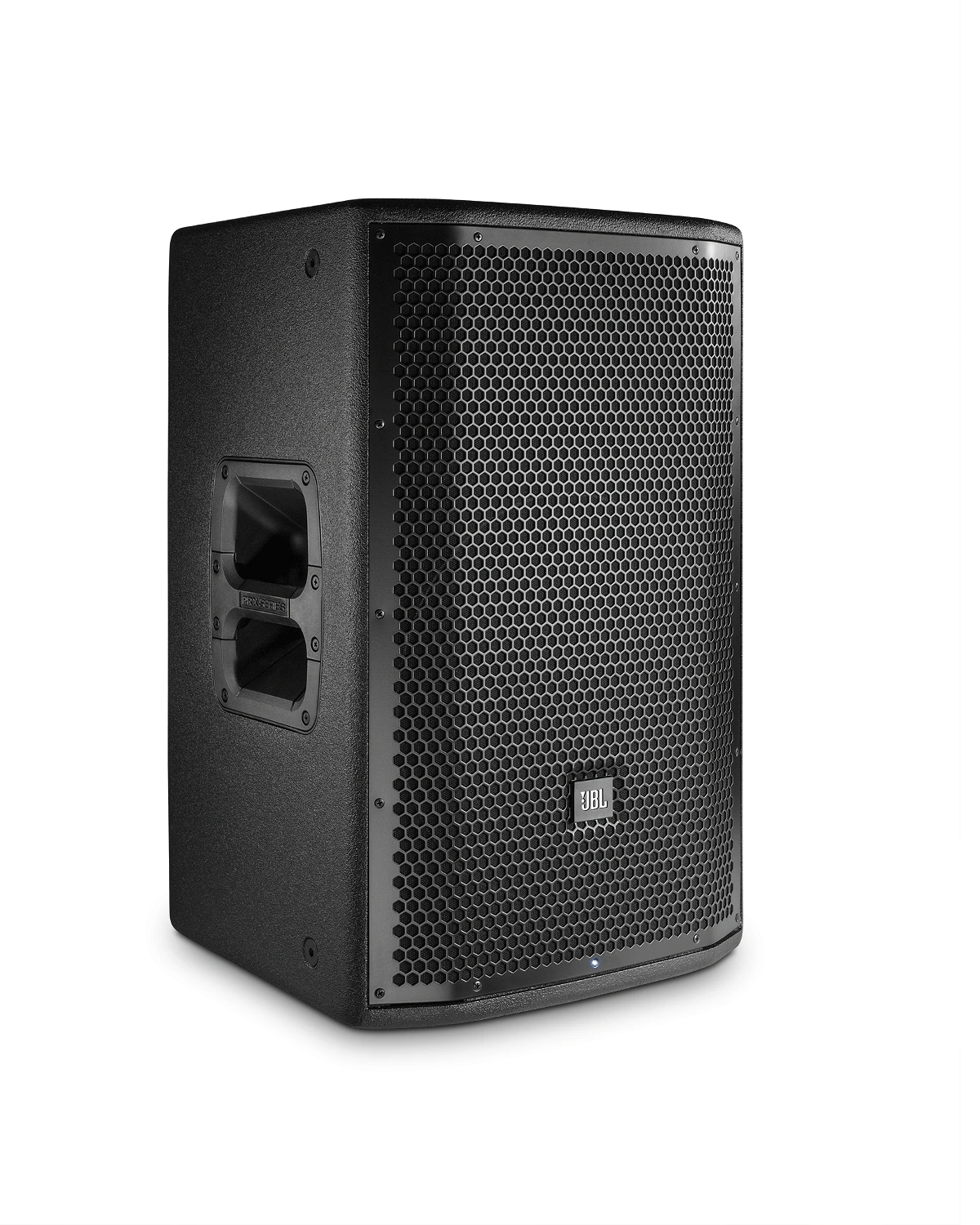
Play a track you know well and bring the speakers in one by one. Each speaker on its own must sound clean and the same as the others. If one sounds duller or quieter, it is the wrong input level, a wrong setting on the rear panel or a bad cable. With two JBL PRX812, the rear panel settings must match.
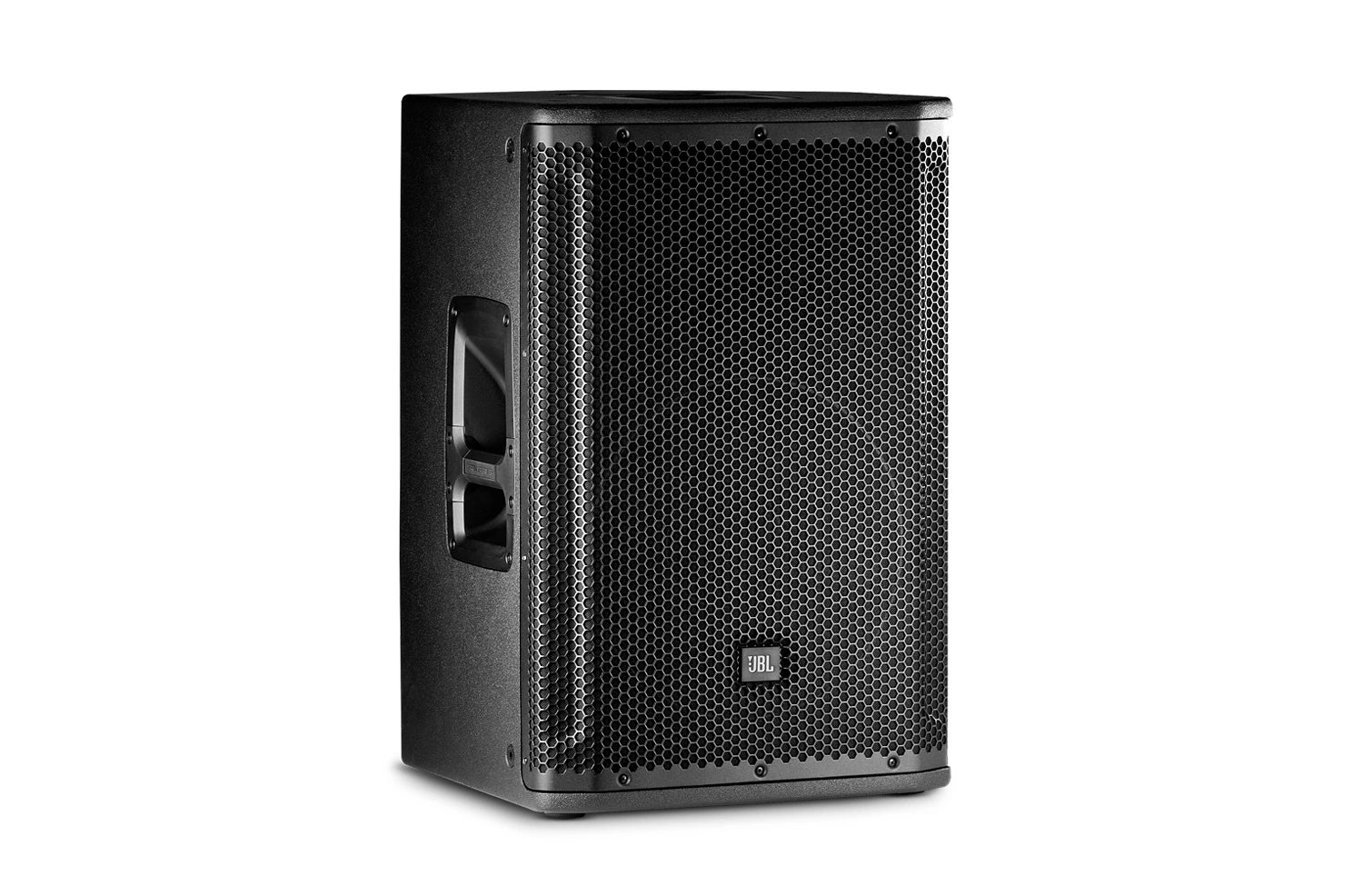
Then add the subwoofer and listen for whether the bass joins the tops evenly. If the bass gets weaker with the sub on, try the polarity switch on the subwoofer. Check monitors the same way, each from its own mixer output.
Line check: every input on its own
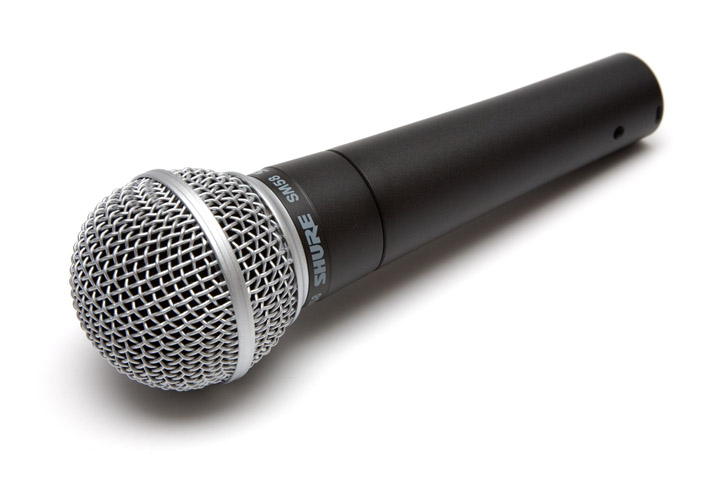
A line check means every microphone and every connection is tested without the performers. Someone walks the stage from mic to mic and talks or taps into each one, while at the mixer you confirm the signal arrives on the right channel. That finds swapped cables, broken leads and phantom power left off before the performer is there.
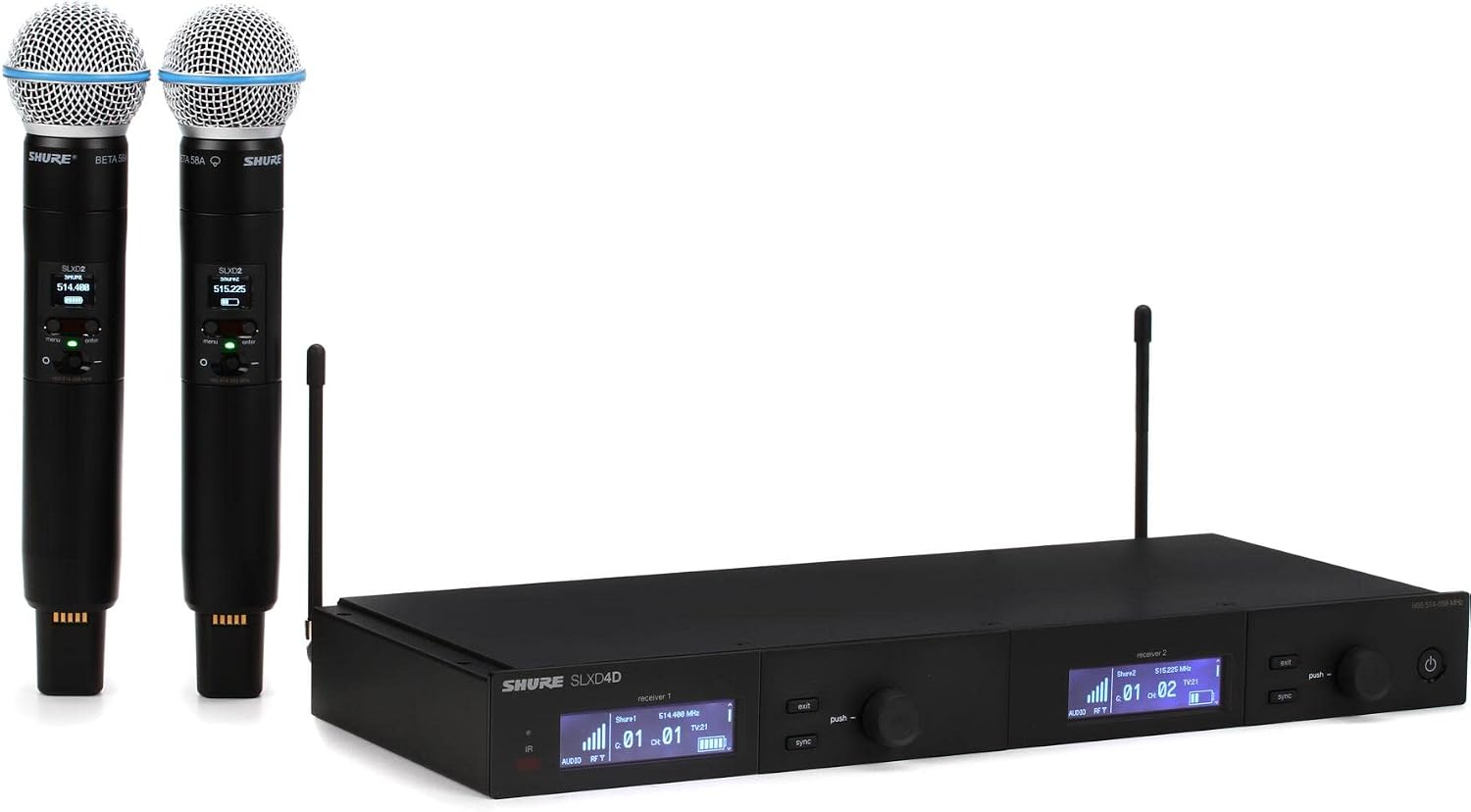
With wireless microphones, check the batteries at the same time and confirm each transmitter is paired with the right receiver channel. For laptop and phone, play the actual files you will use at the event, not just a test tone. How to connect a laptop in the first place is in the guide "How to connect a laptop or phone to a sound system".
Speakers on stage: test at real distance and real voice
At a speech event the key point is that each speaker tries their own microphone, not the technician on their behalf. Ask them to say a few sentences at the distance and in the voice they will actually use. A quiet speaker needs far more gain than someone used to addressing a room, and the quiet speaker is where feedback starts most easily.
If the speaker wears a headset or a lavalier, fit it in the right place before the test, because position changes tone and level. Let them walk where they will walk during the talk, including in front of the speakers. If it starts to ring somewhere, mark that spot on the floor with tape and tell them to avoid it. The causes of feedback have their own guide, "How to prevent microphone feedback".
Band: instruments, then monitors, then everyone
With a band the usual order is drums, bass, guitars and keys, vocals last. Each instrument plays alone until gain and basic EQ are set, then the next one is added. On drums each mic is checked separately: kick, snare, toms and overheads.
Monitors come next. Each musician says what they want in their wedge, and changes are made one at a time. Finally the band plays a song with everyone, ideally the loudest and the quietest one. The technician builds the front-of-house mix first, then asks the musicians about monitors once more. What a band needs in terms of inputs is in the guide "Band sound equipment: what a five-piece band needs".
Walk the room
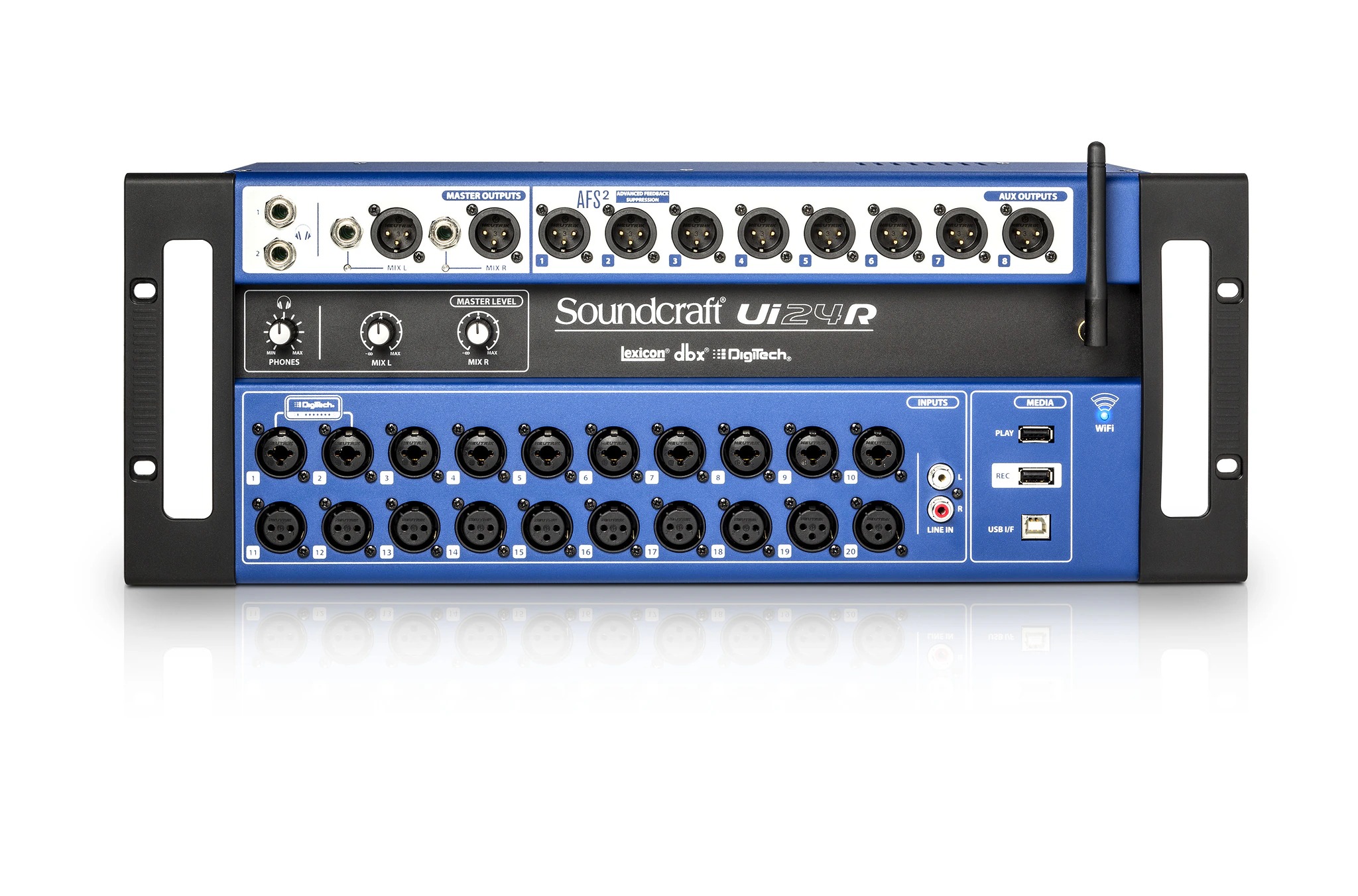
The sound at the mixer is not the sound at the back, in a corner or on a balcony. The advantage of the Soundcraft Ui24R and other tablet-controlled digital mixers is that the technician can walk the room with the tablet and change levels right where it matters. With an analogue mixer, someone else walks and signals.
Remember that a full room sounds different from an empty one. People and their clothes absorb sound, especially the high frequencies, so a full room is a little duller and quieter. Leave headroom in the check: if the fader is already near the top in the empty room, there is nowhere to go once the audience arrives.
Finishing and the last check before doors
When everything sounds right, save the setup on a digital mixer as a scene. If something gets changed by accident, you can go back. On an analogue mixer, take a phone photo of every knob.
Up to half an hour before doors, do a quick final pass: one sentence on each mic, a few seconds of each music file, battery levels on the receivers. Put spare batteries and a spare mic next to the mixer. If the check was done during the day and everything has been switched off since, do the line check again.