How to hold a microphone properly: tips for presenters and singers
A good sound system and an experienced technician cannot save a speech if the mic is held at waist height or the grille is wrapped in a palm. Most problems the audience hears, from a voice that is too quiet to feedback and crackle, start with how the presenter handles the microphone. The good news is that the rules are few and take five minutes to learn. This guide is written for presenters, hosts and singers. Organisers can send it to everyone who will hold a mic on stage. We start with the handheld, then the headset and lavalier, and finish with techniques for singers.
Handheld: distance and angle
Hold the mic about two to three finger-widths from your mouth; for speeches it can be up to a fist away. The most common mistake is holding it at chest height like an ice cream. The voice then sounds distant and thin, and the technician has to raise the gain so far that the speakers start leaking back into the mic and feedback starts.
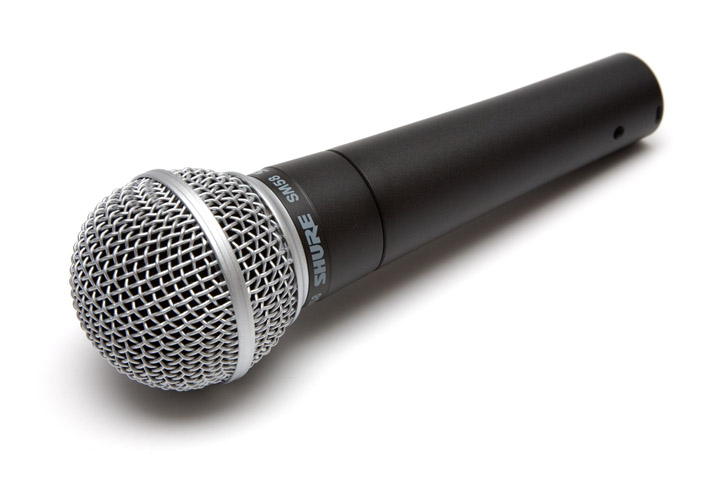
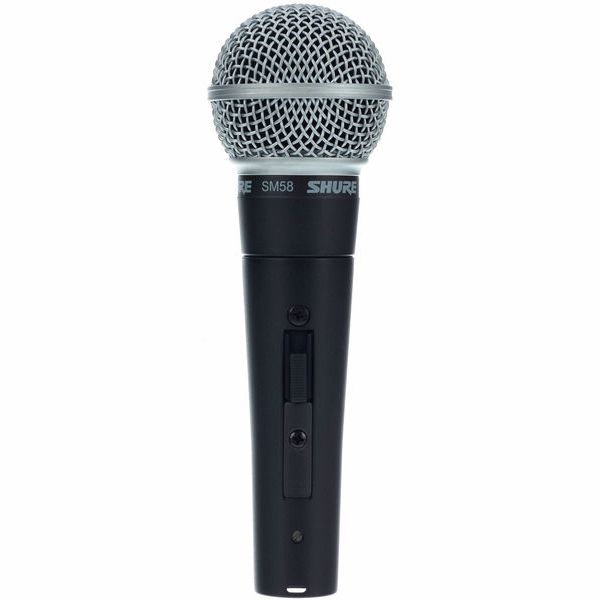
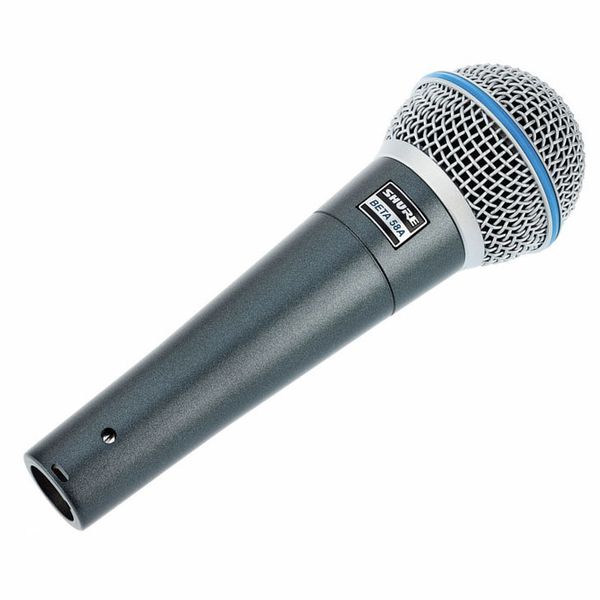
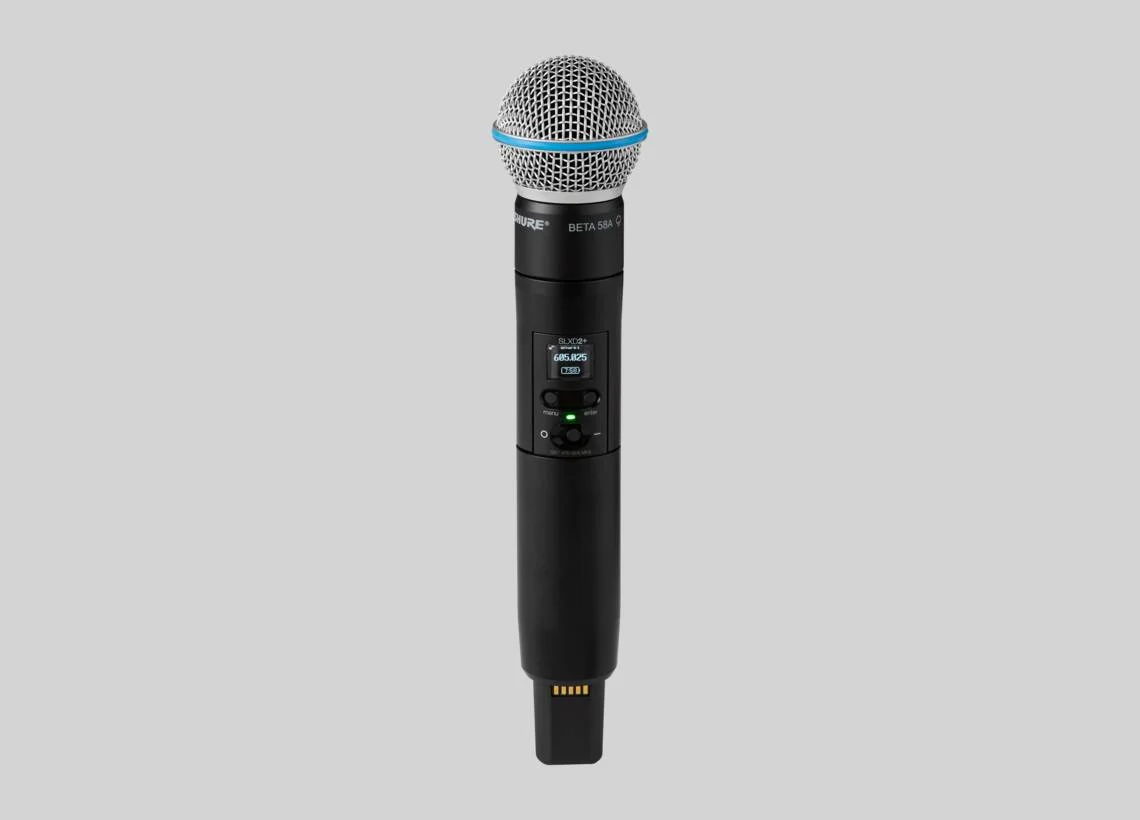
Point the end of the mic at your mouth, not at the ceiling. Stage mics like the Shure SM58 or BETA 58A are directional: they hear what is straight in front well and what is to the side or behind poorly. If the mic points under the chin or towards the ear, much of the voice is lost.
When you turn your head to look at the other side of the audience or at a slide, move the mic with you. Imagine it is fixed to your chin. If it stays put while your head turns, the voice drops out with every turn.
- Distance: two or three fingers up to one fist.
- Mic end pointing at the mouth, not up or down.
- Head turns, mic turns with it.
Do not cover the grille
Hold the mic by the handle, not by the grille. If your palm or fingers cover the grille, the mic's pickup pattern changes: it starts picking up sound from the side and back, sounds nasal and feeds back far more easily. Some singers do it deliberately for the sound, but for speech and most performances it is a big problem for the technician.
With a wireless mic, also avoid gripping the bottom end where the transmitter antenna sits. A hand around the antenna can weaken the signal, especially if the receiver is far away.
What not to do
Do not tap the mic or blow into it to check whether it works. A tap comes out of the speakers as a loud thump and can damage them. Just say “hello” at a normal voice and listen. If the mic is silent, signal the technician rather than shaking it.
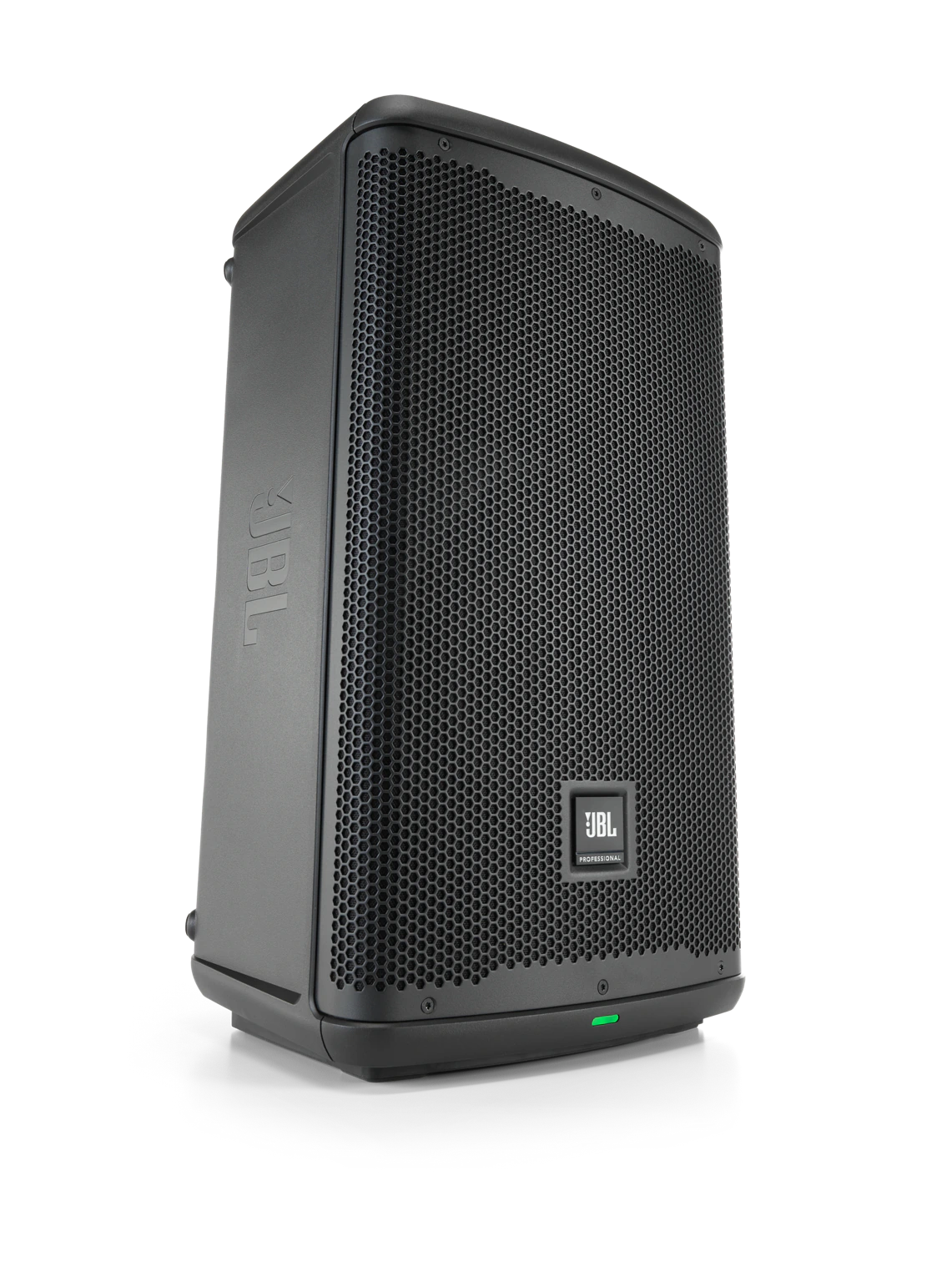
Do not walk in front of the speakers and do not point the mic at a speaker. Standing in front of a speaker sends its sound straight into the mic and feedback starts. If there are stage monitors, do not aim the mic straight at them. If you hear feedback, step back to the middle of the stage and hold the mic in front of your mouth; that usually stops it at once. Our feedback guide covers this in detail.
Do not gesture with the mic hand. When the hand moves, the voice goes from loud to quiet and back.
On/off switches and handing the mic over
Some mics, such as the Shure SM58SE, have an on/off switch. Wireless mics have a power switch. Agree with the technician before the event: does the presenter switch it, or does the mic stay on and the technician control it from the mixer? The most common mistakes are a mic switched off at the start of a speech, or a mic left on when the presenter walks off stage still talking.
When handing the mic to the next speaker, hold it by the handle and pass it without covering the grille. Do not put a live mic on a table or in a pocket, as it picks up every rustle.
Headset and lavalier
A headset such as the Shure DH5T or MX153T hooks behind the ear and the mic sits near the corner of the mouth. The right position is beside the cheek, about a finger-width from the corner of the mouth, not straight in front. Straight in front it picks up breath and the pops of p and b. Check that the cable does not rub on clothing, because that is audible.
A lavalier such as the DPA 4061 or Shure MX150 clips to the middle of the chest about a hand-width below the chin. Do not clip it under a scarf, necklace or tie, because fabric and jewellery rub. If you often turn to one side, towards a screen for example, clip it on that side.
The bodypack goes on the belt or in a pocket. Do not put it in a back pocket if you will sit down. Before going on stage, check the transmitter is switched on and not muted.
For singers: distance as a volume control
For a singer, mic distance is a tool. In quiet passages come closer, lips almost on the grille. On loud and high notes pull the mic back a little. That keeps the voice even for the audience and the technician does not have to ride the fader every chorus.
A directional mic has proximity effect: the closer to the mouth, the more bass. You can use it for warmth, but too close and the voice turns boomy. Find your distance at sound check and stick to it.
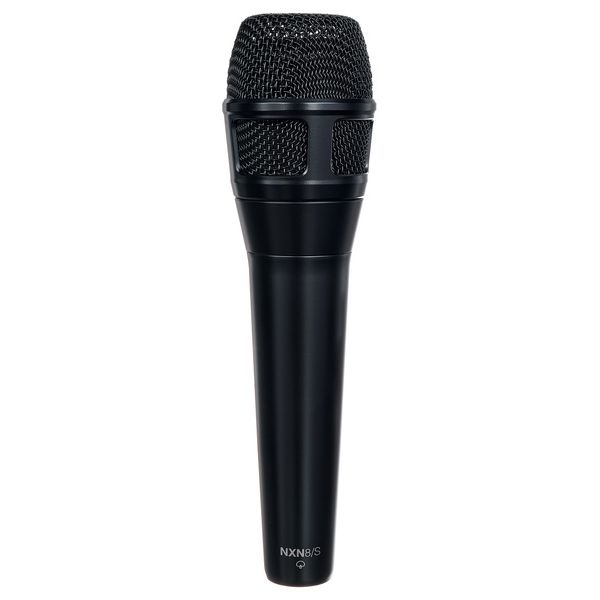
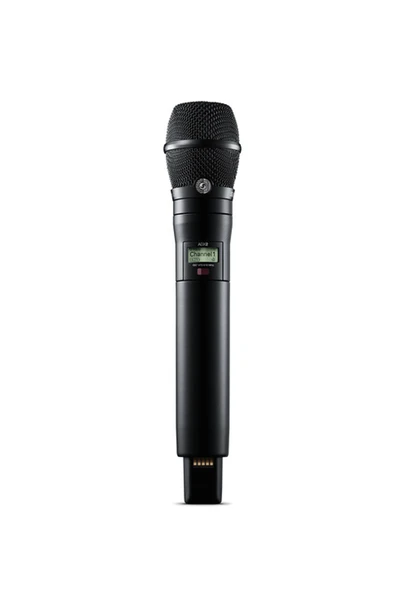
P and b sounds create bursts of air that come out as pops. Angle the mic slightly off the mouth so the voice goes across the grille rather than straight in. A condenser such as the wireless mic with the Shure KSM11 capsule is more sensitive to this than a dynamic SM58 or Nexadyne 8/S.
Before you go on stage
Ask for a sound check, even if it lasts a minute. Say a few sentences in the voice you will use for the audience, not a whisper and not a shout. If the talk includes singing, shouting or playing a video, tell the technician in advance.
- Check the wireless mic battery, or have the technician do it.
- Agree who switches the mic on and off.
- Walk your path on stage: where the speakers are and where feedback starts.
- Keep water at hand, but not on the table next to the mic.