Event sound timeline: when to start setup and the sound check
The most common reason sound fails at the start of an event is not faulty gear but lack of time. The speakers are up but the microphones are untested, because guests are already in the room and any feedback would be heard by everyone. A sound equipment rental gives you a case full of gear; this guide helps you get it working on time. Below is a schedule that starts from the event time and works backwards: when to collect the equipment, when to get to the venue, how much time to leave for the sound check and as a buffer, with two sample schedules.
Work backwards from doors
The deadline is not the start of the programme but the moment the first guest walks in. Guests arrive earlier than the invitation says, and from then on you can no longer test microphones loudly or try out music. Everything that needs a sound check has to be ready before the doors open.
Take a sheet of paper and write down the doors time. Subtract half an hour of buffer, then the sound check time, then the time for placement and cabling, then unloading. The result is the time you need to walk through the venue door. If that is earlier than the venue will let you in, the problem exists now, not on the day.
- Doors: everything quiet and ready, background music playing.
- Buffer: at least half an hour, because something always goes differently.
- Sound check: every microphone, every music source, with the real presenter.
- Placement and cables: speakers, mixer, receivers, power leads.
- Unloading: car empty and gear in the room.
A week and a day before
A week ahead, agree with the venue what time you can get in. Many venues book the room for the event hours only and setup time has to be requested separately; the same goes for clearing and leaving. Ask which other suppliers will be there at the same time: caterers, decorators, lighting. If everyone arrives at 15:00 you will be sharing the door and the corridor.
Send presenters and the DJ the time of their sound check, and ask for presentations and music files in advance. If a band is playing you need their input list and stage plot; there is a separate guide on what to send the technician.
If possible, collect the equipment the day before, not on the morning of the event. That gives you an evening to connect the kit once at home or in the office, switch on every microphone and check that cables and power supplies are all there. On the day you no longer have to drive to the warehouse.
Sample schedule: company evening, doors at 18:00
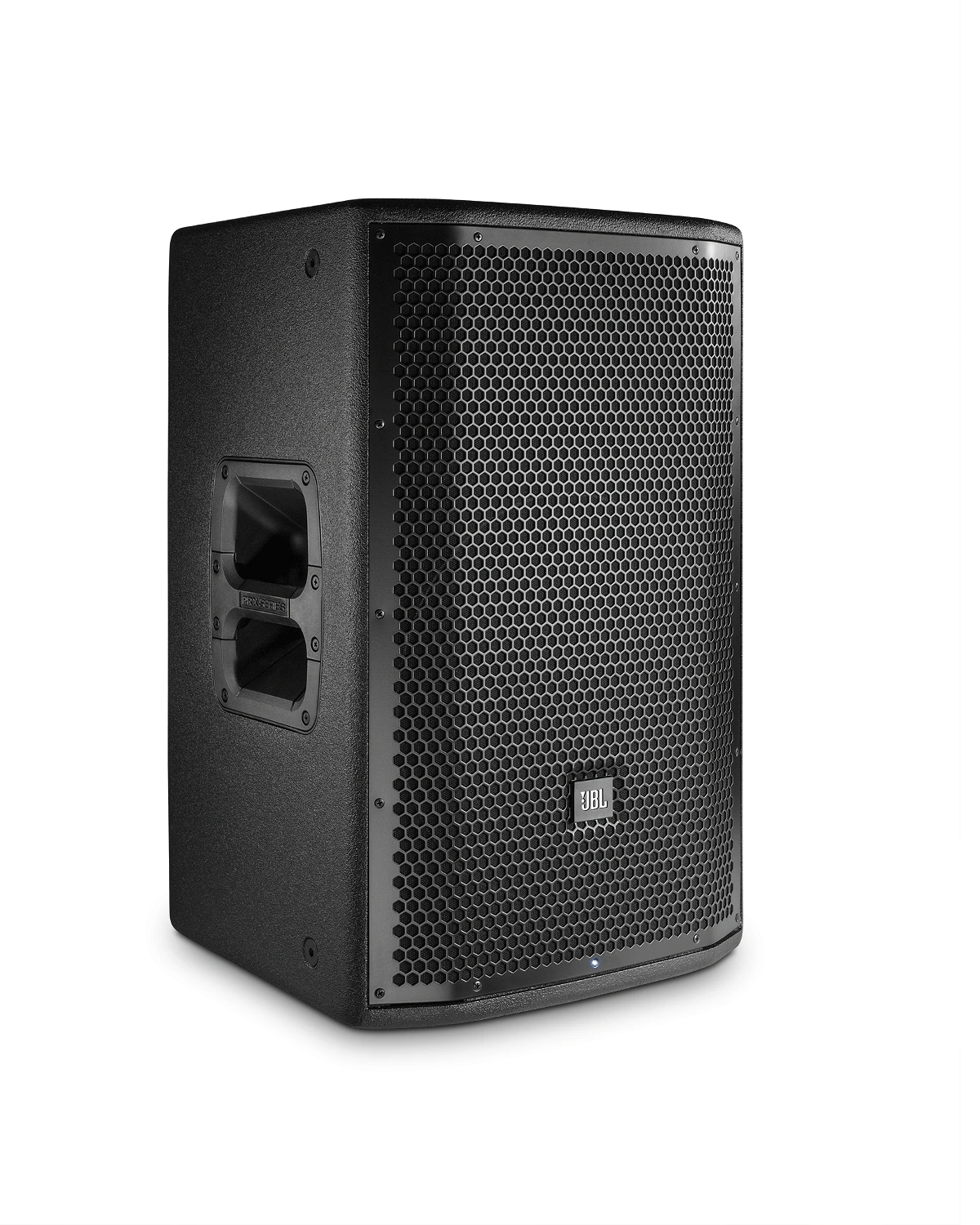
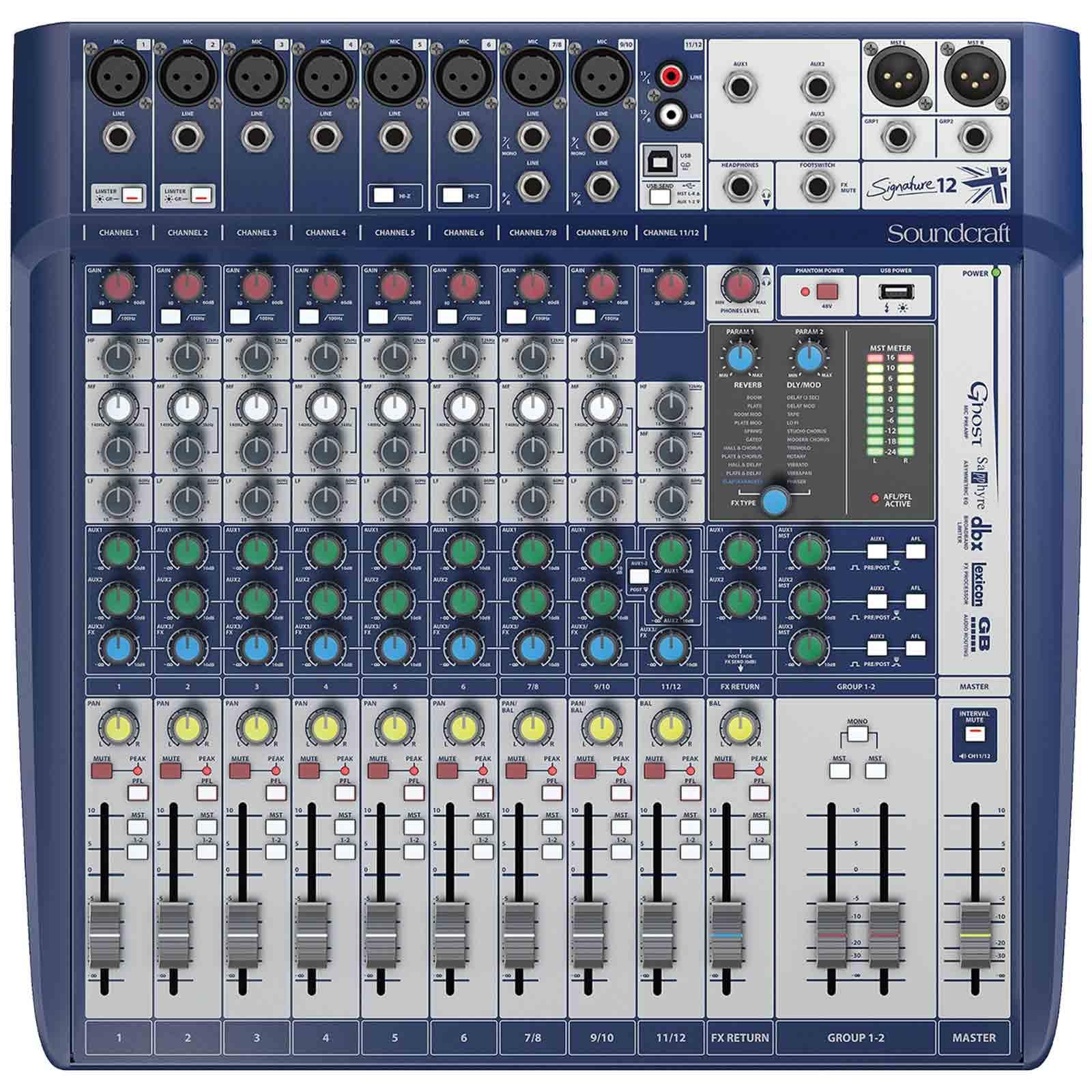
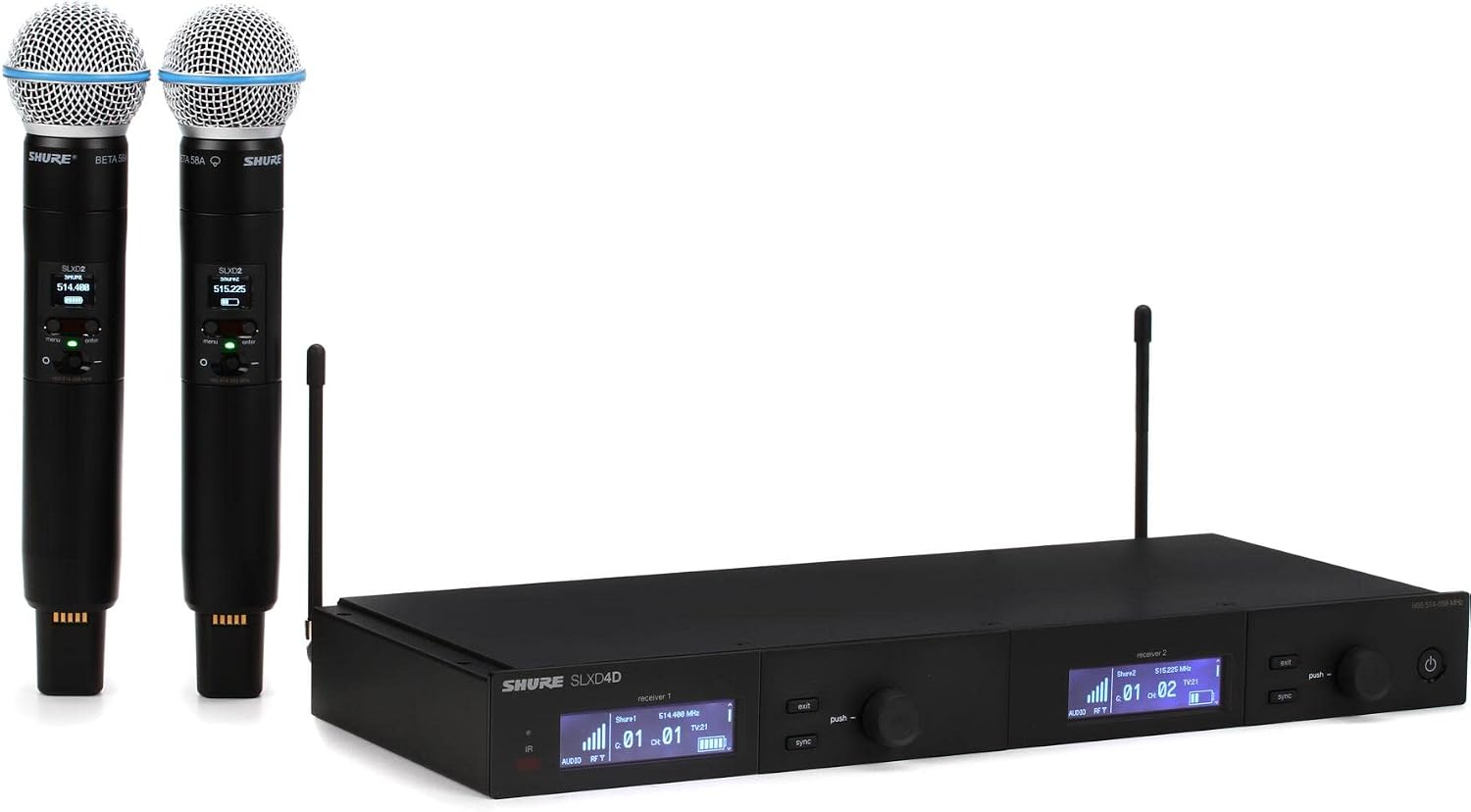
Kit: two JBL PRX812 speakers on stands, a Soundcraft Signature 10 mixer, two Shure SLXD24D/B58 wireless handhelds and a laptop for music, much like the Presentation and seminar kit for up to 150 people without the headsets. Two people, one of whom has set up a system like this before.
- 15:30 arrive, empty the car, gear stacked in a corner of the room.
- 15:45 speakers on stands, mixer table and position chosen.
- 16:15 signal and power cables run and taped down.
- 16:30 every input checked: mic 1, mic 2, laptop.
- 16:45 sound check with a real voice and real music, levels noted down.
- 17:15 host and speakers try the microphone with their own voice.
- 17:30 background music on, spare batteries ready, everything quiet.
- 18:00 doors open.
Sample schedule: band and DJ, doors at 19:00
A band system, such as the Live band kit for up to 200 people with stage monitors, takes several times longer, because every instrument needs its own microphone and every musician a monitor mix. Here a technician usually sets up and the schedule is built with them, but the organiser needs to know what happens when.
- 13:00 gear into the room, speakers, subwoofers and mixer in place.
- 14:30 mic stands, cables and monitors on stage according to the input list.
- 15:00 the band brings its instruments and amplifiers.
- 16:00 line check: each channel on its own, does the signal reach the mixer.
- 16:30 sound check with the band: drums, bass, instruments, vocals, then all together.
- 18:00 the DJ connects and rehearses the changeover from band to DJ.
- 18:30 stage tidy, everything quiet, buffer.
- 19:00 doors open.
What always takes longer than expected
Carrying. If parking is far away or the room is on the second floor without a lift, unloading alone can take as long as the whole setup. Running cables between tables and taping them so nobody trips. Laptops: the presenter's computer has a different connector, the adapter was left behind, or the laptop decides to install an update. Scanning wireless frequencies when the venue has other radio systems.
And people. The speaker who was due at the sound check at 17:00 turns up at 17:50. Plan their check so it does not block anyone else, and keep a preset level on their microphone so you can start with it if needed. In winter, add time for equipment from a cold car to warm up before you switch it on.
During the event: the schedule does not end at doors
Take the event running order and mark every point where the sound changes: welcome speech, performance, awards, start of dancing. For each of these moments someone has to be at the mixer. If that is the organiser, set a reminder five minutes before. At long events, change wireless mic batteries during a break, not when the mic is already blinking.
If the same evening has speeches and music, see also the guide on speeches and music on the same night; it covers how to manage levels through the different parts of the programme.
Teardown and return
Teardown usually takes about half the setup time, more when everyone is tired. Ask the venue in advance by what time the room has to be empty and put it in the schedule just like the setup. Switch off the speakers first, then the mixer, so there is no thump from the speakers.
The return time is in the offer. If the event ends late, plan the return for the next day and keep the gear overnight in a locked room, not in the car. If you can already see that the schedule is too tight, consider delivery and setup as a separate service; its price is also in the offer.