DJ monitoring: booth monitor, headphones and level
A DJ who hears the music only from the house speakers is always slightly off. Sound from the far speakers arrives late, a second copy bounces back off the walls and the transitions start to drag. The fix is a booth monitor and well-set headphones. Get them wrong and the DJ turns the monitor up, then the headphones up further, and by the end of the night the ears are tired and a turntable or microphone starts to rumble. This guide explains step by step how to set up DJ monitoring so the mixes are tight and the ears last the night. If you are still choosing the DJ gear itself, start with our guide to DJ equipment hire.
Why the house speakers are not enough
Sound travels about a metre in three milliseconds. If the house speaker is ten metres from the DJ, the kick reaches them with a noticeable delay, and the reflection off the back wall of a long room arrives later still. In the headphones the DJ hears the next track with no delay, while the playing track comes from the room late. Beatmatch by that and the transition sounds messy in the room.
A booth monitor is a small speaker right next to the DJ that plays the same signal as the room, but without the delay and reflections. The DJ hears exactly what the mixer is doing and compares it with the headphones.
Choosing and placing the monitor
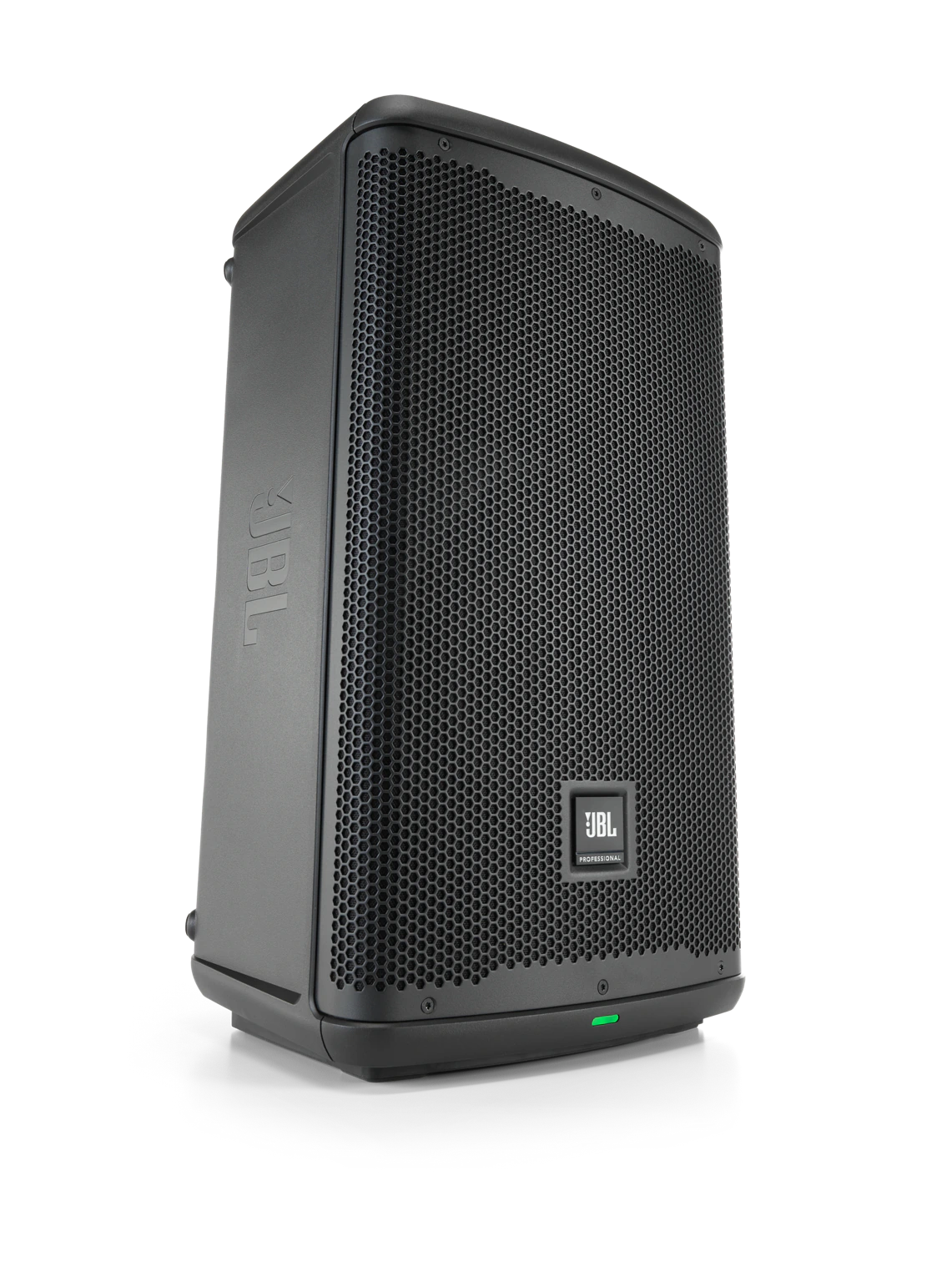
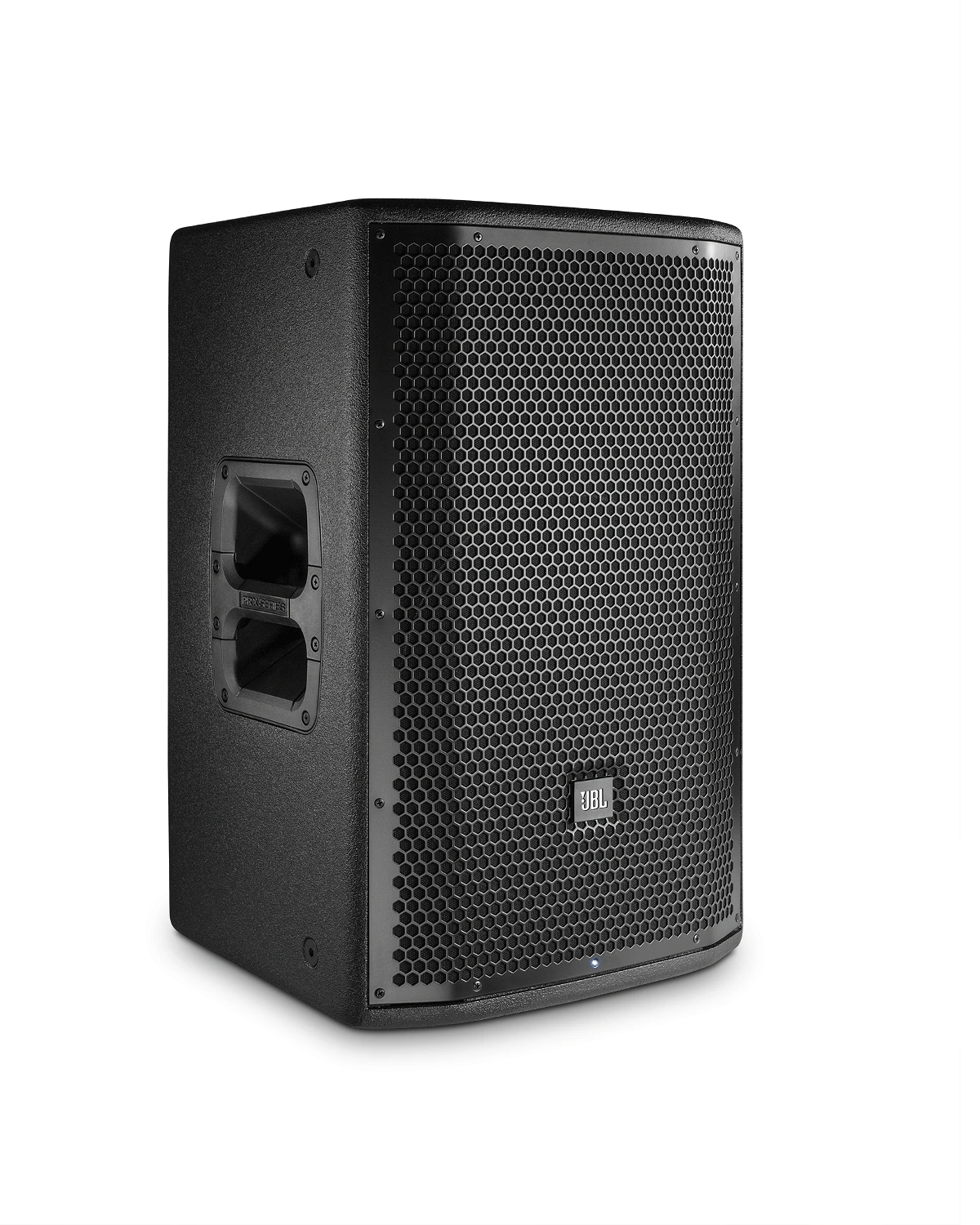
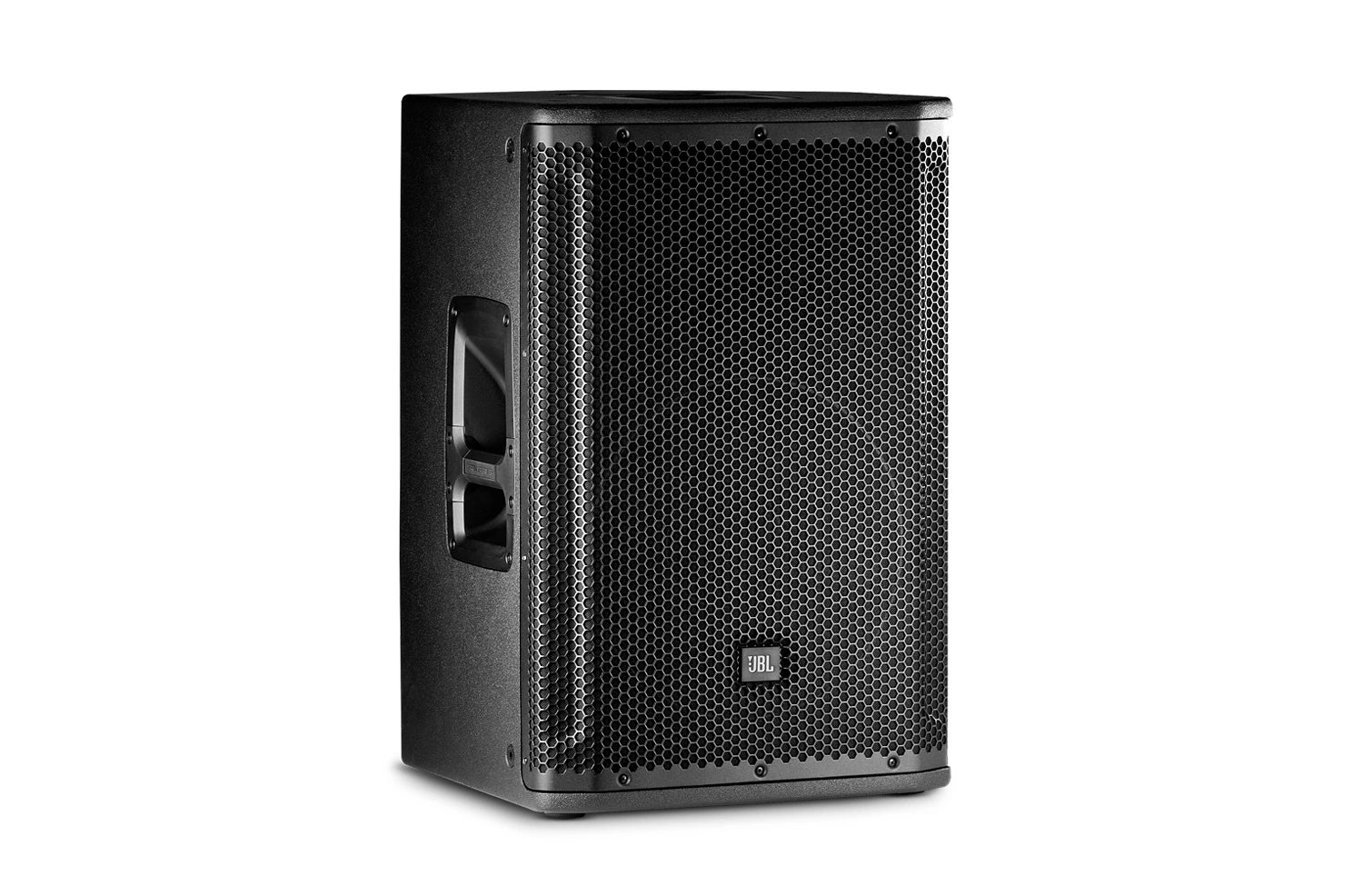
For a small or mid-sized party one active speaker on a stand, such as a JBL EON710, is enough. When the DJ is on a stage next to a big PA or in a loud club, a pair of JBL PRX812 on either side of the table is better, each aimed at the DJ's head. A pair gives a stereo image and the DJ does not have to turn their head to one side all night.
Position matters more than speaker size. The monitor should be at ear height and aimed at the DJ's head, not at the dance floor or at chest height. If it sits on the floor pointing up, the DJ mostly hears bass and half the sound goes into the crowd. Do not put the monitor on the same table as the turntables: it is the surest way to create a low rumble.
- Stand slightly behind and to the side of the table, speaker at ear height.
- Speaker angled towards the DJ's head, not straight ahead.
- A microphone must never point at the monitor.
- The speaker does not touch the table or the turntables.
Setting the booth output step by step
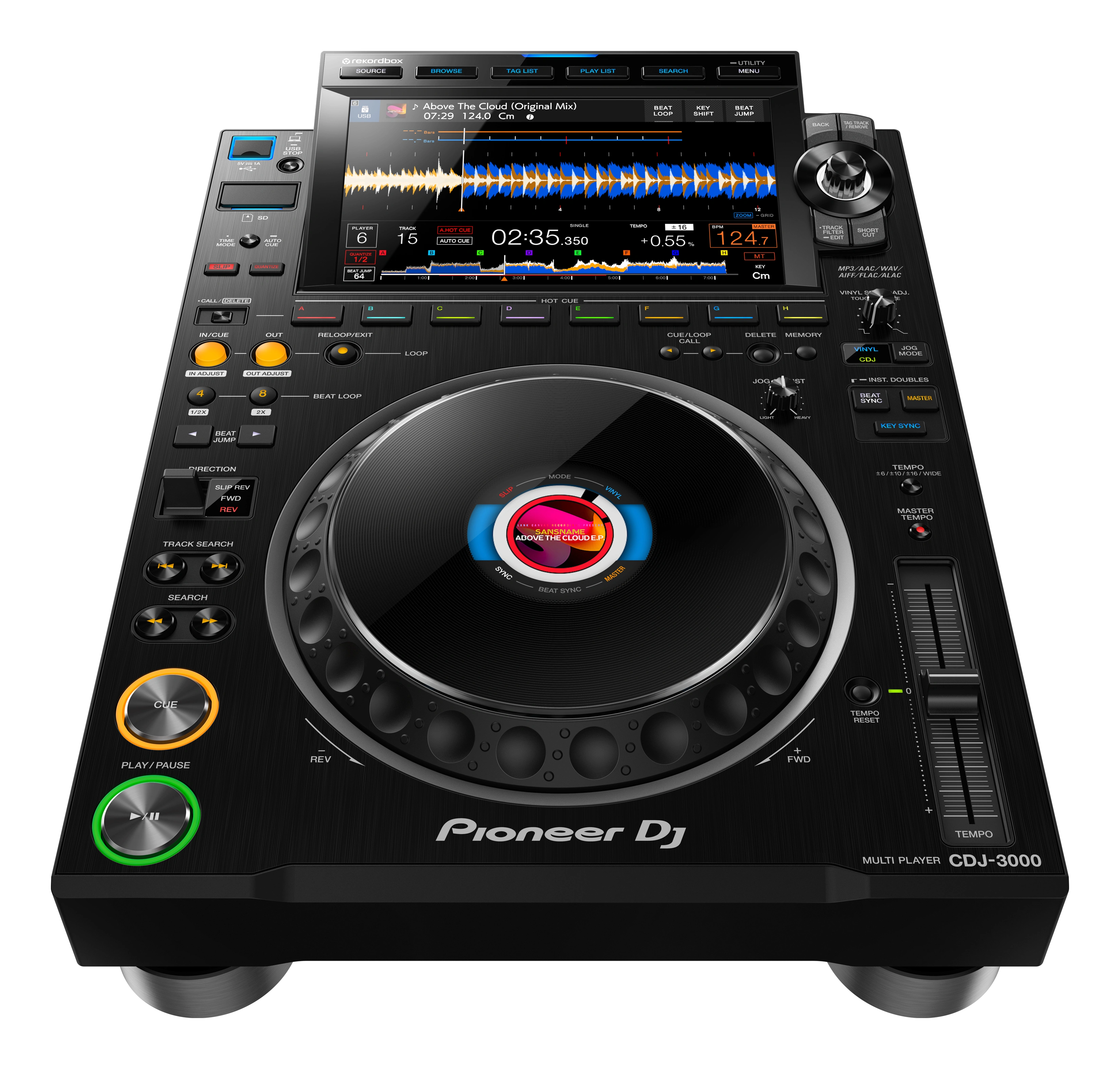
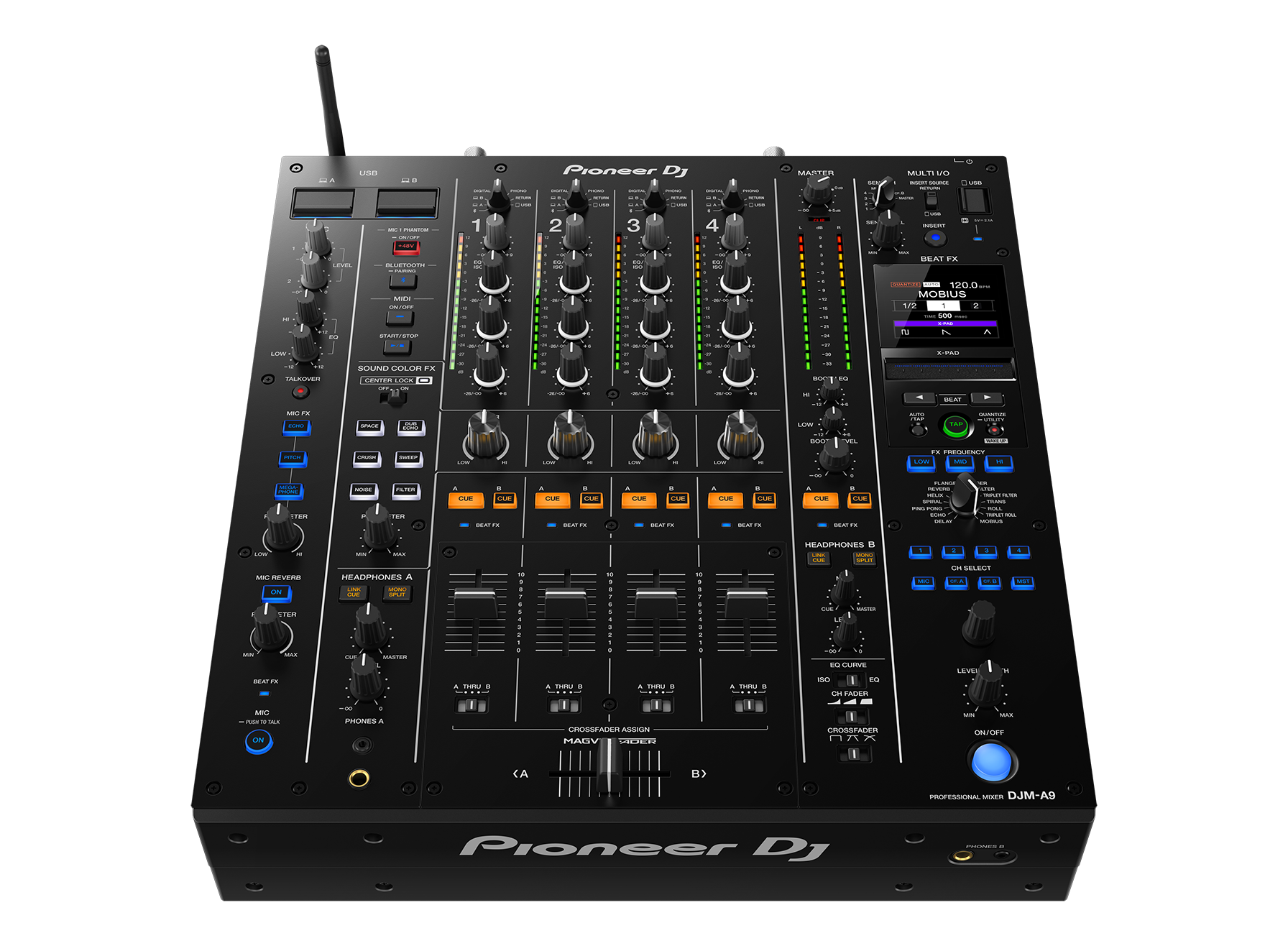
DJ mixers, the Pioneer DJM-A9 included, have a separate booth output with its own level, independent of the master. The monitor goes there, not on a split from the master or into the mixer's headphone socket. Then the DJ can make the monitor quieter or louder without touching the room. Set it up like this:
- Connect the monitor to the booth output with an XLR or TRS cable and turn the booth knob to zero.
- Set the room level the night will start at first.
- Stand at the DJ position and raise the booth level until you hear a clear kick and highs from the monitor, no more.
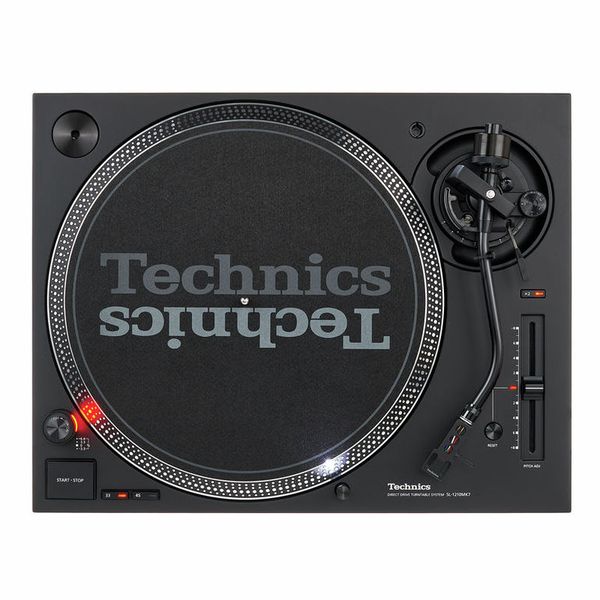
- If the monitor is near a subwoofer or vinyl is being played, turn the bass down on the speaker or the mixer for the monitor.
- Let the DJ try a transition and ask whether both tracks are clear.
Headphones and cue
The DJ usually brings their own headphones; they are as personal as a musician's instrument. With the cue buttons on the mixer the DJ chooses which channel they hear in the headphones, and with the cue/master knob how much of the room mix is blended in. Many DJs keep one ear in the headphones and leave the other free for the monitor.
There is a simple link between headphones and monitor: the louder the monitor, the louder the headphones must go for the next track to be heard. That is why a louder monitor is never better. If the DJ complains they cannot hear the headphones, lower the monitor first. Second, check that the headphones are plugged into the mixer, not a player's headphone output, if the DJ cues every channel from one place.
The microphone in the booth
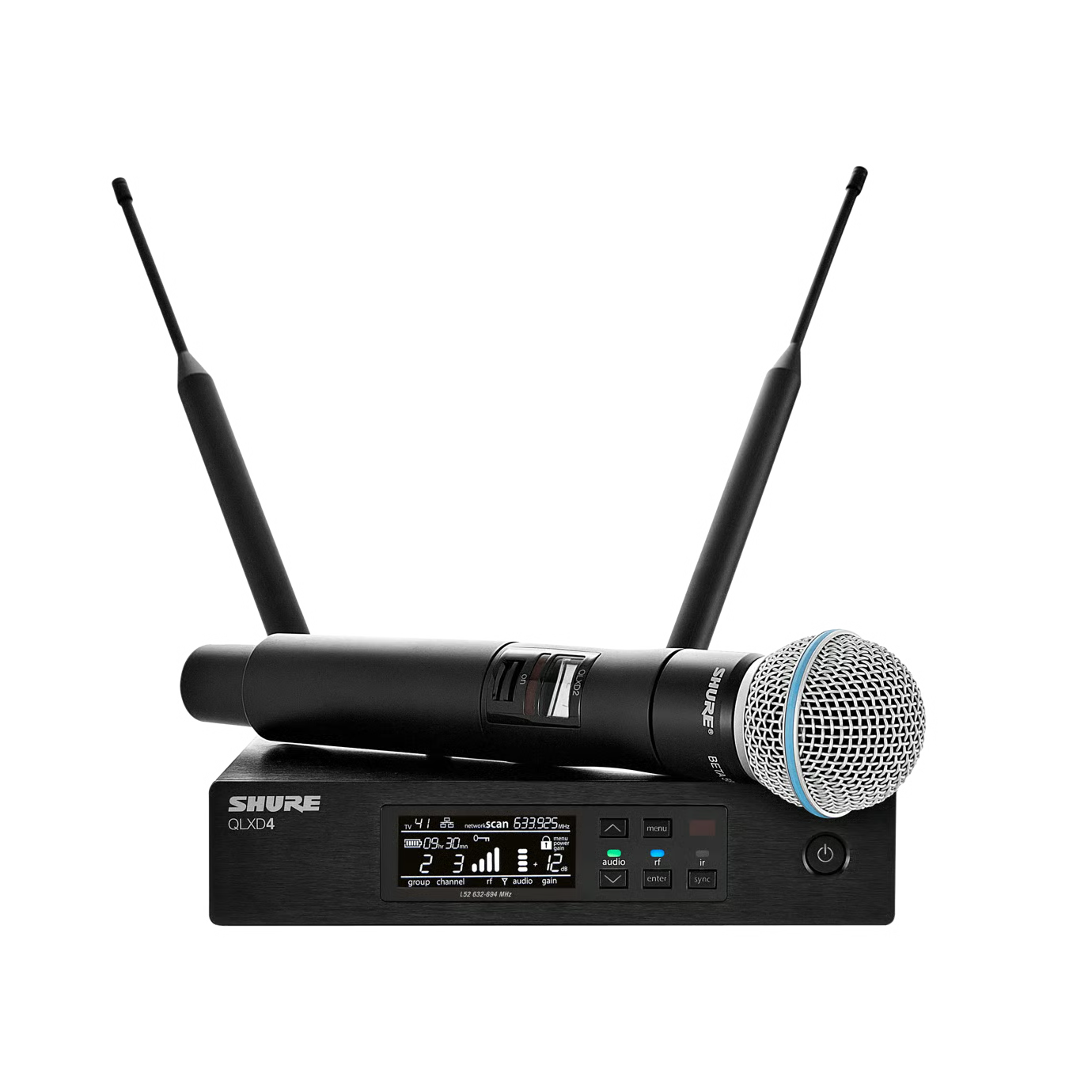
At nearly every party someone wants to say something from the booth. The mic goes into the DJ mixer's mic input or into its own channel on the house mixer. The DJ kit for up to 200 people includes a wireless Shure QLXD24/B58 for this. If the mic signal also goes to the booth output and the monitor is close, feedback is almost certain.
Check before the event: hold the mic at the DJ position and bring the mic level up slowly. If the monitor starts to squeal, turn the monitor away from the mic or lower the booth level while someone speaks. The person speaking should stand behind or beside the monitor, not in front of it. Our guide to preventing microphone feedback goes into more detail.
Protecting your hearing over a long night
The DJ stands near the loudest spot all night. Ears tire, and tired ears want more level, which tires them further. After a couple of hours the same monitor seems quieter than at the start, even though nothing has changed. When the DJ starts turning the monitor up, it is a sign the ears need a break, not more sound.
The simplest protection is keeping the monitor moderate from the start, using flat-response earplugs that lower the level without colouring the sound, and taking a short break in a quiet room now and then. Check sound level limits for the event with the venue or the municipality.
On stage, outdoors and with two DJs
A DJ on a festival stage behind a big line array hears almost nothing from the house speakers, because they point at the audience. Then a stronger pair of monitors is needed, such as JBL PRX812 or SRX812P, and if necessary a subwoofer beside the DJ so they can feel the kick. Outdoors, with no walls or reflections, the monitor can be quieter, but wind can carry the highs away, so move the monitor closer.
When two DJs play in turns or back to back, both need to hear the monitor. A pair on either side of the table is then better than one. Agree beforehand who changes the booth level, so neither turns it up on their own.