Recording the sound of an event: stereo pair or multitrack
The first question when recording an event is not which microphone, but what will be done with the recording afterwards. If you need a keepsake or a file ready to upload, a good stereo pair is enough. If you plan to mix later, you need every source on its own track. Here are both routes, described with the recording equipment you can hire from us.
Stereo pair: simple and reliable
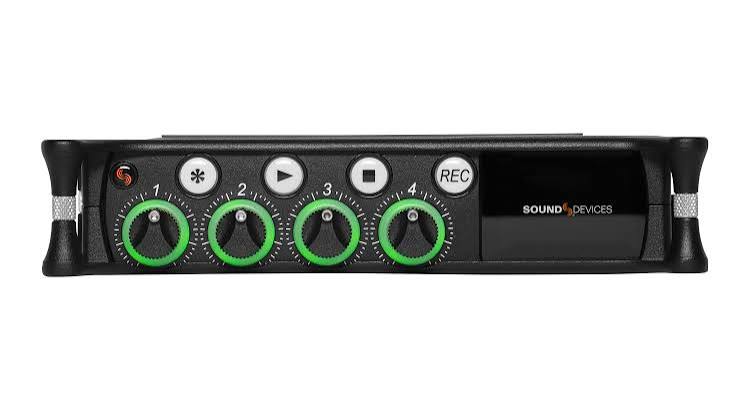
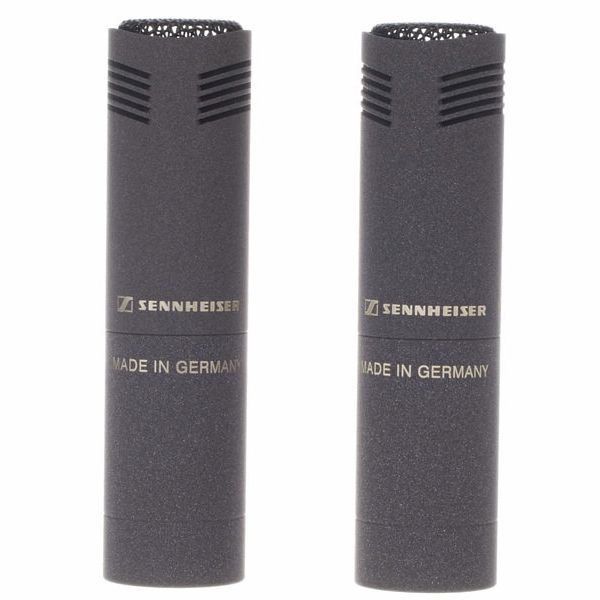
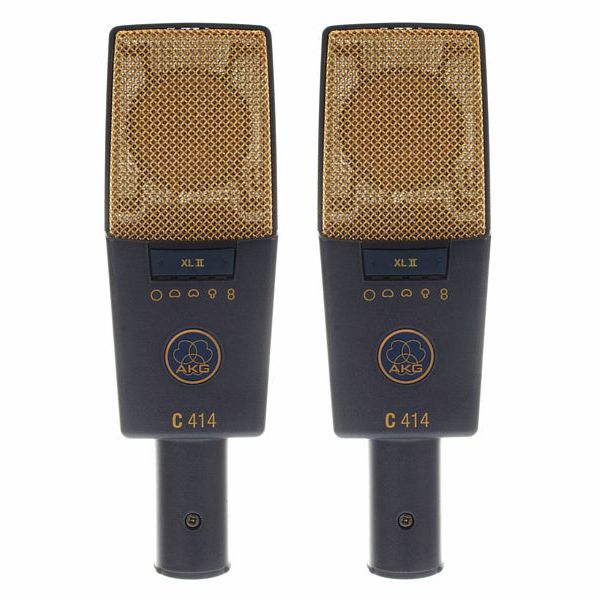
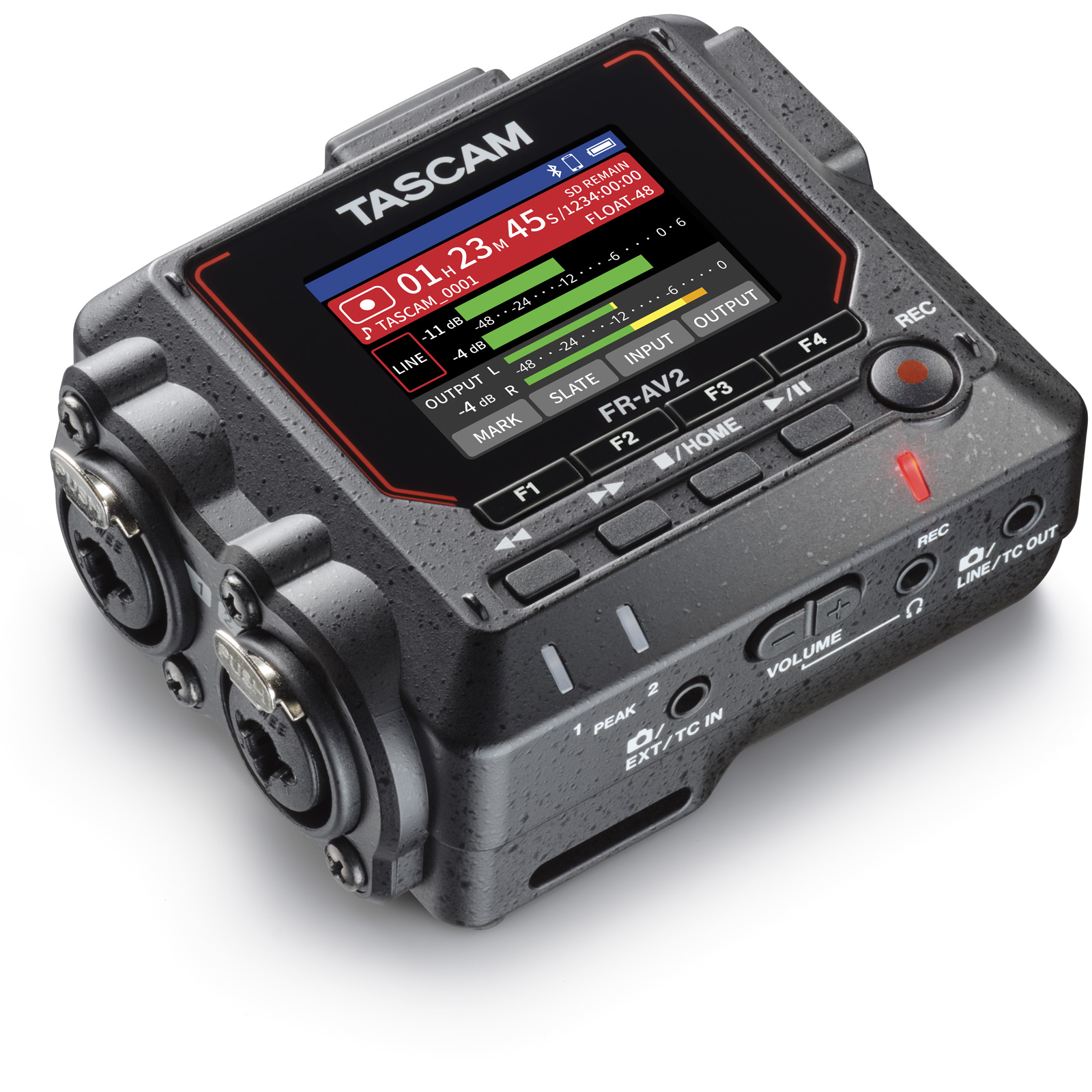
Two good condenser microphones in front of the audience, placed well, record the performance together with the room, and the result is listenable without any post-production. Our concert recording kit has a Sennheiser MKH8040 stereo pair going into a Sound Devices MixPre-6 MKII recorder, two tall K&M 210/9 stands and a TASCAM FR-AV2 as backup recorder. The alternative is an AKG C414 XLII pair with switchable polar patterns; that suits you if you want to try a figure-of-eight or omni arrangement.
The drawback of a stereo pair is that nothing can be changed afterwards: if the soloist was quiet, the soloist stays quiet. That is why placement and level at the sound check are decisive. The usual stereo setups are two cardioids at one point at 90 degrees (XY) or 17 cm apart at 110 degrees (ORTF). Start with ORTF and listen on headphones.
Multitrack from a digital console
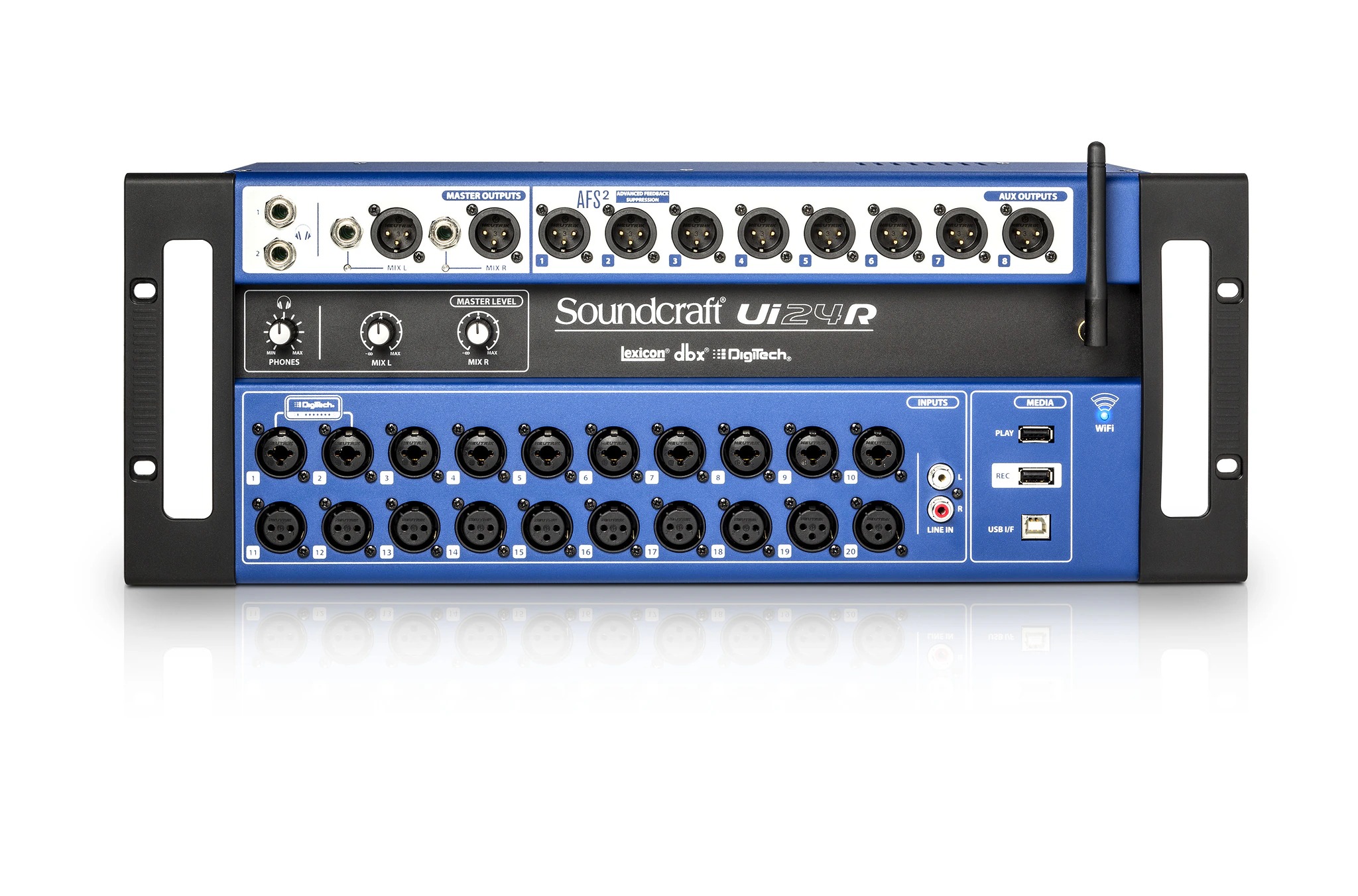
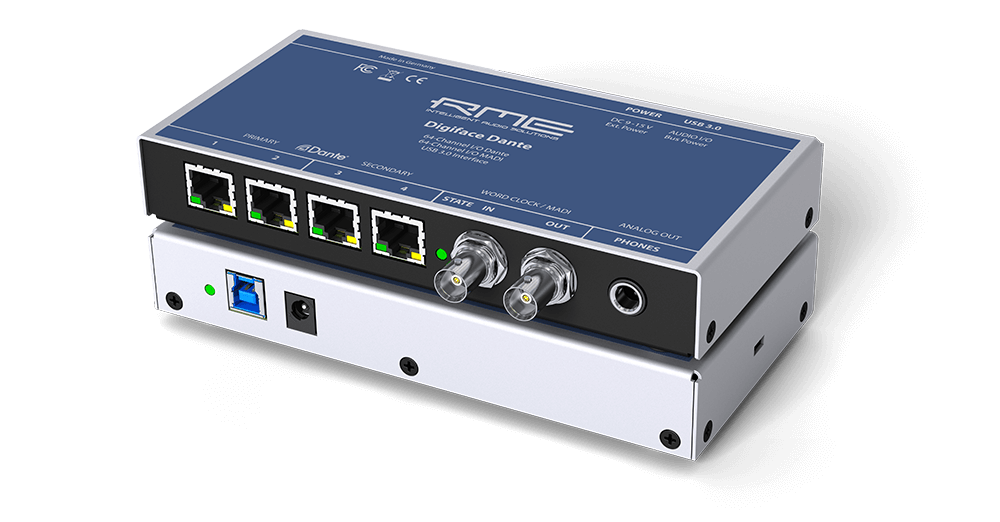
If there is a band on stage and a mixing console is there anyway, it makes sense to record every channel separately. The Soundcraft Ui24R records multitrack straight to a USB drive with no computer; it is the console in our band kit and in the party kit for up to 200 people. From Dante consoles such as the Yamaha DM3 and Yamaha QL1, the recording is taken by an RME Digiface Dante, which carries the channels over USB into a recording program on a laptop.
Multitrack gives you the freedom to mix later, but it is also more work: a raw multitrack sounds worse before mixing than a good stereo pair. The most dependable combination at a concert is both at once: a stereo pair in the hall and a multitrack from the console. Then you have the room and the audience as well as every single source.
Backup recorder and 32-bit float
There is no second take when recording, so always record to two places. The TASCAM FR-AV2 is a small two-channel recorder that takes the stereo output of the console or its own microphones and runs independently of the main recorder. If the main recorder's memory card fails or someone pulls a cable by accident, at least the stereo recording exists.
Both the MixPre-6 MKII and the FR-AV2 record in 32-bit float, which in one sentence means: the file survives an unexpectedly loud passage without distortion and the level can be brought down afterwards without losing anything. It does not excuse you from microphone placement or listening on headphones, but it removes the most common mistake, a level set too high.
Microphone placement for a choir and a band
For a choir, raise the stereo pair high, roughly above the conductor's head or a couple of metres behind them, aimed at the centre of the choir. The higher and further away, the more evenly the voices balance and the more hall reverb you get; find the middle ground at the sound check. Two K&M 210/9 stands fully extended will do it; weight on the legs is mandatory.
For a band, a stereo pair in the hall is only half the picture, because guitar amps and drums are loud and the vocals come from the PA. Here the multitrack from the console is the main recording and the stereo pair adds audience and room. At a conference or a speech event, the stereo output of the console into a recorder is enough and no microphones in the hall are needed; if you want the audience questions recorded too, they have to come through a microphone and the console.
Levels, files and handover
Set the level at the sound check to the loudest passage and leave headroom; with 32-bit float, err on the low side. Check on headphones before the start that both channels are recording and that phantom power is on for the condenser microphones. Record one long file rather than many short ones, and start the recorder before the first sound, not during it.
After the event, copy the files to a computer and to a second location straight away, before the equipment comes back to us. The memory card belongs with the recorder and uncopied files are lost. Agree with the client in advance what form the files should take: separate WAV files for a multitrack mix, a stereo WAV for the archive or an MP3 for listening and sharing.