Multitrack recording
Multitrack recording means each microphone or instrument is recorded to its own track, so the concert can be mixed again, and better, in the studio afterwards.
What multitrack recording is
An ordinary recording gives you one stereo file: what came out of the room or the mixer output is final. With multitrack recording each channel stays a separate file. A band's concert might produce twenty tracks: kick, snare, each tom, bass, guitars, keys, vocals and two audience mics. These are opened later in audio software and mixed again.
That fixes things there was no time for during the concert: vocal balance, guitar level or EQ. The room mix is built for a space where drums and amps are heard even without a mic, so as a recording it often sounds out of balance.
How the tracks are recorded
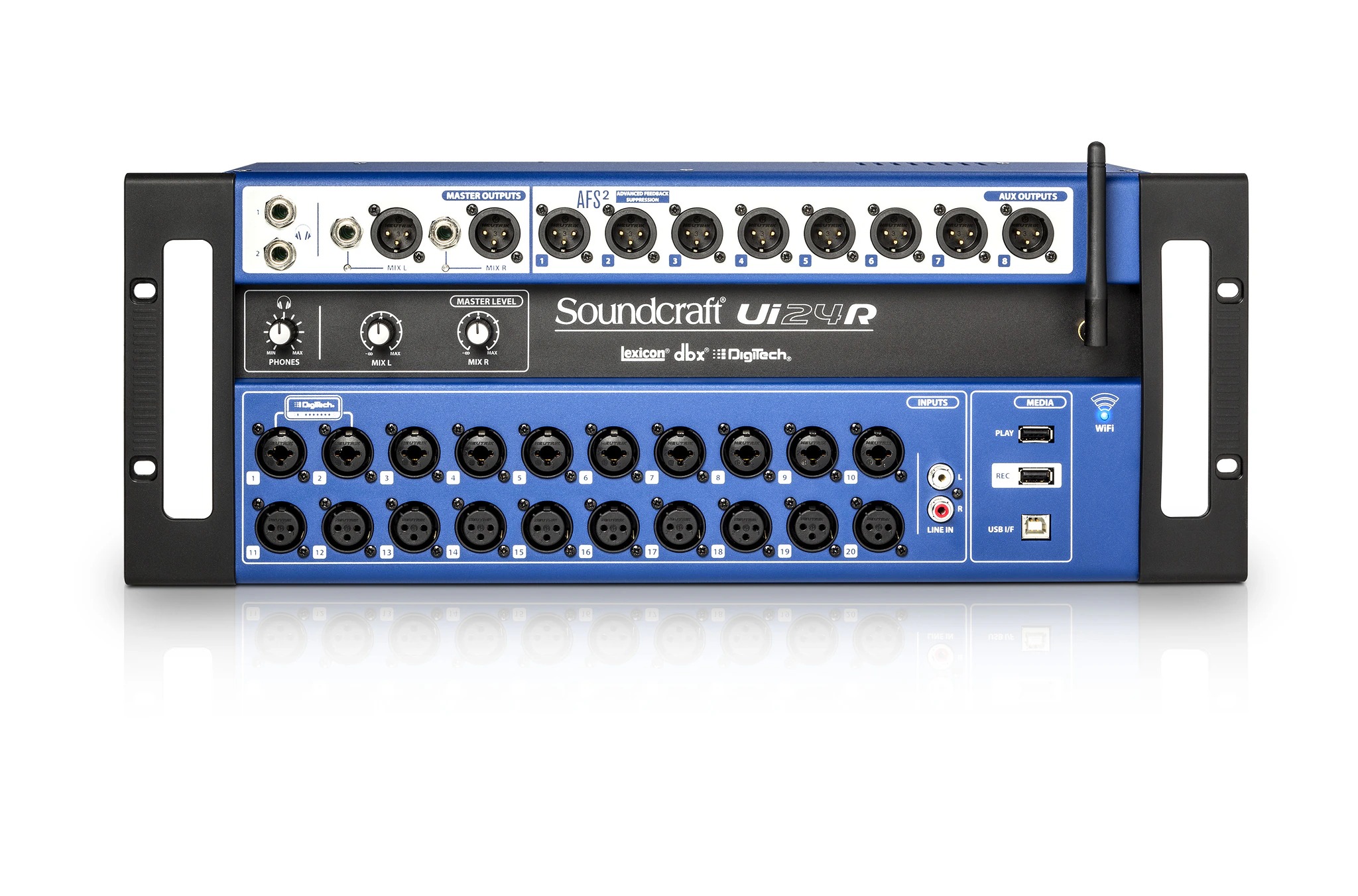
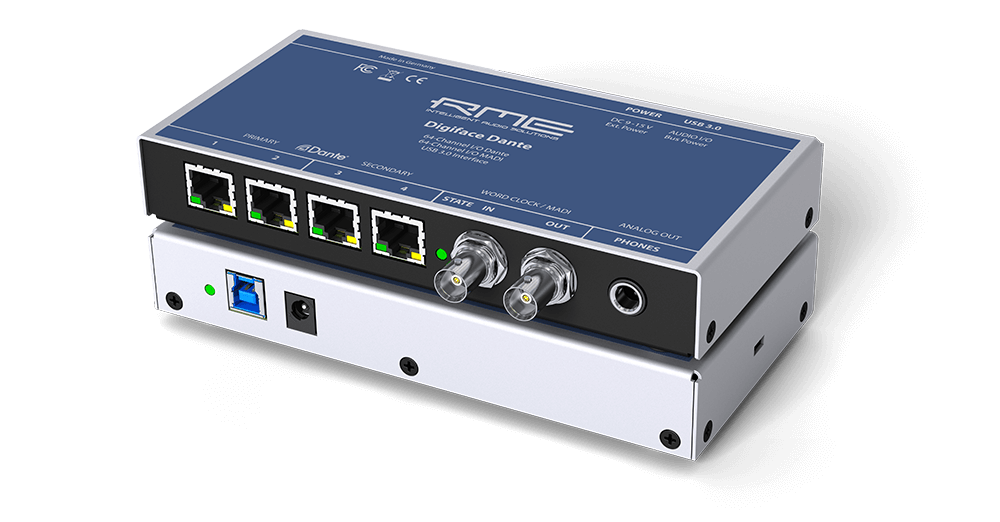
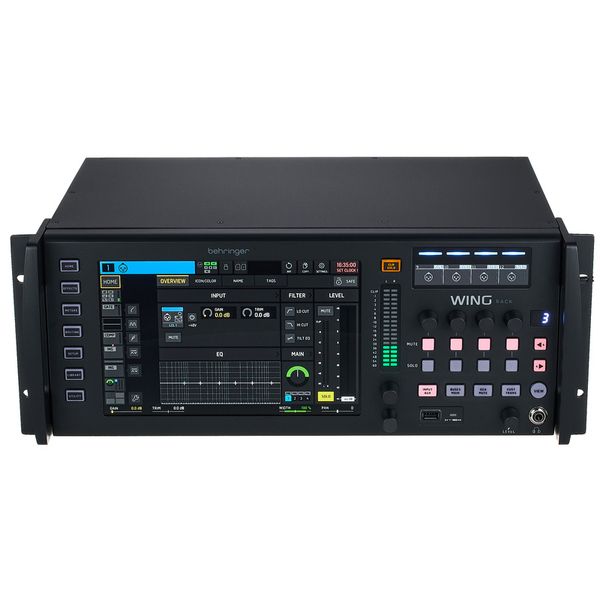
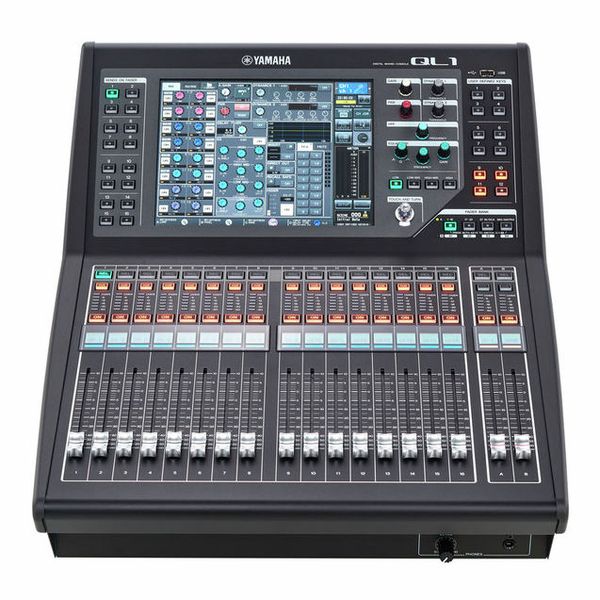
The simplest way is a digital mixer that records by itself. The Soundcraft Ui24R records several tracks at once to a USB drive. In a bigger system the channels go to a computer over Dante: the RME Digiface Dante connects a computer to a Dante network over USB and can record a very large number of channels, so it pairs with a Yamaha QL1, DM7 or Behringer Wing Rack + Dante.
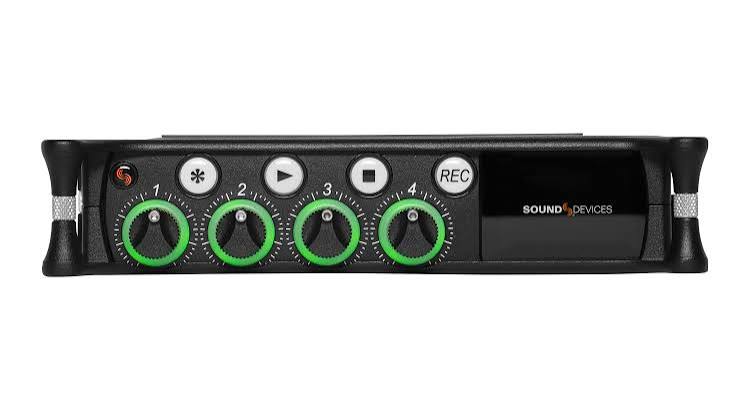
Without a mixer, for an interview or a choir for instance, a field recorder works. The Sound Devices MixPre6 MKII is an eight-track recorder with four preamps that records in 32-bit float. That means the file does not clip even if the level was set too high, and it can be fixed afterwards.
What to check before recording
The choice between stereo and multitrack and how to plan a recording before the event are covered in a separate guide. The technical basics of multitrack recording are these.
- Record pre-fader, so changes to the room mix do not reach the tracks.
- Add two audience mics to capture the crowd and the room sound.
- Check that the drive or computer can hold the whole event, and make a short test recording.
- Name the channels on the mixer after the input list, so the files are named correctly straight away.
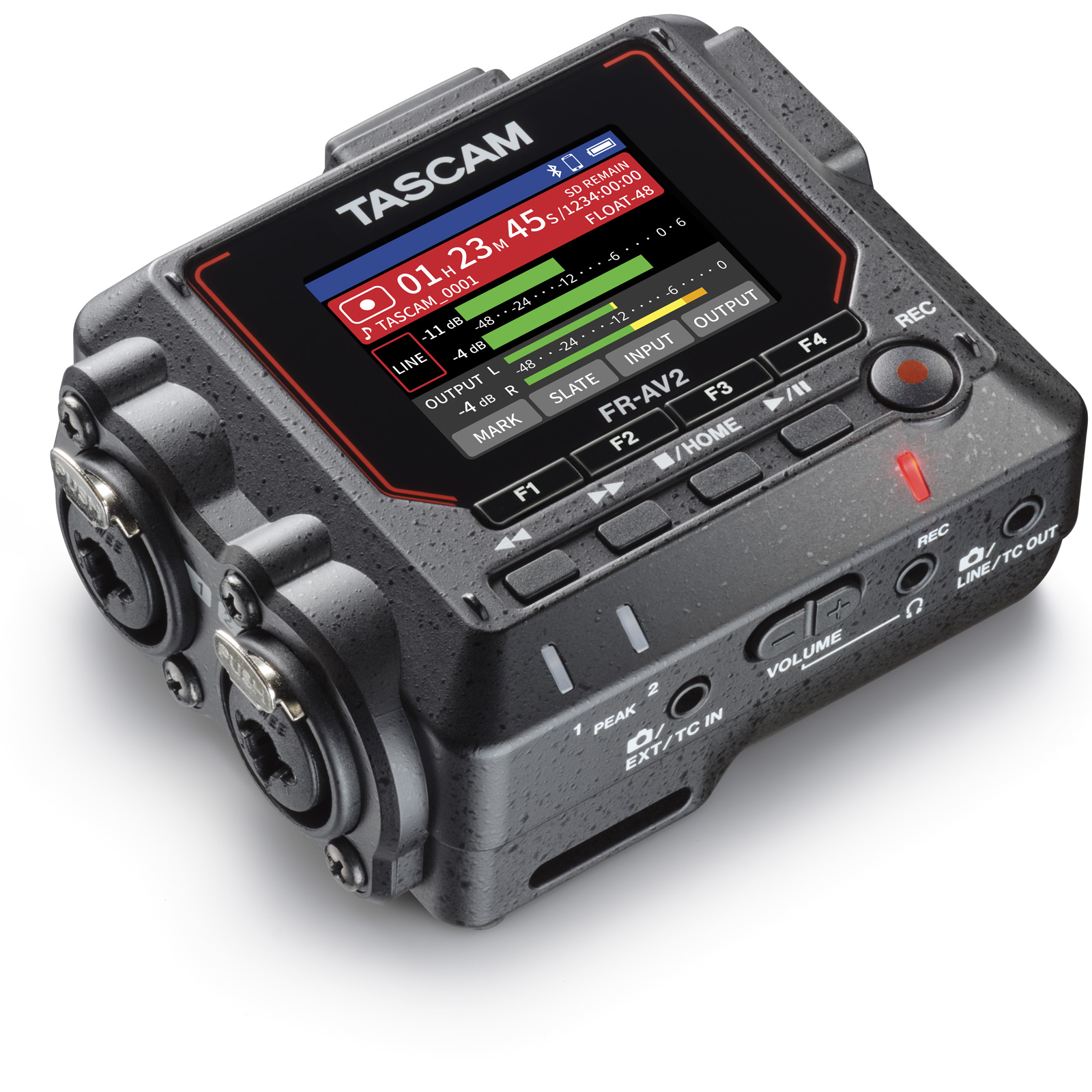
- Make a backup stereo recording, for example on a TASCAM FR-AV2.
Common mistakes
Recording mistakes show up only after the event, when nothing can be done.
- Recording is started, but nobody checks that the tracks are actually being written.
- Tracks are recorded post-fader and muted channels end up as silence.
- There are no audience mics and the recording sounds like an empty room.
- Nobody asks the performers for permission to record or to use the recording.