Vinyl DJ setup: turntables, cartridges and vibration
A DJ who plays vinyl brings something to a party that a USB stick does not, but the turntable is also the most sensitive device in the whole booth. The stylus reads microscopic movements and cannot tell whether they come from the groove, a wobbling table or the bass from a subwoofer. If the table shakes, the needle skips. If the speakers are too close, the system starts to rumble at a low frequency. This guide covers setting up turntables step by step: choosing the table, setting the cartridge and tonearm, connecting to the mixer, and avoiding vibration and acoustic feedback. The general choice of gear and speakers is in our separate guide to DJ equipment hire.
What is in the vinyl kit and why
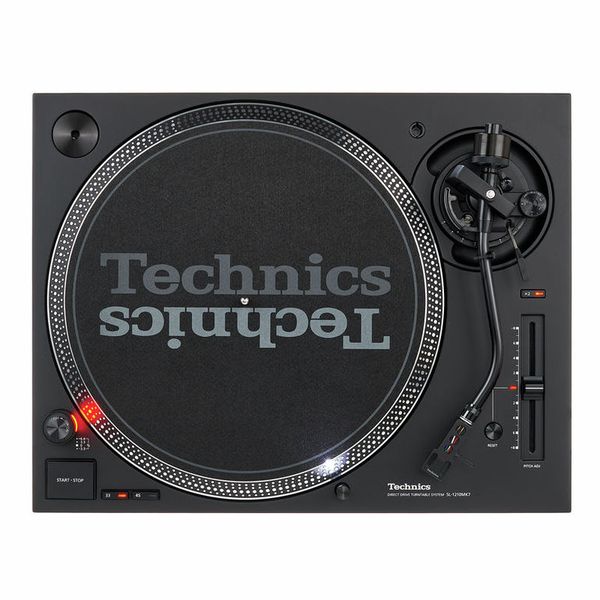
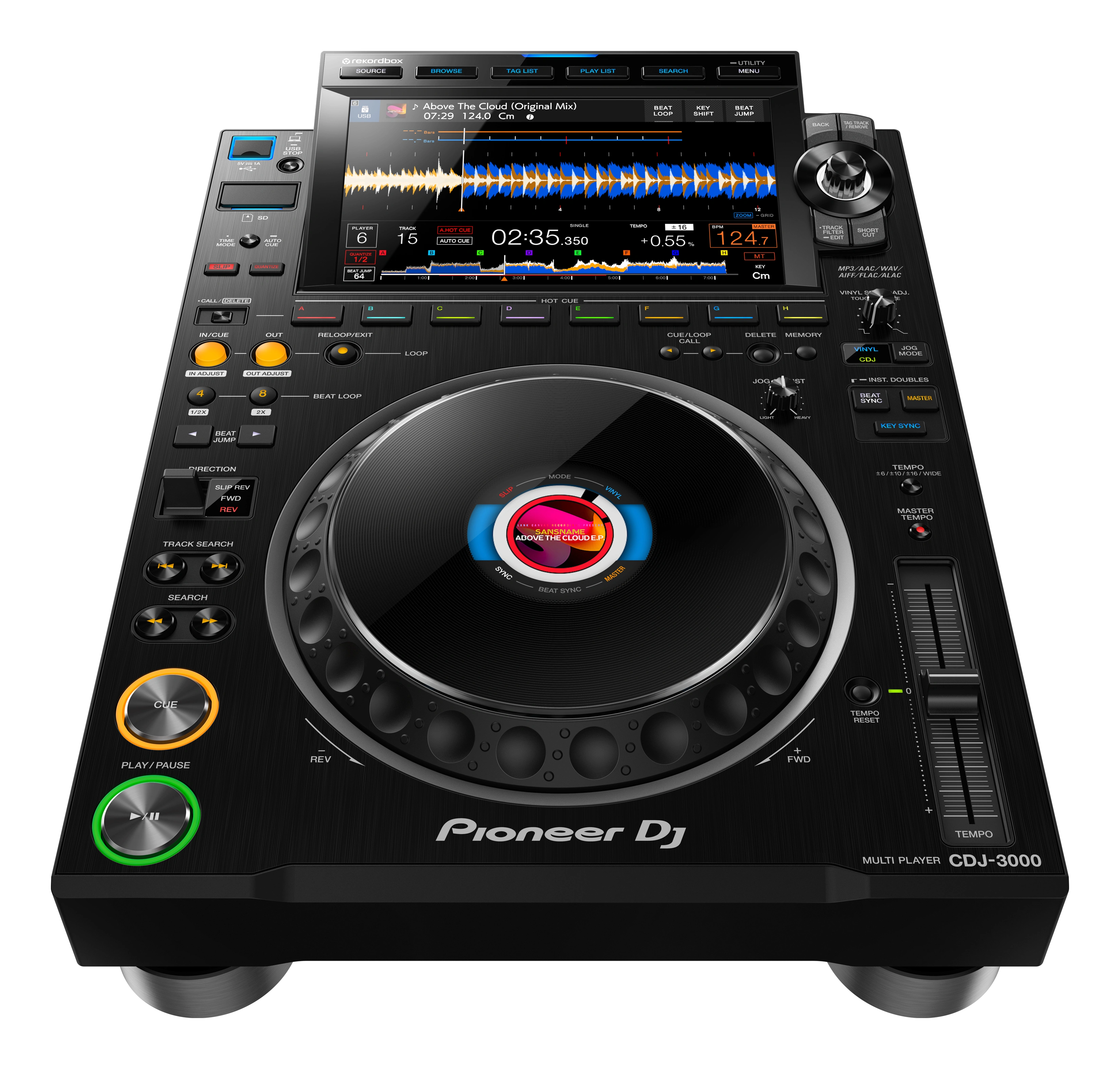
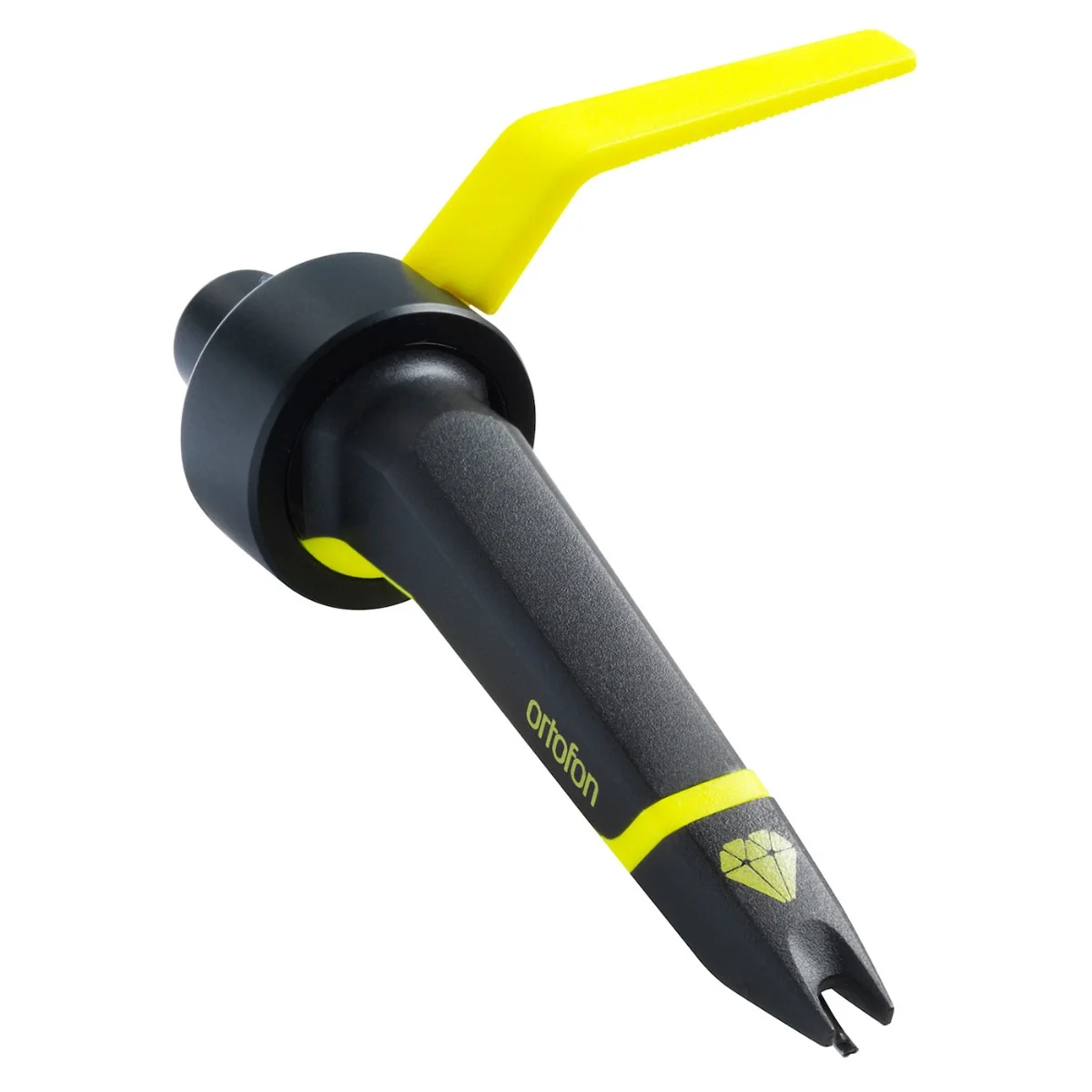
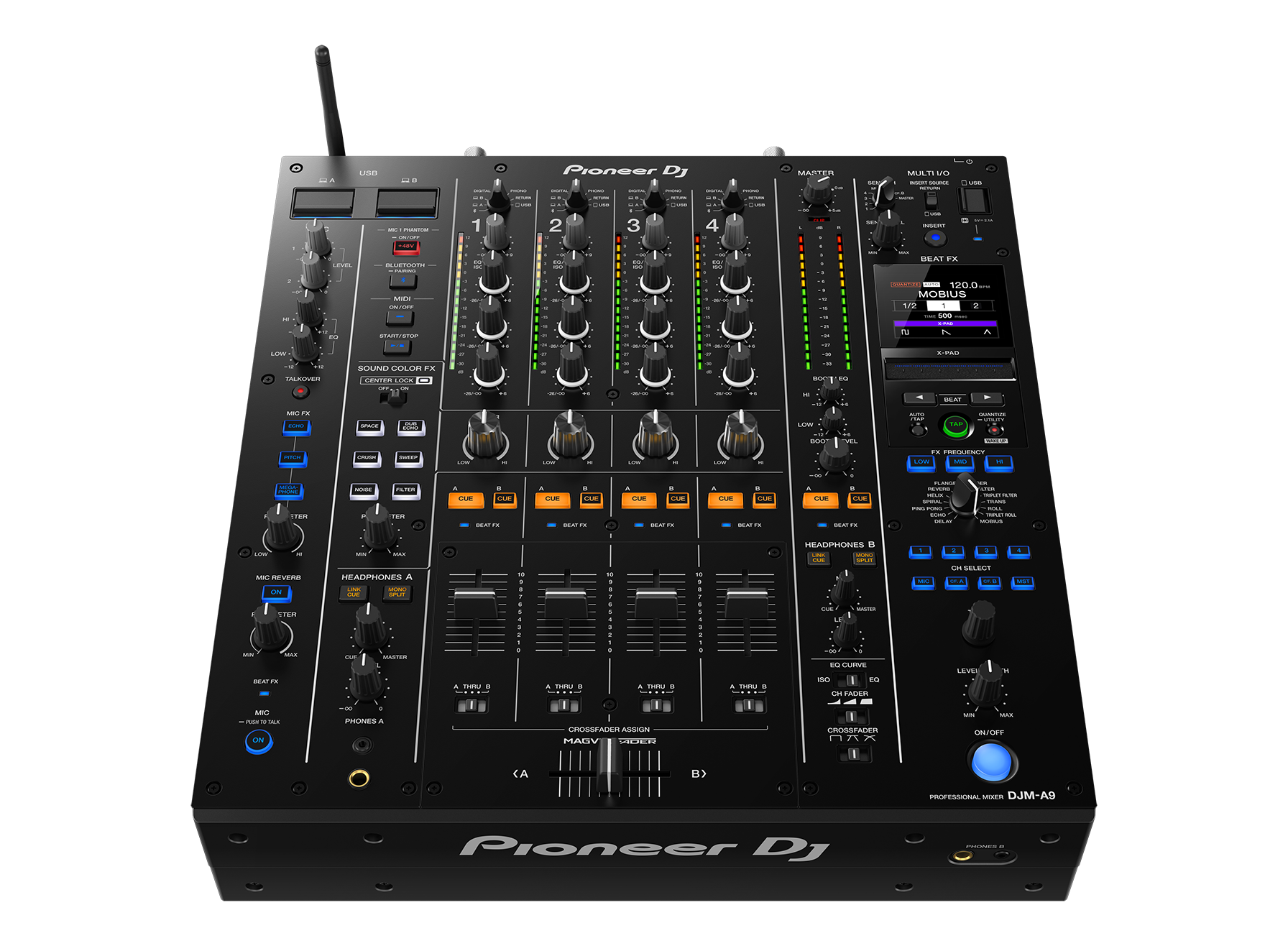
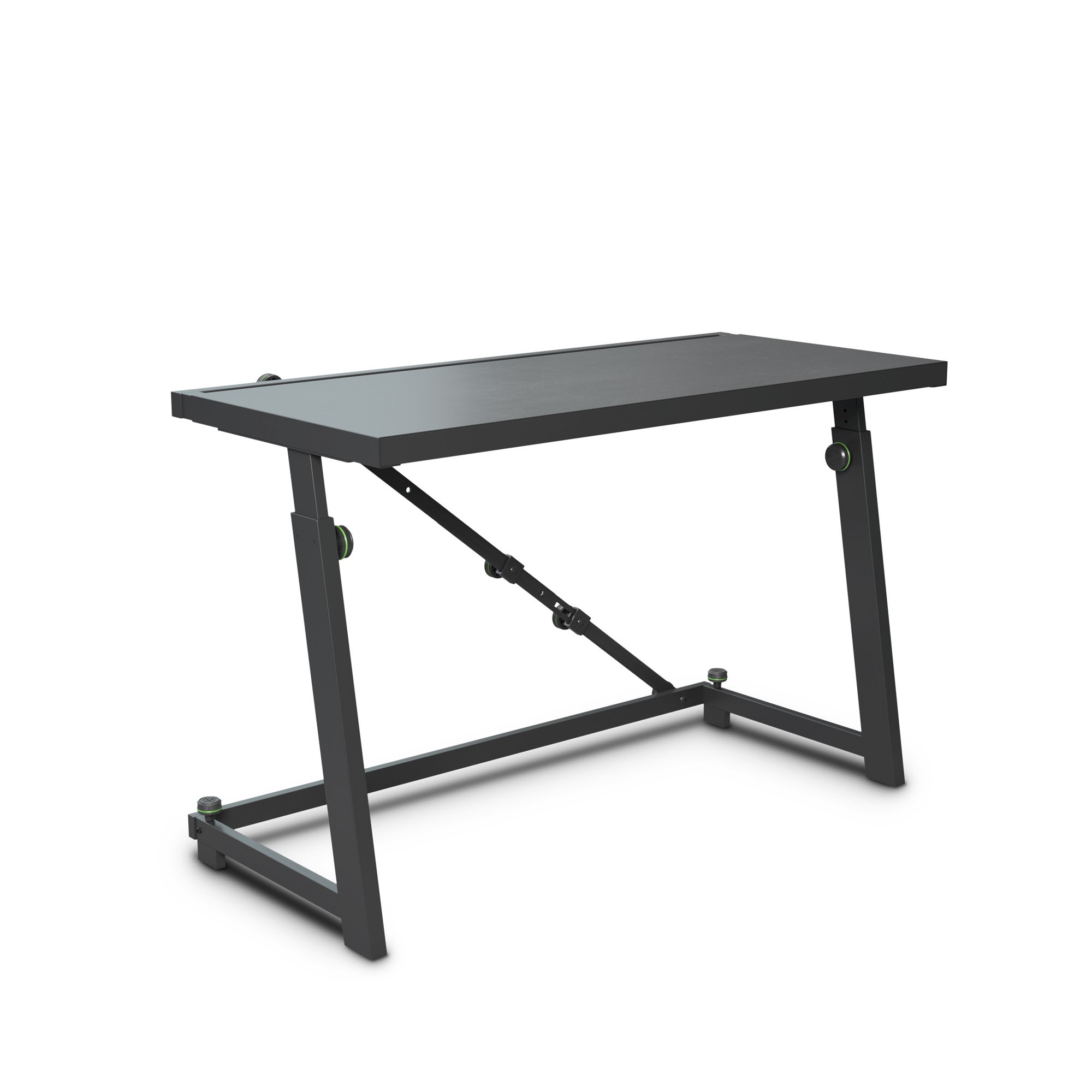
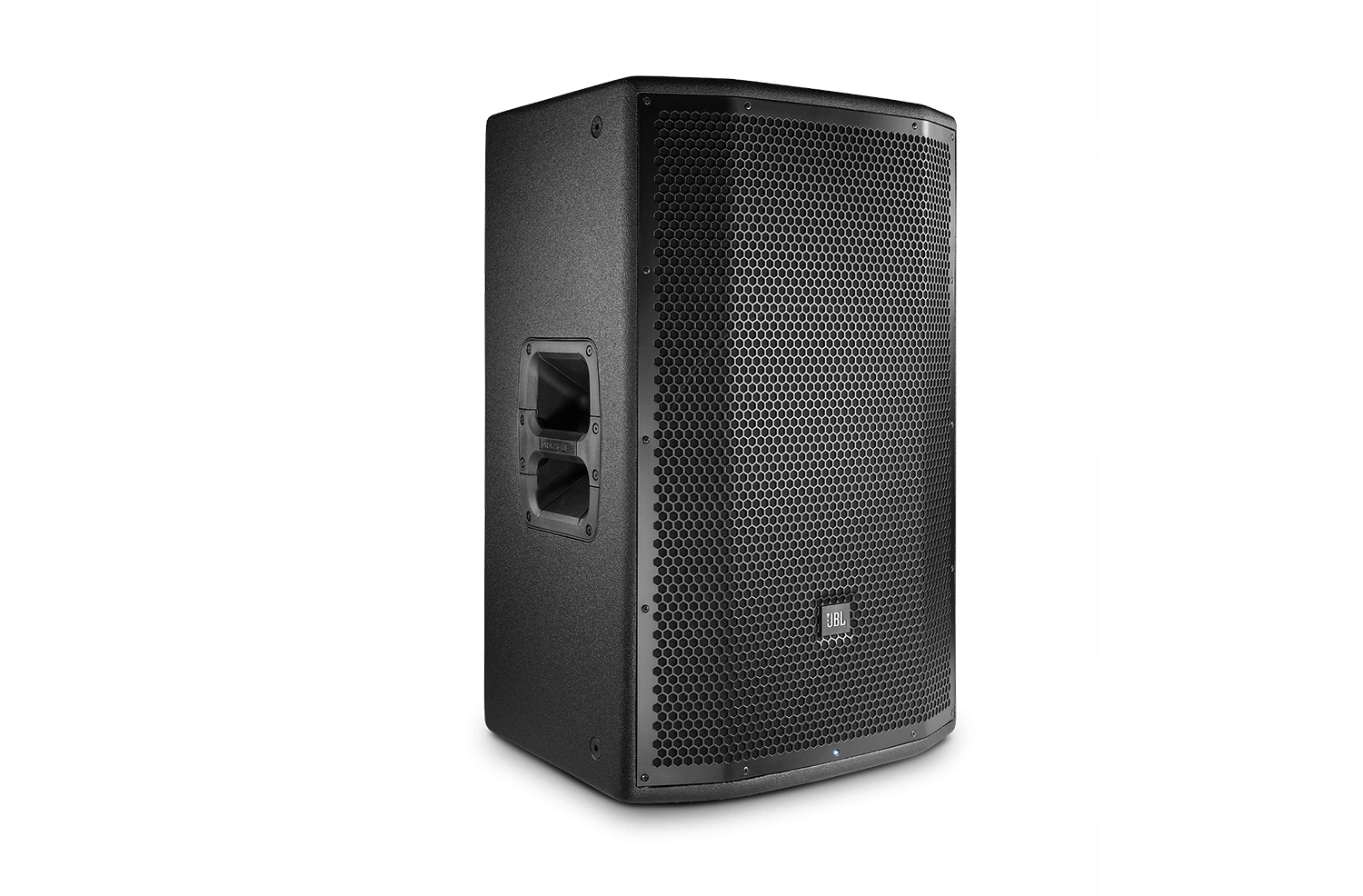
Our DJ vinyl kit follows the usual club setup: two Technics SL-1210MK7 turntables, two Ortofon Concorde Club MKII cartridges, a Pioneer DJM-A9 mixer and a Gravity FT 01 DJ table. For the room there are two JBL PRX815 speakers on stands and one JBL SRX818SP subwoofer.
The SL-1210MK7 is a direct-drive turntable: the motor turns the platter directly, without a belt. The platter reaches speed quickly and holds it even when the DJ slows the record by hand or spins it back. A Concorde-style cartridge is one unit, cartridge and headshell together, and it screws straight onto the end of the tonearm. Swapping one takes seconds and needs no separate alignment.
Table and position: half the battle against vibration
A turntable needs a heavy, solid base. An ordinary folding banquet table flexes every time someone leans on it, and the needle skips. The Gravity FT 01 is a DJ table measuring 500 × 1190 mm that takes two turntables and a mixer side by side. If the venue has a solid counter or bar top, that works too, but check first: press on the edge and see whether it moves.
What the table stands on matters just as much. Wooden stages and dance floors move with the dancers. Where possible put the DJ table on a concrete floor, against a wall and away from the dance floor. Do not put the booth on top of or right next to a subwoofer, and do not share a stage riser with one.
- Put the table on a solid floor, not at the edge of the dance floor.
- Keep the subwoofer several metres from the booth, never under the table.
- Check with a spirit level that the decks are level; a tilted tonearm slides out of the groove.
- Keep drinks away from the turntables: one spilled glass can finish both the mixer and the cartridge.
Setting the cartridge and tonearm step by step
Correct tonearm balance keeps the needle in the groove and spares both records and stylus. Do these steps on each turntable separately before the music starts:
- Screw the Concorde Club MKII onto the tonearm and tighten the locking collar by hand, no tools.
- Remove the stylus guard.
- Fit the counterweight on the back of the arm and balance the arm so it floats freely, neither dropping to the record nor rising.
- Hold the counterweight still and turn its numbered ring to zero.
- Now turn the whole counterweight forward until the scale shows the tracking force recommended by the cartridge maker. It is printed on the packaging or in the manual.
- Set anti-skating to the same value, or if the DJ scratches, ask which setting they prefer.
- Drop the needle and listen: a clean sound without hiss, and the needle stays in the groove when you tap the table edge lightly.
Connecting to the mixer
A turntable puts out a phono-level signal, far weaker than the line level of a CD player or laptop. It needs a phono preamp that raises the level and corrects the frequency response the way the record was cut. The Pioneer DJM-A9 has phono inputs with the preamp built in. Connect each turntable's RCA cables to the mixer's phono inputs, one per channel, and set the channel's input selector to phono.
Each turntable comes with a ground wire. Fasten it to the ground terminal on the back of the mixer, usually marked GND or SIGNAL GND. If it is loose, a loud low hum comes out of the speakers as soon as the channel fader goes up. If CDJ-3000 players are connected to the same mixer, put them into line inputs, not phono: a line signal in a phono input is instantly loud and distorted.
Bass rumble, or acoustic feedback
The sneakiest vinyl problem is a low rumble that grows on its own. Bass from the speakers and subwoofer makes the table and platter vibrate, the needle picks that up, the mixer amplifies it and the speaker plays it out again. The loop closes and a swelling drone comes out that can damage speakers and stylus. With a microphone the same effect is a squeal; with a turntable it happens at a low frequency, so you feel it in your body more than you hear it.
Test for it before the party. Put the needle on a stationary record, raise the channel fader and slowly bring the room up to the level you will play at. If you hear or feel a drone, the position is wrong.
- Move the subwoofer further from the DJ table and do not aim it at the booth.
- Cut the very lowest frequencies a little on the turntable channel with the DJM-A9 EQ.
- Put damping pads or a heavy board under the turntables to absorb vibration.
- Keep the booth monitor at ear height and aim it at the DJ, not at the turntables.
Booth monitor and listening
A vinyl DJ depends on the booth monitor more than a DJ on USB players, because there is no waveform on a screen to sync by: everything is done by ear. At the same time the monitor is the speaker closest to the decks and therefore the biggest source of rumble. The answer is a monitor on a stand, at ear height, at a moderate level, with the bass turned back on the mixer's booth output.
The balance between headphones and booth monitor, where to put the monitor and protecting your hearing over a long night are covered in our guide to DJ monitoring with a booth monitor and headphones.
Stylus care, spares and outdoor gigs
Dust on the stylus dulls the sound and makes the needle skip. Brush the stylus with a soft brush from back to front, never sideways or front to back. Do not touch it with a finger. A damaged stylus makes one channel distort or will not stay in the groove, and that is the moment for the spare cartridge. For a long night or a festival it is worth renting one extra Ortofon Concorde Club MKII so a swap takes seconds.
Outdoors vinyl has two enemies: sun and wind. Direct sunlight can warp a record and wind carries dust onto the stylus. A DJ booth outside needs a canopy and a side wall to block the wind. Damp and rain are no good for the decks or the mixer either, so for an outdoor event also read our guide to power, cables and weather.