Audio for video interviews: lavalier mics, recorders and the room
Viewers forgive a weaker picture in a video interview, but not poor audio. If the speaker sounds distant, echoey or rustles against clothing, people stop watching within the first minute. A camera's built-in microphone is too far from the interviewee and hears more of the room than the person. The answer is a microphone close to the speaker and a separate recorder. This guide covers choosing the room, which microphone to rent, where to clip a lavalier, how to set levels and how to line the audio up with the picture afterwards. The same methods suit a company video, a documentary and a short interview filmed at an event; here a sound equipment rental covers the mics, recorders and boom pole.
The room matters more than the microphone
Even the best microphone records the room it is in. An empty meeting room with glass walls echoes, an open-plan office has chatter and a coffee machine in the background, a hotel room has a humming fridge. Choose a room with soft furniture, rugs and curtains, and switch off whatever you can: ventilation, air conditioning, projector, fridge. If you switch something off, write it down so you remember to switch it back on.
Before anyone sits in front of the camera, put on headphones and listen to the room in silence for half a minute. Whatever you hear will be in the recording and is hard to remove later. Phones in flight mode: even a silent phone near a microphone can cause a buzz, and a notification ruins a good answer.
Which microphone to rent
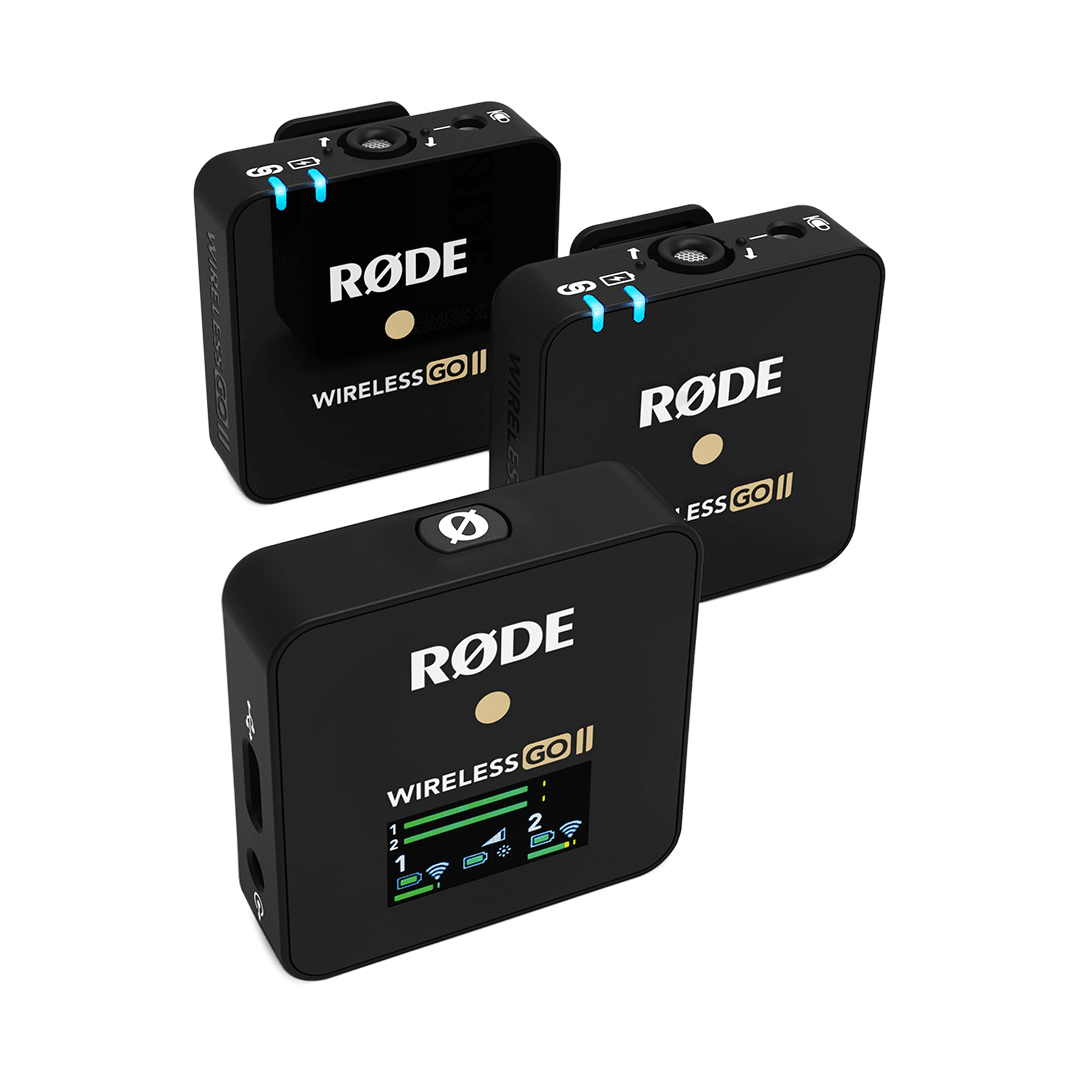
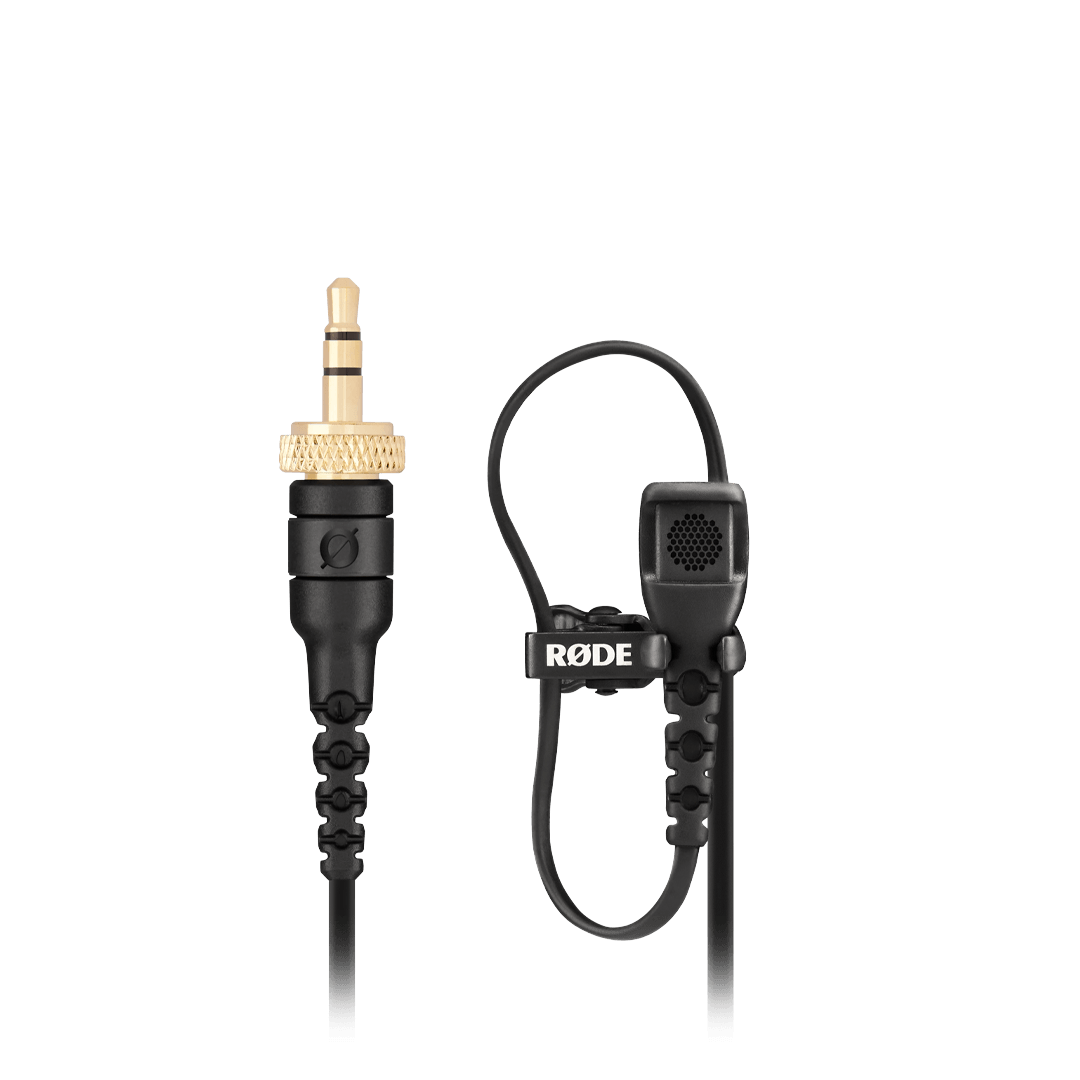
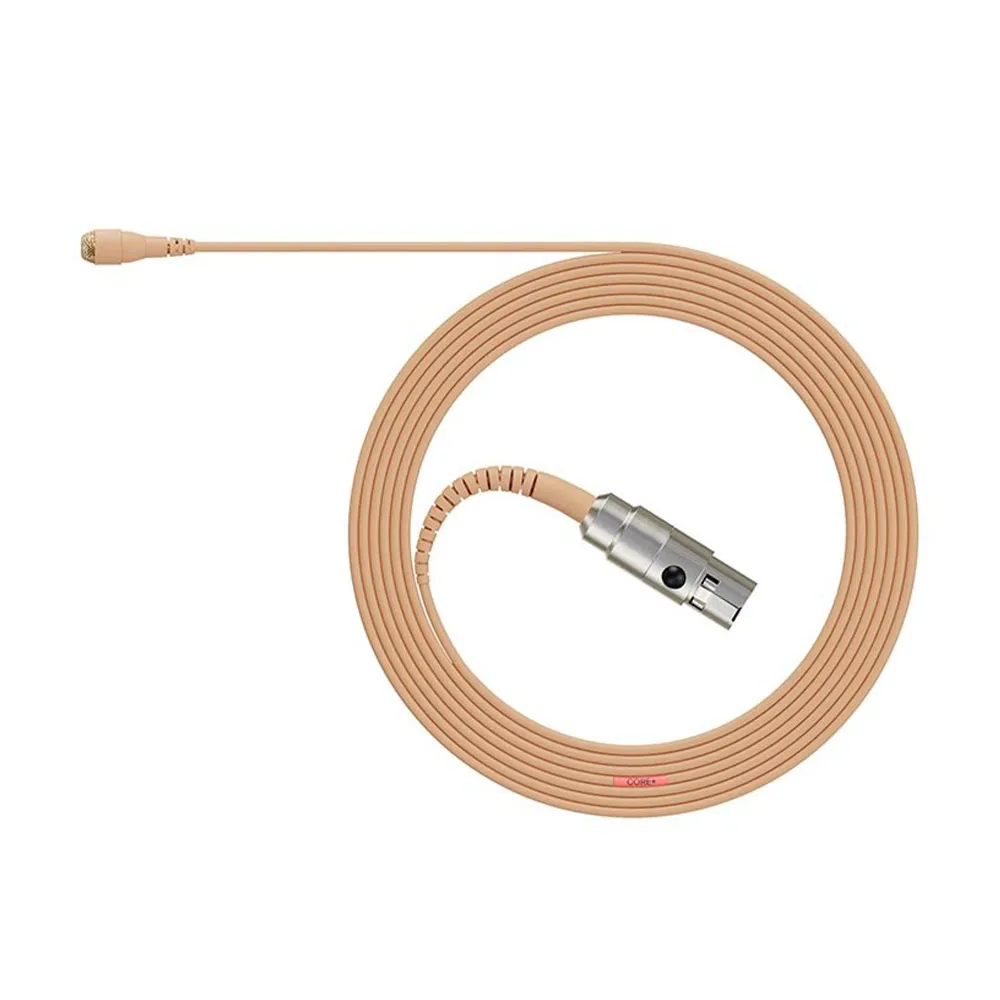
The main interview mic is a lavalier. The DPA 4061 Core is an omnidirectional condenser that hears the voice evenly even when the speaker turns their head. The RØDE Lavalier II is small and easy to clip on. For a wireless solution, the RØDE WIRELESS GO II is a two-transmitter system that also records inside the transmitters, so the audio survives if the radio link drops.
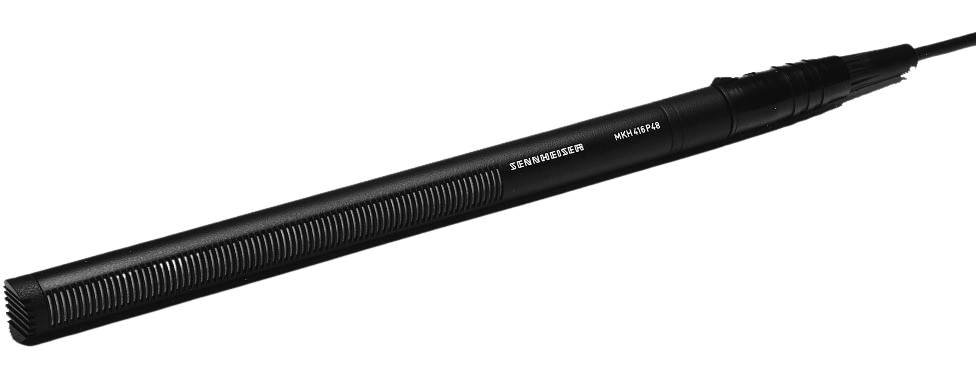
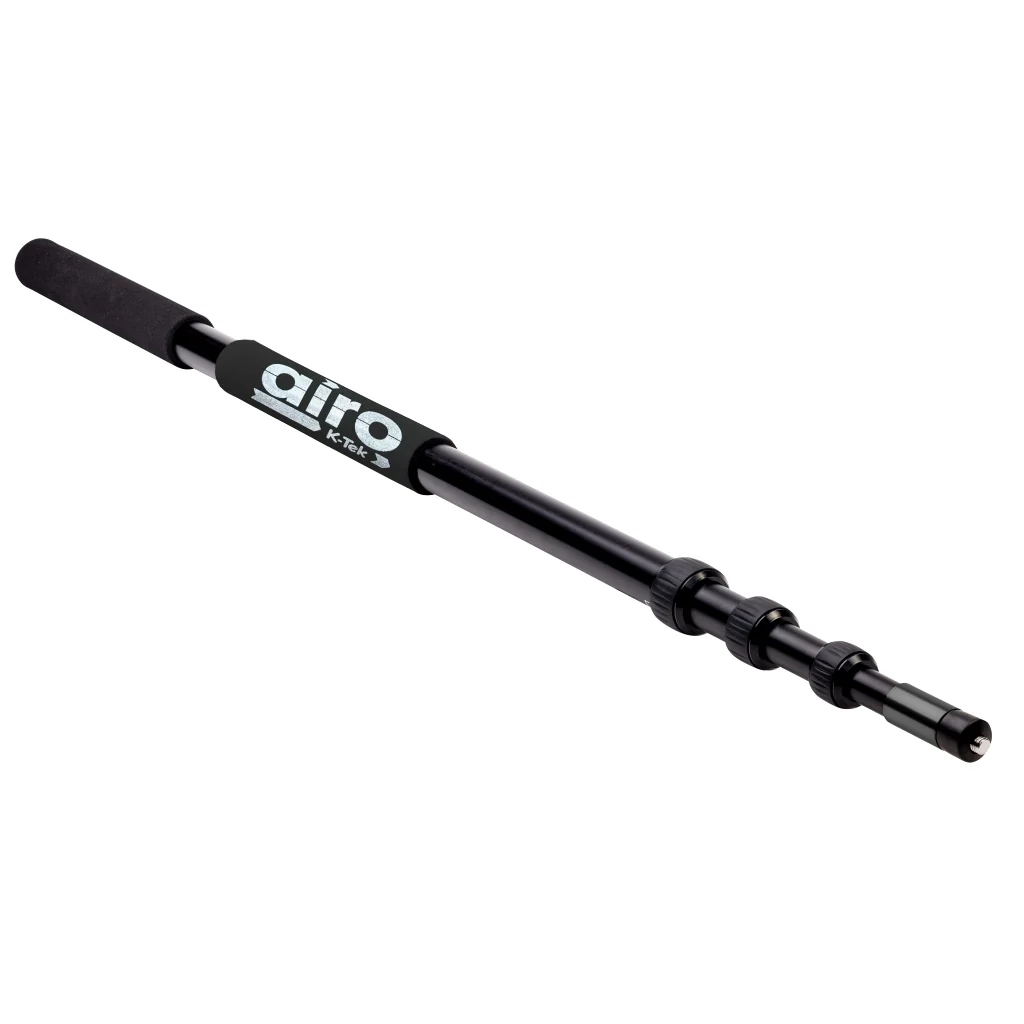
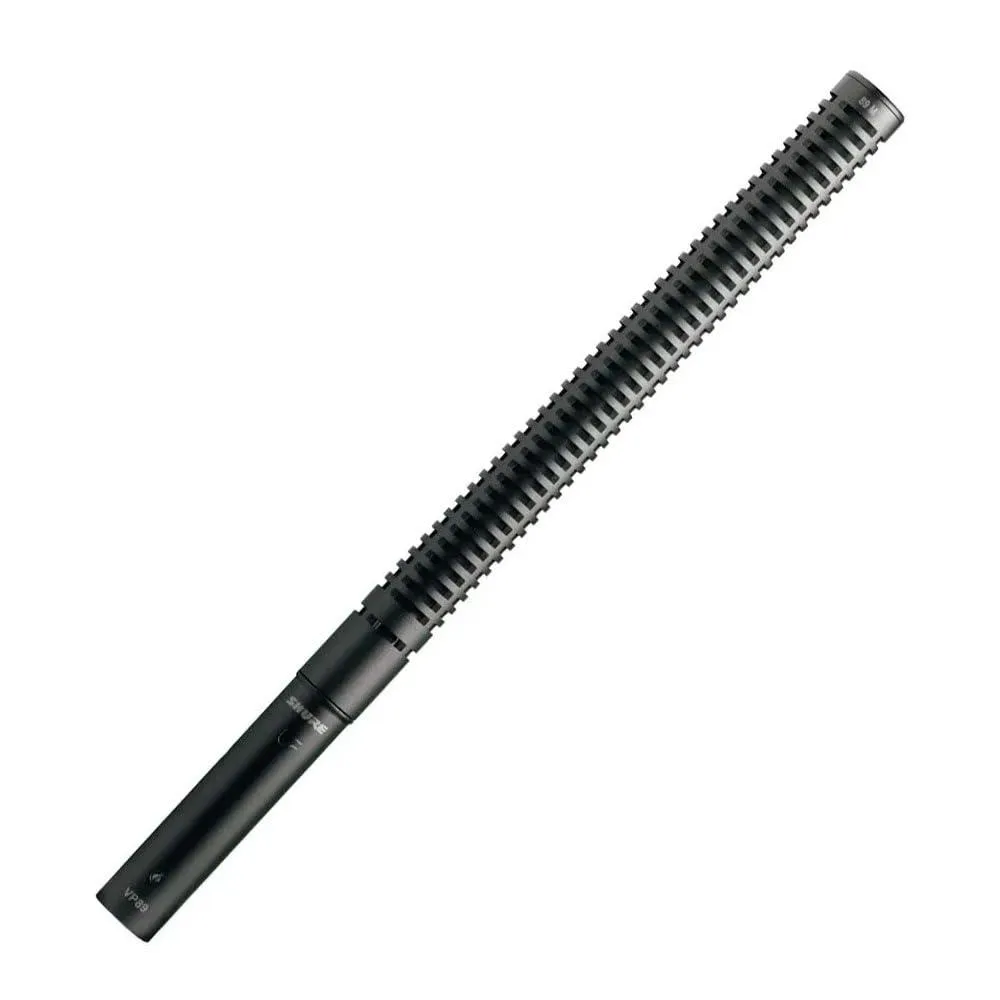
The second mic is a shotgun on a boom above the frame. The Sennheiser MKH 416 is a short shotgun that goes on the K-Tek Airo boom pole and is held above the speaker, pointing at the mouth, just out of shot. Outdoors, the Shure VP89M comes with a Rycote windshield kit. For filming on a phone there is the SHURE MV88+ video kit, fine for short clips, but for a seated interview it does not replace a lavalier.
The best result comes from recording both at once: the lavalier gives presence, the shotgun a more natural sound. In the edit you can choose or blend.
Fitting the lavalier
Clip the mic over the breastbone, about a hand's width below the chin, on the side the speaker turns to when answering, usually towards the interviewer. A visible clip on a shirt placket or blouse edge is perfectly normal in interviews and gives the least rustle. If the mic has to be hidden, tape it under the clothing so the fabric does not move over the capsule, and leave a small air gap in front of it.
Make a small loop of cable under the clip and fix it to the clothing. The loop takes the strain, so when the person moves the mic does not slip. Route the cable under the clothes to the transmitter at the back of the belt. Remove anything that can rub against the mic: necklaces, earrings, name badges, the end of a tie.
- Over the breastbone, a hand's width below the chin.
- On the side the speaker turns to.
- A cable loop under the clip.
- No jewellery or fabric touching the capsule.
Levels and recording
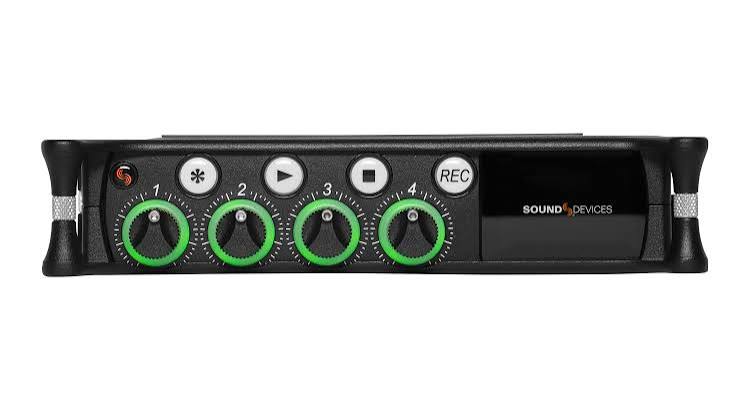
The TASCAM FR-AV2 and Sound Devices MixPre6 MKII record in 32-bit float. That means if the interviewee bursts out laughing and the level goes over, the file is not distorted and the level can be brought back down in the edit. It does not excuse you from setting levels: quiet speech recorded too low brings more noise with it.
Record each person on a separate track. The MixPre6 MKII has four mic preamps, so two lavaliers and a shotgun fit at once. Also send a feed from the recorder's headphone or line output to the camera; the camera track is a backup and helps with syncing later.
Listen on headphones throughout the recording, not just at the start. Rustle, a distant siren or a radio dropout is noticed only by whoever is listening. Before or after the interview, record half a minute of room silence: the editor needs it to smooth out cuts.
Syncing sound and picture
When audio is recorded separately, it has to be lined up with the picture in the edit. The simplest way: after starting both camera and recorder, clap once in shot. The clap is clearly visible on the waveform and the picture shows the moment the hands meet. Many editing programs can also align the camera track and recorder track automatically if the camera recorded sound.
Set the recorder and camera clocks to the same time and name files so they say who and on which day. Syncing one long take is easier than ten short ones; if you stop, clap again at the start of each new take.
Two or more speakers
In a two-person conversation, each gets their own lavalier and their own track. The two transmitters of the WIRELESS GO II are made for exactly that. The interviewer's voice is also heard on the guest's mic, which is normal; in the edit the answer uses the guest's track and the question the interviewer's.
With three or more people you need a recorder with more inputs or a small mixer, and it helps to add a boom that covers the whole group. For a panel or round-table conversation, see also the guides on panel discussion sound and podcast recording, which say more about many mics at once.
Checklist before 'camera rolling'
These ten seconds of checking save hours in the edit and a retake that often cannot happen, because the guest has already left.
- Headphones on: do I hear the person, not the room?
- The recorder shows time running and the memory card has space.
- Transmitter and recorder batteries charged, spares within reach.
- Phones in flight mode, fridge and ventilation quiet.
- Cable fixed with a loop, jewellery removed.
- Clap done, camera and recorder both rolling.