Theatre sound: music and sound effects during the show
In theatre, sound is not background but part of the production. The doorbell must ring exactly as the actor turns their head, the music must fade with the light, and the phone must ring on the table, not in the house speakers. That takes three things: well-prepared sound files, a reliable playback system and a cue sheet the operator follows during the show. This guide walks step by step through preparing music and effects for a performance, where to put the speakers, how to set up the mixer and how to get through the show without surprises. The same principles apply from a school play to a professional production.
Three layers: voices, music and effects
Theatre sound usually has three separate layers. The first is the actors' voices, which may need no amplification in a small hall, while musicals and big halls use headset mics. The second is music: the overture, scene changes, song accompaniment. The third is sound effects: a door, thunder, a car, a phone, birdsong.
Each layer needs its own channels on the mixer and often its own speakers. Voices and music come from the main house speakers; effects, where possible, from wherever their source is on stage. The foundation of it all is an operator who knows exactly what comes when.
Preparing the sound files
Each cue is a separate file. If the overture and the thunder that follows are in one file, they cannot be controlled separately during the show. Trim the files so there is no silence at the start and the sound begins the moment the operator presses the key. The end should either be natural or have a prepared fade.
Even out the file levels beforehand. If one effect is recorded much louder than another, the operator has to jump on the fader every time, and under show pressure that easily goes wrong. Name files with a number and content, for example 07 doorbell, so the order is visible in the folder too. Copy everything onto a second device or USB stick.
Playback: computer and connection
An ordinary music player does not suit theatre, because after one track it plays the next automatically and may crossfade. Use purpose-made cue software, such as QLab, common on Macs, where each cue fires with one key press and stops when it ends. Even a simple playlist with auto-advance switched off is better than a streaming service that needs the internet and may play adverts.
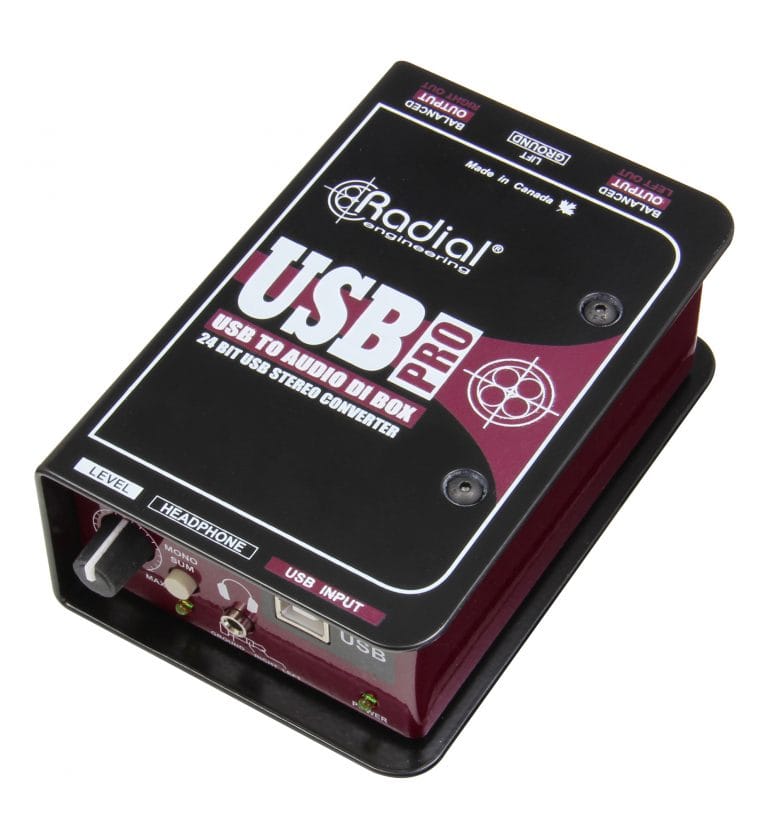
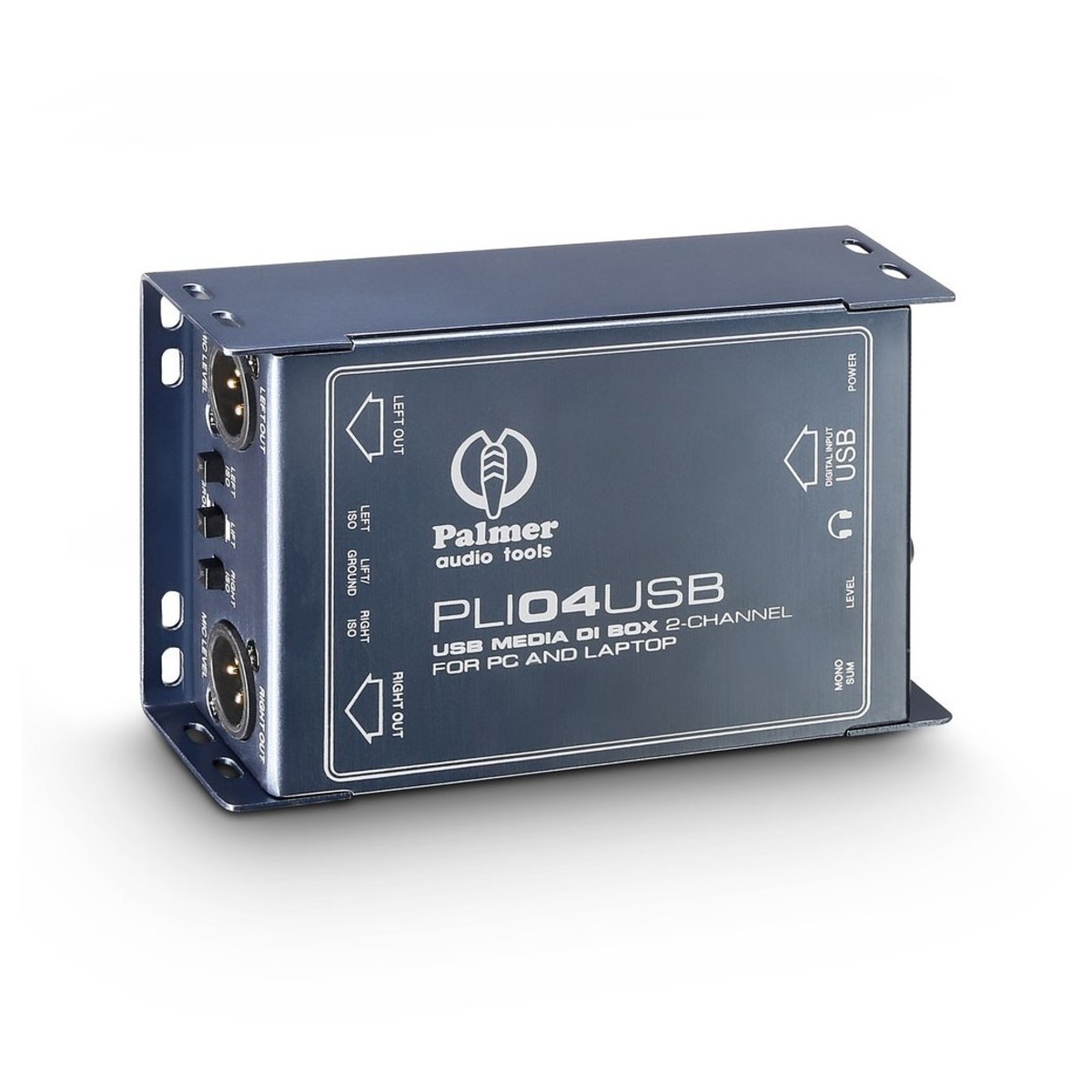
Before the show turn off notifications, sleep mode and automatic updates on the computer, and Wi-Fi if you can. Connect the computer to the mixer through a USB DI box such as the Radial USB-PRO or Palmer PLI 04 USB. It gives a clean stereo signal and breaks the ground loop that the laptop charger would otherwise turn into hum. Run the computer on mains power, not on battery.
Speakers and where the sound comes from
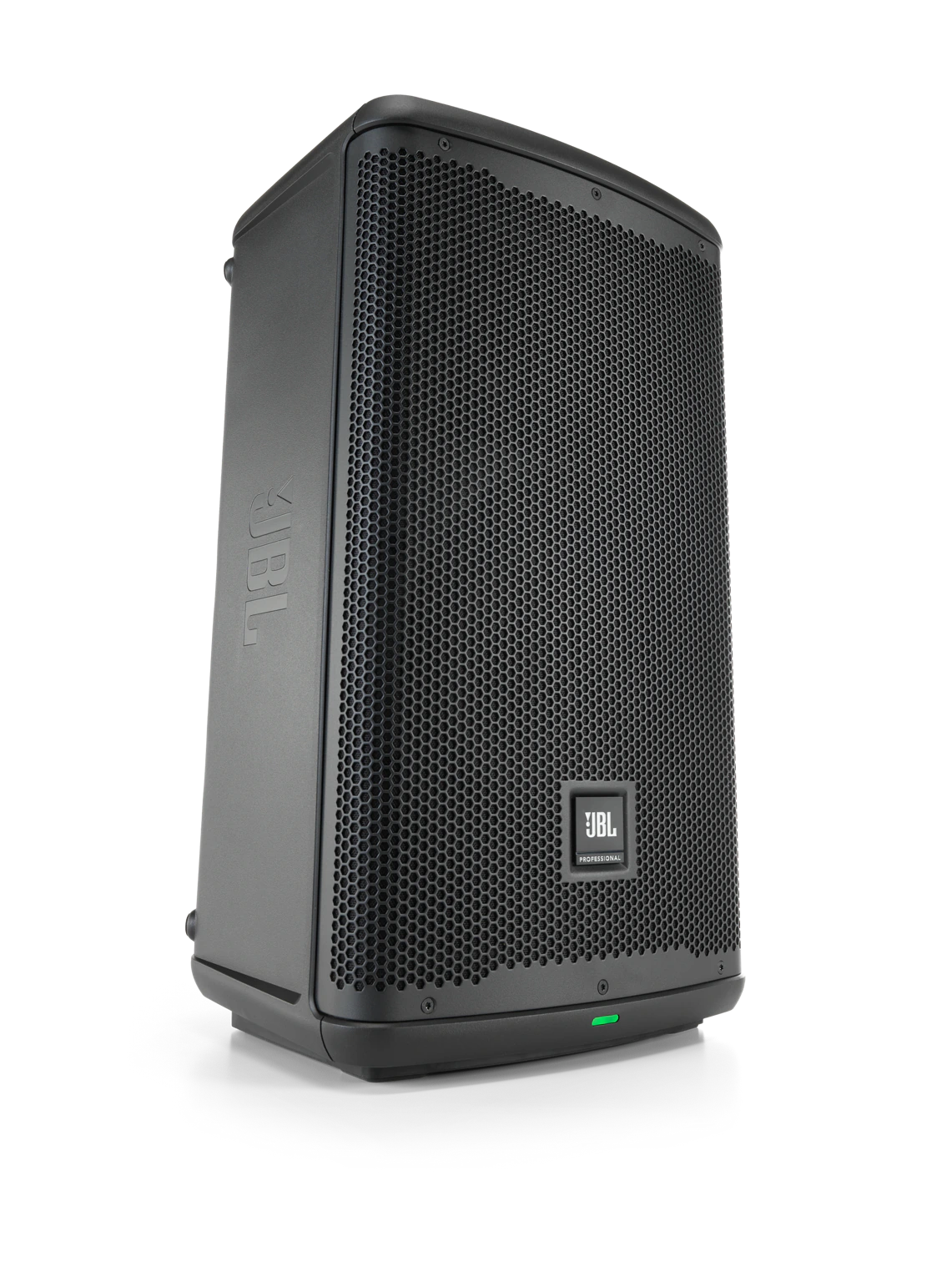
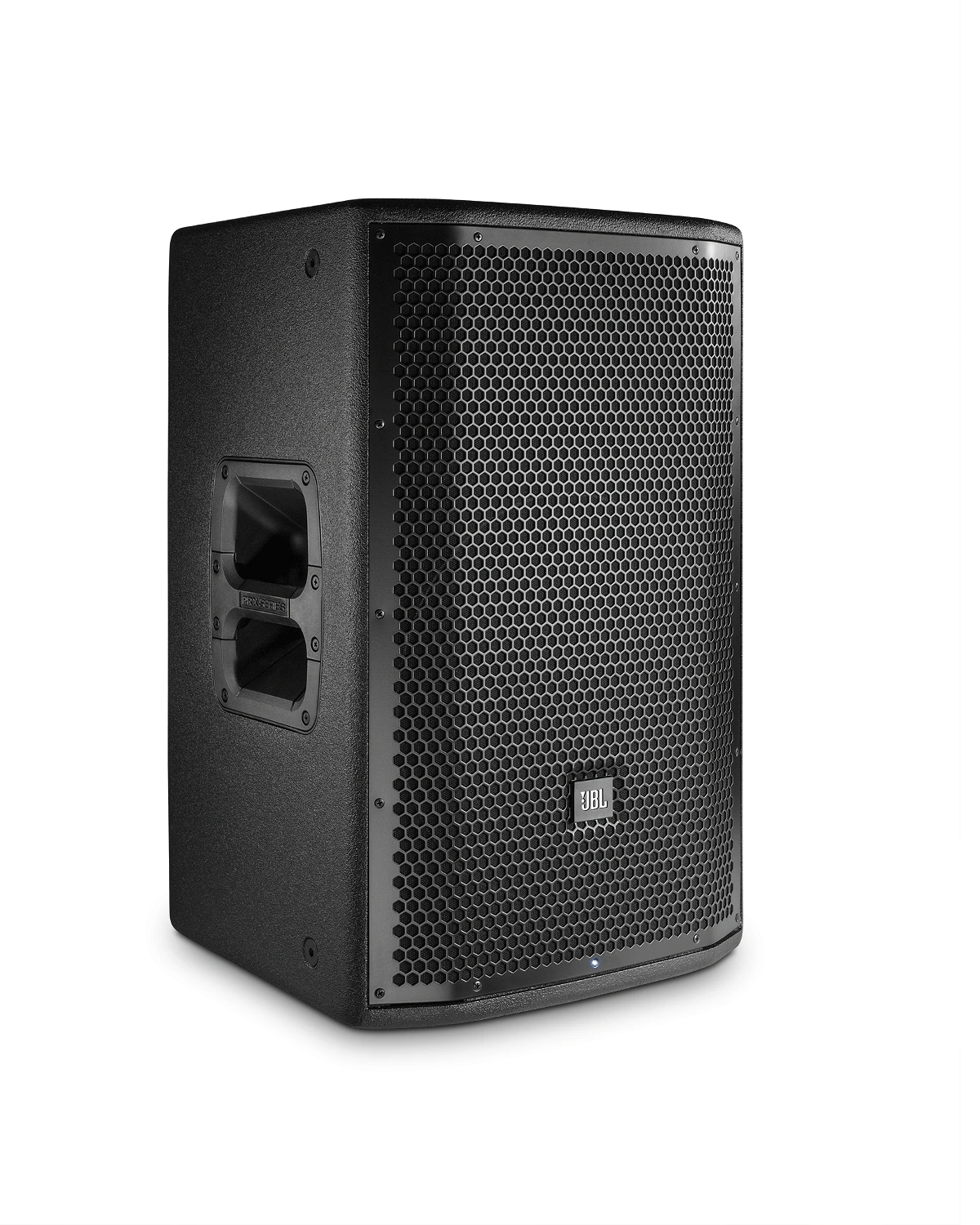
Music comes from the main speakers on both sides of the stage. Effects are more convincing when they come from where their source should be. A phone ring sounds as if it is on the table when a small active speaker such as a JBL EON710 is hidden behind the set and fed from its own aux output on the mixer. The same speaker works for a doorbell, a radio or voices from the next room.
Actors often need a monitor on stage to hear the music they dance or sing to. A speaker at the side of the stage, aimed at the actors, acts as a monitor without disturbing the audience. Keep its level low enough that the headset mics do not pick it up.
- Main speakers: music and amplified voices.
- Effects speaker behind the set: phone, door, radio.
- Stage monitor at the side: so the actors can hear.
- Each speaker on its own aux output so they can be controlled separately.
The cue sheet and calls
A cue sheet is a table listing every sound: number, page and line it starts on, which file, which speaker, the level and the fade time. The operator must never wait to sense when a sound is due. Write a concrete line or action as the trigger, for example after the words good night and when the door closes.
If the production has a stage manager, they give the calls: standby sound 7, then sound 7 go. In a smaller production without one, the operator follows the script. Either way, hold a technical rehearsal before opening night, running only the sound and light cues with the actors' actions, without playing the whole show.
Mixer and scenes
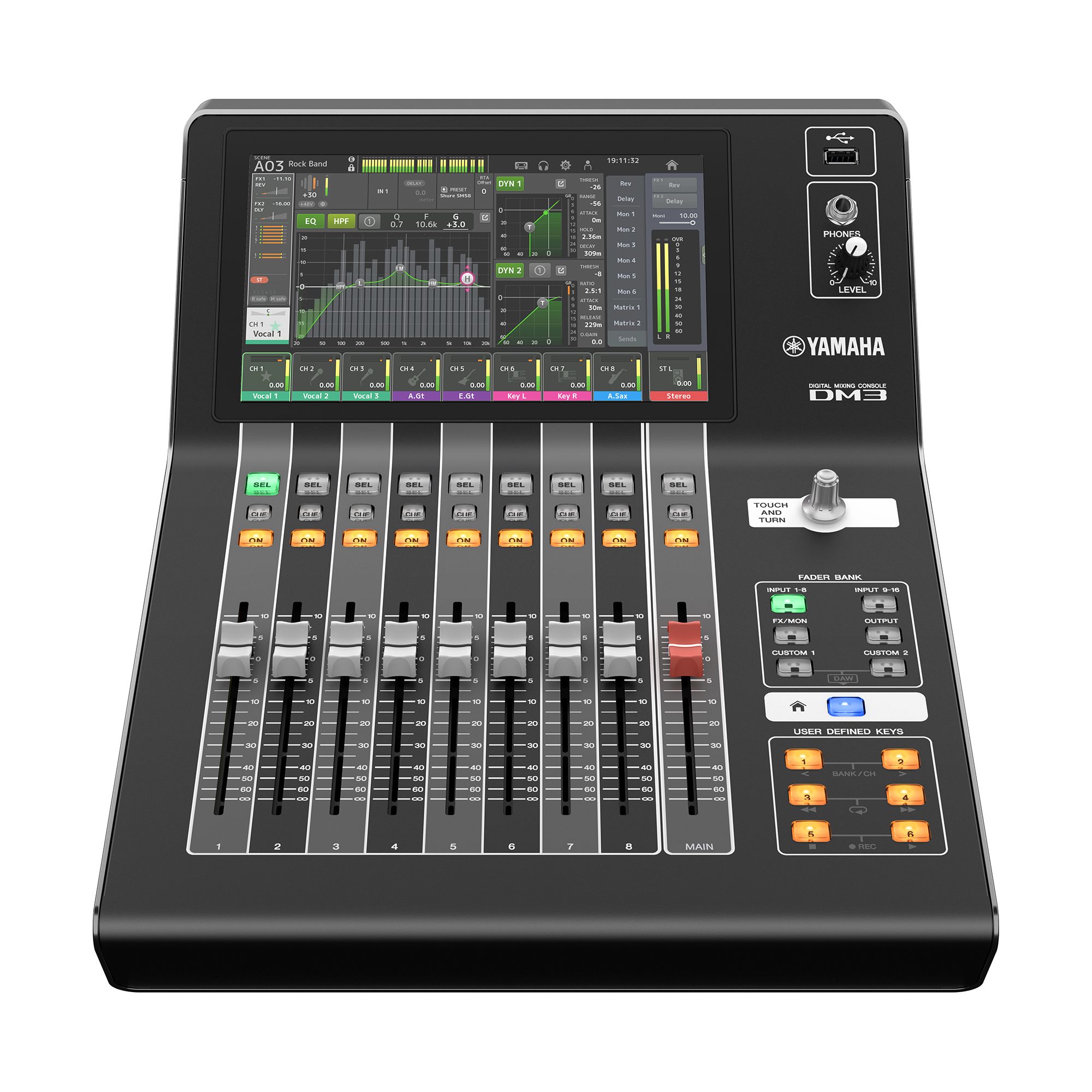
When headset mics are used, the biggest risk is an open mic backstage: an actor coughing or talking in the wings is heard in the house. A digital mixer such as the Yamaha DM3 can store a scene for each scene of the play, with only the mics of the actors on stage open. The operator recalls the next one with a single button.
On an analogue mixer label the faders with names and write on the cue sheet which channels are open in which scene. For four actors there is the ready-made Theatre and musical headset mic kit (4 performers) with a Shure SLXD4QDAN receiver and DH5T headsets. Fitting a headset mic on an actor is covered in a separate guide.
During the show
The operator belongs in the auditorium, among the audience or at the back, not behind glass in a booth where they cannot hear what the audience hears. A full house absorbs sound: people and clothing damp both reverb and level. So the level usually needs to be a little higher with a full house than at a rehearsal in an empty hall.
Keep a hand on the next cue's fader and an eye on the cue sheet. If a sound fires at the wrong moment, do not cut it abruptly: fade it smoothly, because sudden silence draws more attention than a wrong sound. After the show note on the cue sheet everything that went differently and fix it before the next performance.