Stage plot and input list: what to send the technician
When the technician gets one page before the event listing every sound source and a drawing of who stands where, setup is quick and the sound check is calm. When all they get is "we have a band, about five people", the first hour on site goes on questions and moving cables around. The input list and the stage plot are those two documents. They help at any event with more than a couple of microphones, and they make the sound equipment rental request precise, because they show straight away how many mics, stands and DI boxes are needed. If you want to know what a five-piece band needs in the first place, read "Band sound equipment". This guide is about getting that information onto paper.
What an input list and a stage plot are
The input list is a table where each row is one input on the mixer: a microphone, a DI box, a laptop or a wireless receiver. The technician uses it to patch cables, name the mixer channels and check nothing is missing.
The stage plot is a top-down drawing of the stage. It shows where each performer stands, where the drums, amps and keyboards are, where the monitors go and where power is needed. It does not have to be pretty. A hand-drawn plan photographed with a phone is far better than none.
Input list columns
A good input list fits on one page and every row has the same columns. Channel order is usually fixed: drums first, then bass, guitars, keys, other instruments, vocals, and finally playback and wireless mics. When a technician sees that order, they find each channel on the mixer quickly.
In the mic column write the microphone you want, or "technician's choice" if you have no preference. If you bring some mics yourself, mark that separately so they are not put on the rental list.
- Channel number.
- Source: e.g. "kick", "vocal, Mari".
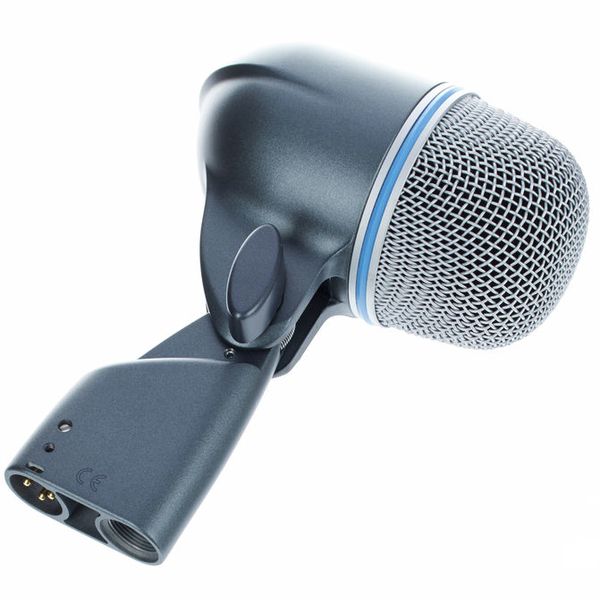
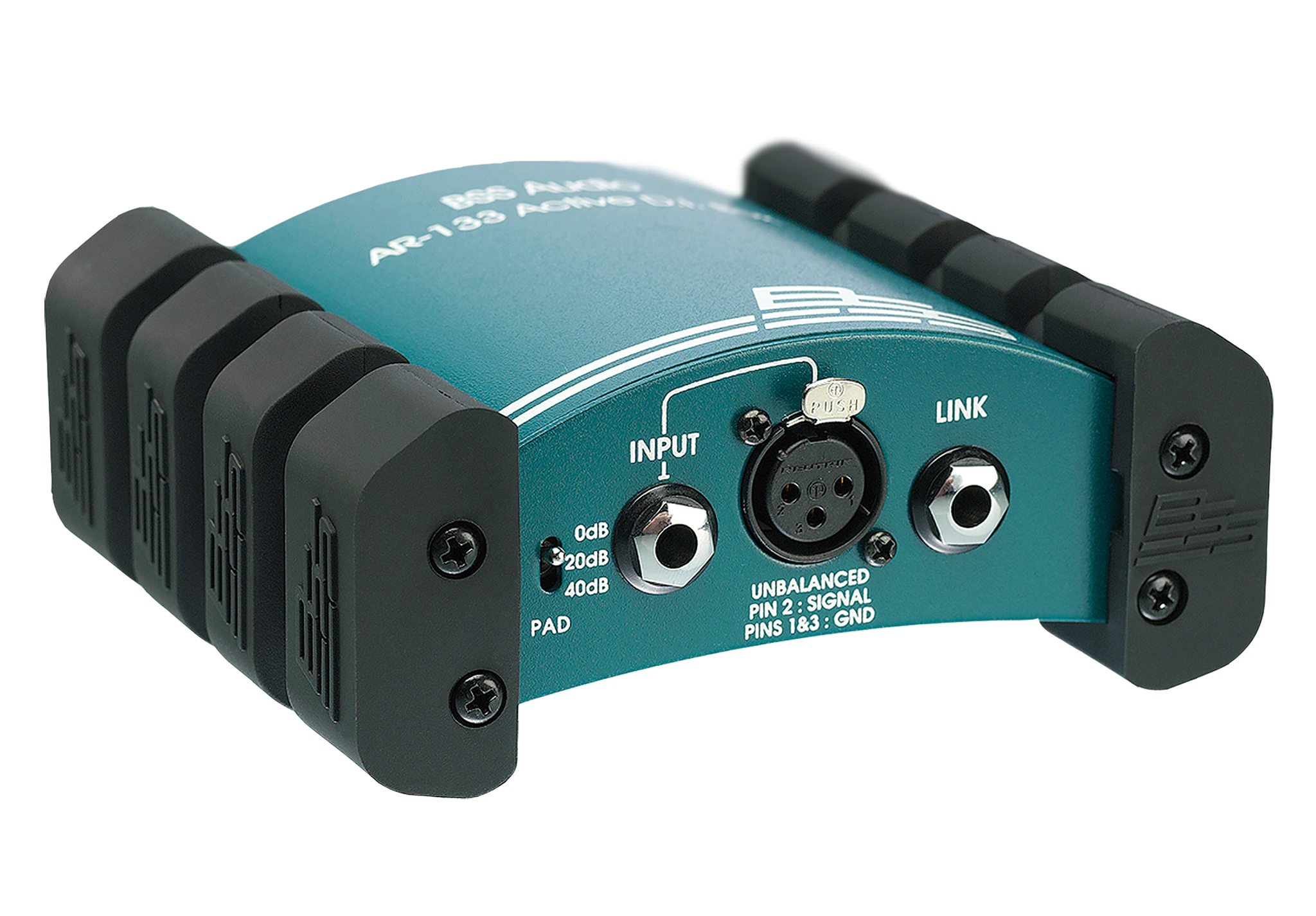
- Mic or DI: e.g. Shure BETA 52A, BSS AR-133.
- Stand: tall, short or none.
- Phantom power: yes or no.
- Notes: e.g. "brings own mic".
Example: a four-piece band
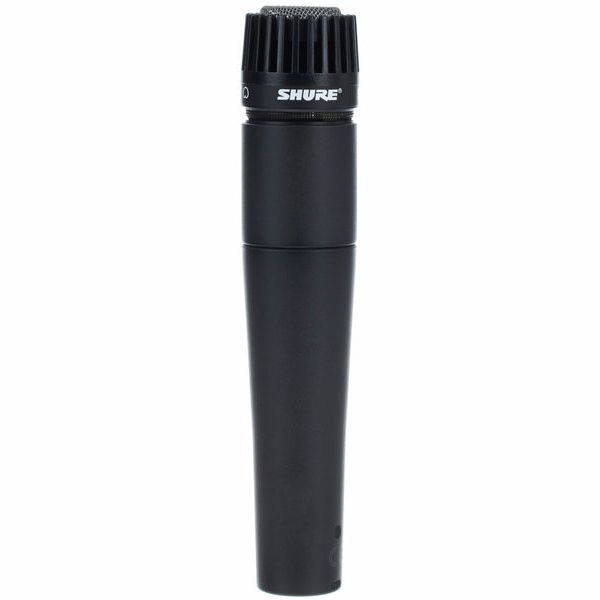
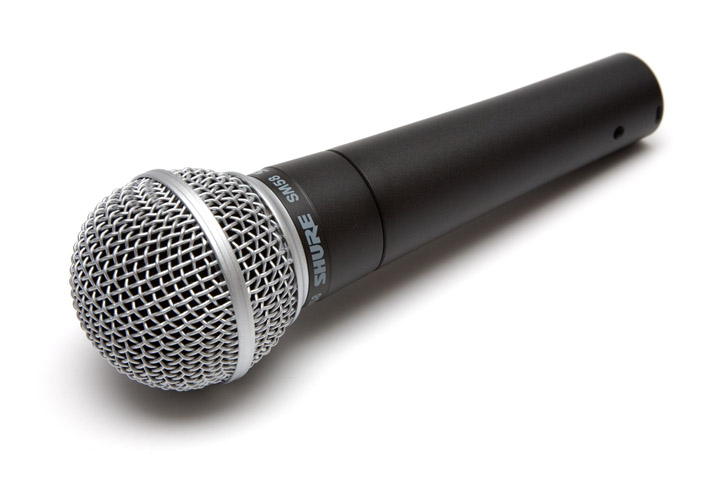
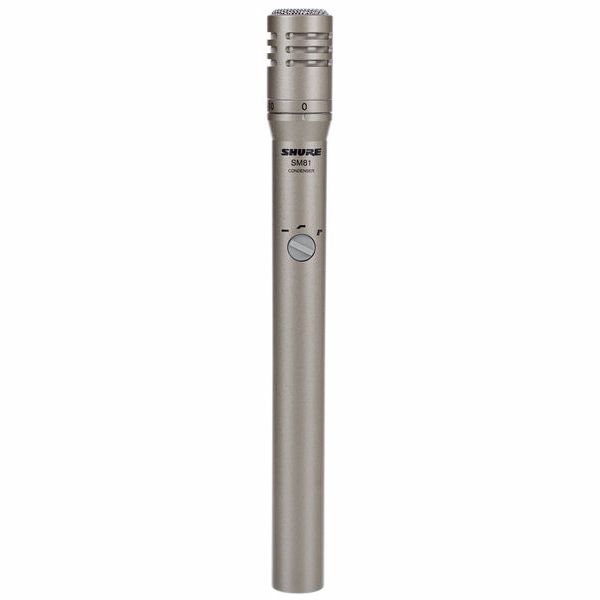
For a band with guitar, bass, drums and two singers, the input list might look like this. On drums, kick on a Shure BETA 52A on a short K&M 259/1 stand, snare on a Shure SM57, two toms on clip-mounted Sennheiser e904, and two overheads on Shure SM81 on tall stands, which need phantom power. Bass comes from a BSS AR-133 DI box, and an SM57 sits in front of the guitar amp. The two vocals are Shure SM58 on tall K&M 210/9 stands.
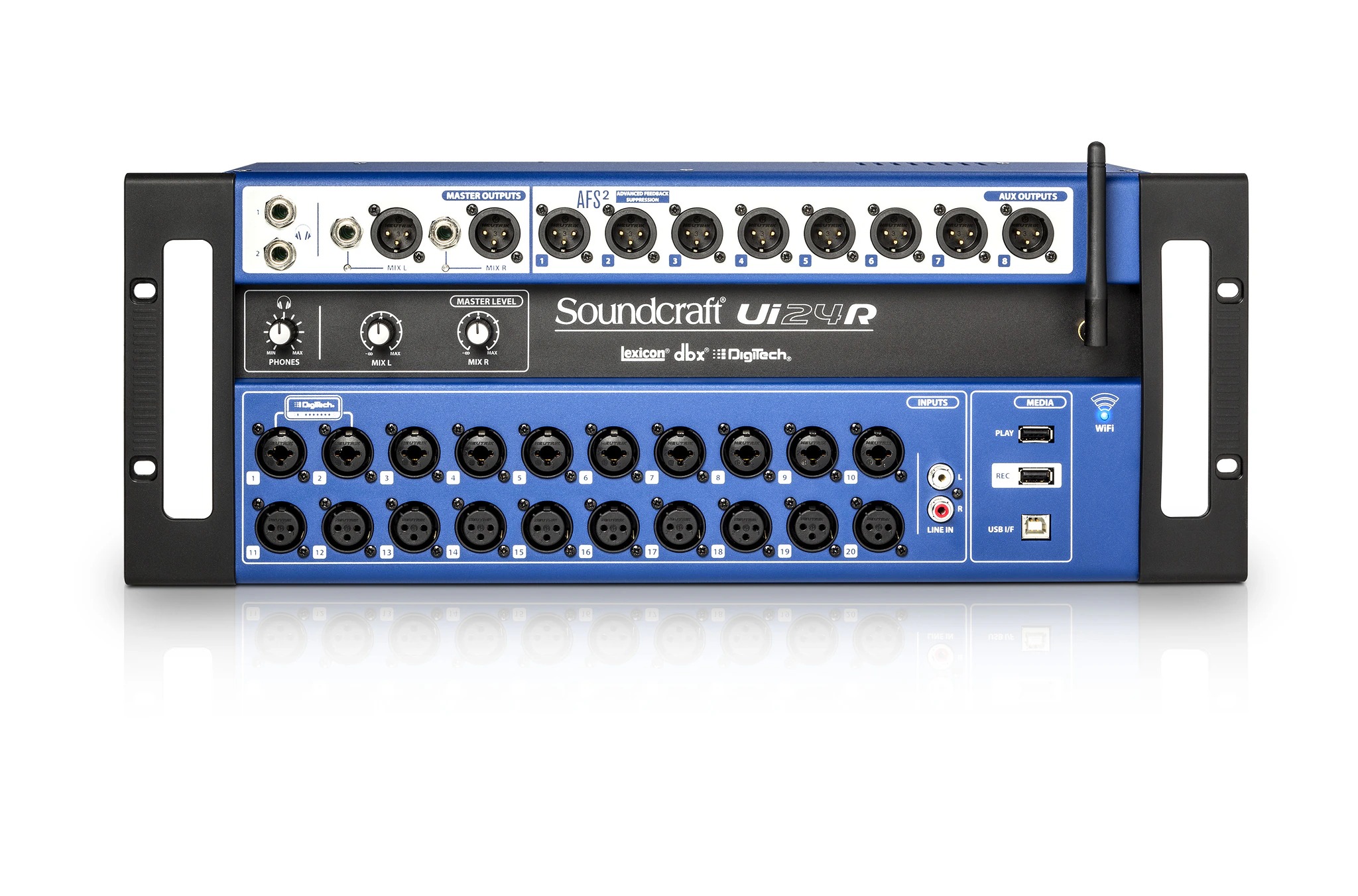
The table shows at once that ten channels are needed, four tall stands for overheads and vocals plus a couple of short ones for kick and guitar amp, and that a six-channel mixer will not do. A Soundcraft Ui24R, or the "Live band kit for up to 200 people", covers that line-up with room to spare.
Example: a speech event or gala
Input lists are not only for bands. At a gala, conference or company evening the inputs are the lectern, the host's wireless mic, the presenters' headsets, a laptop with video sound and maybe a DJ or band later. Put each input on its own row and note who uses it and when.
If one wireless mic moves from speaker to speaker, it is one row. If every speaker has their own headset, list each one, because each needs its own transmitter and channel. For the laptop, note whether audio comes over USB, mini-jack or HDMI, because that decides which DI box to use.
What the stage plot must show
Draw the stage as a rectangle and mark the audience side. At each performer's position write their name or instrument and the same channel number as in the input list. Mark the monitors and their mixes too, for example "wedge 1: vocal and guitar". If musicians use in-ear monitors, mark who has them.
Add the points that need power: guitar amps, keyboards, pedalboards, laptop. Mark risers and their size if the drums sit on one. If there is something on stage that cannot be moved, such as a piano or a pillar, draw that in as well.
What else goes on the page
The technician also needs things that are not inputs. Add a contact person with a phone number, a schedule with setup, sound check and performance times, and who is bringing what. Note whether you want the sound recorded or streamed, because then a separate output from the mixer is needed.
If a performer has their own technical rider, send it in full, even if it seems too detailed. The technician will decide what matters. The terms are also explained briefly in the glossary.
When and to whom to send it
Send the input list and stage plot with the rental request or as soon as possible after it. Then the offer can include the right number of mics, stands and cables, and you will not find on site that a DI box or stand is missing. If the line-up changes, send a new version and put a date on it.
A printed copy is useful on site too. Tape one next to the mixer and another at the side of the stage. Label channels with the same names as in the input list so everyone finds the right one quickly during the check. How the sound check itself goes, step by step, is in "Sound check before the event, step by step".