Clipping
Clipping is distortion that happens when a signal is bigger than a device can pass and the waveform's peaks are cut flat, heard as harsh crackling.
What clipping sounds and looks like
A sound wave is a curve with rounded peaks. When it is bigger than a device's maximum, the peaks are cut off and the curve goes flat on top, as if trimmed with scissors. That is where the name comes from. The ear hears it as harshness: the voice crackles, the s sounds hiss, the bass turns to mush and cymbals sound like noise.
In an analogue device clipping comes on gradually and starts as soft distortion. In a digital mixer or recorder the limit is abrupt: everything above maximum is lost entirely and heard as sharp clicks.
Where in the chain it happens
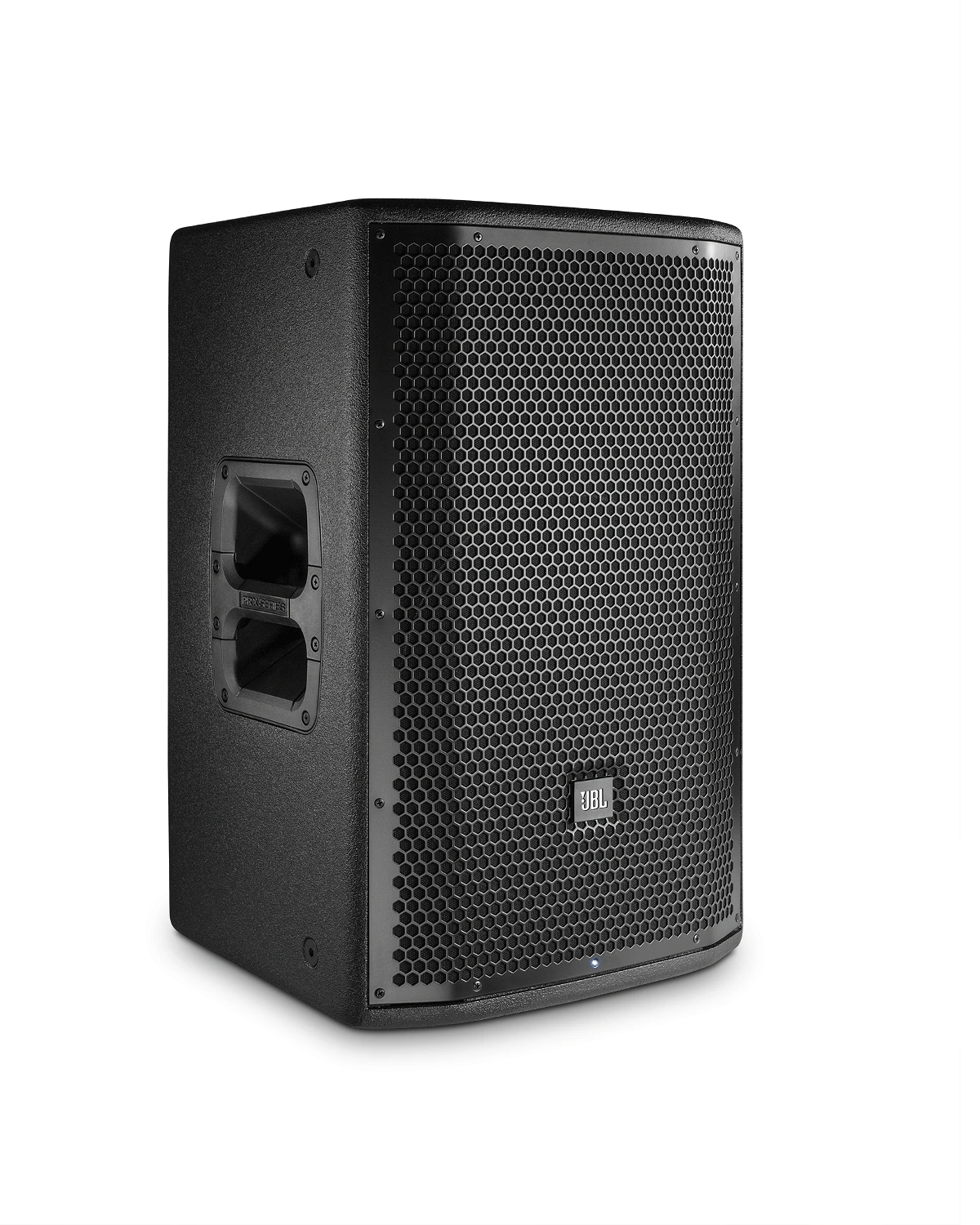
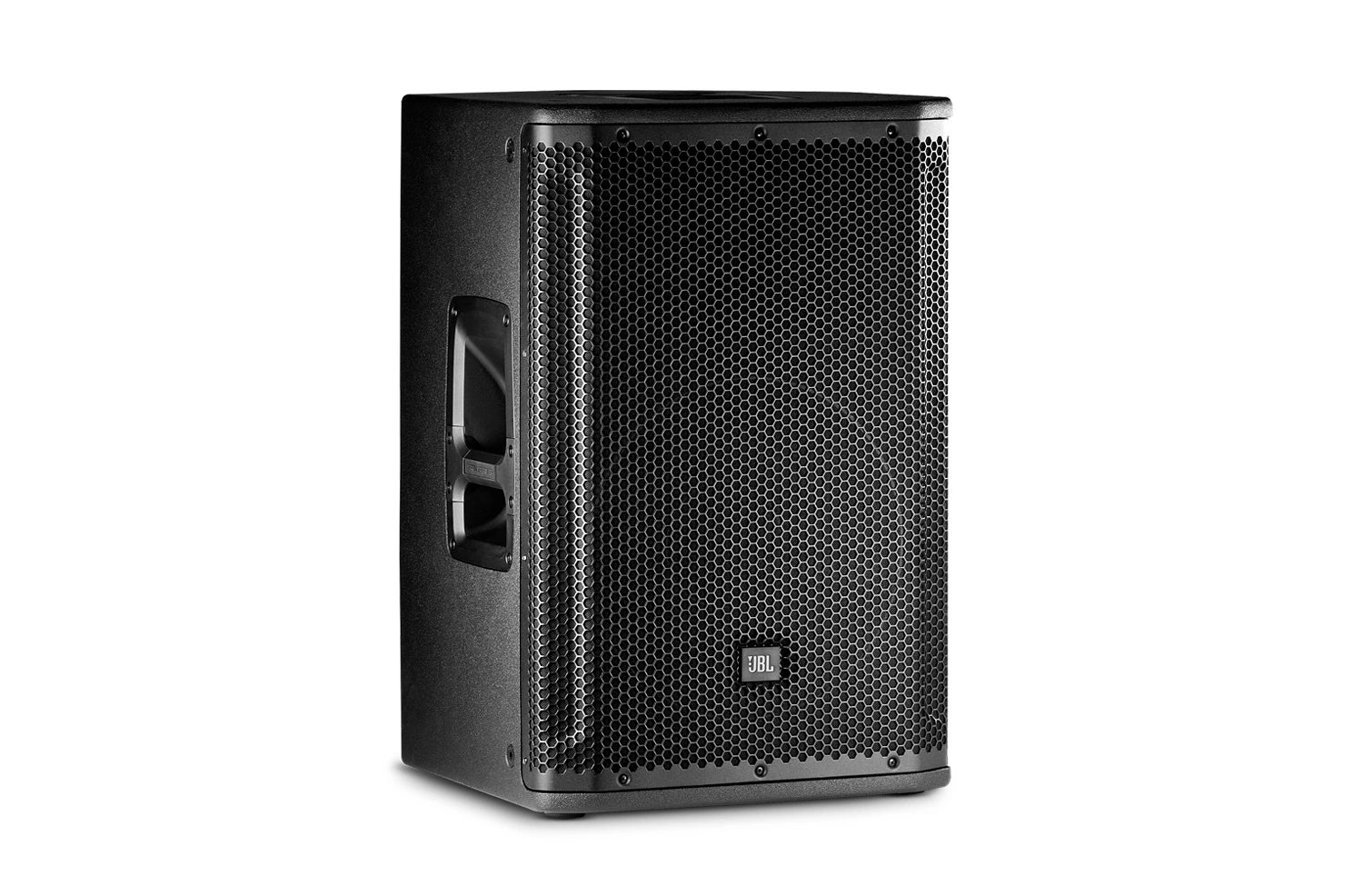
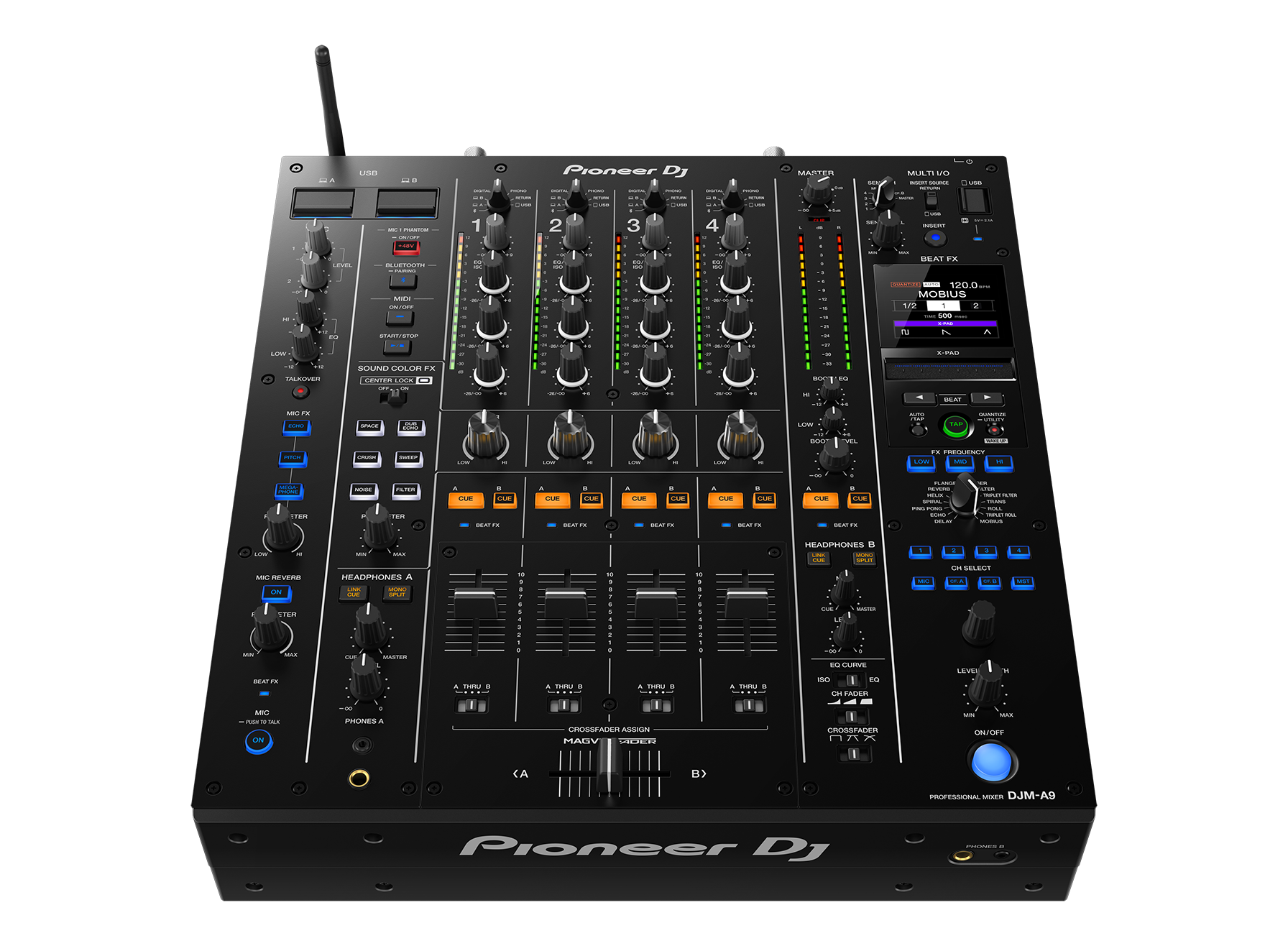
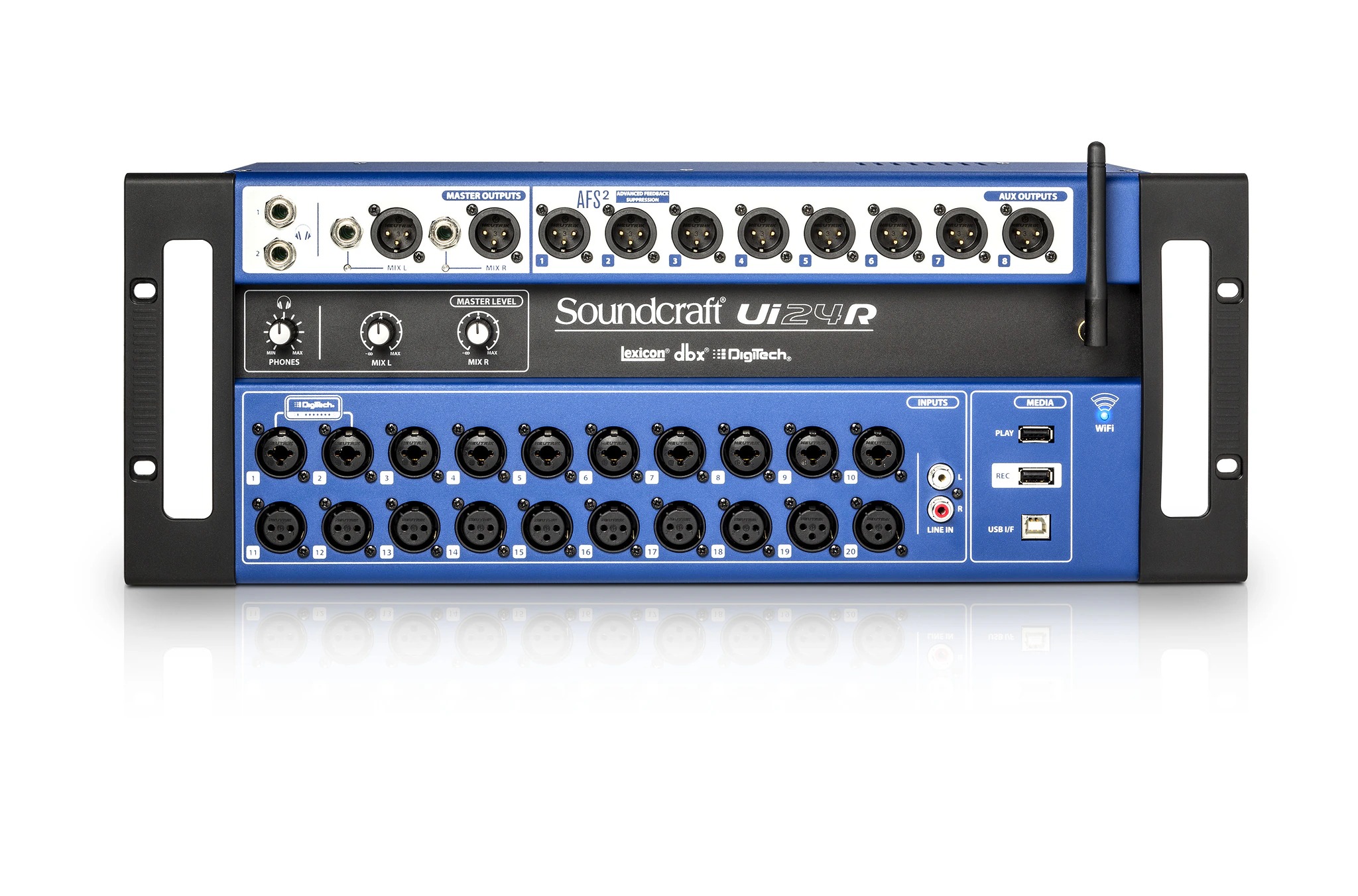
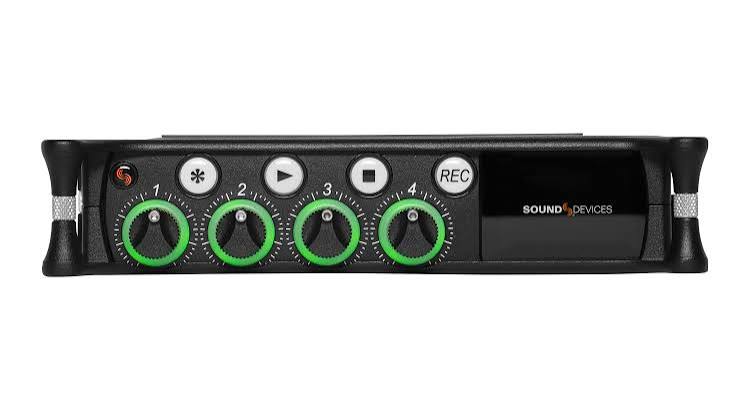
Clipping can happen at any link: gain too high at the mixer input, the mixer's main bus in the red, the DJ mixer's output overloaded, the laptop's volume and software boost at maximum, the active speaker's input over its limit. Most active speakers, such as the JBL PRX812 or SRX812P, have a limit or clip light that comes on when the speaker reaches its limit.
To find the cause, walk along the chain from source to speaker and look at the meter at each link. The first place where the reading goes red is the culprit. Lowering the level there removes the distortion in every later link too.
Why it is dangerous, and common mistakes
A constantly clipping signal carries far more high-frequency energy than clean sound. The speaker's high-frequency driver, the tweeter, heats up and can burn out even when the volume does not seem excessive. That is why a speaker's limit light should not be ignored.
The most common mistake is turning down the master when the cause is at the input: the distortion stays, only quieter. Another is letting the DJ run in the red zone of the DJ mixer all night. A third is assuming that big speakers cannot distort.
- Find the first red meter and lower the level there.
- Speaker limit light on constantly: the system is too small or the chain is overdriven.
- Clipping in a recording cannot be fixed afterwards.